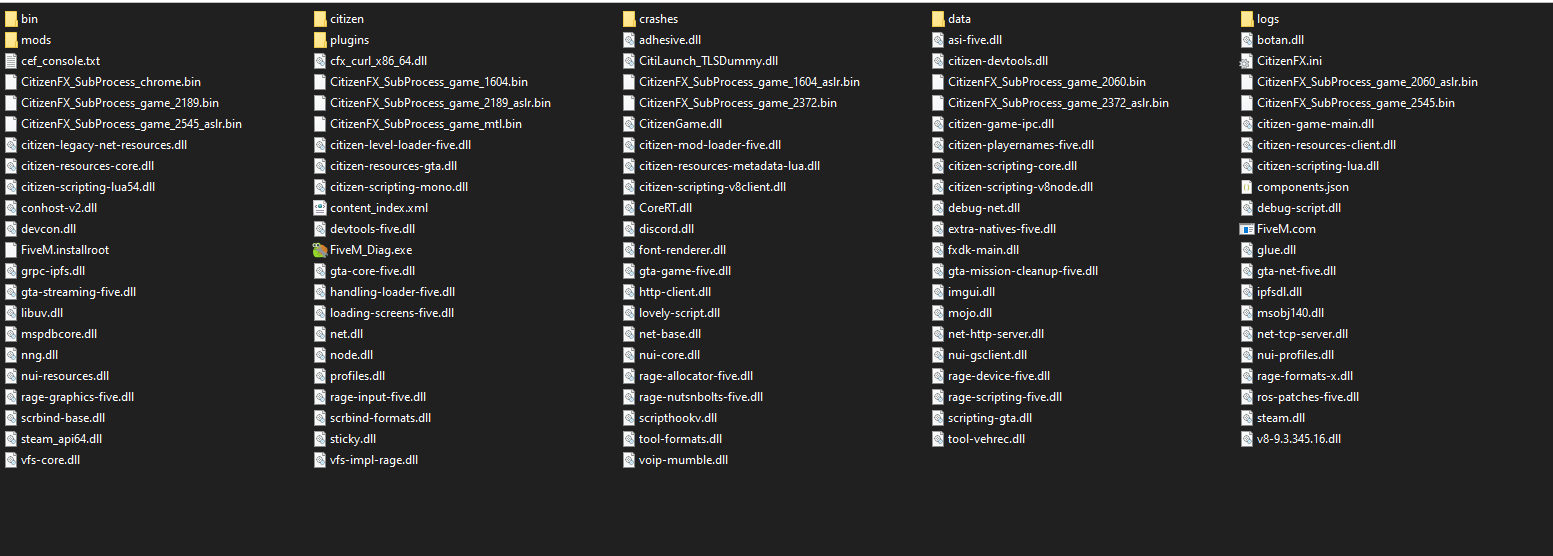
GTA V version: 1.59 Up to date: yup Legit or Pirate copy: legit Purchased where - Steam/Rockstar Launcher/Epic: steam Windows version: 19044.1645 Did you try to delete content_index.xml and try again? mhm System specifications: ryzen 7 3800x, rtx 2080 super, 32 gb ram CitizenFX crash zip file (‘Save information’ on a crash): CfxCrashDump_2022_04_29_22_02_25.zip (1.2 MB) logs/CitizenFX_log files: CitizenFX_log_2022-04-29T220311.log (60.2 KB) .dmp files/report IDs: 6fd194c0-7a73-47a2-a9e6-aa721ea3047e.dmp (6.7 MB)
Which antivirus/firewall software are you using? none (windows defender) Did you try to disable/uninstall your Anti-virus? no
Important parts
What is the issue you’re having?
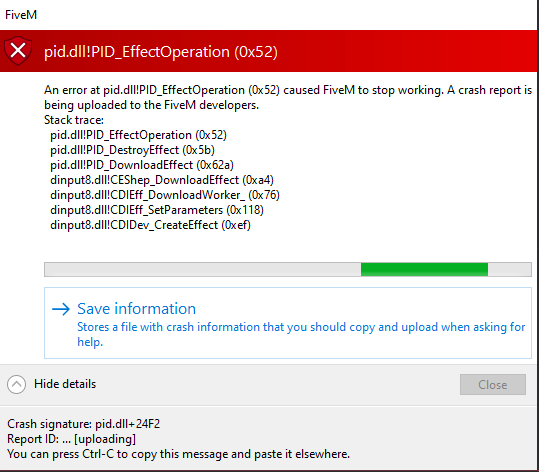
fivem crashes after 2-3 seconds directly upon launch (not even able to sign in) What are you trying to do?
play the game What have you tried already to fix the issue?
replace my pid.dll file with an online copy of the file from the closest windows build, aswell as reinstall fivem Error screenshot (if any):
Hello, this is a friendly reminder because this is your first time creating a topic (or it has been a while since your last topic) in this category.
Please note that most of the support is provided by the Cfx.re community on a voluntary basis. We ask you to be patient; there is no guarantee we have a solution to your problem(s). To avoid unnecessary/duplicate topics, please browse the forums before creating a topic.
To improve your chances of your issue(s) being solved, please provide as much information as possible about the issue(s) you are having. Also —whenever possible— please use the template given to you when creating a topic.
that fixed it. i almost installed windows again on my other drive (nuking my manjaro install in the process), but im glad the installer refused to load last night.
i would never’ve thought that vjoy couldve possibly been the issue