**GTA V version: 1.0.1868.4.4
**Up to date: 19/05/2020
**Legit or Pirate copy: Legit
**Steam/CD/Social Club: steam and epic games launcher
**Windows version: Windows 10 Education 64 bits 18363.836
**Did you try to delete caches.xml and try again: yes
**Error screenshot (if any): 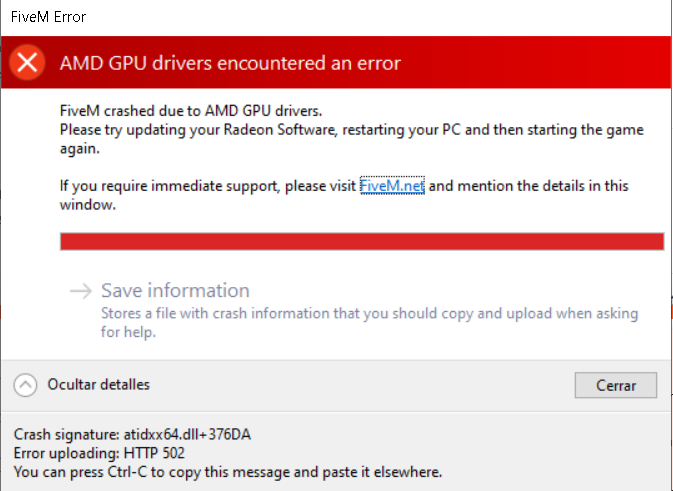
**System specifications: HP Pavilion Gaming AMD Ryzen 53550H with Radeon Vega Mobile Gfx/ Nvdia GeForce GTX 1050
**What did you do to get this issue: My FiveM worked well a few hours ago but when I came back the crash error appears.
**What server did you get this issue on? None
**CitizenFX crash zip file CfxCrashDump_2020_05_18_22_22_13.zip (1.1 MB)
**CitizenFX.log file CitizenFX.ini (49 Bytes)
**.dmp files/report IDs: atidxx64.dll+376DA
If an issue with starting:
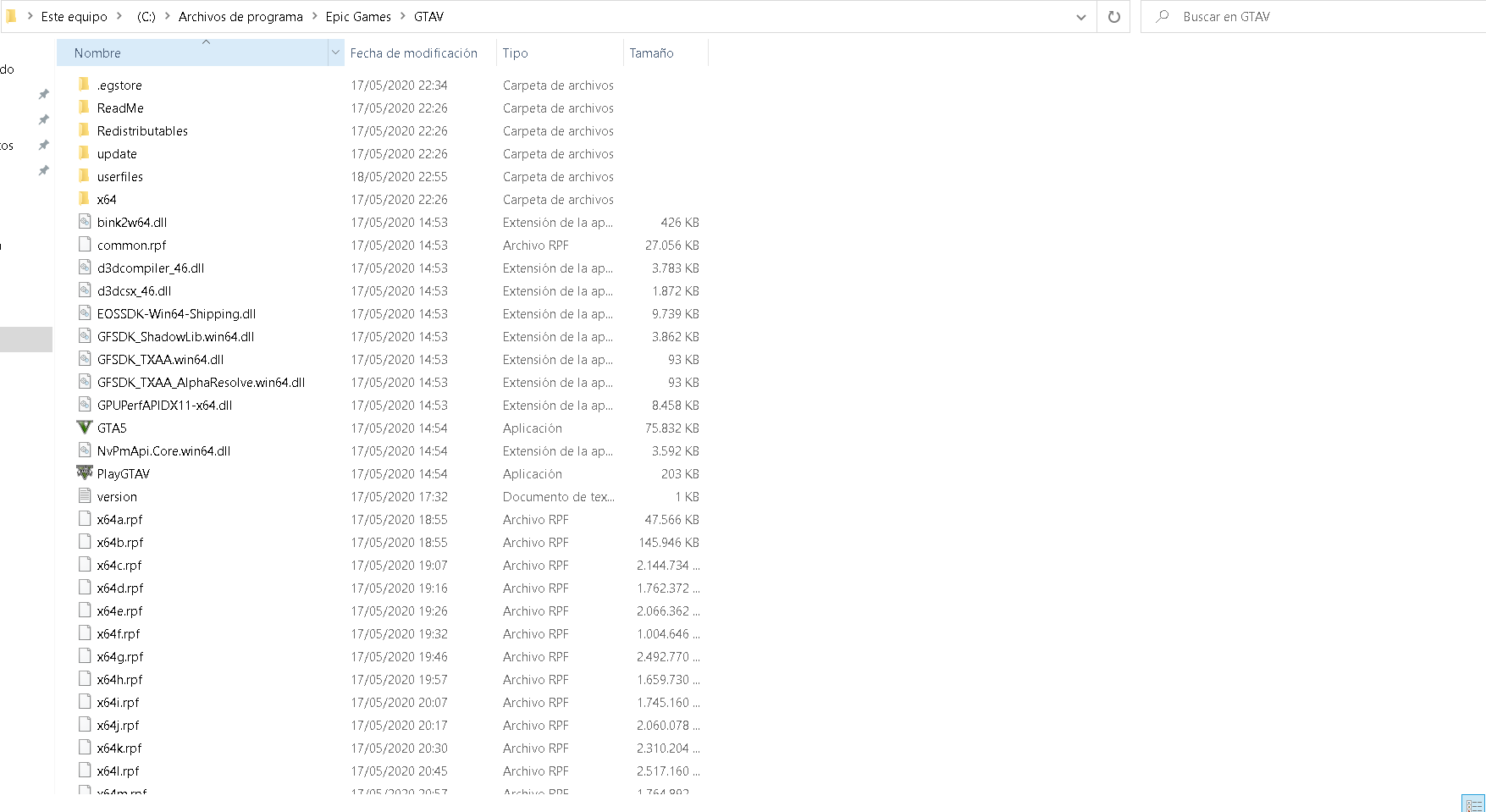
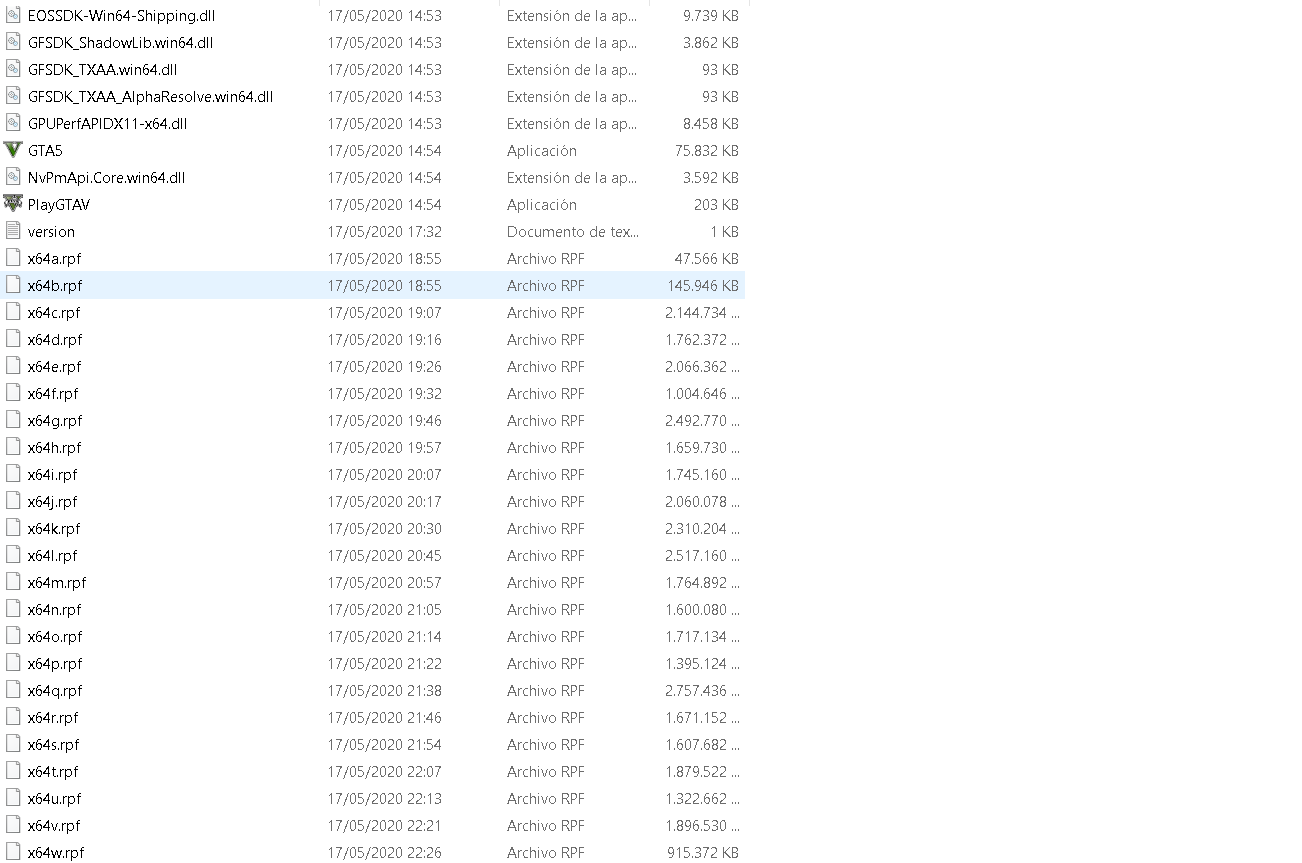
**GTA V folder screenshot
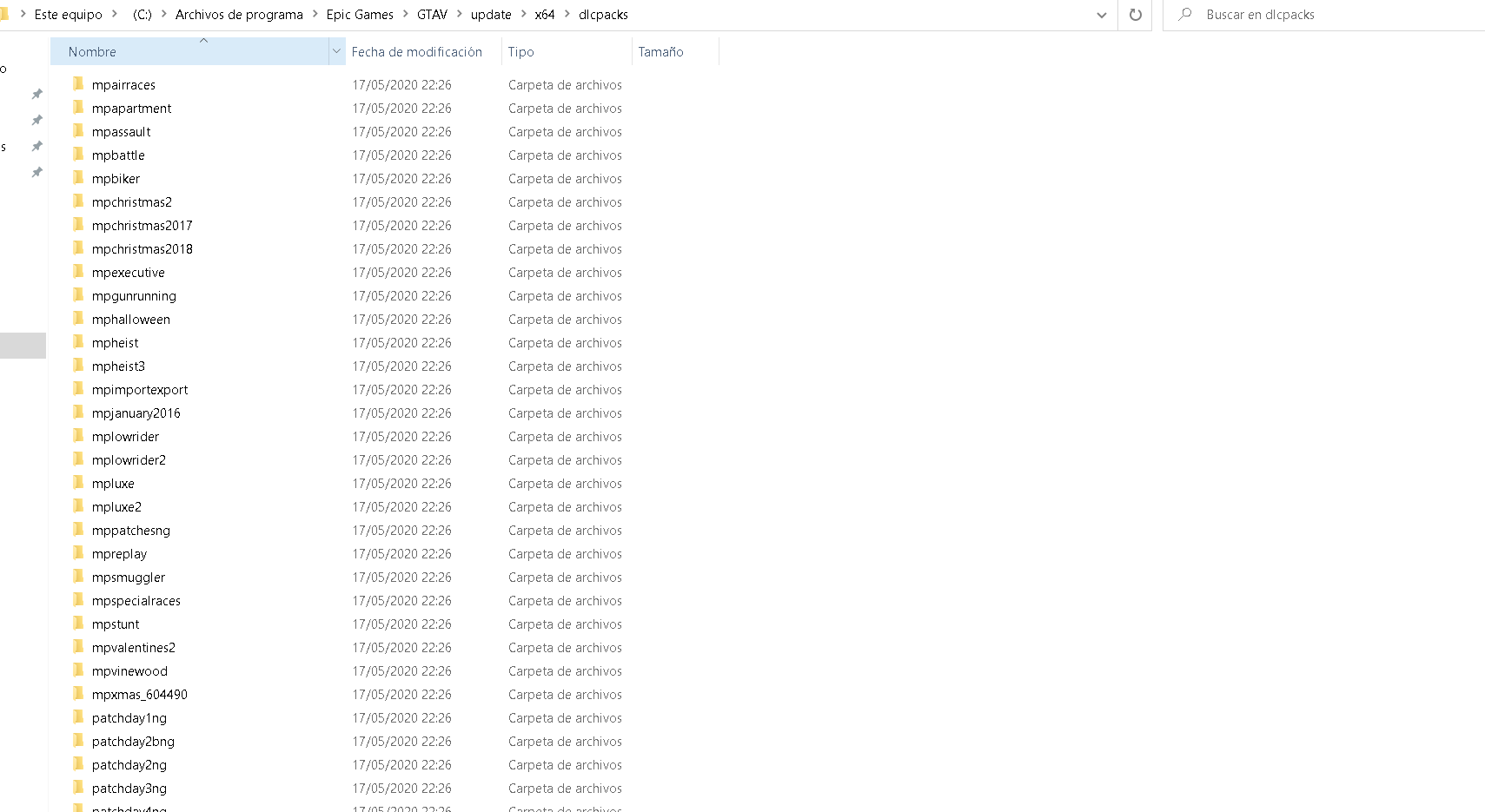
**GTA V/update/x64/dlcpacks screenshot
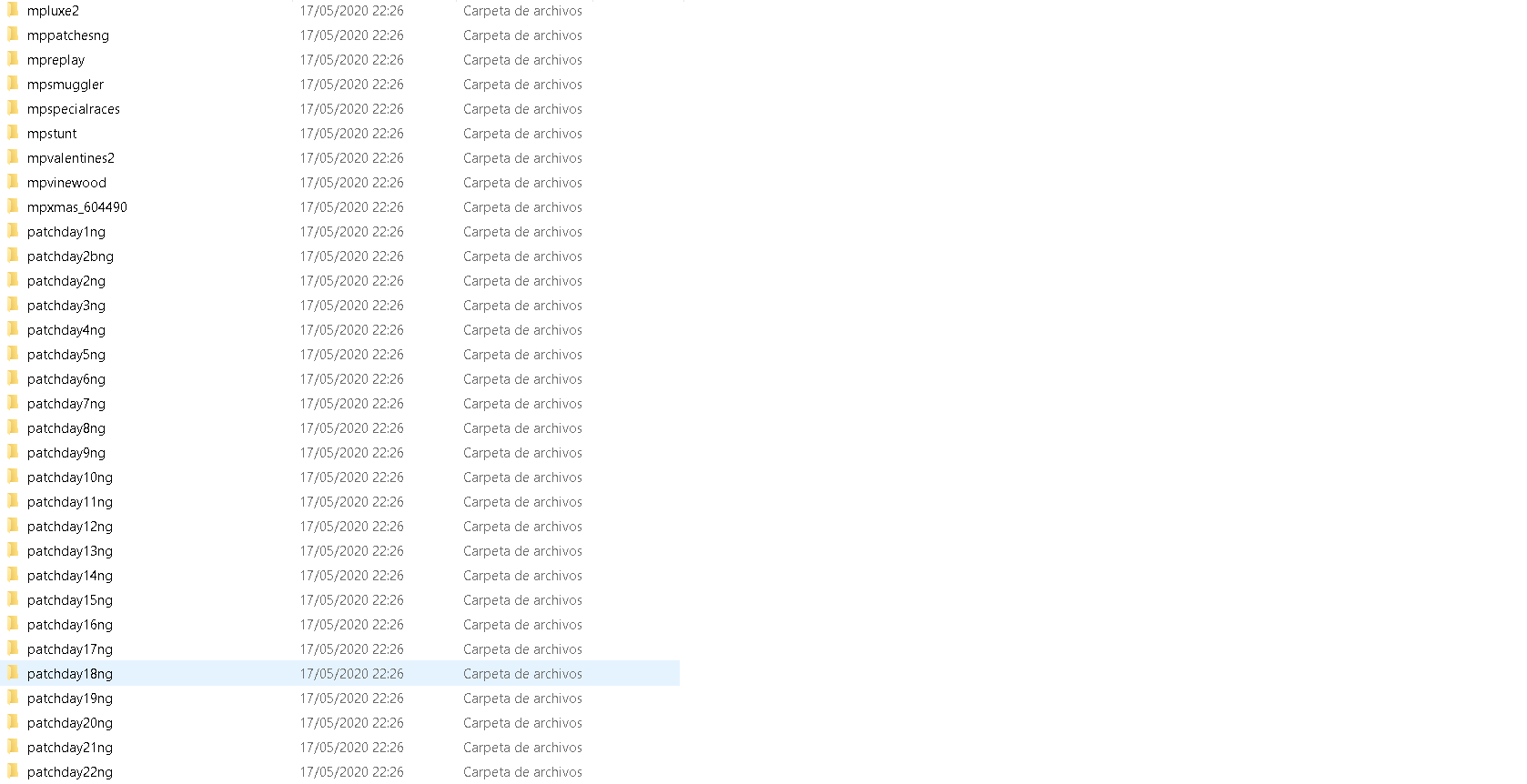
**Filepath to FiveM folder: C:\Users\Biel Fernández\AppData\Local\FiveM
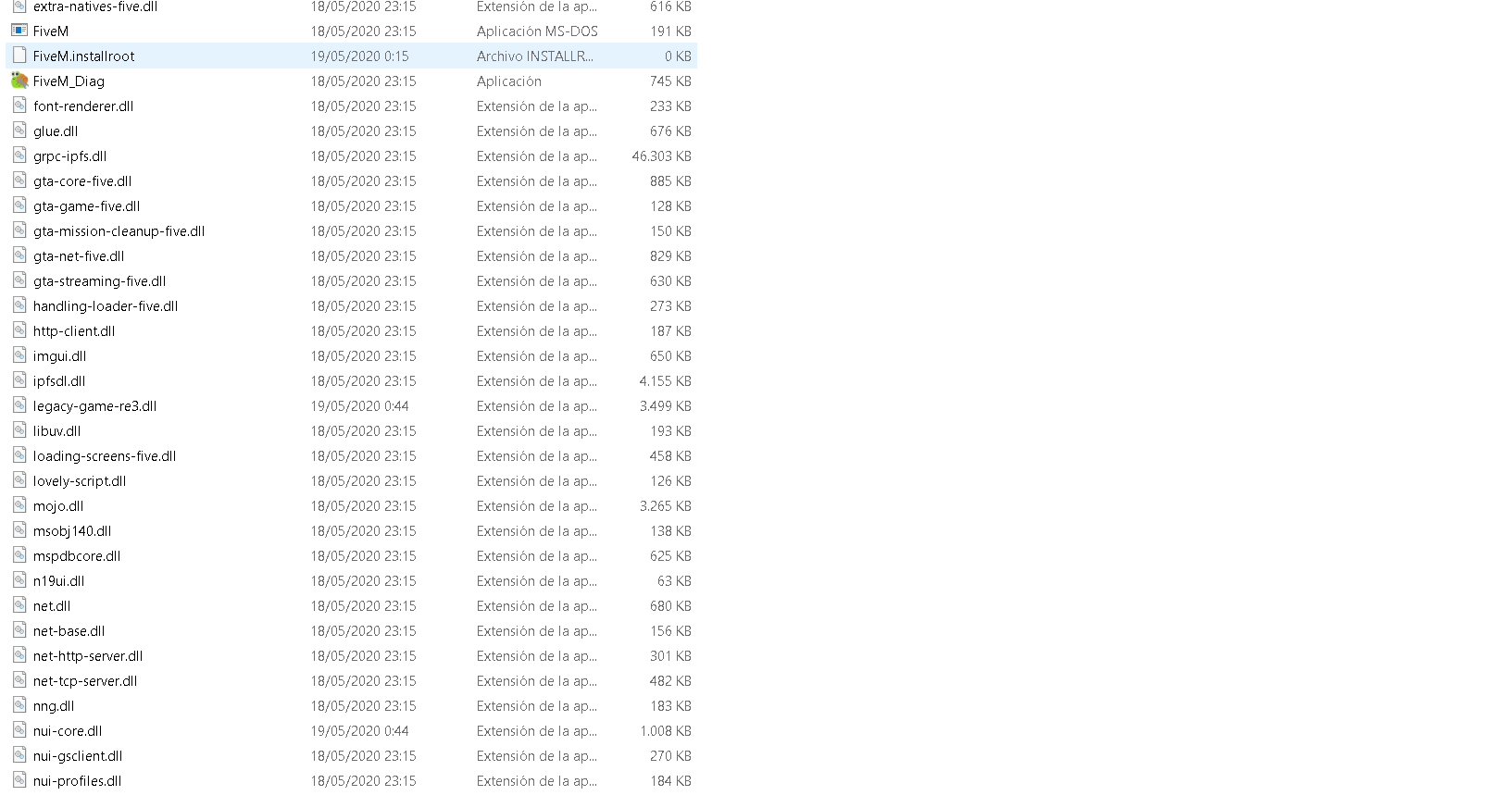
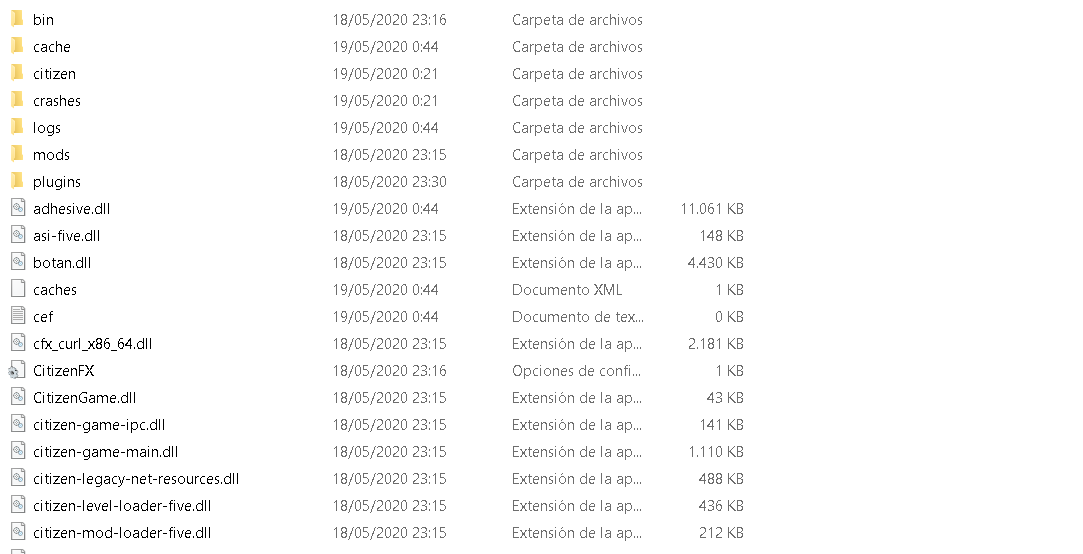
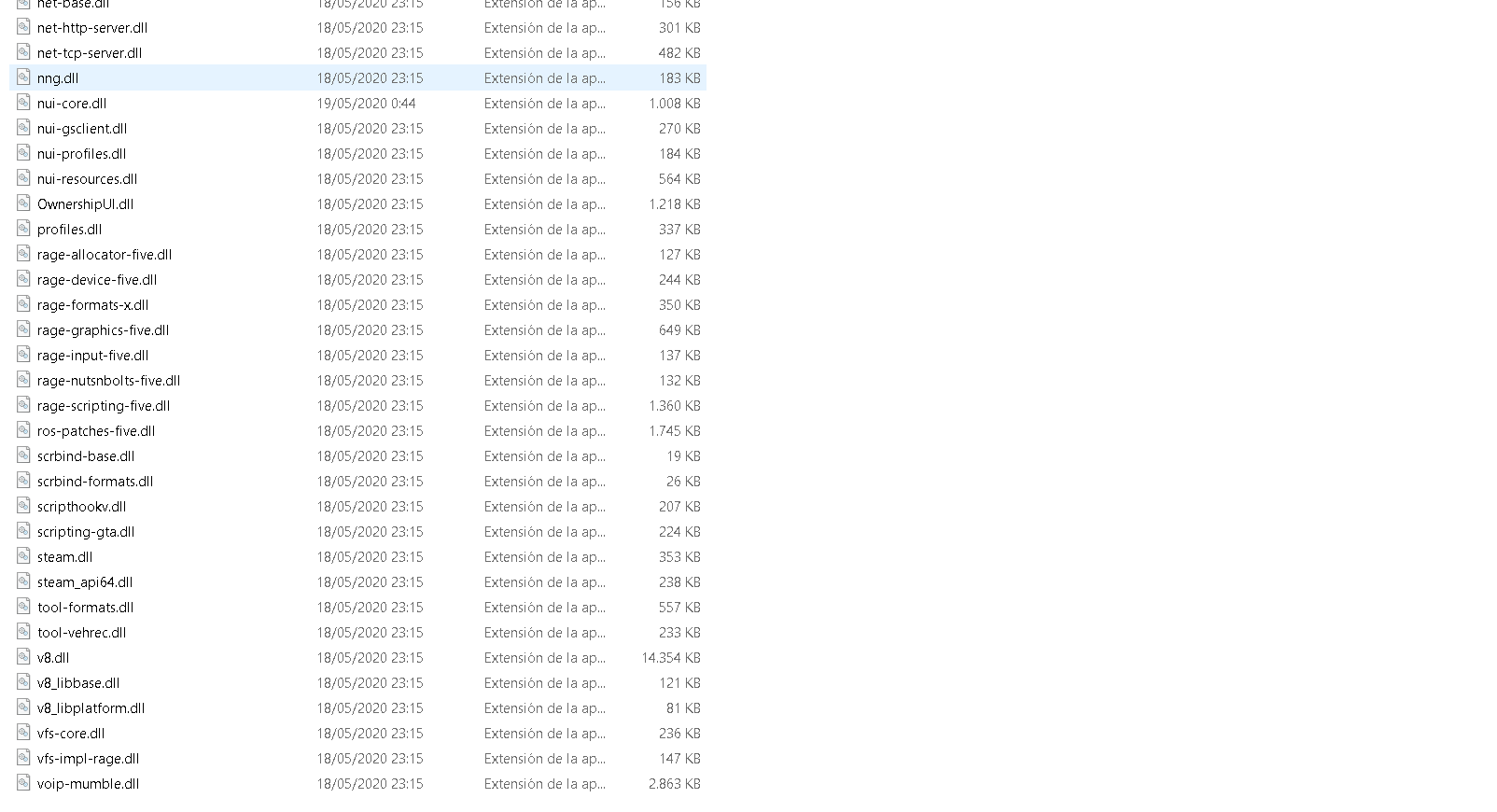
**FiveM client folder screenshot:
**Which antivirus/firewall software are you using? Windows default anti virus
**Did you try to disable/uninstall your Anti-virus? yes
I downloaded FiveM citizen folder for low pc’s and I gave to FiveM.exe permissions to execute with my nvdia geforce 1050
