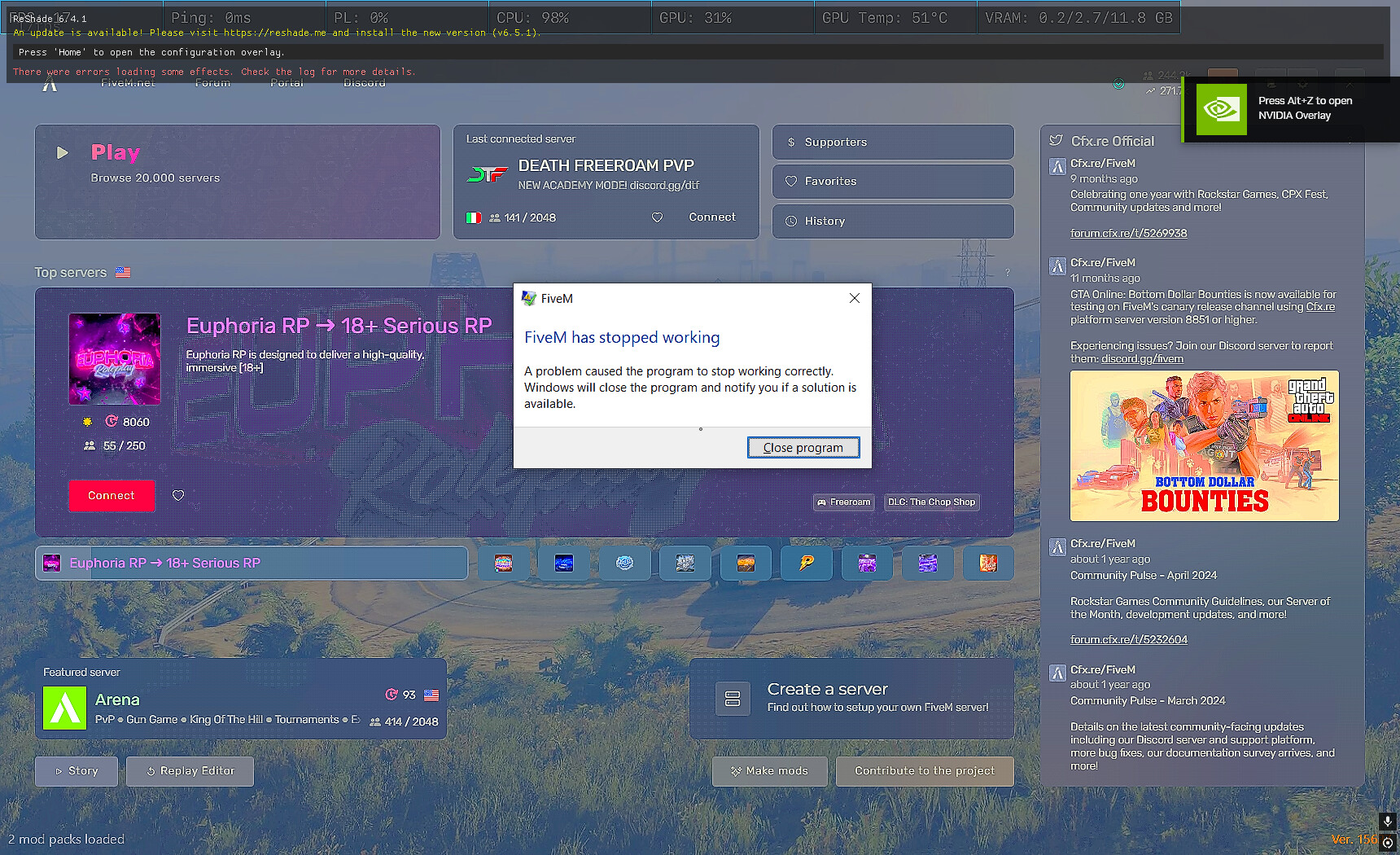
i played fivem then i try to fix sometying whit nvidia overlay https://youtu.be/cHye_dKas6I?si=hGWPKYceG98a_J0p this is the link from that video
so lok form 02:19 you can see what did i try to put in some file.When i did that i try to turne on pc and i got this
Fivem has stopped working A proble, caused the program to stop working correctly.Windows will close the program and notify you if a solution is available
What have you tried already to fix the issue?
i re-instal
try some tutorial on yt and tt
instal new drivers
ask chat gpt what to do
and i try some commands in Command Prompt
Hello, this is a friendly reminder because this is your first time creating a topic (or it has been a while since your last topic) in this category.
Please note that most of the support is provided by the Cfx.re community on a voluntary basis. We ask you to be patient; there is no guarantee we have a solution to your problem(s). To avoid unnecessary/duplicate topics, please browse the forums before creating a topic.
To improve your chances of your issue(s) being solved, please provide as much information as possible about the issue(s) you are having. Also —whenever possible— please use the template given to you when creating a topic.
Try removing all your mods and verify your game files afterwards.
(Press Win + R and copy paste) - %localappdata%\FiveM Application Data\ press FiveM application data and check those 2 folders. Note that some graphic mods can replace your citizen folder. So I would delete it and verify my game files.
Now I tried it, it didn’t work, I deleted what I had, no bush, black sky, and it didn’t work either, so I verified, still nothing, but listen, I don’t have a lot of files with fivem now, because I had deleted it, and when I downloaded it again, while the files are being downloaded, it appears that
Hello, if anyone, God forbid, has the same problem, it took me a month to find a solution to the problem, but it seems the only solution is to restore your PC to factory settings