IF YOU DO NOT FILL THIS OUT, YOUR TOPIC WILL BE UNLISTED AND CLOSED
To receive support, please fill out the following template, and remove this top text.
Environment questions
GTA V version: Latest
Up to date:Yes
Legit or Pirate copy:Legit
Purchased where - Steam/Rockstar Launcher/Epic:Steam
Windows version:11
Did you try to delete content_index.xml and try again?Yes didn’t work
System specifications:Operating System
Windows 11 Pro 64-bit
CPU
Intel Core i9 @ 3.60GHz
Coffee Lake 14nm Technology
RAM
32,0GB
Motherboard
ASUSTeK COMPUTER INC. ROG MAXIMUS XI FORMULA (LGA1151)
%1 Chipset
Graphics
2460G4 (1920x1080@144Hz)
4095MB NVIDIA GeForce GTX 970 (EVGA) 53 °C
Storage
1863GB NVMe Samsung SSD 970 (RAID (SSD))
931GB NVMe KIOXIA-EXCERIA P (RAID (SSD))
Optical Drives
No optical disk drives detected
Audio
NVIDIA Virtual Audio Device (Wave Extensible) (WDM)
CitizenFX crash zip file (‘Save information’ on a crash):
logs/CitizenFX_log files:I don’t seem to find it
**.dmp files/report IDs:
crash fivem.zip (20.0 MB)
**
If you can’t start the game at all
GTA V folder screenshot:
**GTA V/update/x64/dlcpacks screenshot:
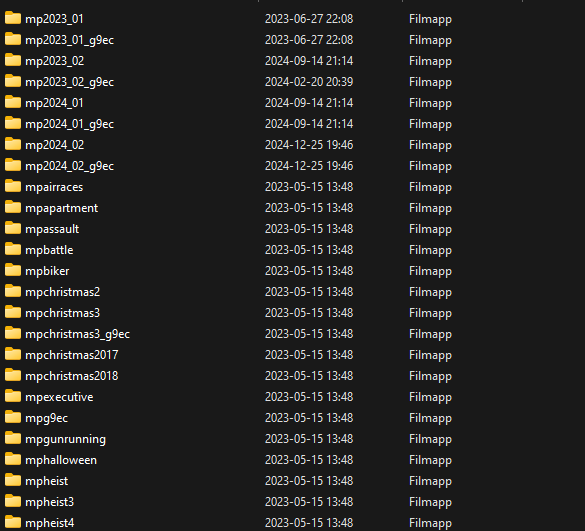
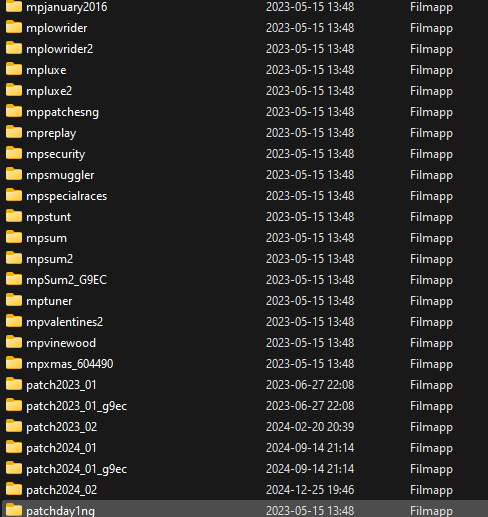
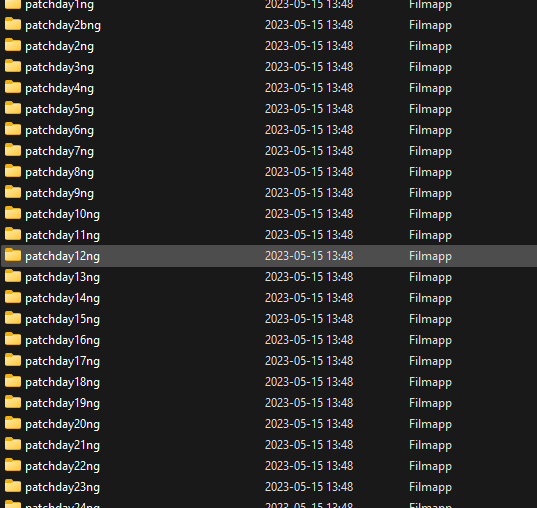

**
Filepath to FiveM folder:
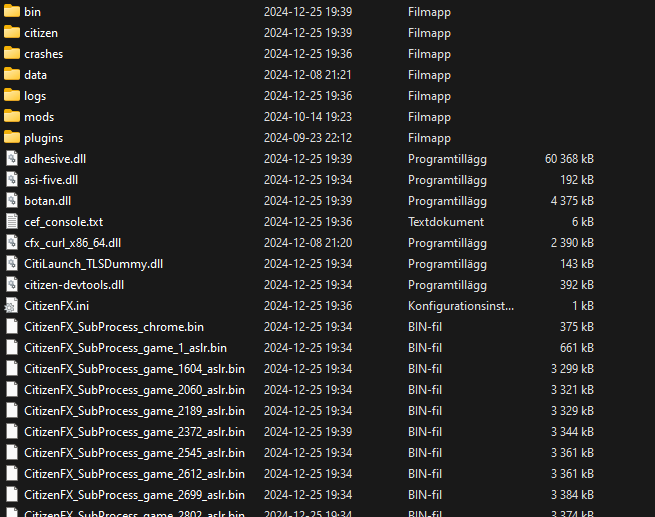
**FiveM client folder screenshot:
**
**Which antivirus/firewall software are you using?Windows **
Did you try to disable/uninstall your Anti-virus?Yes
Important parts
**What is the issue you’re having?I keep crashing when i try to join a server or when im in the loading screen and everytime i try to open fivem it updates i’ve tried to reinstall it verifyt my gta files nothing works **
What are you trying to do?Fix the fivem error
**What have you tried already to fix the issue?Reinstall fivem delete my cache **
Error screenshot (if any):
What did you do to get this issue?3-4 months ago
What server did you get this issue on? Be specific and name some, ‘all of them’ by itself isn’t useful!Sweden Roleplay ,Fjällen Roleplay


