I added my citizenfx and cleared caches
ok delete everything but the FiveM.exe let it re-download everything.
ok so reinstall gta 5 ill do that that later 7 disc download
laterssss
uh no… re-read what i said.
delete everything inside the FiveM folder minuse the FiveM.exe.
ok did that did same thing cant find it
and there is still no CitizenFX.ini file?
noit didnt with the original install I put the citizenfx.ini u made into it still didn’t work
Please right click your GTA5 shortcut on your desktop and click “open file location” then copy the folder path
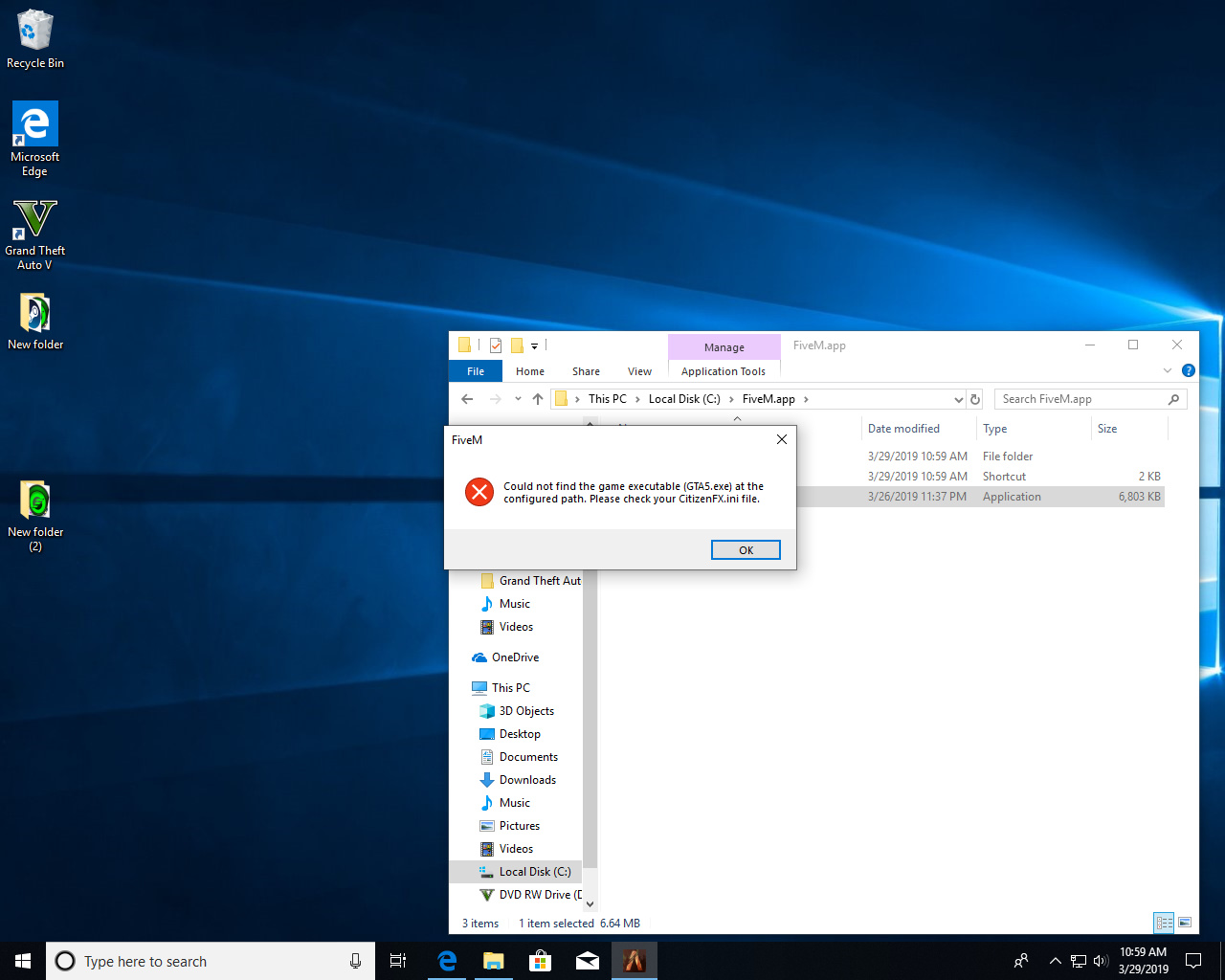
did everything you said
Could you send the path in here?
start in or target
Do you have gta5 on steam?, just right click the shortcut and click “open file location” then copy the folder path
it is but doesn’t show nothing much because it wasn’t purchased on steam
Well open steam, goto your library then right click GTA5 goto properties and then “local files” then click 'browse game files". It should open a folder we need the location of that folder
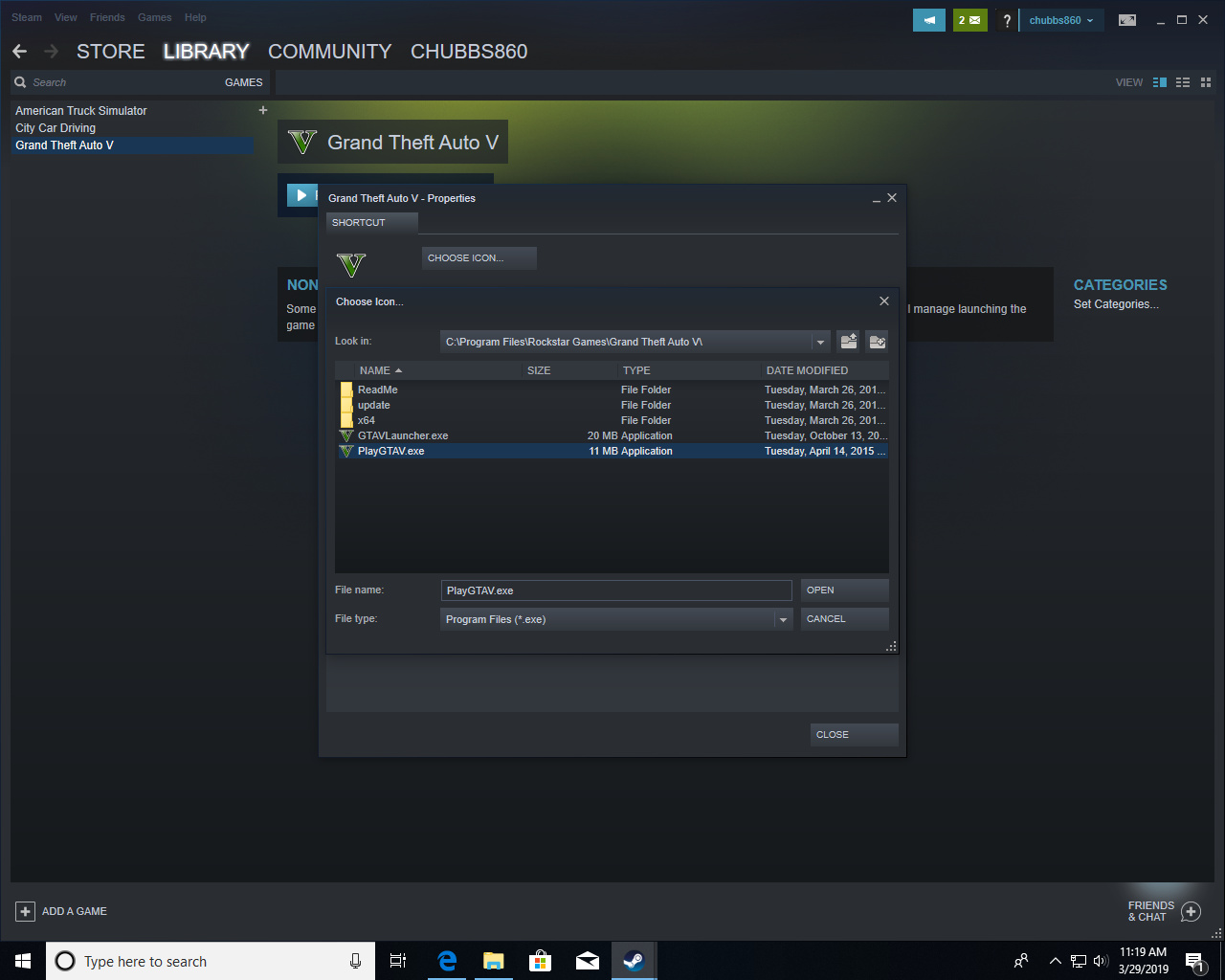
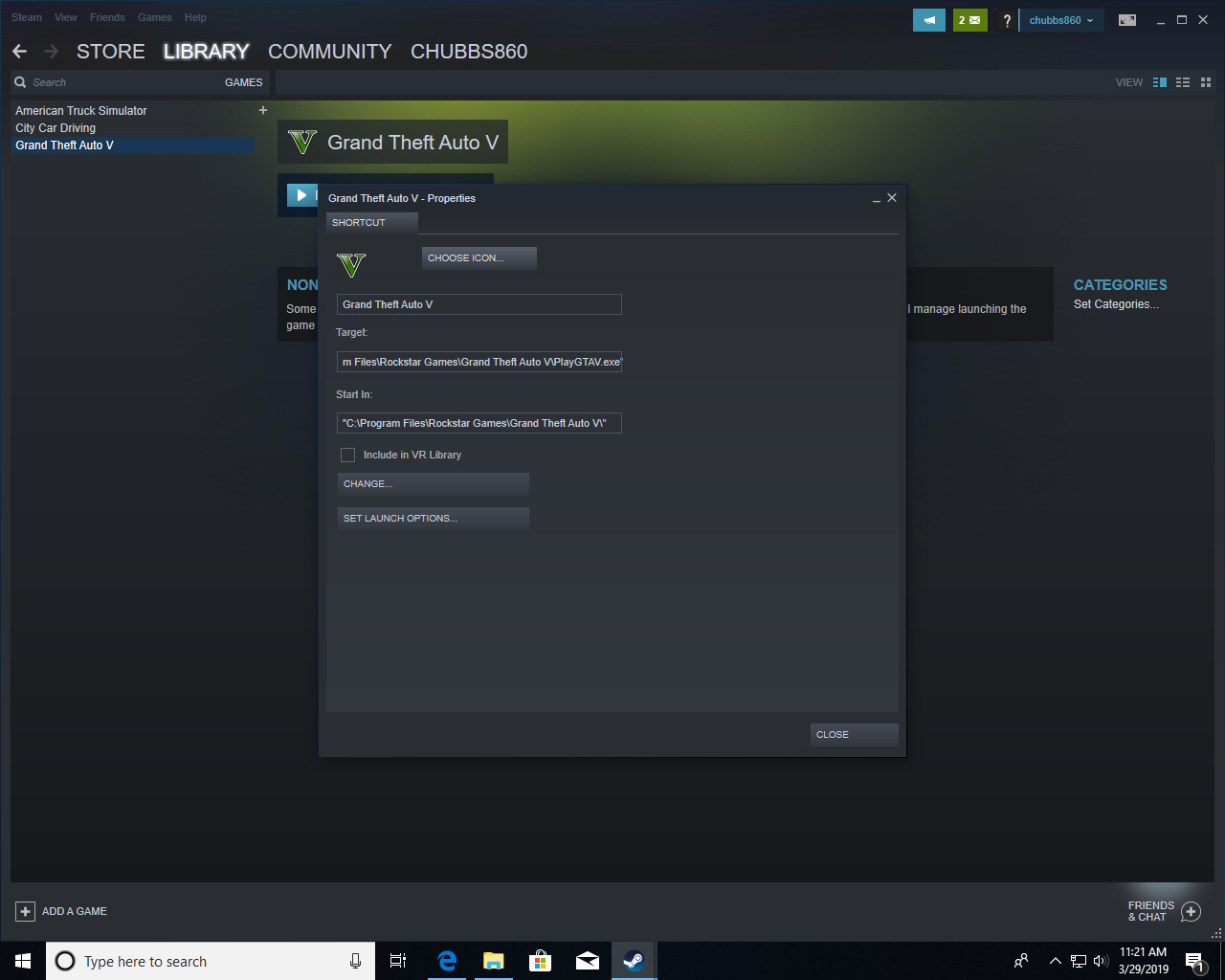
try renaming playgta5.xe to gta5.exe and see if it still gives the message.
if fivem works that way you will also need to change it in steam.
EDIT: Ignore this, my memory simply sucks. refer to the end of the topic.
Did you even fully install gta5? you are lacking GTA5.exe and GTVLanguageSelect.exe
what you mean was I suppose to log in on social and play online first