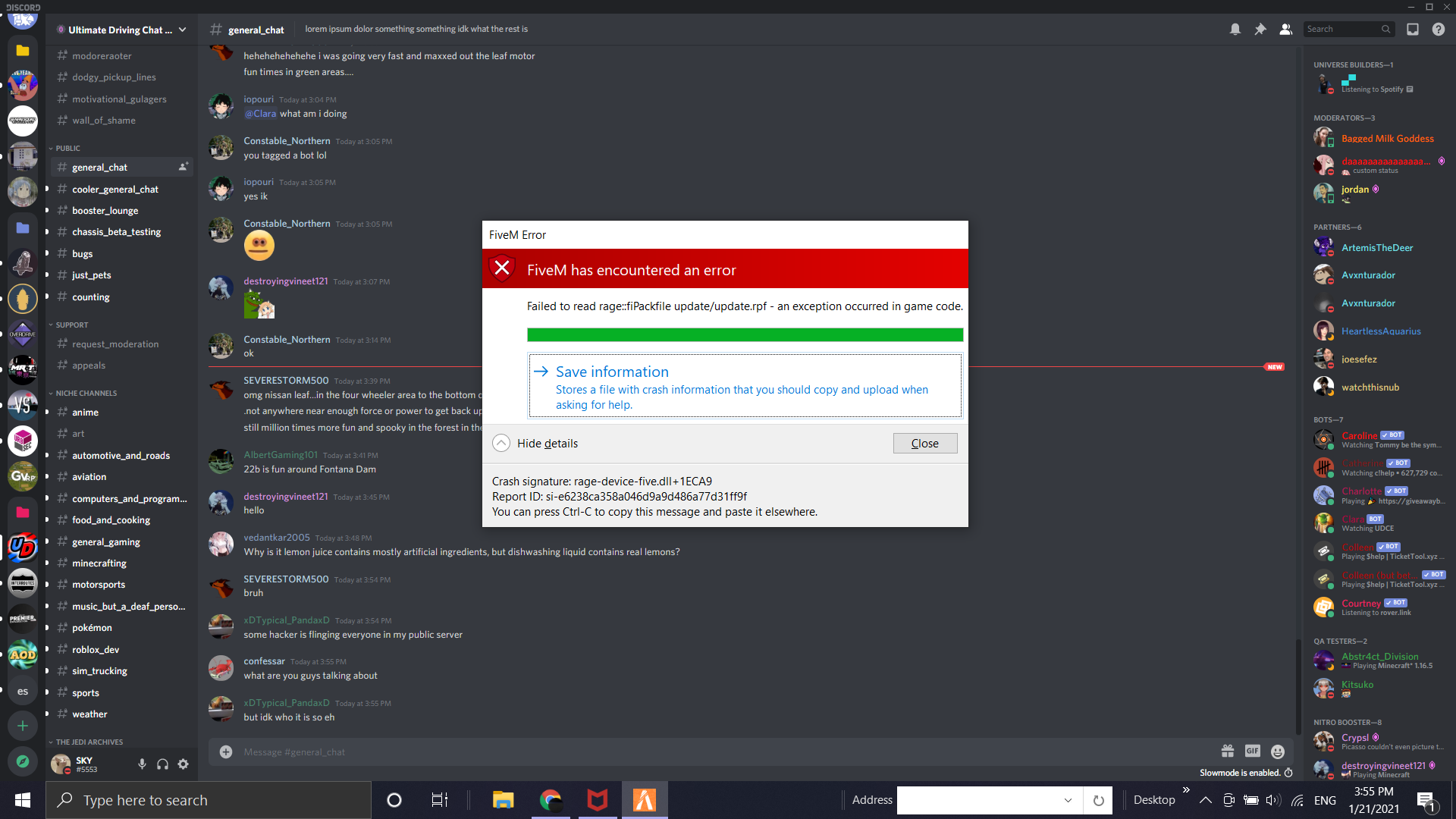
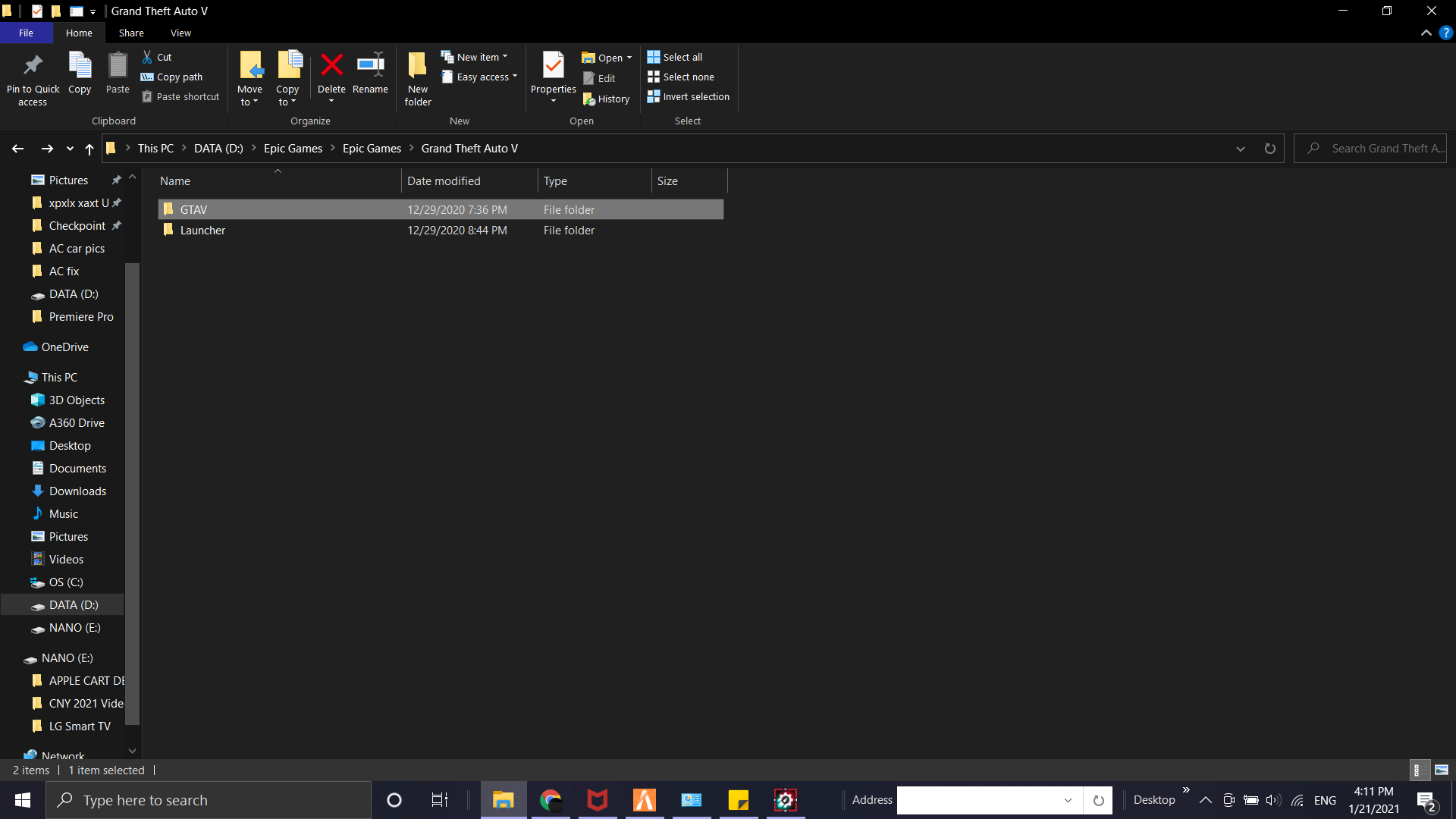
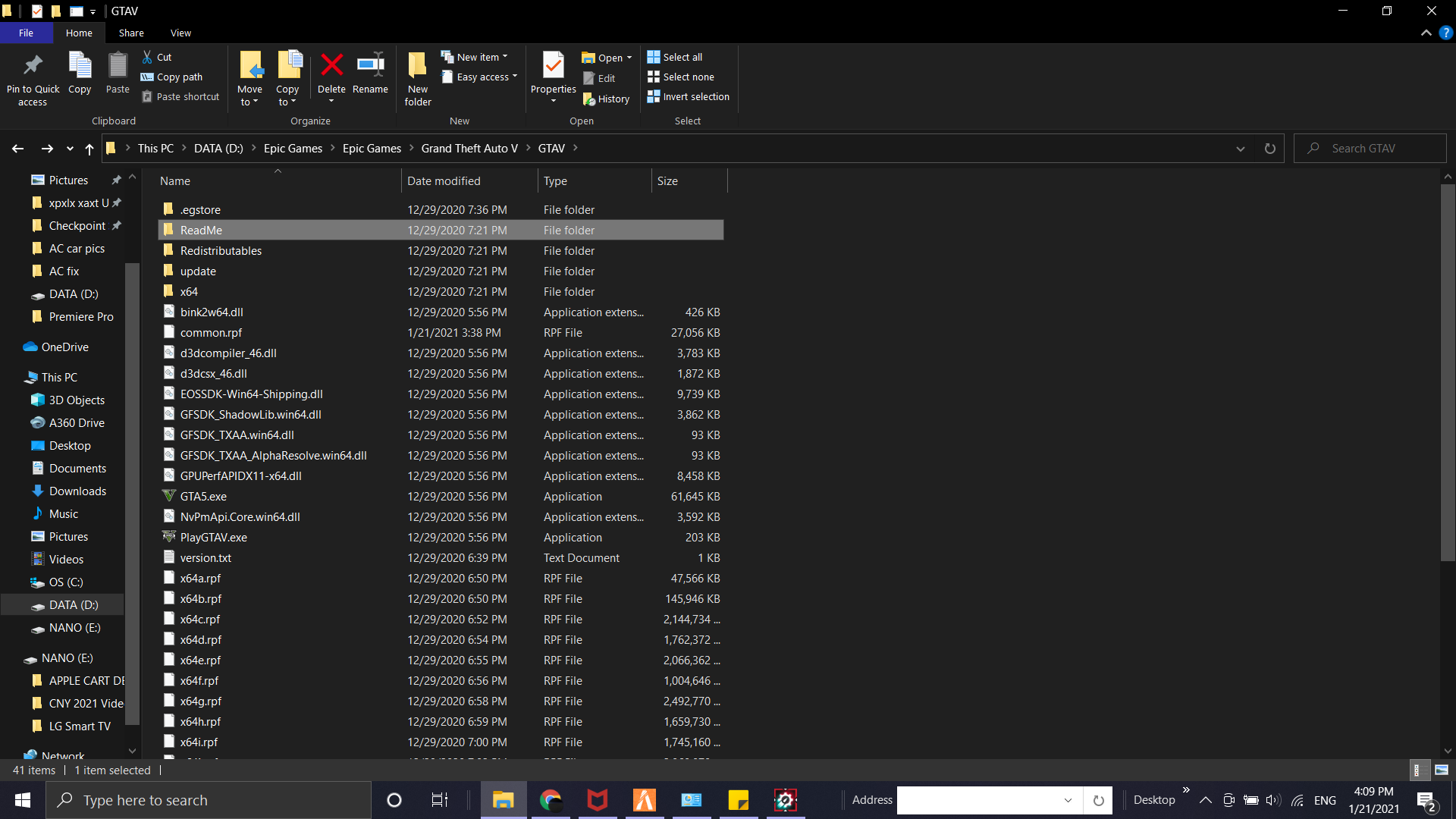
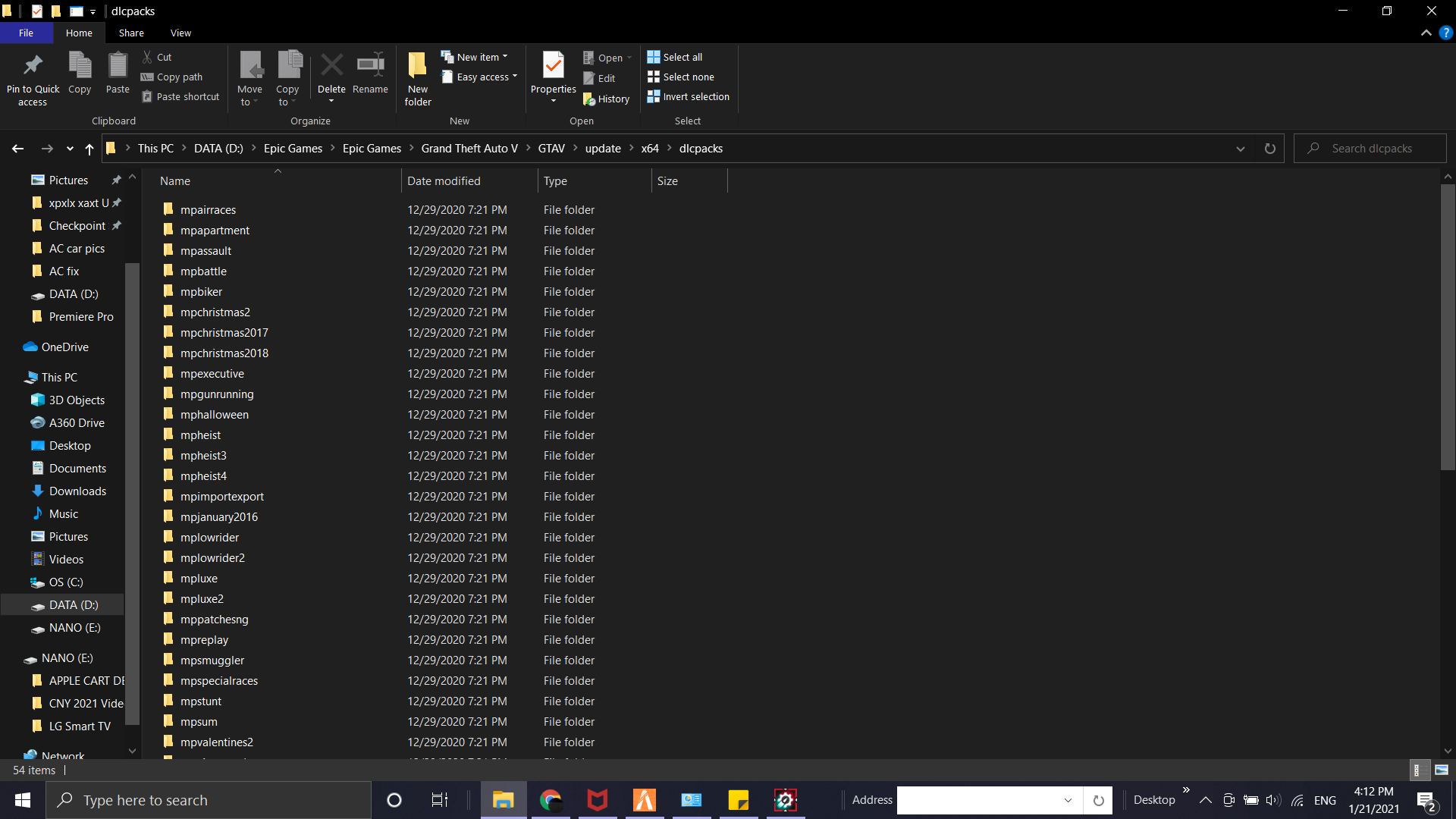
GTA V version?
1.52 Up to date?
Yes Legit or Pirate copy?
Legitimate copy Steam/CD/Social Club?
Epic Games Windows version?
Win. 10 Did you try to delete caches.xml and try again?
Unsure Error screenshot (if any)
System specifications
Manufacturer: ASUSTek Computer Inc.
Processor: Intel(R) Core™ i7-7700HQ CPU @ 2.80 GHz
GPU: NVIDIA GeForce GTX 1050 GDDR5 @ 4.0 GB ( 128-bit )
Installed memory (RAM): 20.0 GB
System type: 64-bit Operating System, x64 based processor What did you do to get this issue?
First-time user launching the FiveM application What server did you get this issue on?
Not in any server CitizenFX crash zip file
Unsure CitizenFX.log file
Unsure .dmp files/report IDs
Unsure
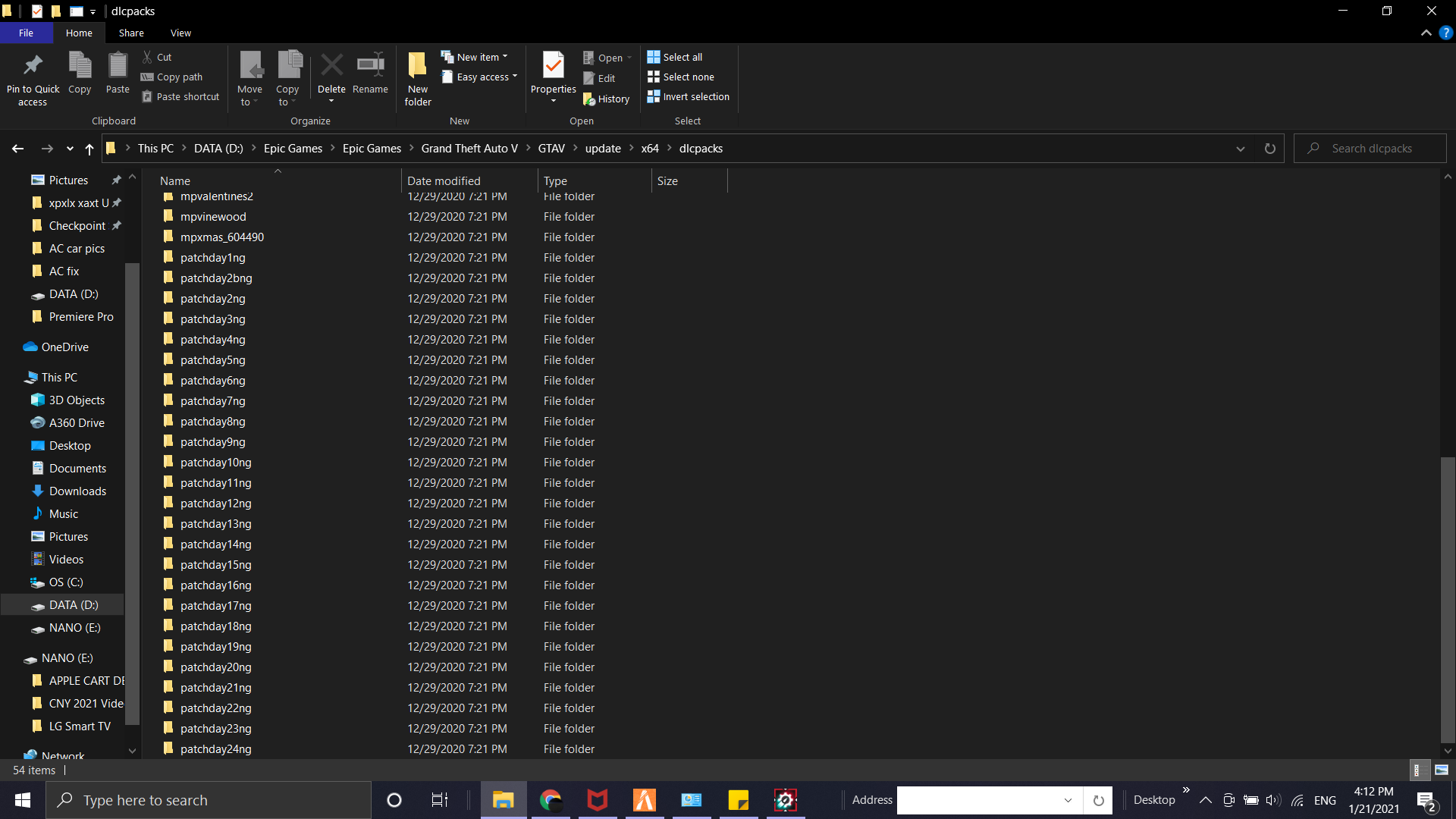
If an issue with starting: GTA V folder screenshot
Hello, this is a friendly reminder because this is your first time creating a topic (or it has been a while since your last topic) in this category.
Please note that most of the support is provided by the Cfx.re community on a voluntary basis. We ask you to be patient; there is no guarantee we have a solution to your problem(s). To avoid unnecessary/duplicate topics, please browse the forums before creating a topic.
To improve your chances of your issue(s) being solved, please provide as much information as possible about the issue(s) you are having. Also —whenever possible— please use the template given to you when creating a topic.
Nope, I don’t even have OpenIV. I downloaded FiveM freshly from the site and started booting up. No files were modified in both FiveM files and the GTAV files.
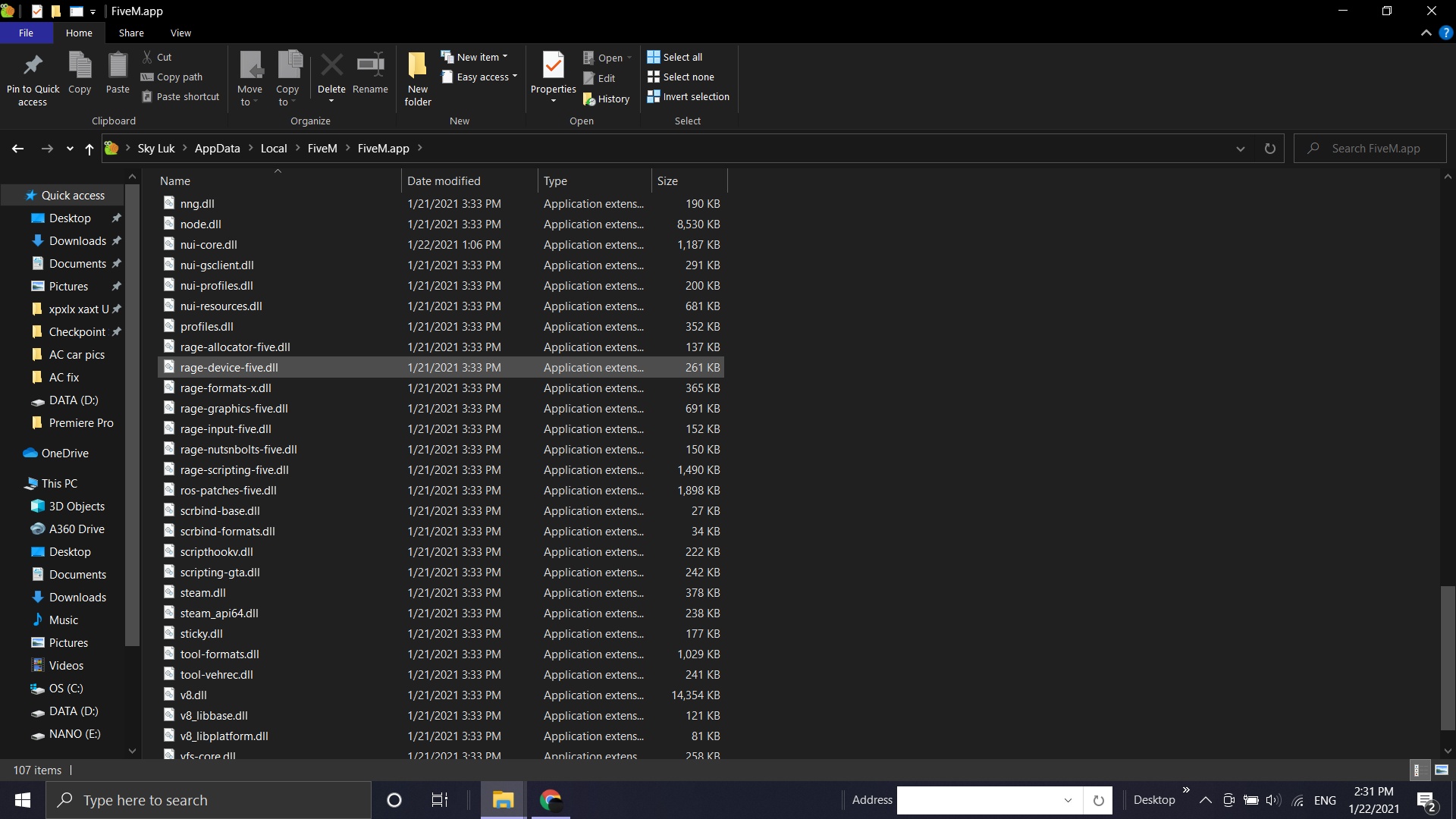
Ok, so as i look into the what made your game crash and it said rage-device-five-dll. make sure that folder is not interupting with FiveM in any way. For example, is it in the same folder etc.
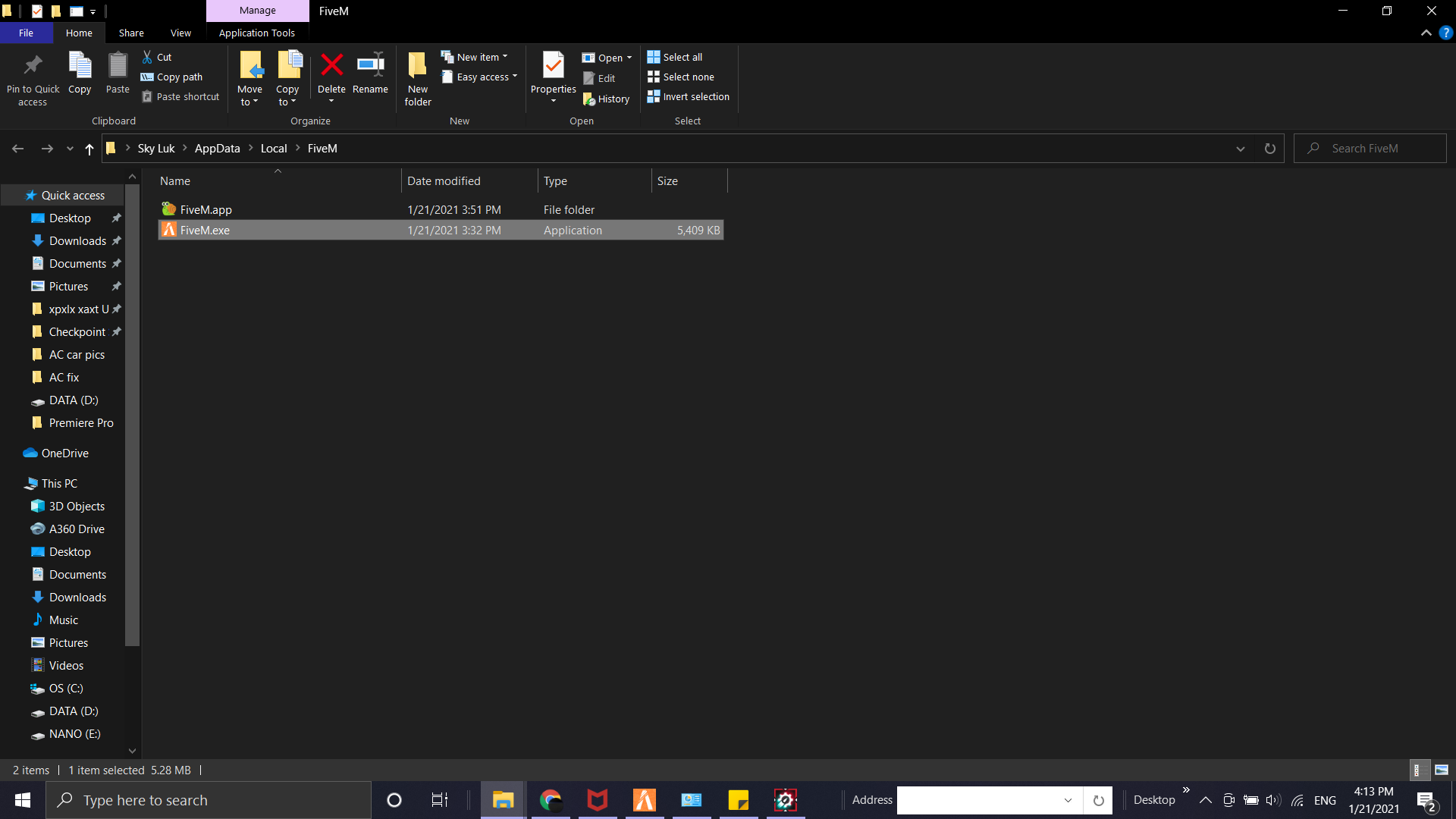
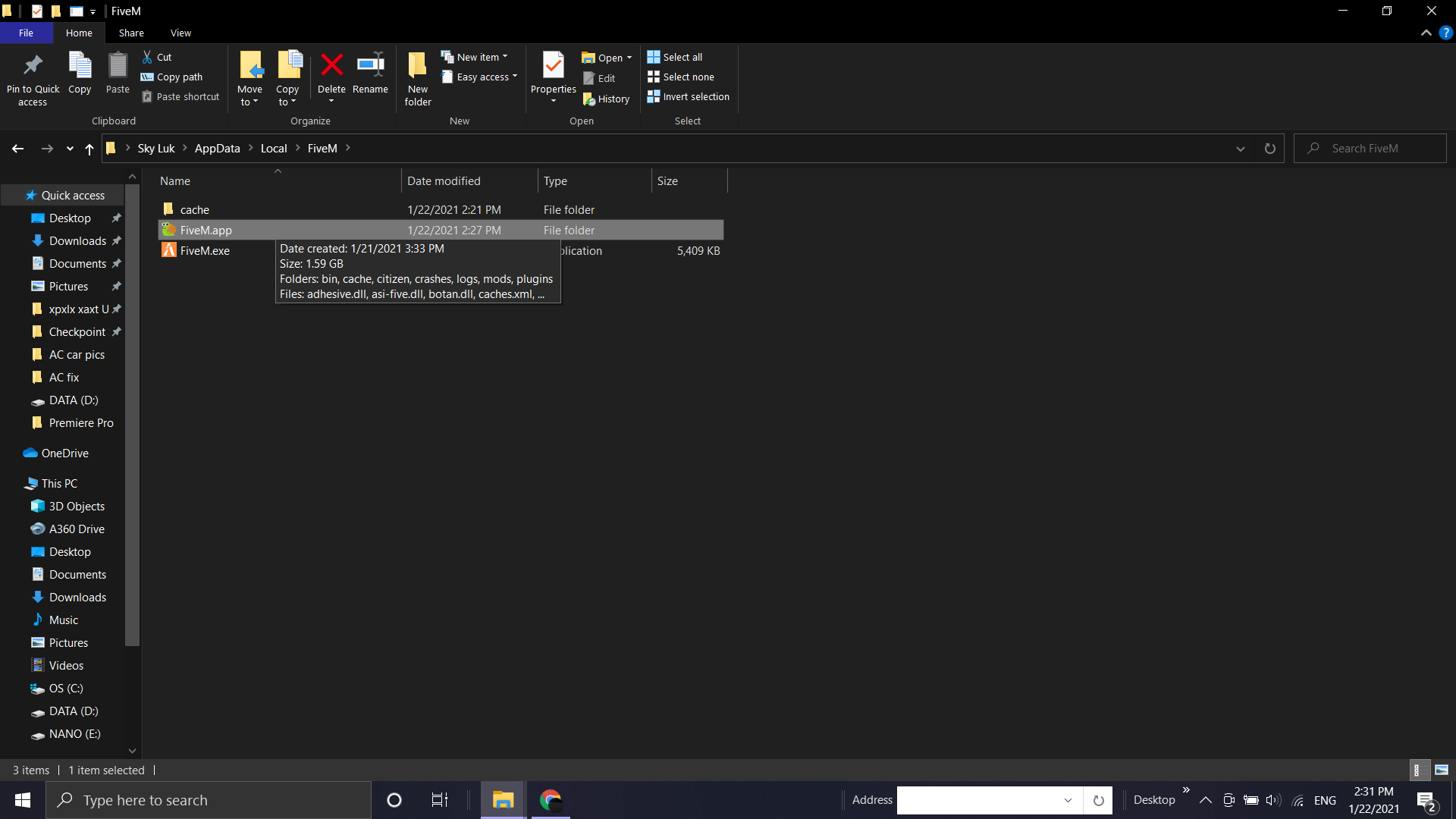
rage-device-five.dll was found under FiveM > FiveM.app (note that in FiveM it also contains “cache” and “FiveM.exe”). Is there a specific place that this should belong to?
Unable to verify game on Rockstar Games Launcher as the game is an Epic Games copy. Navigating to settings for an attempt to verify game integrity is not possible nor’ will it show that the game is installed. I verified the game copy on Epic Games but it still prompts up the same message.