IF YOU DO NOT FILL THIS OUT, YOUR TOPIC WILL BE UNLISTED AND CLOSED
To receive support, please fill out the following template, and remove this top text.
Environment questions
GTA V version: 3258 Up to date: yes Legit or Pirate copy: legit Purchased where - Steam/Rockstar Launcher/Epic: steam Windows version: 23h2 (OS build 22631.3737 Did you try to delete content_index.xml and try again? yes System specifications: Intel Pentium Gold G5400 CitizenFX crash zip file (‘Save information’ on a crash): logs/CitizenFX_log files: .dmp files/report IDs:
Important parts
What is the issue you’re having?
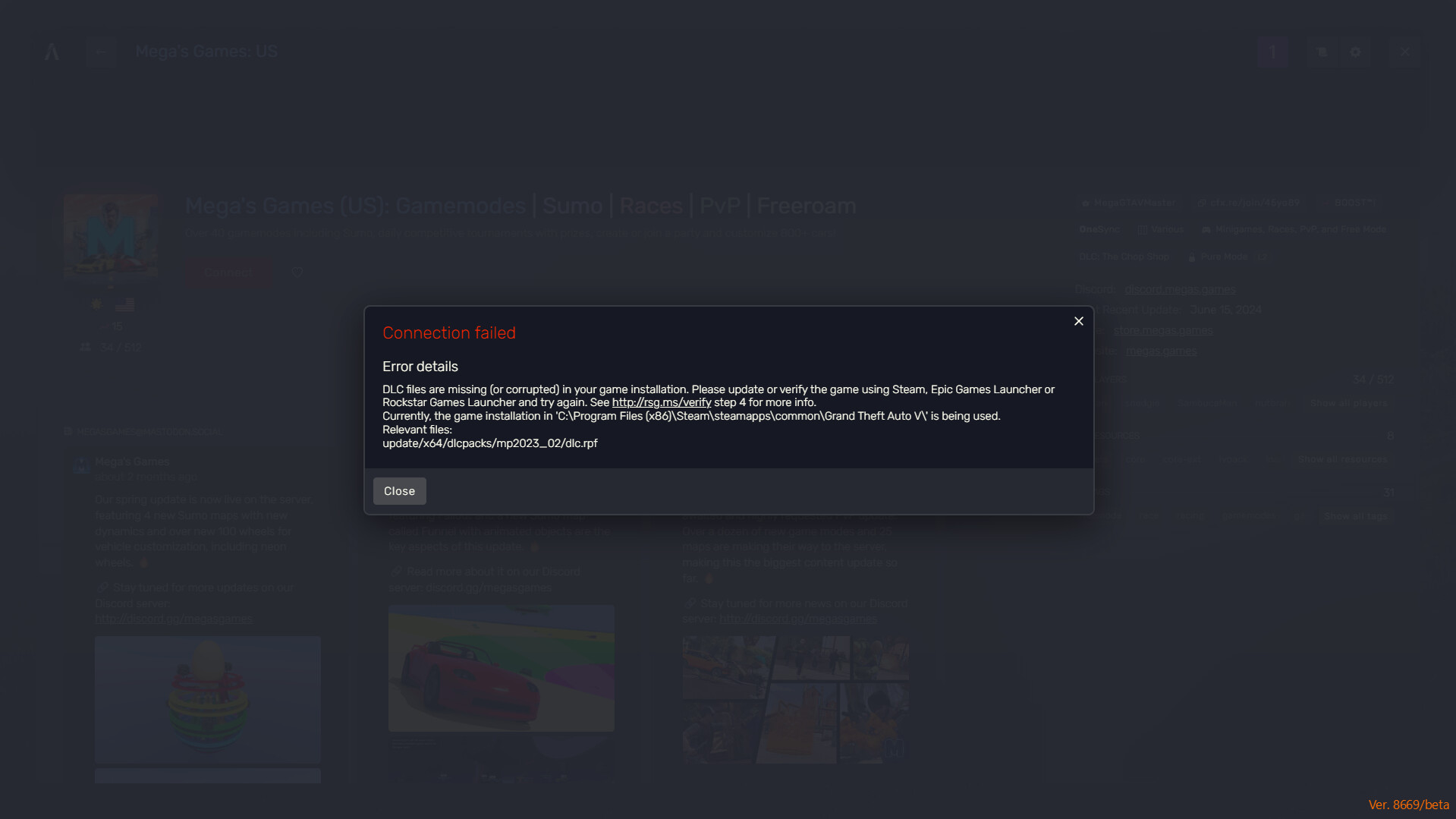
I’m trying to join a server and I get this error every time.
What are you trying to do?
just trying to join it.
What have you tried already to fix the issue?
verifying steam files
-deleted that exact file then verify steam files
Hello, this is a friendly reminder because this is your first time creating a topic (or it has been a while since your last topic) in this category.
Please note that most of the support is provided by the Cfx.re community on a voluntary basis. We ask you to be patient; there is no guarantee we have a solution to your problem(s). To avoid unnecessary/duplicate topics, please browse the forums before creating a topic.
To improve your chances of your issue(s) being solved, please provide as much information as possible about the issue(s) you are having. Also —whenever possible— please use the template given to you when creating a topic.
HI! This error is caused by you not having updated GTA 5. Make sure you update GTA 5 from the platform you use to access FiveM. However, make sure that the file path leading to GTA 5, located in the CitizenFX.ini file, is also correct