What is the issue you’re having?
Hello,
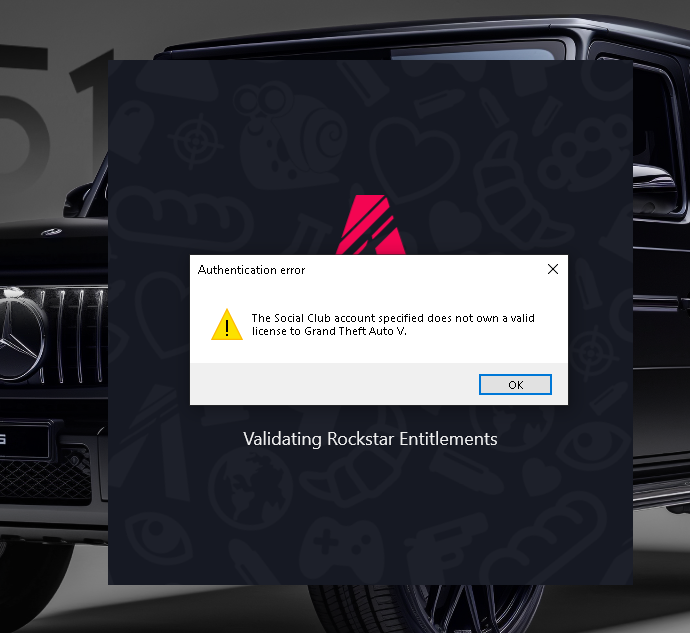
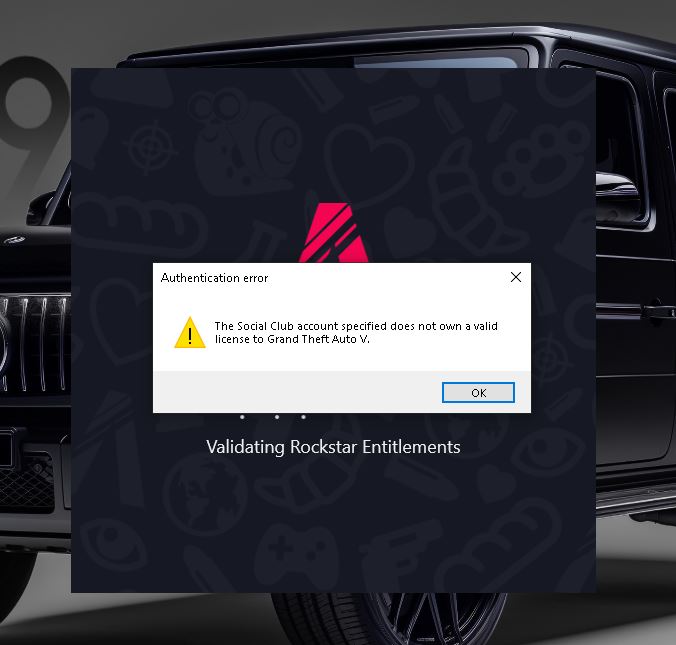
I am having an issue where FiveM cannot detect a valid GTA V Legacy installation.
Setup:
- GTA V owned via Epic Games
- Rockstar Games Launcher linked correctly
- GTA V launches and plays normally via Rockstar Launcher
- FiveM reports that GTA V Legacy is not installed / not detected
Rockstar Support has confirmed:
- My GTA V entitlement is active and correct
- There is no issue on their side
- They advised me to contact Cfx.re since this is a FiveM client issue
Steps to reproduce:
- Install GTA V via Epic Games
- Launch GTA V once via Rockstar Launcher (works fine)
- Close the game
- Start FiveM
- FiveM fails to detect GTA V Legacy installation
Result:
FiveM refuses to start due to missing or incompatible GTA V Legacy installation.
Expected result:
FiveM should detect the Epic Games GTA V installation or provide a supported workaround.
Additional notes:
- This happens every time
- Reinstalling GTA V did not resolve the issue
- I am not connected to any server yet (issue happens before joining a server)
Any guidance or workaround would be appreciated.
Thank you.
What have you tried already to fix the issue?
i have contacted rockstar and epic i deledet the game and reinstal i cleaned files andd stuff
What server did you get this issue on?
the hole game
Error screenshot(s)
Windows version
10
System specifications
.
Antivirus software
.
Additional comments
.
