Steam Version
Yes up to date
Legit Copy
steam
windows 10
Did you try to delete caches.xml and try again?
aspire Zc-700G
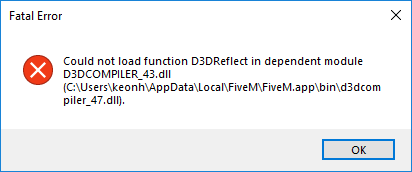
Tried starting the game and got the fatal error message
Im new to the computer and bought gta v for pc just to play five m.
fill out the whole template including screenshots of your GTA5 and FiveM directory.
if you have mods on GTA5 remove them and try again.
GTA V version? Steam Version.
Up to date? Yes i just downloaded it so i believe its up to date.
Legit or Pirate copy? Legit
Steam/CD/Social Club? Steam
Windows version? Windows 10
Did you try to delete caches.xml and try again? Not sure what that is.
Error screenshot (if any)!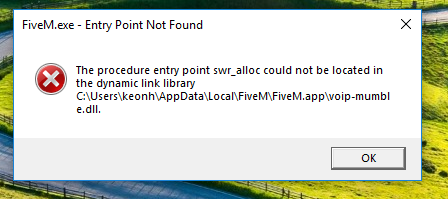 Capture|412x172
System specifications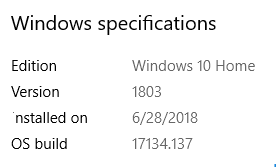
What did you do to get this issue? tried to launch the game.
What server did you get this issue on? The game hasn’t load.
CitizenFX.log file
.dmp files/report IDs
If an issue with starting:
GTA V folder screenshot
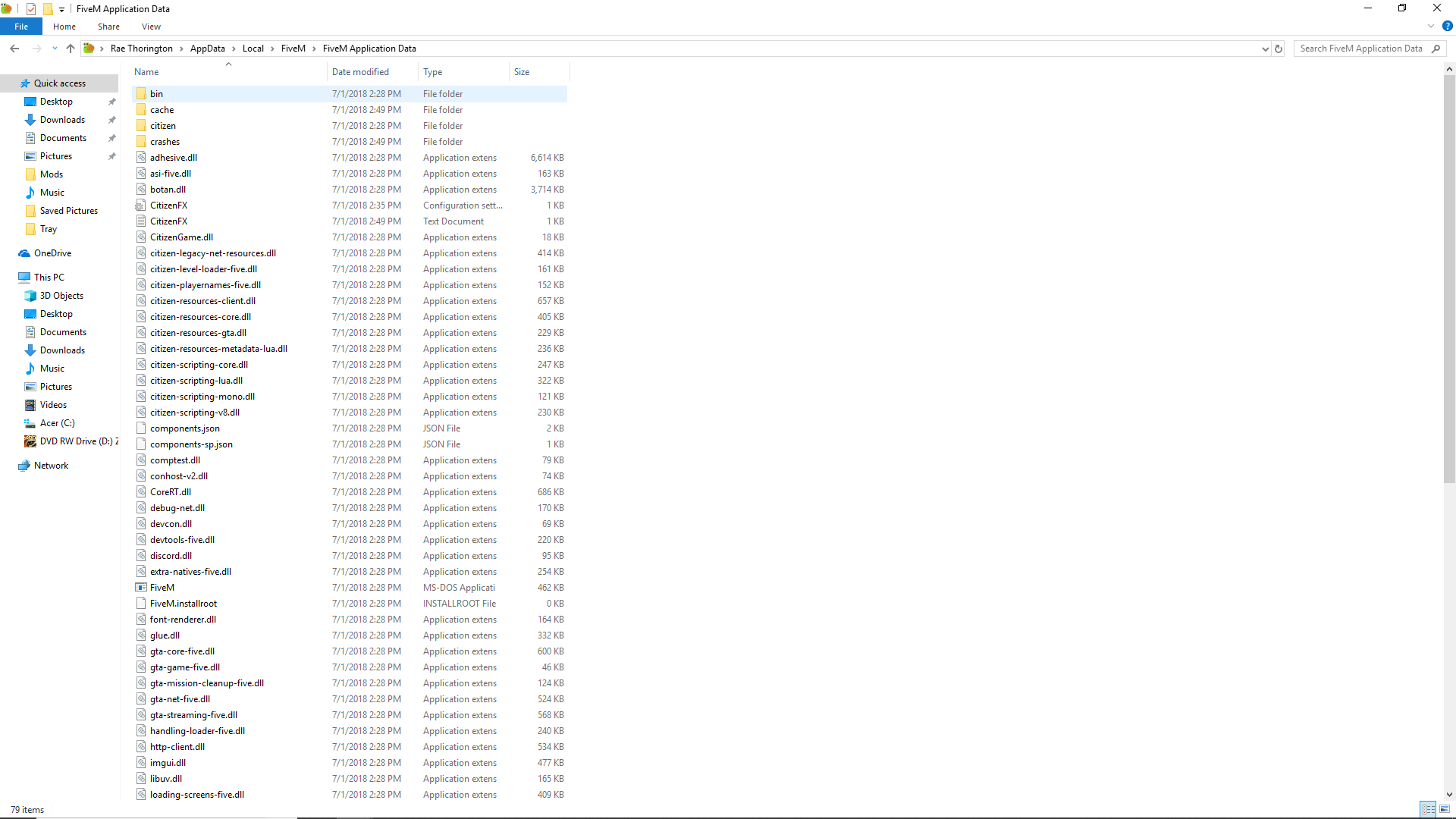
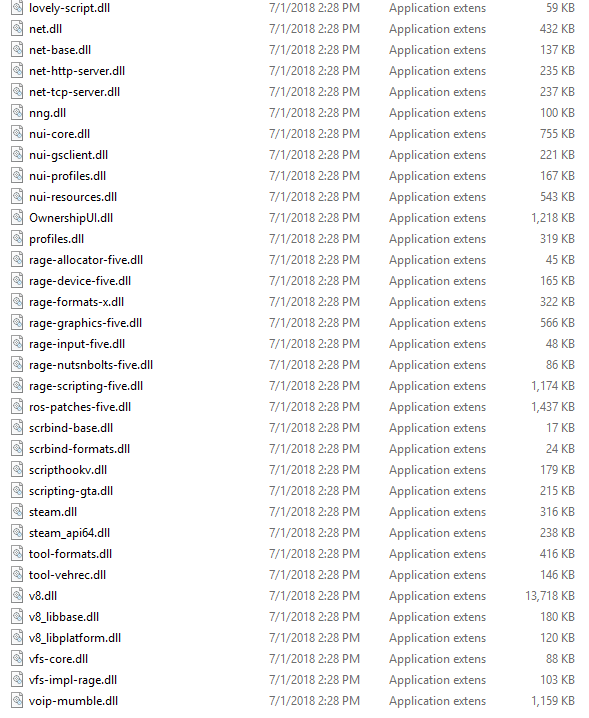
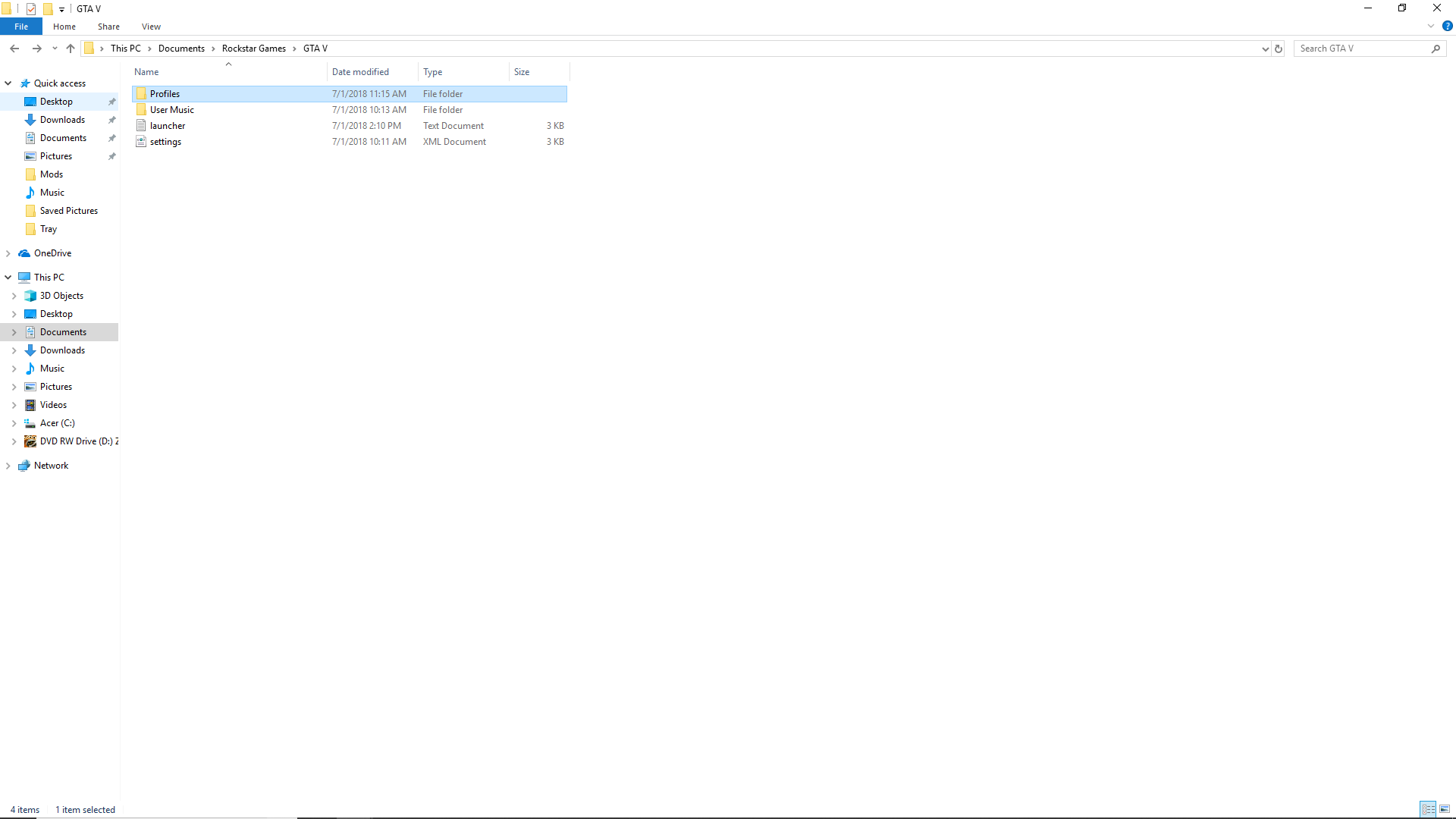

GTA V/update/x64/dlcpacks screenshot
Filepath to FiveM folder
FiveM client folder screenshot
Did you try to disable/uninstall your Anti-virus? no
Also add what you already tried so far.
I reinstalled the game and got 2 more error messages.
i haven’t downloaded any mods for this
that last screenshot is not you GTA5 directroy, either way its a voip-mumble error message.
Where do you got FiveM installed?
the issue resolved itself. im not sure what happen . But could you tell me how i would update my graphic and processor. it lags when i have a bunch of cars on my screen.
i already went device manger and tried to upgrade it but it is telling me i have the highest recommendation.
This topic was automatically closed 30 days after the last reply. New replies are no longer allowed.