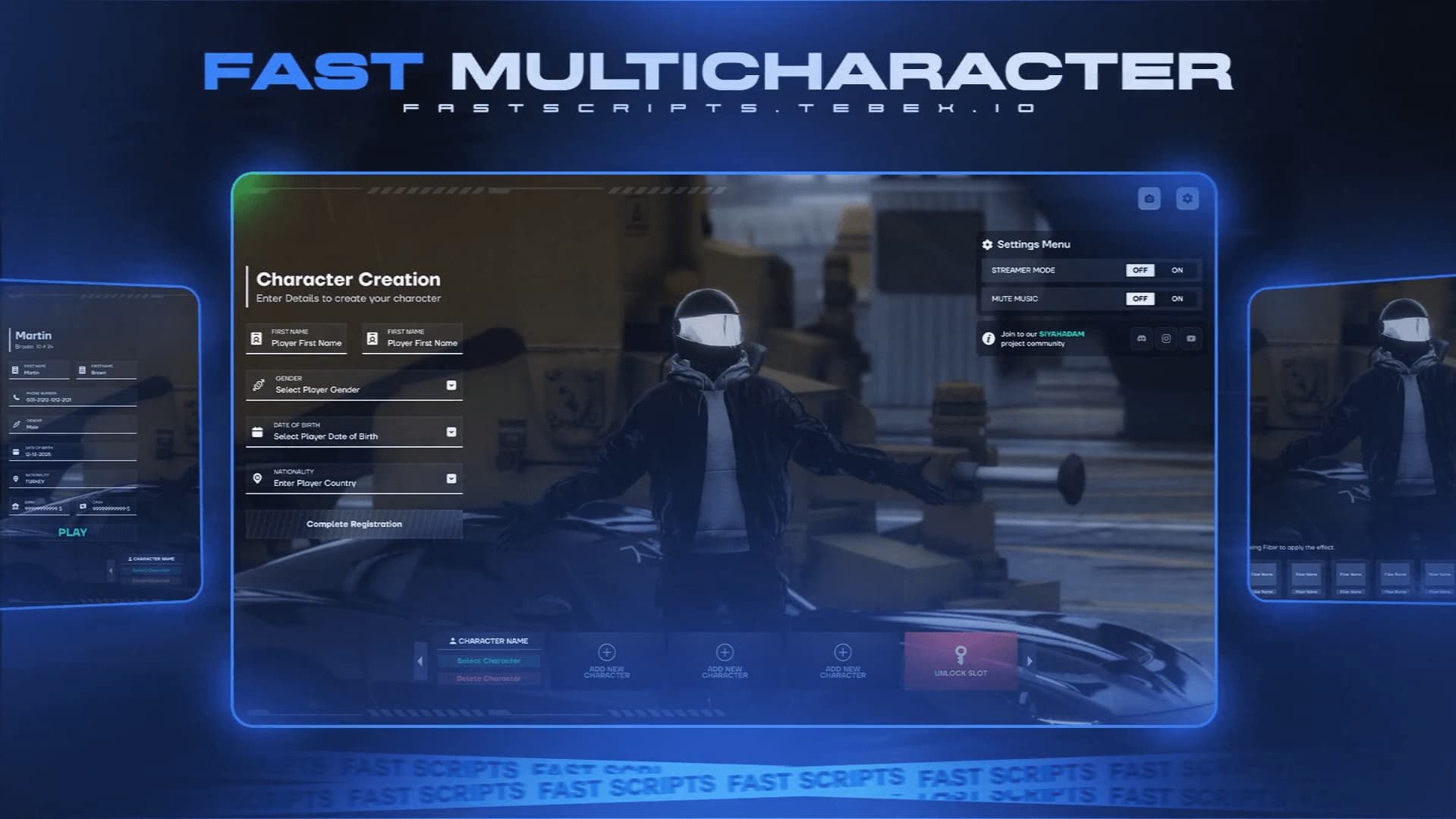
INGAME SCREEN
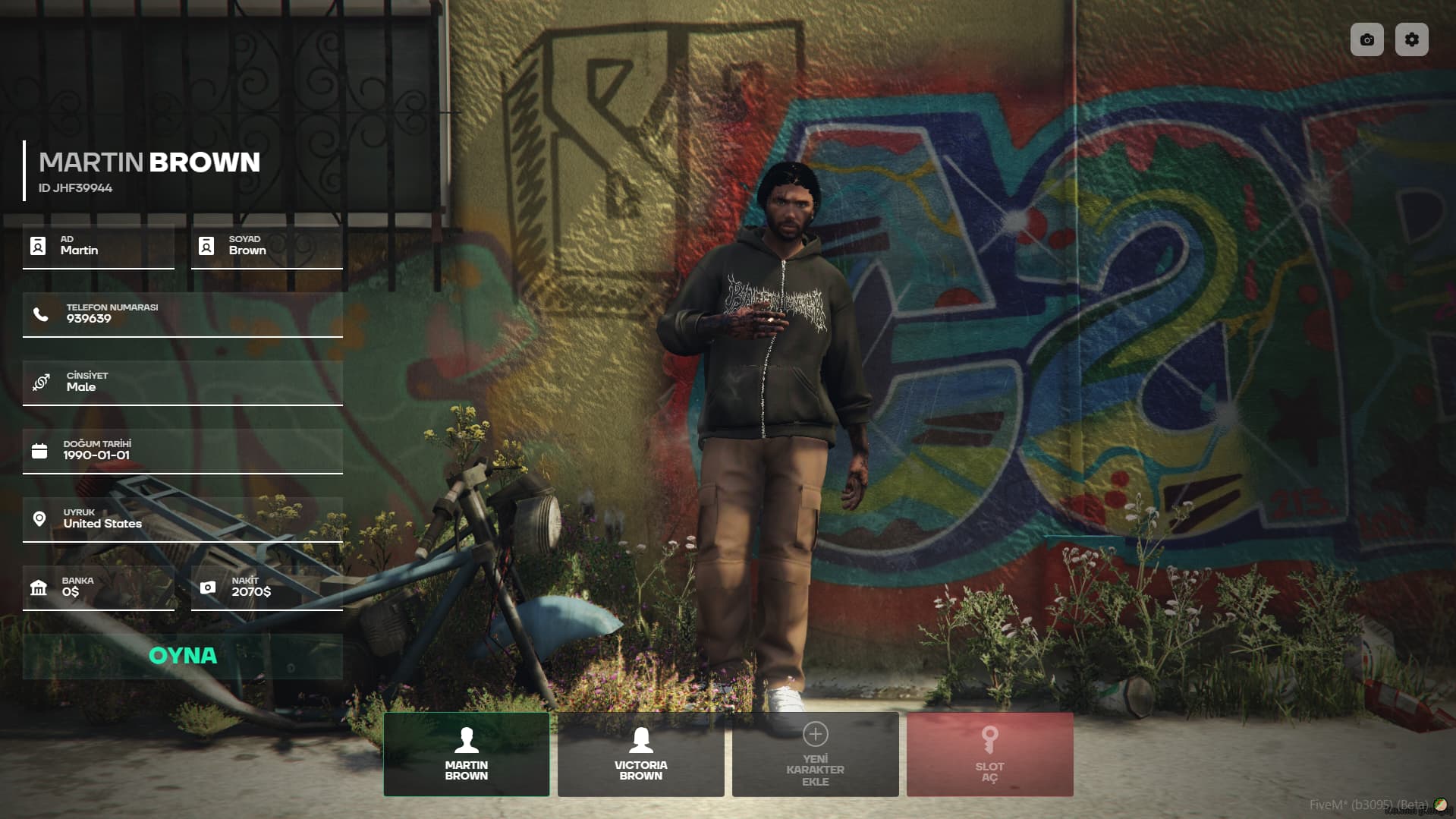
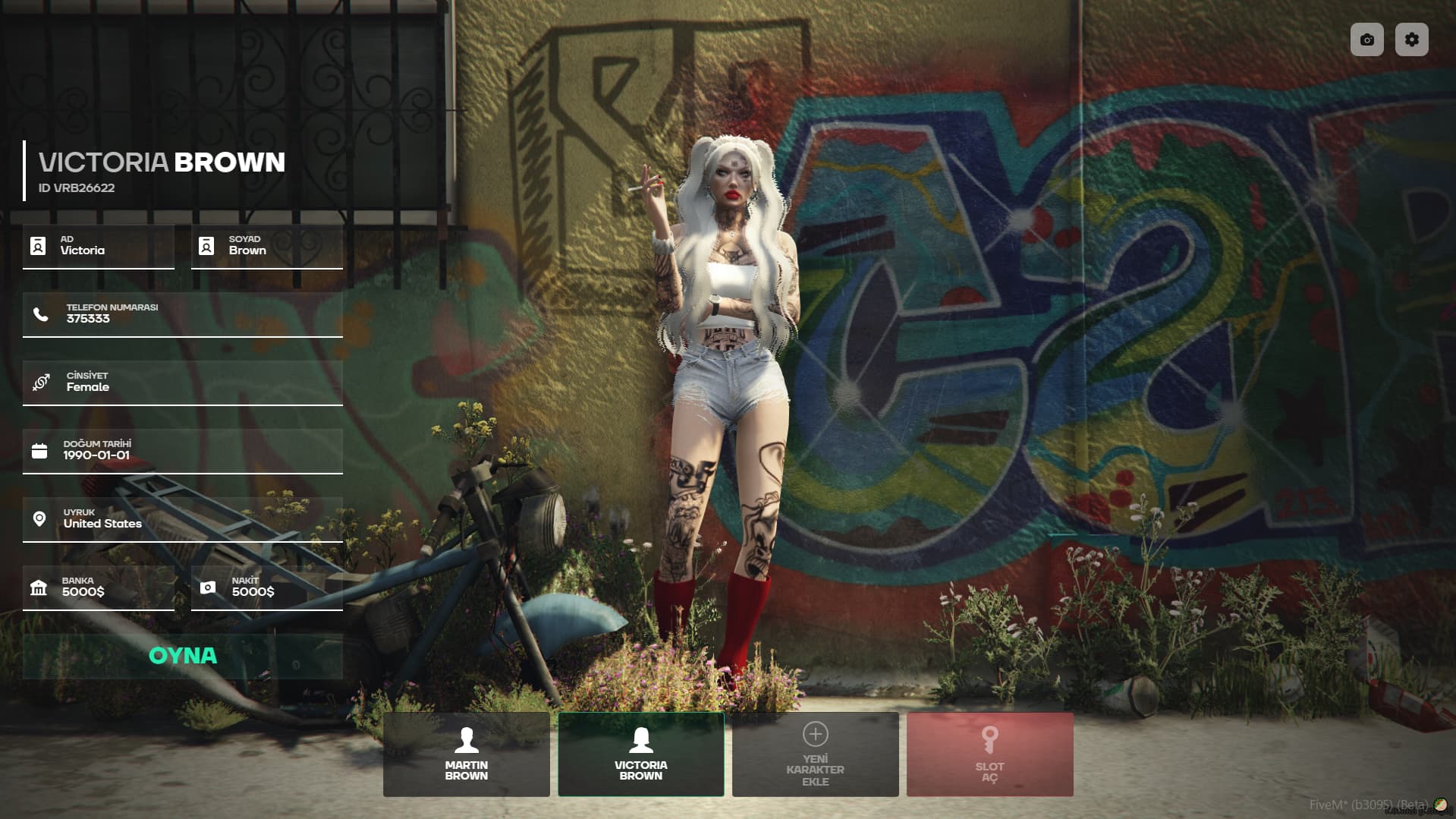
PREVİEW
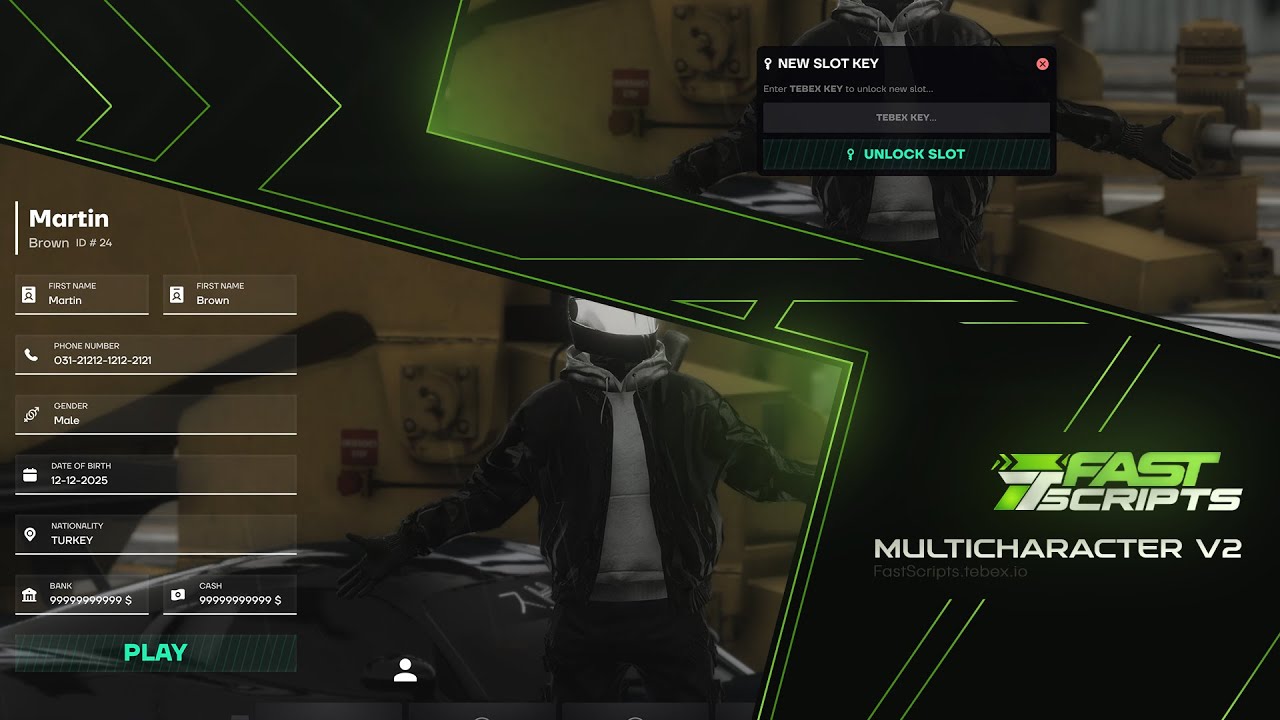
TEBEX Purchase Links
FiveM ESX Scripts Character Selection System
This system is fully compatible with FiveM QBCore & QBox ESX Scripts , allowing players to manage their characters, use slot-based systems, and personalize their gaming experience. It features a fast, smooth, and optimized interface.
 GENERAL FEATURES
 Compatible with FiveM QBCore & QBox
Smooth and optimized character selection animation
Photo mode for advanced character viewing
Slot-based character management (Permissions via Discord, Tebex, or License)
Detailed character information (Name, phone, cash, bank, gender, birthdate, nationality)
Streamer Mode & Mute Music options
 CHARACTER MANAGEMENT
 Select Character: Choose and start the selected character.
 Delete Character: Delete the selected character.
 Add New Character: Create a new character in available slots.
 Unlock Slot: Open additional character slots.
 Slot Management: Manage slot permissions via Discord, Tebex, or License.
 PHOTO MODE & EFFECTS
The photo mode allows players to view their characters in the selection screen with different effects.
 Photo Mode Features:
 Realistic effects:
- Blur effect
- Shadow and lighting adjustments
- Brightness and contrast settings
Filter options: - Black & White
- Warm tone
- Cool tone
 CLOTHING SYSTEM COMPATIBILITY
This system is fully compatible with the following clothing systems:
 illenium-appearance
bl_appearance
fivem-appearance
qb-clothing
crm-appearance
rcore_clothing
 USER EXPERIENCE & ANIMATIONS
- Character Selection Animation: The selected character moves upwards and settles into the last position.
- Last Position Placement: After the animation, the character moves to the last known location.
- Optimized Performance: Works smoothly without FPS drops.
 PRIVACY & CUSTOMIZATION
 Streamer Mode: Hides Citizen ID and phone number.
 Mute Music: Turns off background music in the menu.
 BOTTOM MENU (New Character & Slot Management)
The system’s bottom menu is designed for character and slot management:
Selected Character:
- Button to select and start the current character.
Delete Character:
- Option to delete the selected character.
Add New Character:
- Create a new character in an available slot.
Unlock Slot:
- Open additional character slots.
Slot Management:
- Manage slot permissions via Tebex or Discord.
| Code is accessible | No |
| Subscription-based | No |
| Lines (approximately) | 2000 |
| Requirements | ESX - QBCore - QBox |
| Support | Yes |


