I found a fix for it might not work tough. It worked for me so here:
- Navigate to FiveM ( C:\Users\youruser\AppData\Local\FiveM\FiveM.app ) Change youruser with your Windows User name.
- Find Data and delete Cache the full folder, not just files inside.
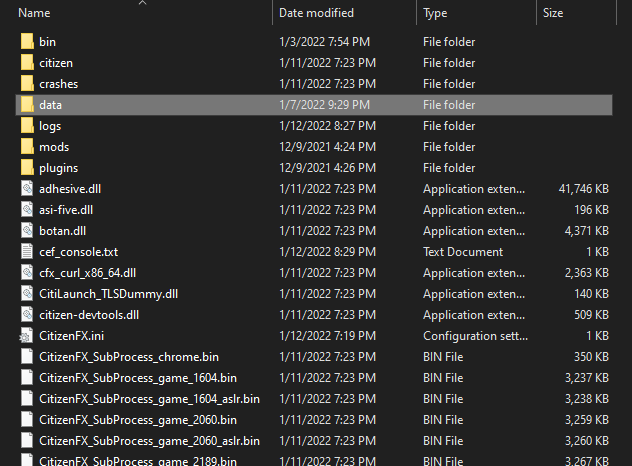
Enter this folder and do what the next image says.

That is the folder you want to delete. - Restart FiveM.
I hope this works. It worked for me I hope it will work for you too