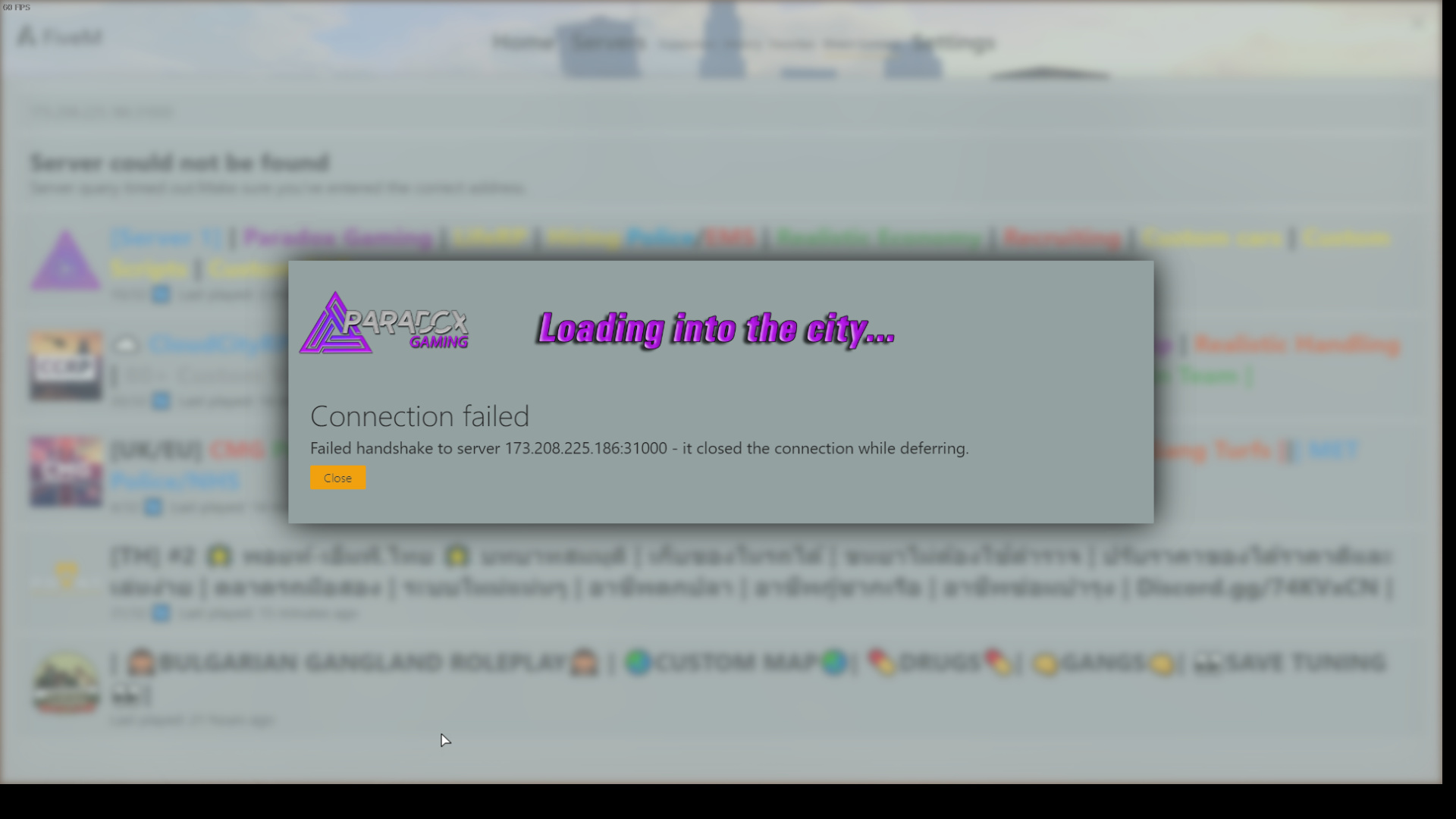
To receive support, please fill out the following template, and remove this top text.
GTA V version? Latest. Up to date? Yes. Legit or Pirate copy? Legit. Steam/CD/Social Club? Steam. Windows version? Windows 10 Education. Did you try to delete caches.xml and try again? Yes. Error screenshot (if any)
System specifications
Intel Core i7 6700HQ
8GB RAM
GTX 960M What did you do to get this issue? Nothing, I installed FiveM I tried to connect to a server and I couldn’t. What server did you get this issue on? I get it on all servers. CitizenFX.log fileCitizenFX.log (48.5 KB)
.dmp files/report IDs I don’t know where to search them.
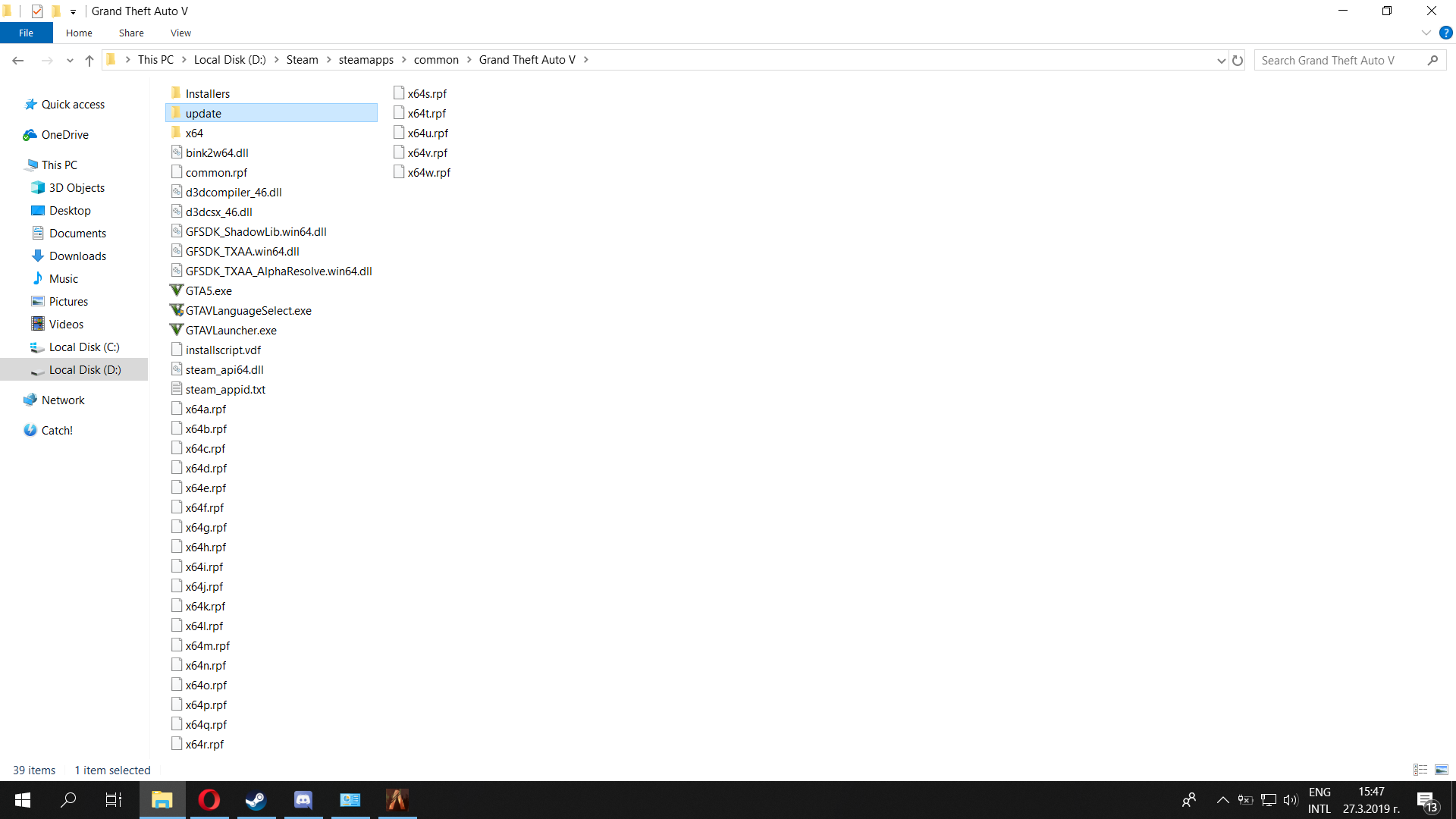
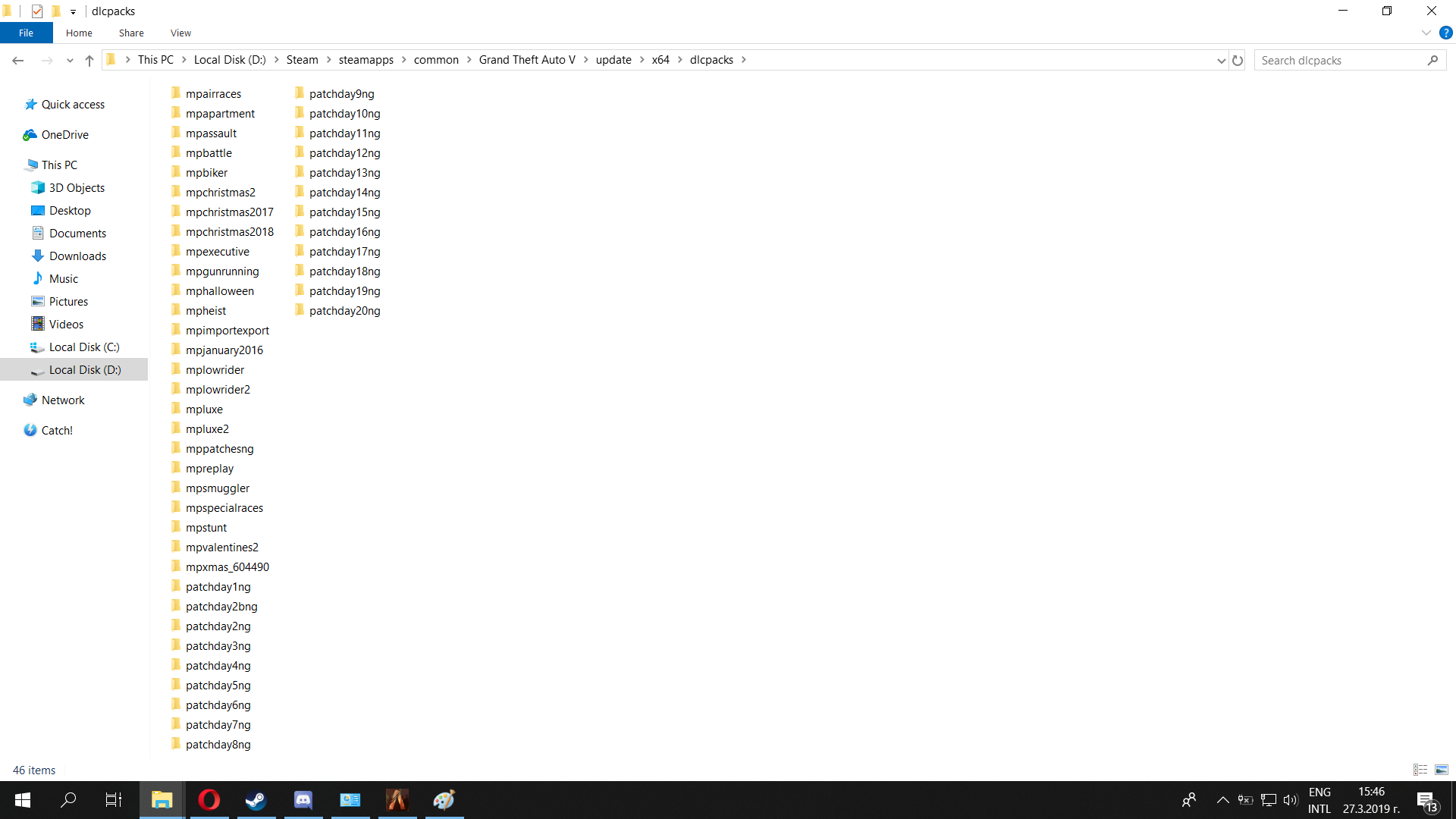
If an issue with starting: GTA V folder screenshot
Did you try to disable/uninstall your Anti-virus? I even disabled Windows defender
Also add what you already tried so far.
I tried a completely new installation of FiveM, I’ve deleted everything and redone it. I tried to verify the game files via Steam, cause I though it might be a game issue but everything is ok. I also play GTA Online and Story mode with no problems so i think it’s not a game issue.
Hello, this is a friendly reminder because this is your first time creating a topic (or it has been a while since your last topic) in this category.
Please note that most of the support is provided by the FiveM community on a voluntary basis. We ask you to be patient; there is no guarantee we have a solution to your problem(s). To avoid unnecessary/duplicate topics, please browse the forums before creating a topic.
To improve your chances of your issue(s) being solved, please provide as much information as possible about the issue(s) you are having. Also —whenever possible— please use the template given to you when creating a topic.
Do you have this issue on all servers? like for example try “vanilla server”. If yes it’s probably a network issue on your side, for example your antivirus or any url filter software could be interupting
Okay, so I was able to connect to a vanilla server so now I should check my network? What actually I have to look for? Also I don’t have an antivirus program and I don’t know what is a url filter hmm
Does anyone have any answer on this problem. I don’t find it serious from the Support team of FiveM to not look into this. I really want to fix this and I want answers. Can anyone help me with this I need advices and I’m free to help the admins to find solution in this problem. I’ve tried re-installing my LAN drivers I re-installed the game. I cleared all files of FiveM and installed it again. I’m really out of ideas.
Okay dude I want to let you know that I somehow managed to fix it. It’s something to do with your network. I tried VPN didn’t work. What I did is I flushed my DNS and I renewed my ipconfig from cmd and then i restarted my PC and it worked. If you don’t know how to flush your DNS and renew the ipconfig just write me.
Hey man appreciate the reply, I tried flushing my DNS and doing the ipconfig but still doesnt work… i also tried changing my dns server. Question though, everytime I do ipconfig /renew am i supposed to get a different ipv4? everytime I do it my ipv4 stays the same
Mine also stays the same. You can try a VPN or contact your ISP. Most of VPN’s are played but they have free trials. You can try Hotspot Shield it has 7 days free trial you download it and install and just run it. There are some free VPN’s but I couldn’t make them work on Windows 10. You can try for your self. If still doesn’t work contact your ISP and explain them the trouble. Also if you get this only on one server try contacting an admin might be something from the server who knows.
I really got lucky with my fix cause I’m not really sure how I managed to do it.