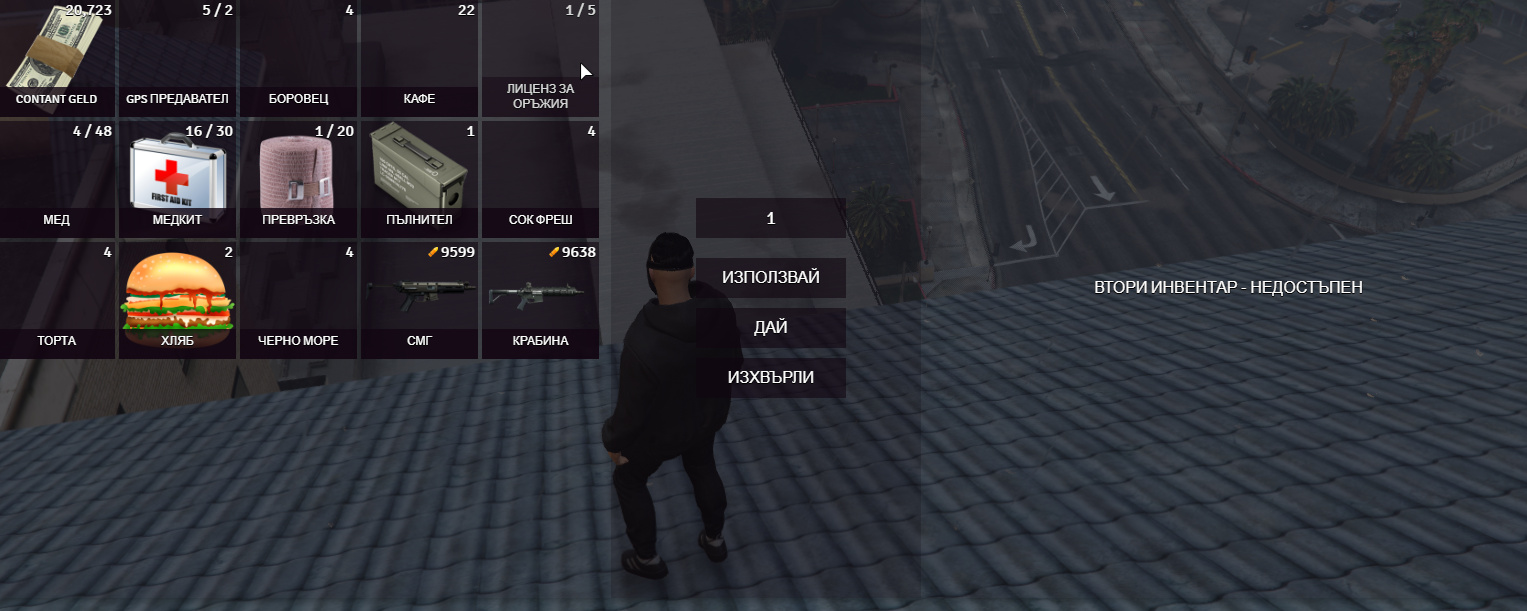
We added an inventory and items to it. We also added pictures of items each in the size 128x128. But they arent showing in the inventory. Photos are in html/img/items. Every picture’s location is added to the resource. Each picture is named as the item.
4 Likes
Make sure u add that extra itmes in ur resource.lua!
example: html/img/mypicture.png
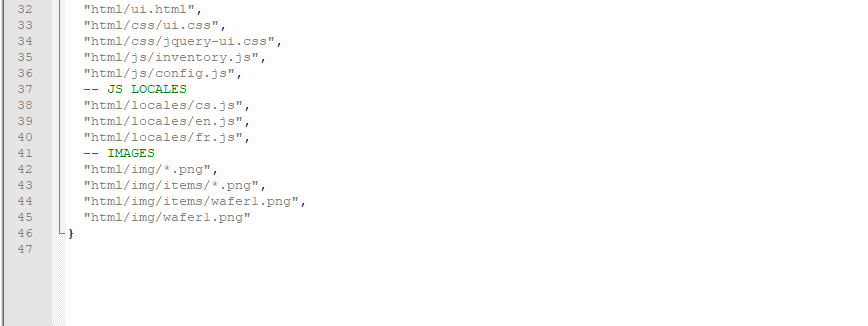
Look at what folder is inside your item. And re-write correctly!
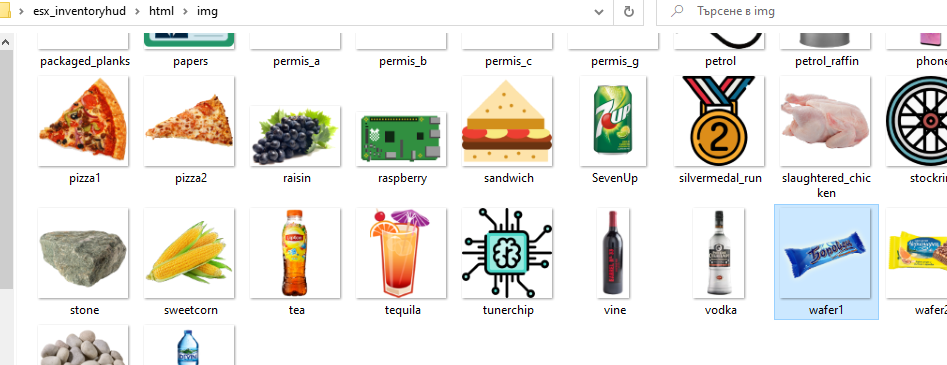
Only default item’s pictures are shown in the inventory
item name in the database needs to be the same as the .png picture you included in the script.

You need to add at your resource.lua under files
files { html/img/water.png,
html/img/bread.png,
html/img/customimage.png,
etc.
I did it and it doesn’t work again
Are u sure that u have that item in sql with same name?
Yep I’m pretty sure
This topic was automatically closed 30 days after the last reply. New replies are no longer allowed.