Valour
2
Looks great! Doesn’t work!
I have the correct job and nothing in my inventory, but I can’t take a bag.
1 Like
Did you enter the item correctly in OX Inventory? Is there an error message in the consoles?
Valour
4
There were no instructions on what the ox inventory item code was supposed to be.
So I added this.
And no console errors, just “Kein Platz” which I think means ‘no space’. My inventory at the time was 100% empty.
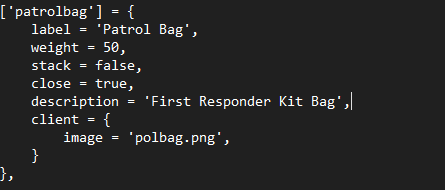
Its like this:
['patrolbag'] = {
    label = 'Patrol Bag',
    weight = 2500,
    stack = false,
    close = true,
    consume = 0,
    allowArmed = true,
    client = { event = 'cmd_patrolbag:clientUse' }
},```
Valour
6
I guess you did not mean to leave ``` in there?
How does this code look if I want to add an image?
The three “```” characters were not intended.
To add a photo, simply add a photo to ox inventory with the other photos and name the photo after the item. For example, “patrolbag.png.”
Do you think qbcore in the future? 
Maybe. I will notify you.
1 Like
Would you join on my Discord, so you can test it and give me directy feedback?
1 Like
Where? im in the discord not seeing it
1 Like
Ive seen someone else but any chance of QB core? also using ox inventory. Love this and would love to use it.
is it possible to use it without ox_target? We don’t want to use ox_target on our server
Sure, new Version released.
Version 1.1
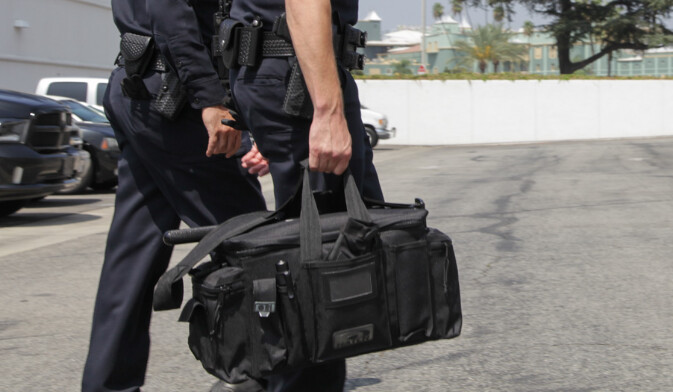
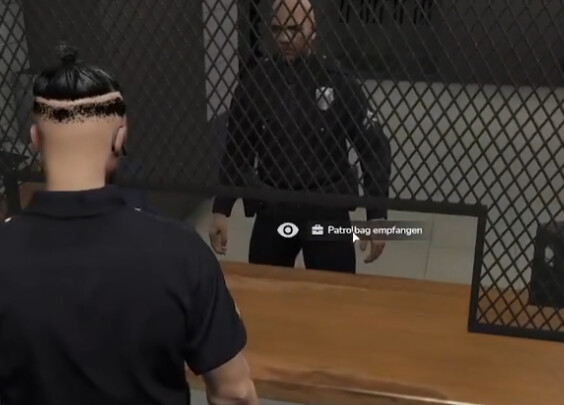
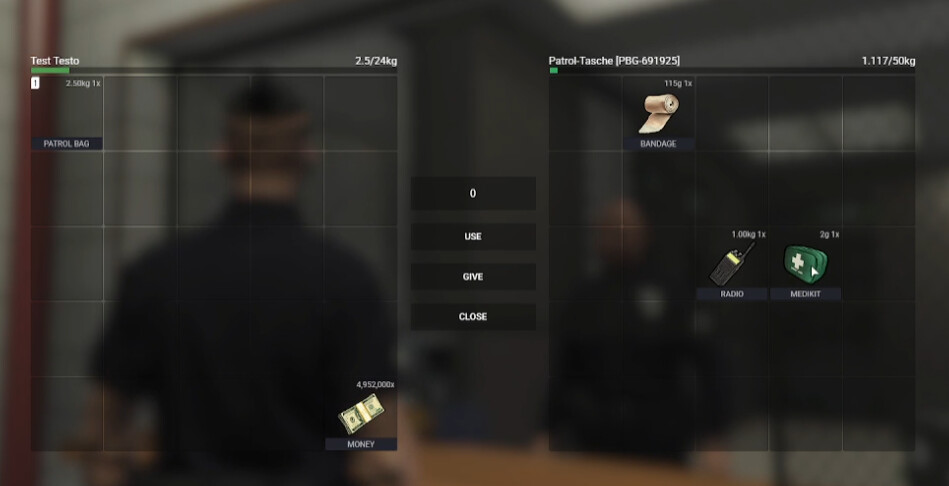
 Features