To receive support, please fill out the following template, and remove this top text.

**GTA V version? Last
**Up to date? Yes
**Legit or Pirate copy? Legit
**Steam/CD/Social Club? Social Club
**Windows version? Windows Home 10
**Did you try to delete caches.xml and try again? No
**Error screenshot (if any) Fivem go in crash
System specifications
**What did you do to get this issue? I press ESC
**What server did you get this issue on? In all server
CitizenFX.log file
.dmp files/report IDs

If an issue with starting:
GTA V folder screenshot
GTA V/update/x64/dlcpacks screenshot
Filepath to FiveM folder
FiveM client folder screenshot
Did you try to disable/uninstall your Anti-virus?

Also add what you already tried so far.
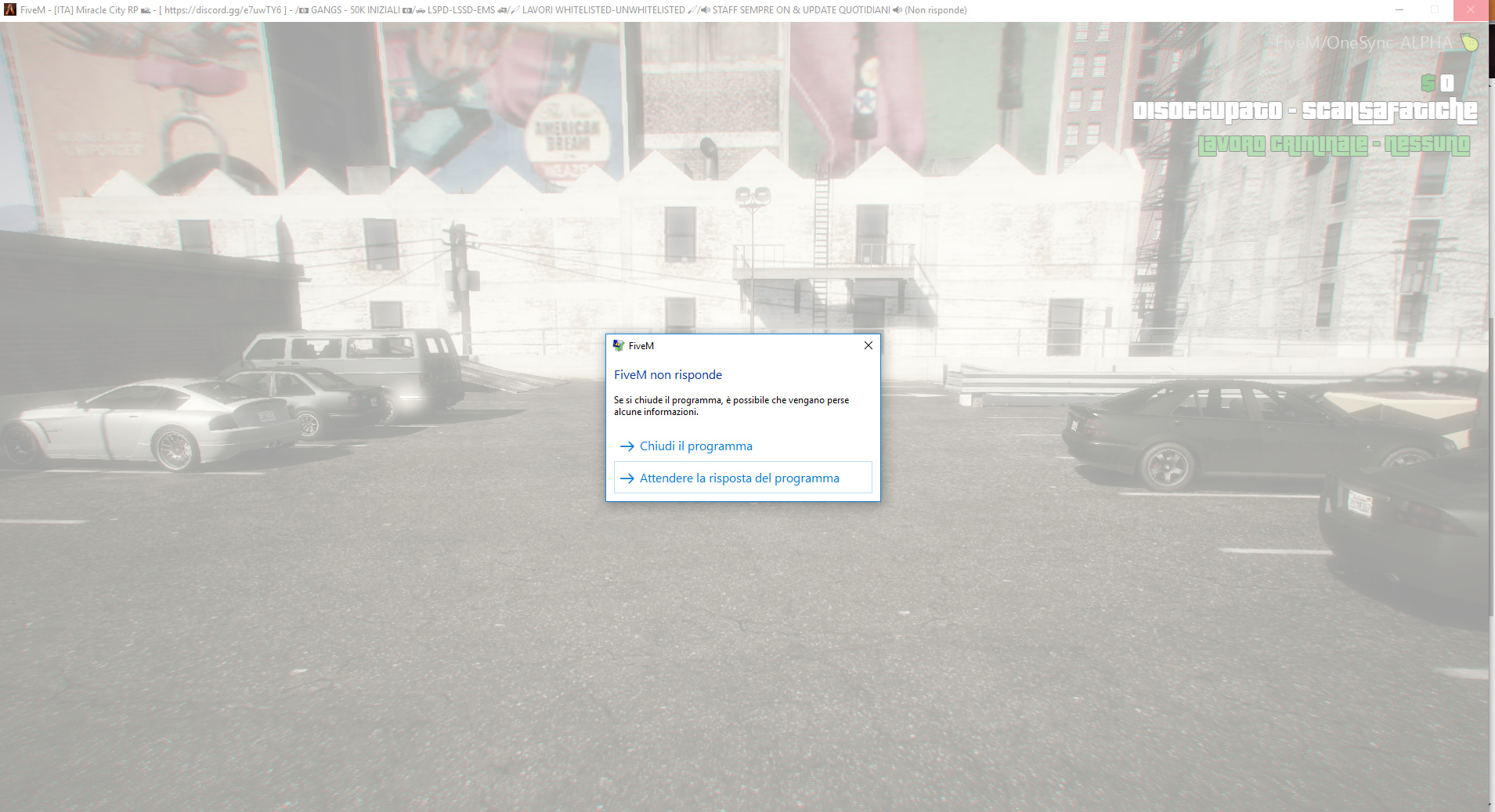
Do you also see a crash dialog while this crash? do you have log file?

I try to make a screen… How i can see the log file with F8?

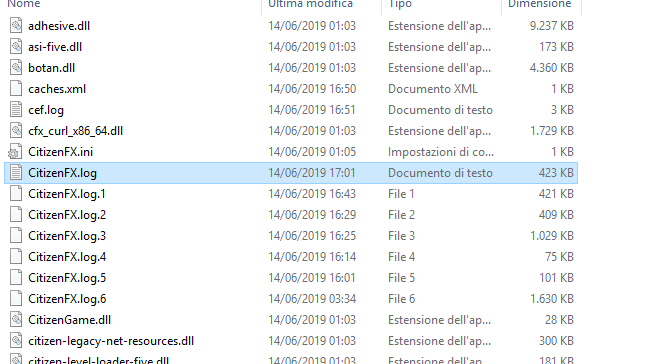
Goto your fivem application data (mostly in %localappdata%\FiveM\FiveM.app ) there should be a log file called citizenfx.log


This is the error

3211
Is this the folder? If yes how i can send you the logs?

Drag the file into the editor

no-info

like the picture already says we need the CitizenFX.log file and the crash dumps uploaded here, to help you out on that.

Hay alguna solución? tengo el mismo problema!

https://pastebin.com/amCgRcau

hello i have this same problem, loading pause in SP/Online didnt help.

This topic was automatically closed 30 days after the last reply. New replies are no longer allowed.