To receive support, please fill out the following template, and remove this top text.
GTA V version? Latest
Up to date? Yes
Legit or Pirate copy? Legit
Steam/CD/Social Club? Steam
Windows version? Latest
Did you try to delete caches.xml and try again? Yes
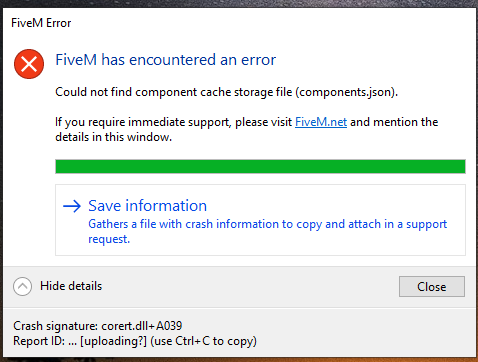
System specifications
CPU Intel(R) Core™ i5-9400F CPU @ 2.90GHz
RAM 8GB
GPU GTX 1660
What did you do to get this issue? Attempted to install FiveM
What server did you get this issue on? N/A
CitizenFX.log file
CfxCrashDump_2019_12_15_18_10_32.zip (69.5 KB)
.dmp files/report IDs
be7b6026-80e5-40c9-ae82-4d5cab2a2247.dmp (332.2 KB)
If an issue with starting:
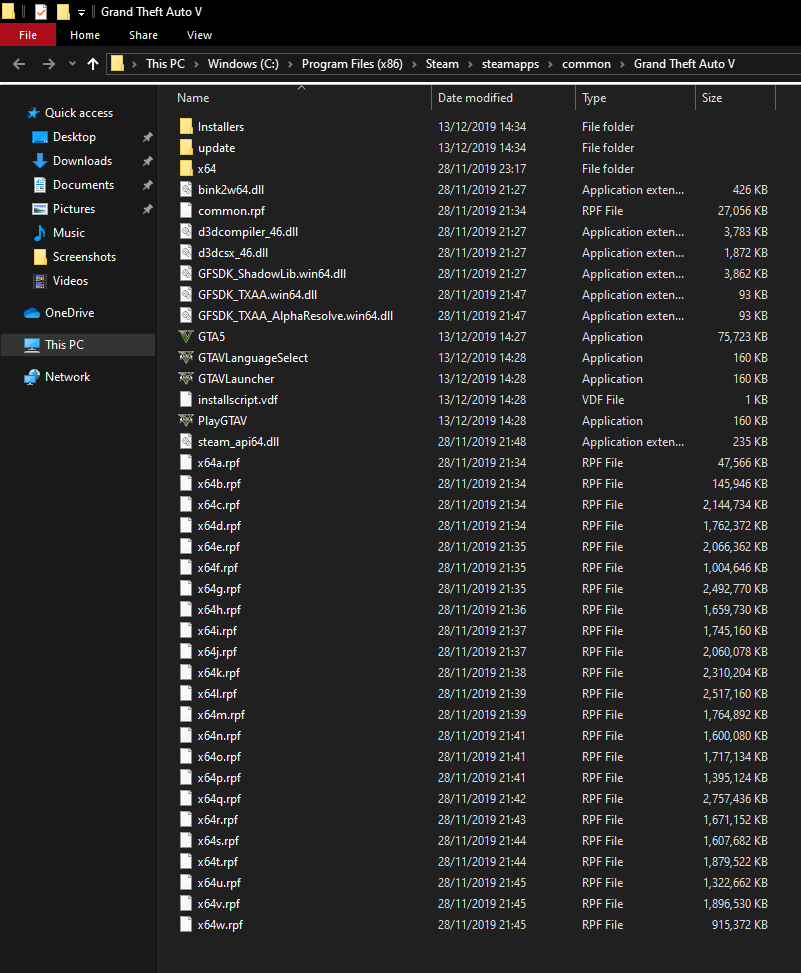
GTA V folder screenshot
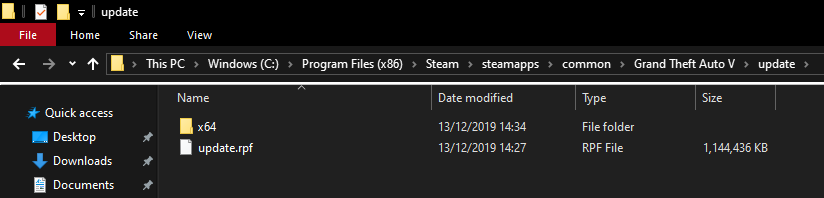
GTA V/update/x64/dlcpacks screenshot
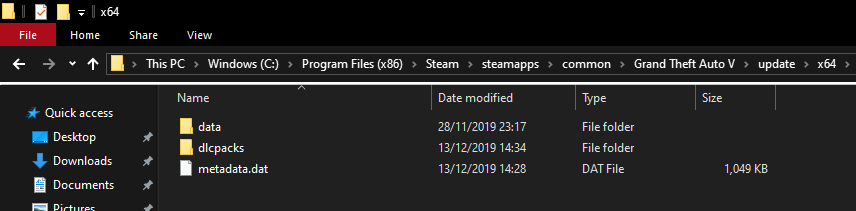


Filepath to FiveM folder
C:\Users\ryans\AppData\Local\FiveM
FiveM client folder screenshot
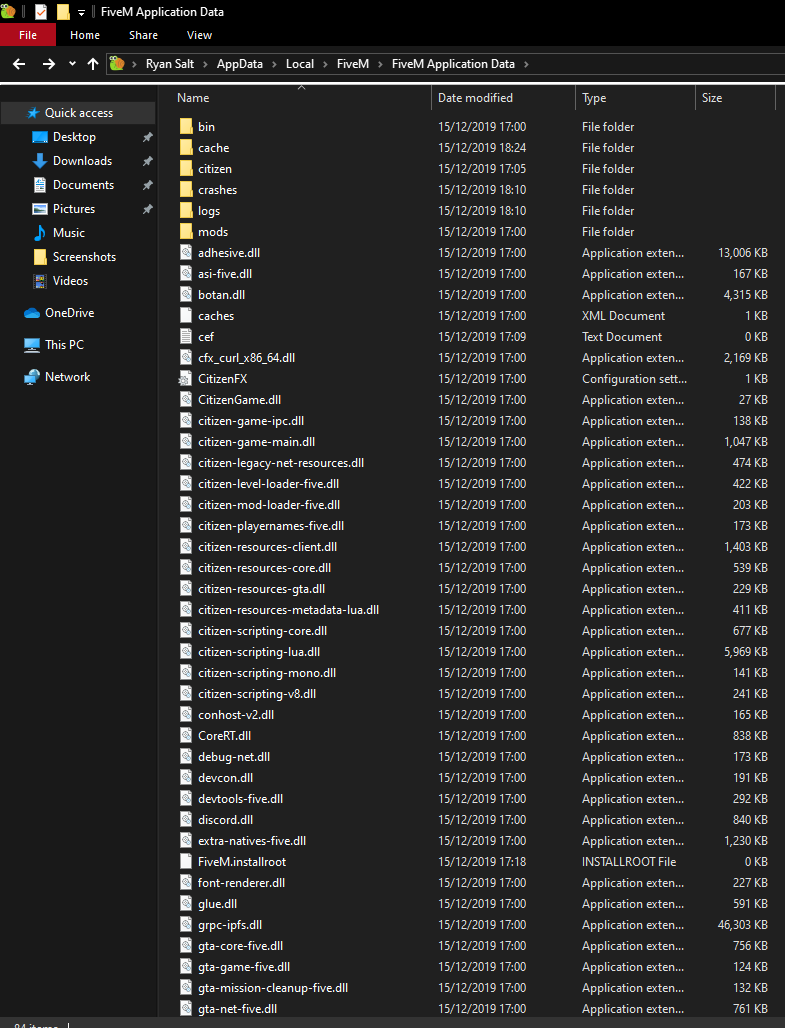

Which antivirus/firewall software are you using? BullGuard
Did you try to disable/uninstall your Anti-virus? Yes
I have tried multiple times to install FiveM getting the same error every time.
