Hello, this is a friendly reminder because this is your first time creating a topic (or it has been a while since your last topic) in this category.
Please note that most of the support is provided by the FiveM community on a voluntary basis. We ask you to be patient; there is no guarantee we have a solution to your problem(s). To avoid unnecessary/duplicate topics, please browse the forums before creating a topic.
To improve your chances of your issue(s) being solved, please provide as much information as possible about the issue(s) you are having. Also —whenever possible— please use the template given to you when creating a topic.
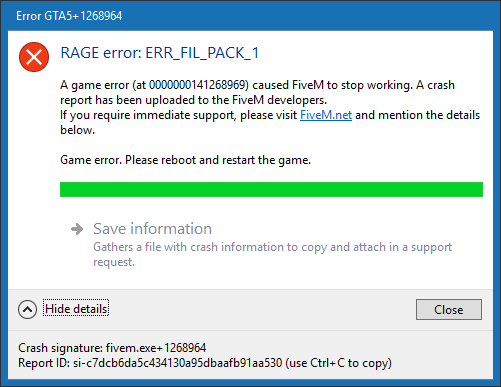
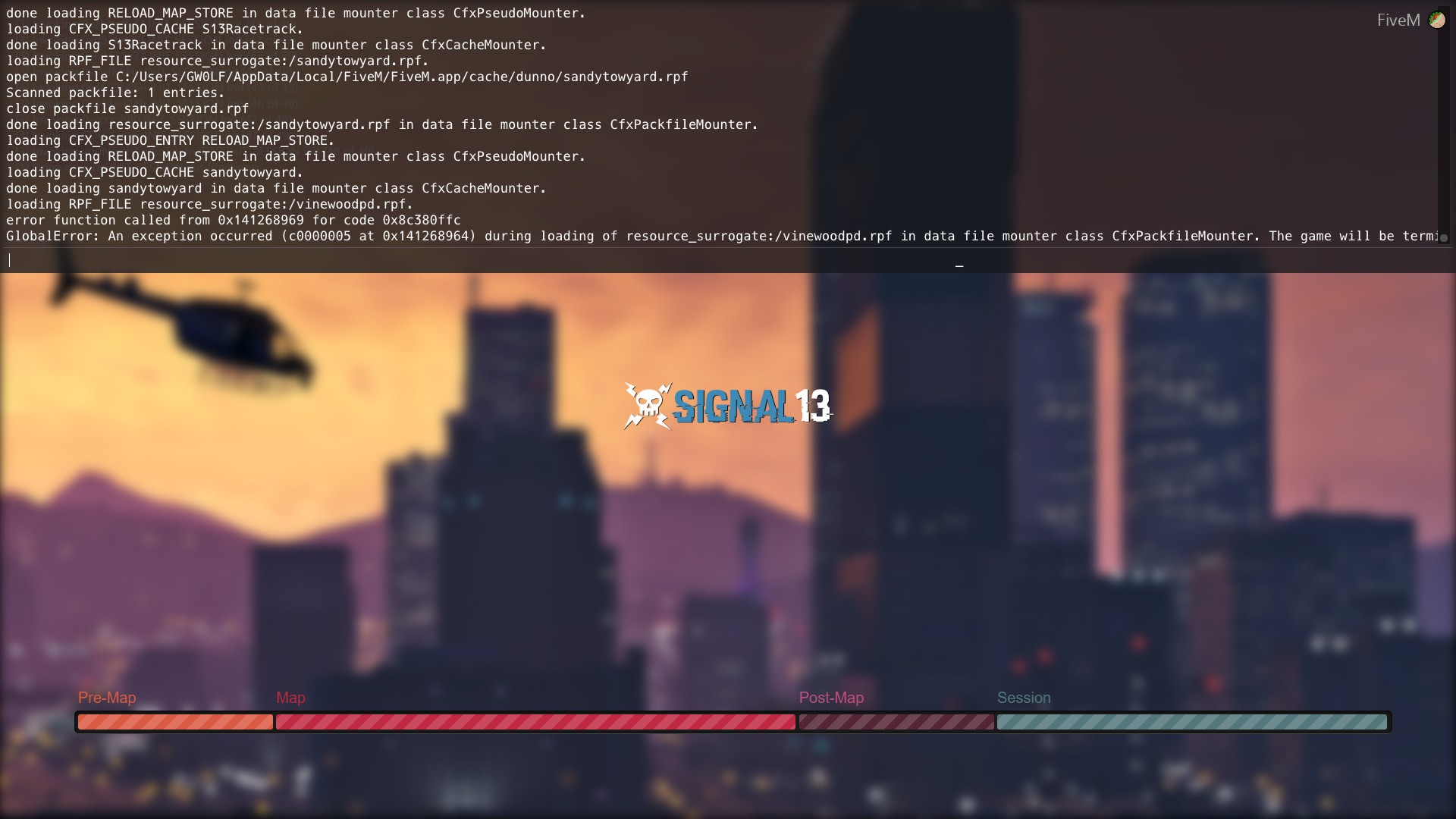
I have same error. It’s caused by rpf file. It’s annoying and I have problems with ymaps suddenly not working with mlo maps. I have no clue how to fix it, except unload the map, but that’s really a bother.
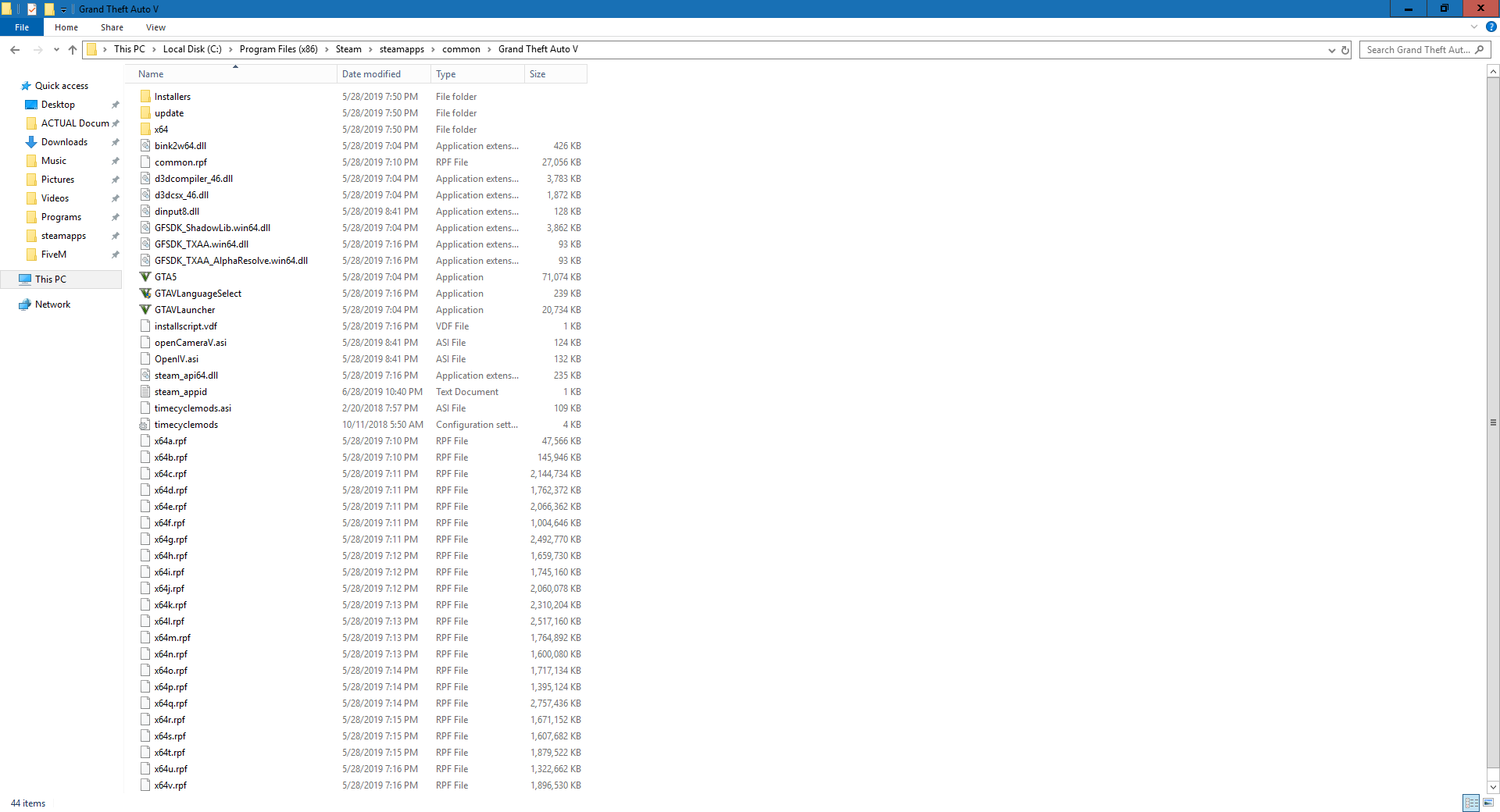
For me, it was a addon .rpf file that changed the sirens in-game to a more modern sound. I had placed it in the addon folder (like where you place NVR or such) for FiveM instead of placing in the appropriate sound folder.
I don’t know if that is your issue, but check your addons (if you have any) and remove one at a time to see if one of them is causing it to crash.
It was an addon file for my FiveM. My GTAV is unmodified completely.
Look at any files you have recently put into your addon folder and see if that cause it.
For me, I found out it was TWO files.
A modern siren sound pack that was conflicting with the server, causing the crash. (FiveM)
Try contacting them first and see if that resolves it, but also ask members of that same server and see if they are running into the same issue as well.
Este error se debe a el mod VISION, si borráis los archivos (((( ExtraCarcols, PreciseThunderBolts y WeaponOverhaulPack )))) el error desaparece y el mod sigue funcionando sin problemas pero hoy estarán haciendo algo que hace que fivem no detecte el NATURAL VISION
I found my problem: When you run mlo maps. Rename _manifest to _manifest1 and then _manifest2 for your next mlo. In that way it won’t conflict with ymaps