IF YOU DO NOT FILL THIS OUT, YOUR TOPIC WILL BE UNLISTED AND CLOSED
To receive support, please fill out the following template, and remove this top text.
Environment questions
**GTA V version:1.0.3411.0
**Up to date:Yes
**Legit or Pirate copy:Legit Purchased where - Steam/Rockstar Launcher/Epic:
**Windows version:Rockstar launcher
**Did you try to delete content_index.xml and try again?No
**System specifications:Windows 10
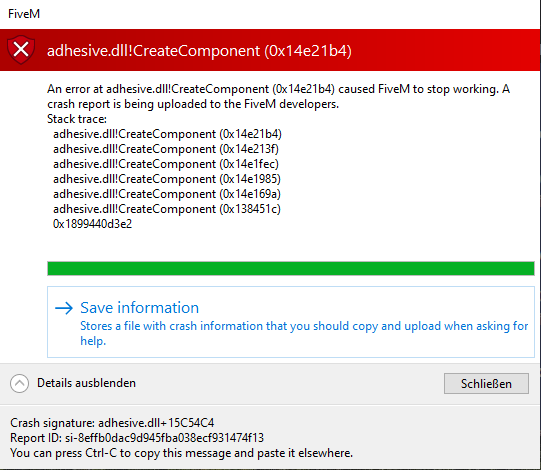
**CitizenFX crash zip file (‘Save information’ on a crash):Yes its saved
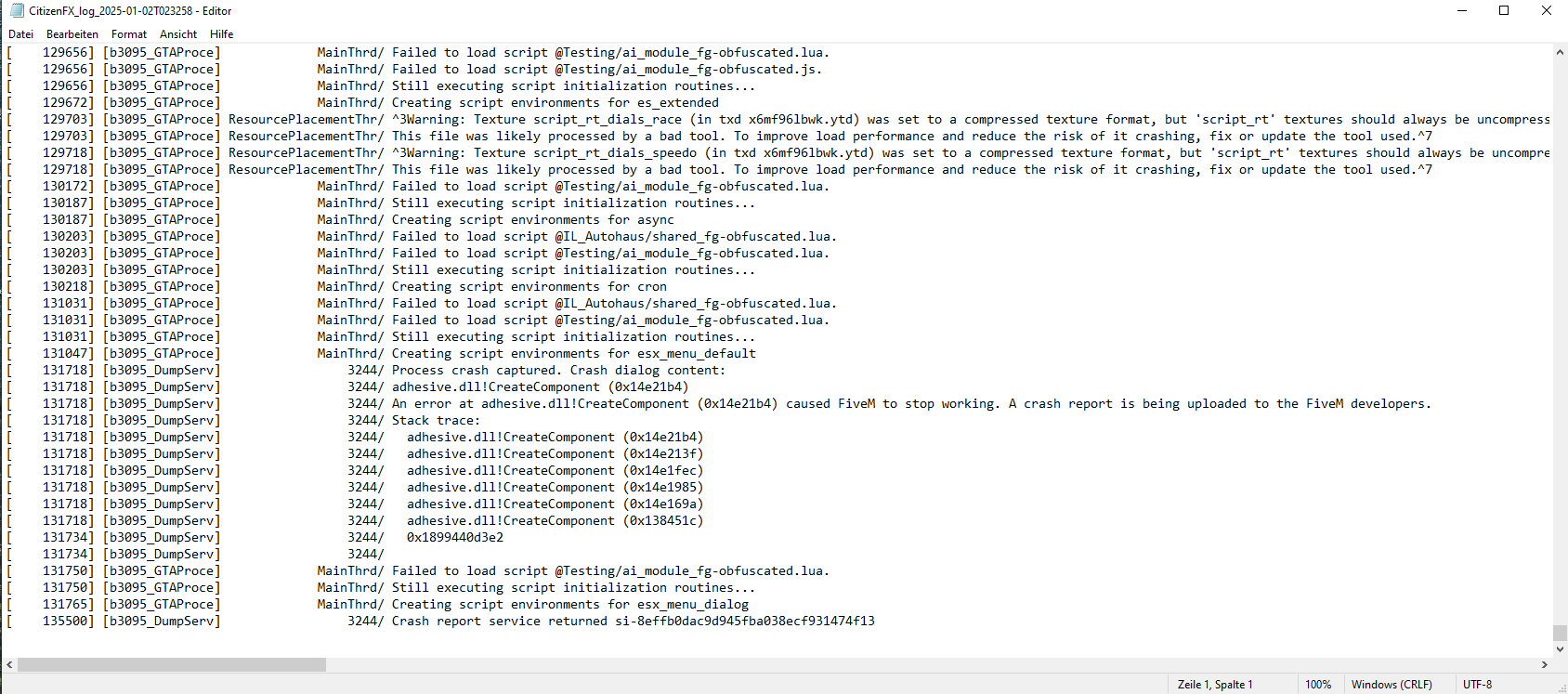
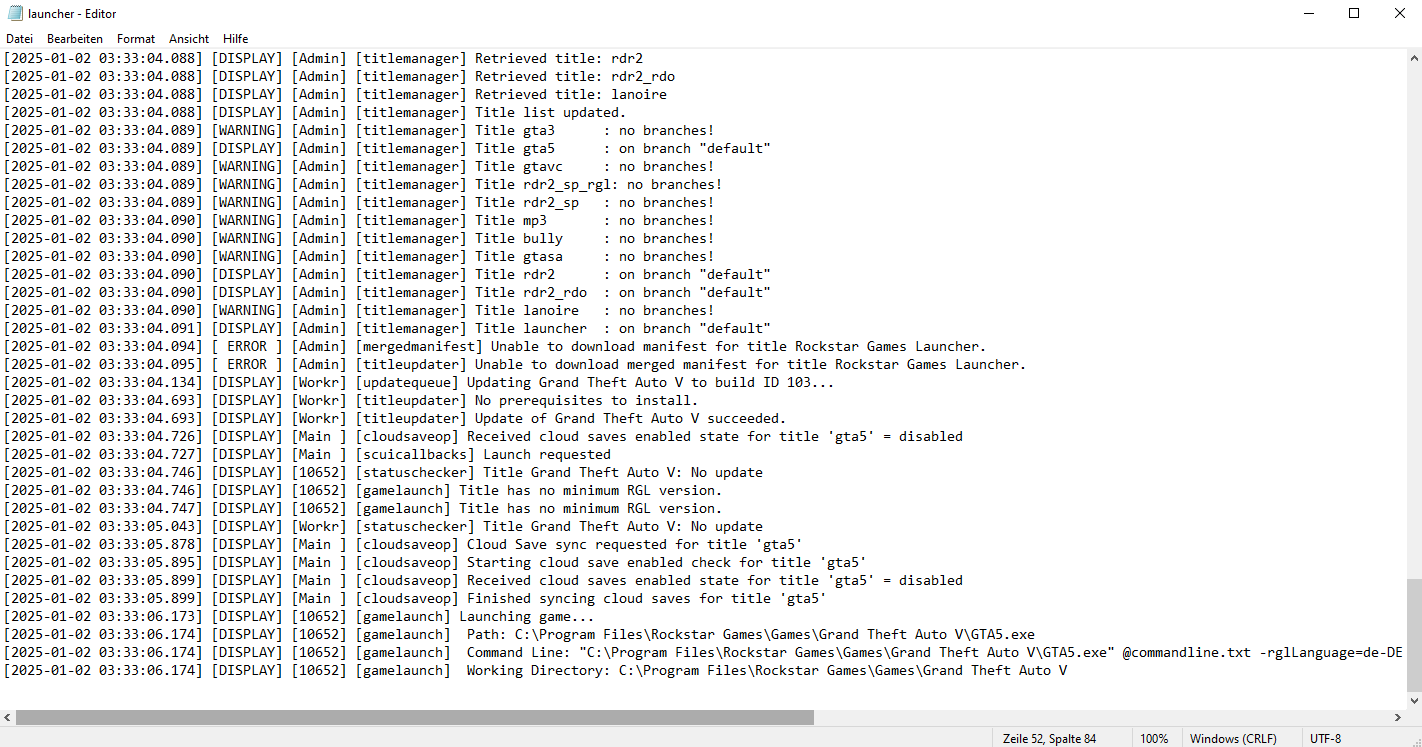
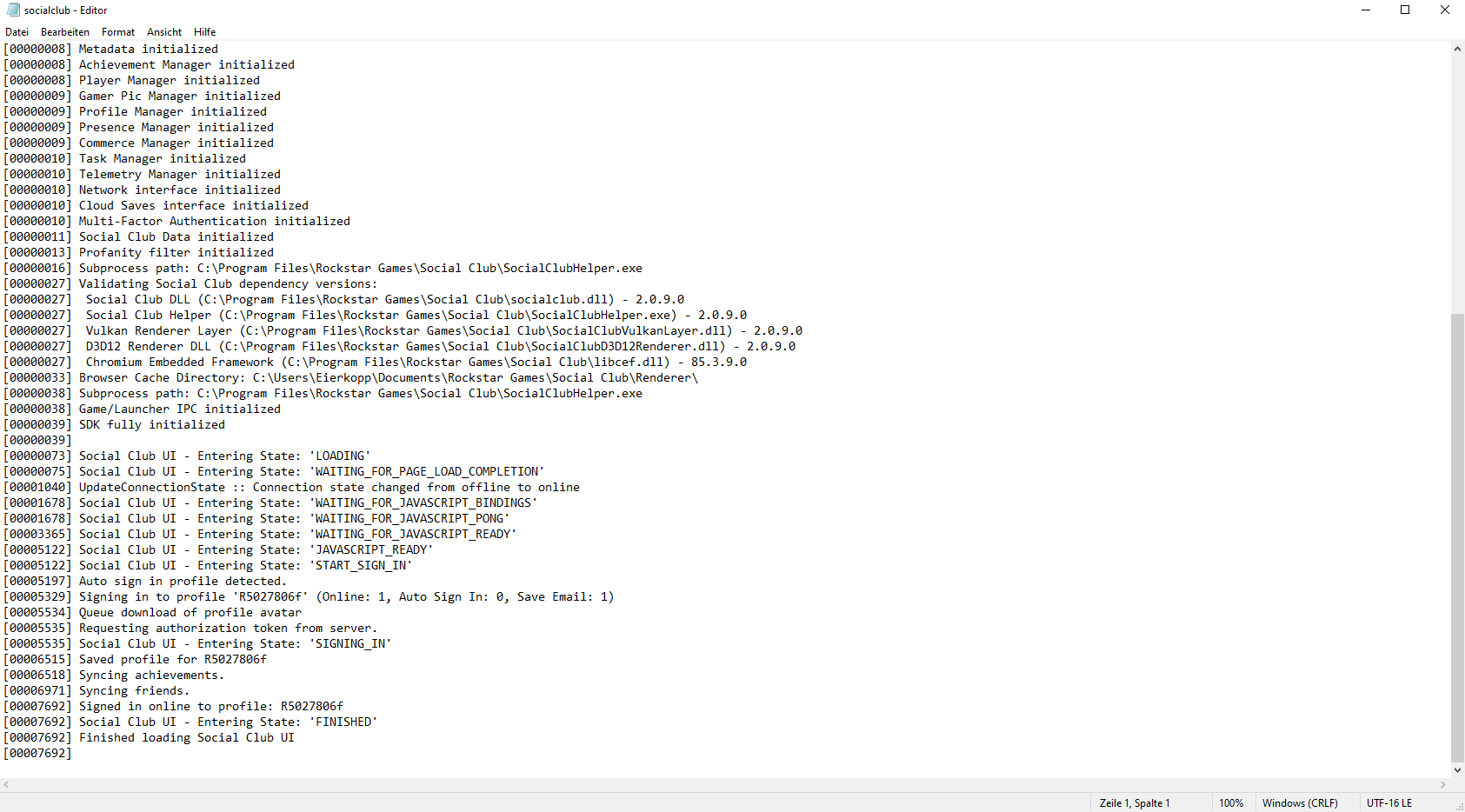
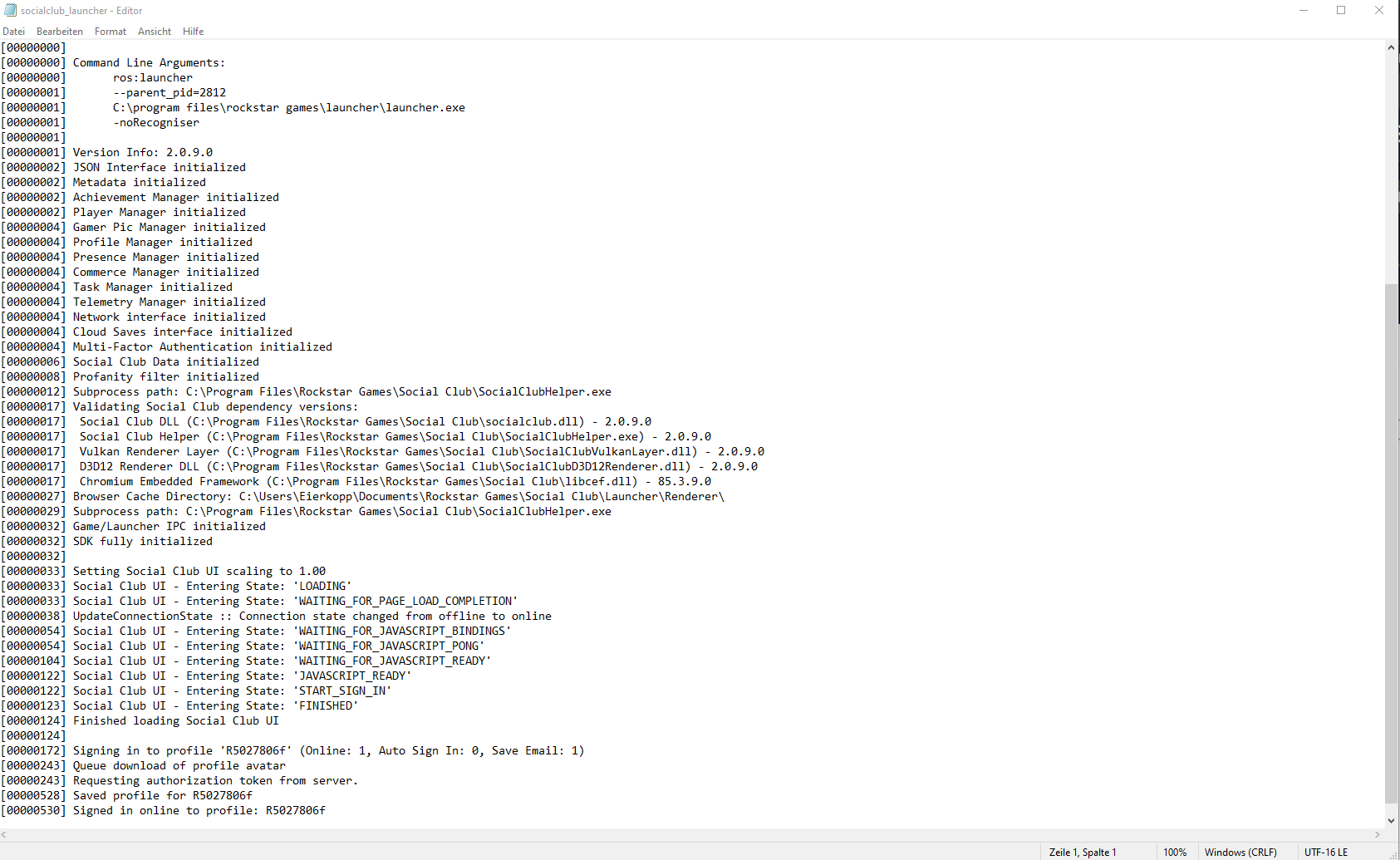
**logs/CitizenFX_log files:i have them
**.dmp files/report IDs:i gues i have them too?
**What is the issue you’re having?I tryed to connect to any server but it wouldnt start
**What are you trying to do?Just connecting to a server
**What have you tried already to fix the issue?Reinstallastion,Windows 10 update
Hello, this is a friendly reminder because this is your first time creating a topic (or it has been a while since your last topic) in this category.
Please note that most of the support is provided by the Cfx.re community on a voluntary basis. We ask you to be patient; there is no guarantee we have a solution to your problem(s). To avoid unnecessary/duplicate topics, please browse the forums before creating a topic.
To improve your chances of your issue(s) being solved, please provide as much information as possible about the issue(s) you are having. Also —whenever possible— please use the template given to you when creating a topic.
Here the .zip file of my crash and it only happend one time that i could play for like 5 sek. but then it crashed after that, like bevore i could play 5 sek. it crashes on the loading screen, when you see the bridge of GTA 5 this loading picture is the last what i see than it trys to load in but it crashed then
Hello , same problem on RedM actually and servers helper don’t have resolve for this error. I try to uninstall windows and before my pc windows uptade 24h2 , i can connect normaly. I hope CFX look at this problem for solve it.
This is not the cause to this issue and this will not fix the issue with adhesive, it is a jumbled mess that is preventing more than half the player base from playing and drivers have no impact on this as said in the previous 500 posts about this error. Do not recommend a fix that will not fix an issue that the devs obviously do not pay attention to and could care less about anyone else enough to provide an actual disable/ fix to the adhesive applicant.
That’s the goal, ridiculous to make such sloppy coding a main run applicant to the entire program itself. I can’t believe there’s no way to disable it or remove it without soft-locking FiveM or RedM.