IF YOU DO NOT FILL THIS OUT, YOUR TOPIC WILL BE UNLISTED AND CLOSED
To receive support, please fill out the following template, and remove this top text.
GTA V version? Recent
Up to date? Yes
Legit or Pirate copy? Legit
Steam/CD/Social Club? Steam
Windows version? Windows 10
Did you try to delete caches.xml and try again? Yes
Error screenshot (if any)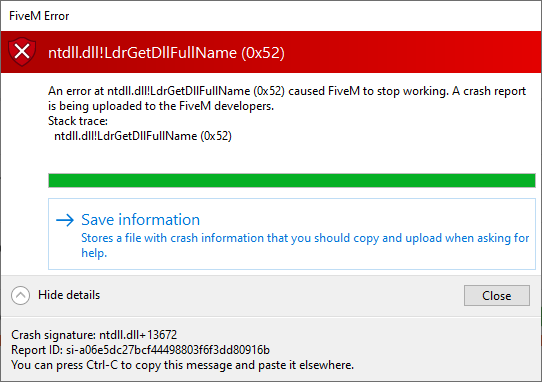
System specifications
What did you do to get this issue? I changed my RESIDENT.rpf and WEAPONS_PLAYER.rpf (That broke so was trying constantly to fix this “corrupt” file x64f.rpf but still kept saying it was corrupt even after verifying the files thru steam… I got that error now ^ and don’t remember how I managed it.
What server did you get this issue on?
CitizenFX crash zip file
CitizenFX.log file
.dmp files/report IDs
If an issue with starting:
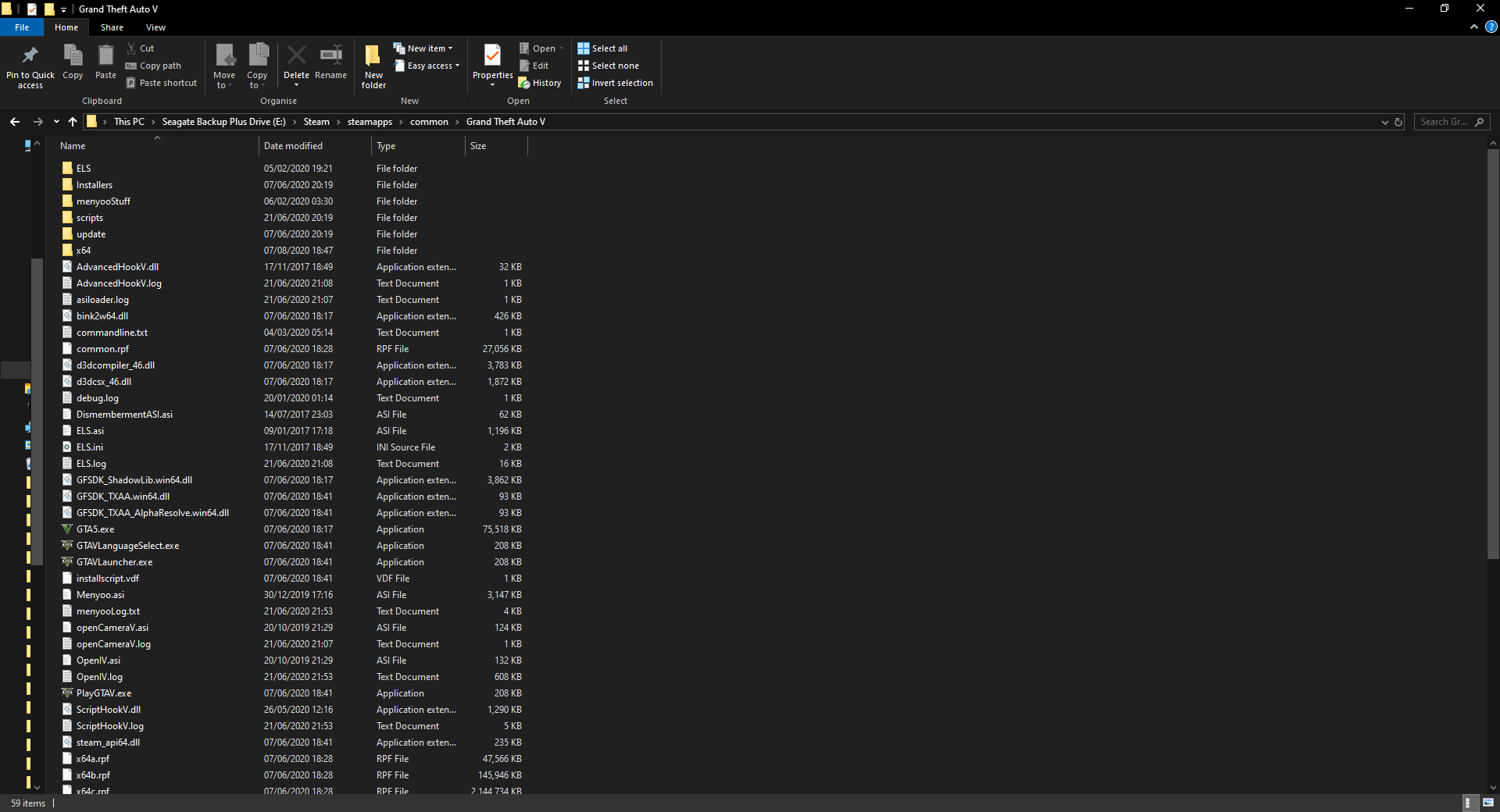
GTA V folder screenshot
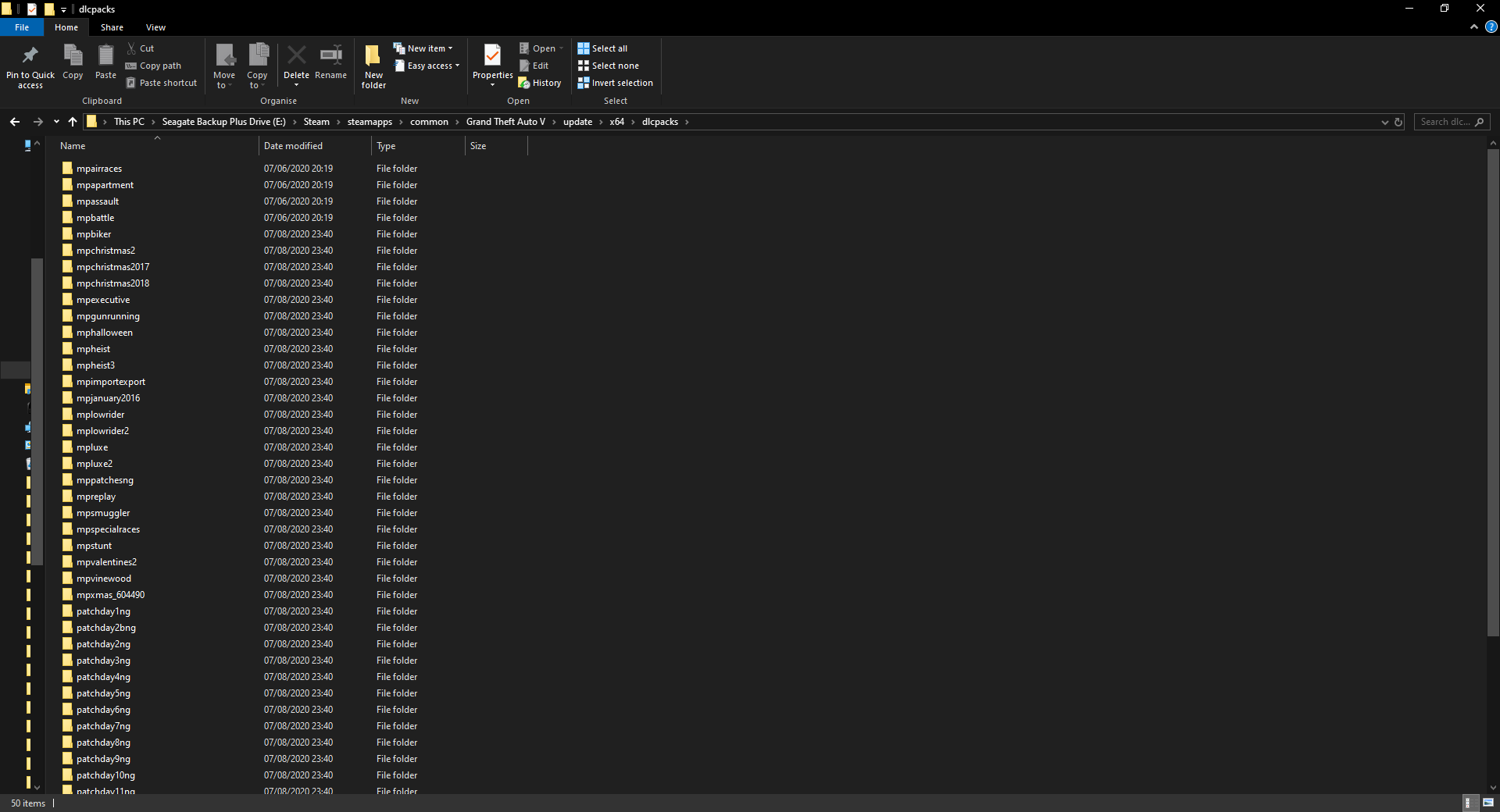
GTA V/update/x64/dlcpacks screenshot
Filepath to FiveM folder E:/FiveM
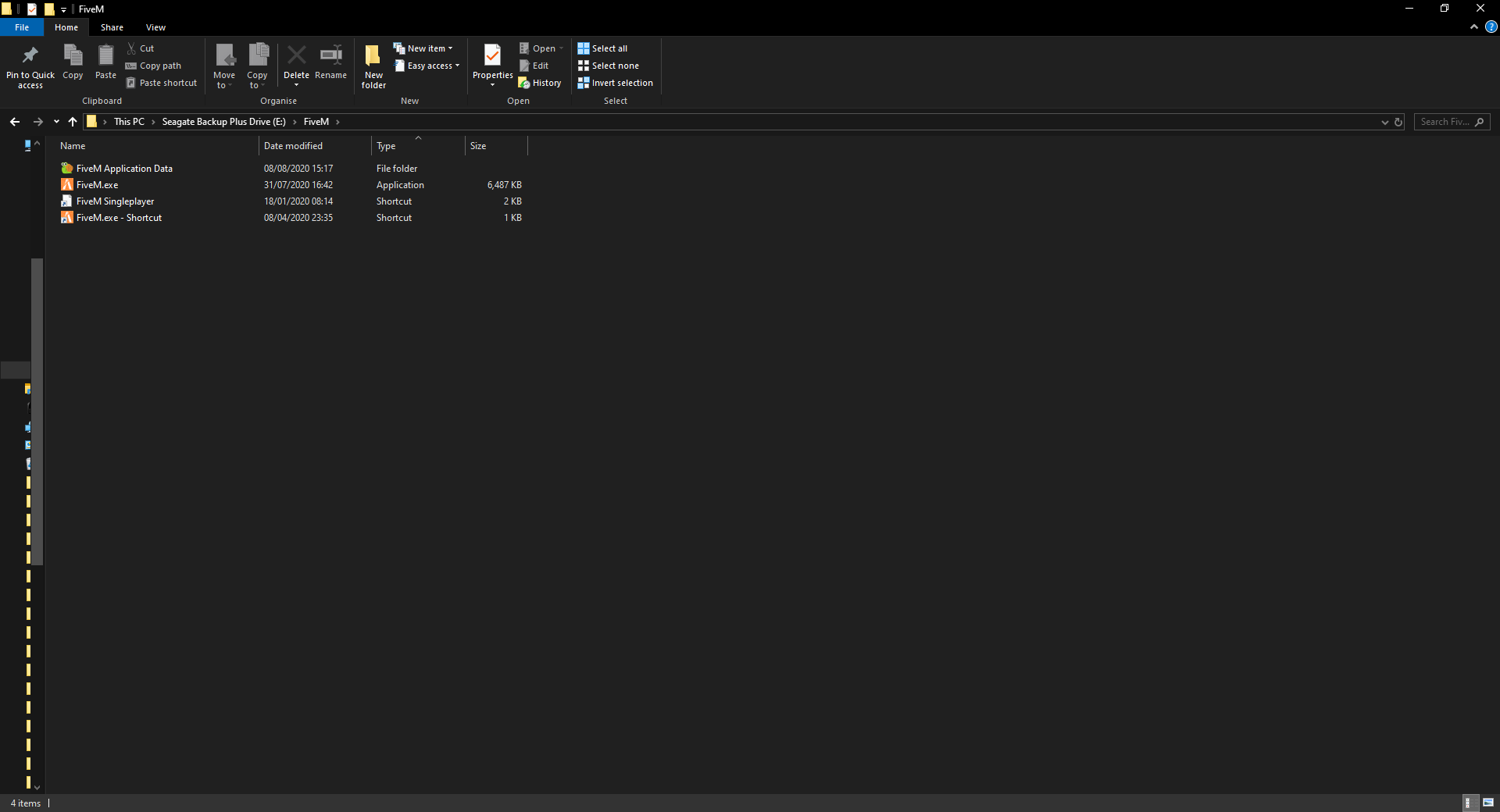
FiveM client folder screenshot
Which antivirus/firewall software are you using? None
Did you try to disable/uninstall your Anti-virus? Windows one is always disabled and I have no other anti viruses
Also add what you already tried so far.
I was trying to add a new gun and siren sound pack to my game and got an error about x64f.rpf somehow corrupting so I verified the game files from Grand Theft Auto V folder and put that into my GTAVFIVEM folder (I changed it to the Grand Theft Auto V folder to see if that fixed it but done nothing) but still got the error… I constantly done this and I managed to get it to open to the black screen and it then just crashed with some error I don’t remember what it was called… Ever since then when I try to launch FiveM it does the launcher, then the Rockstar Launcher and that’s when the error above happens…
