Environment questions
**GTA V version:1.0.231.0
**Up to date:Yes
**Legit or Pirate copy:Legit
**Purchased where - Steam
**Windows version:7 Ultimate
**Did you try to delete content_index.xml and try again? No
**System specifications: HP Pro 3500 Series
Rating: System rating is not available I
Processor: Intel(R) Core™ i5-2400 CPU @ 3.10GHz 3.10 GHz
Installed memory (RAM): 8.00 GB
System type: 64-bit Operating System
Gt 630
CitizenFX crash zip file (‘Save information’ on a crash):
logs/CitizenFX_log files:
.dmp files/report IDs:
If you can’t start the game at all
**GTA V folder screenshot:

**GTA V/update/x64/dlcpacks screenshot:
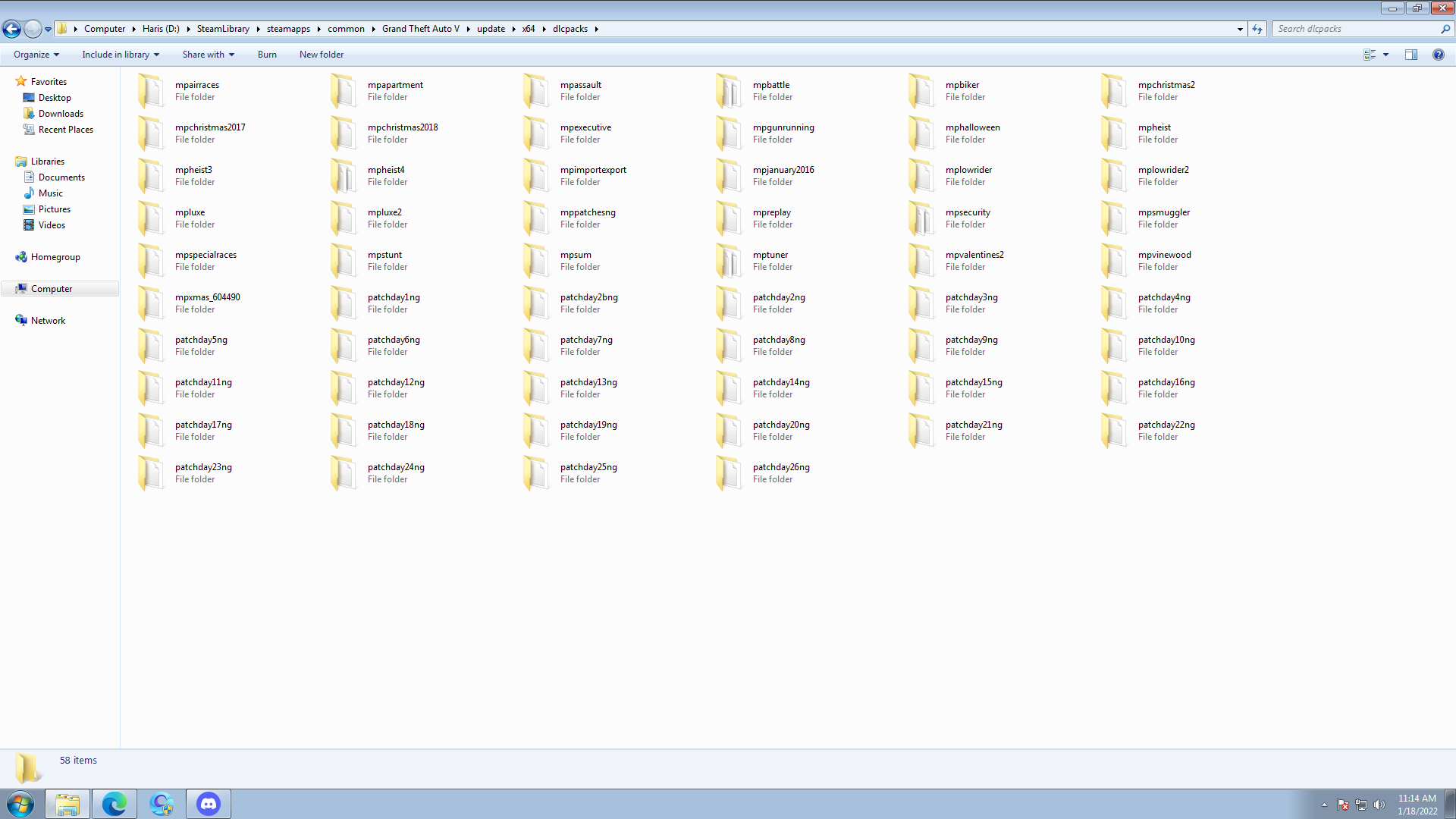
**Filepath to FiveM folder:C:\Users\XYZ\AppData\Local\FiveM
FiveM client folder screenshot:
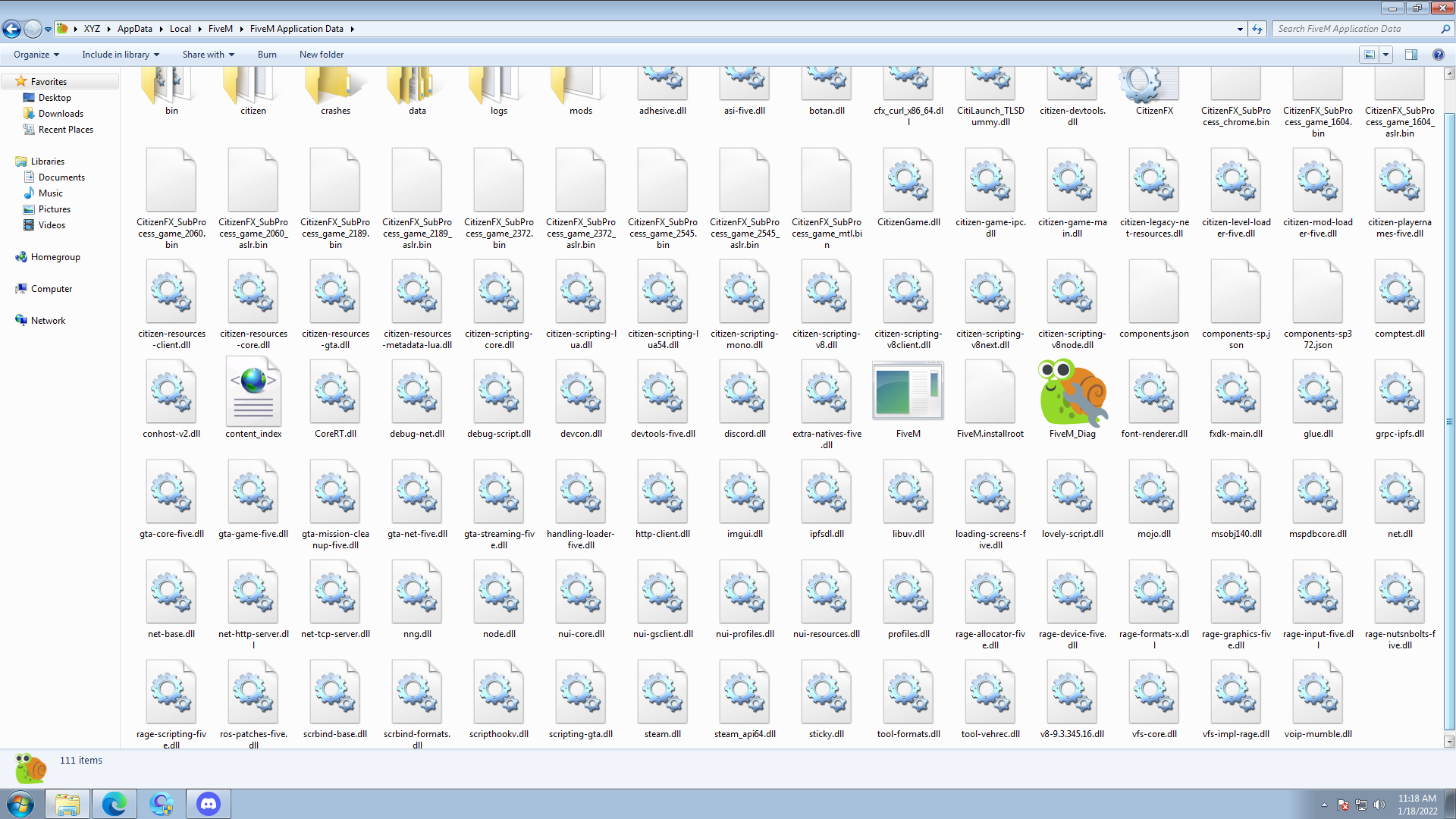
**Which antivirus/firewall software are you using?Windwos Defender
**Did you try to disable/uninstall your Anti-virus? Yes I Uninstalled AVG
Important parts
**What is the issue you’re having? FiveM.exe-Entry Point Not Found
the procedure entry point GetCurrentThreadStackLimits could not be located in the dynamic link library kernel32.dll.
**What are you trying to do? As I Open FiveM I See This Issue.
**What have you tried already to fix the issue? I reinstalled Gta V FiveM And Rockstar Games
**Error screenshot (if any):
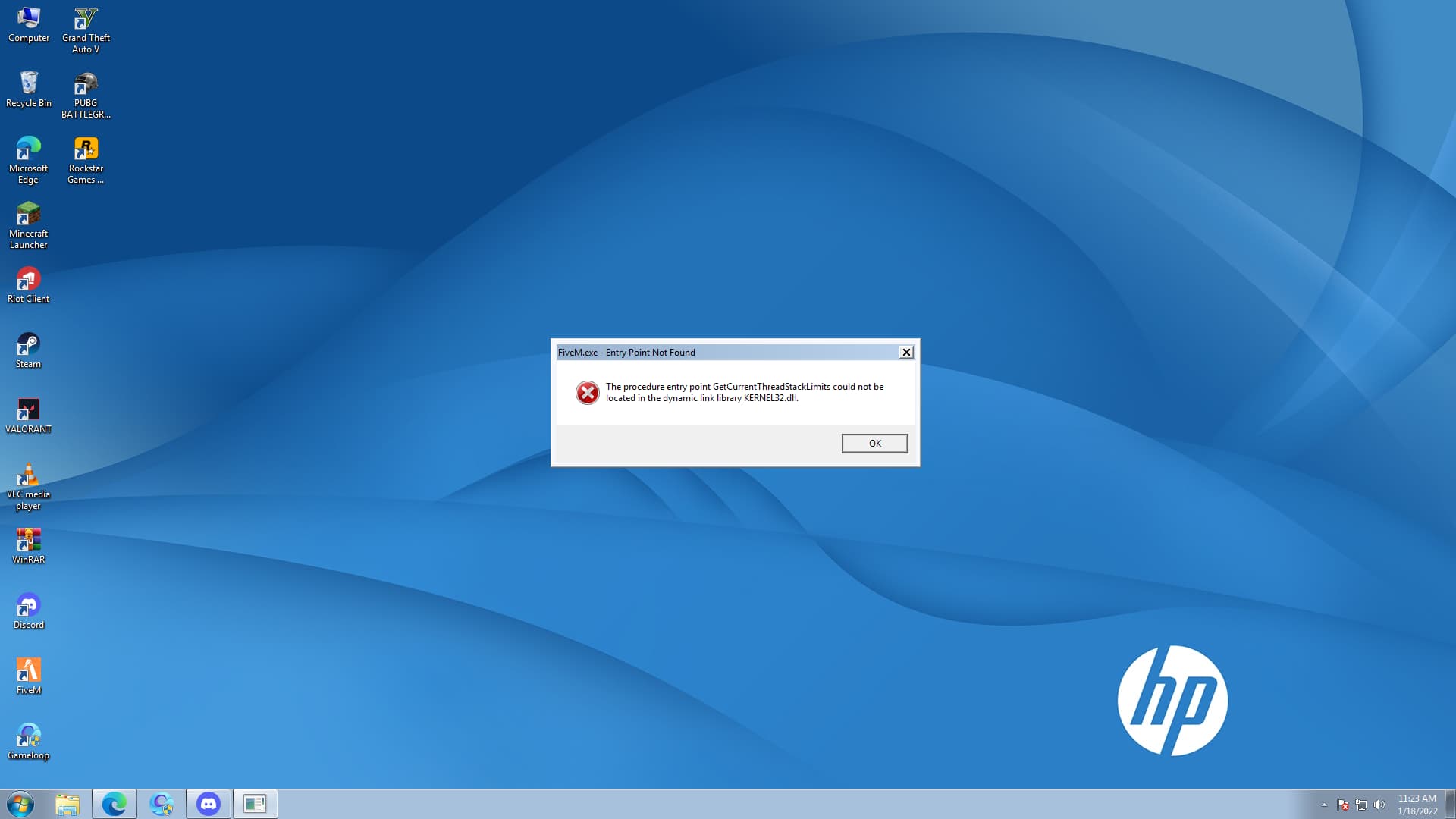
**What did you do to get this issue? I Changed My Windows From 10 To 7 Because Windows 10 Was Really Choppy
What server did you get this issue on? Be specific and name some, ‘all of them’ by itself isn’t useful!
Additional comments
I Saw a few Error Videos Of installing Kernel32.dll But Not Working Help Me as Soon As You Can
