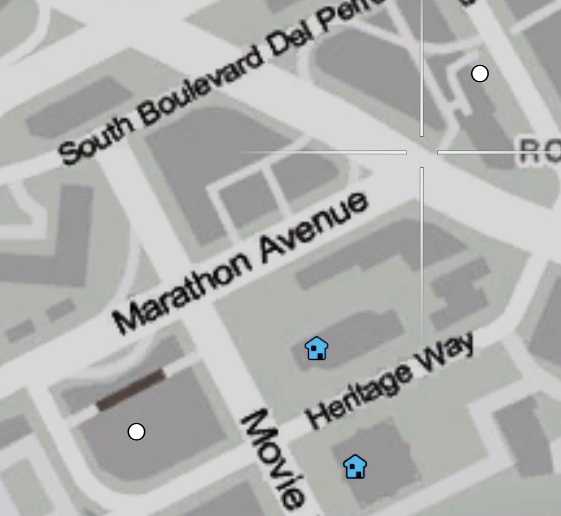
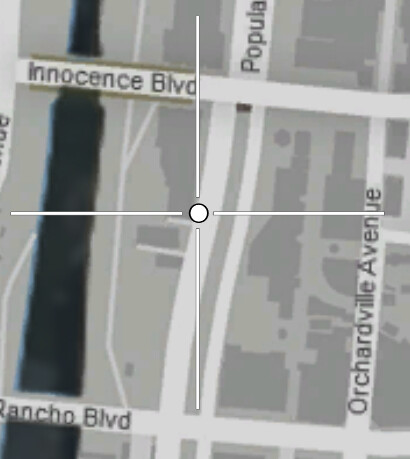
So ofcourse the new dlc’s add new blips but for some reason when i use these blips with the correct ID’s from the documentation they just show up like white circles instead of showing the actual blip?
Any clue how i can fix this and make em show instead of leaving them like this
Yeah I thought about that, but what is strange is that there is the default dot. From what I remember it should show an empty texture if the streamed texture is empty for this one ? Could be wrong though
This, it will always default to the Standard Blip if missing in the minimap as it doesn’t use textures for them as they are embeded in the minimap scaleform.
Edit: To make this more clear, the .dds file for the blips is used by the .gfx file, but if the .gfx file doesn’t have the location for the .dds item, or the symbol is missing in the .gfx file that would load the .dds texture, it will not load it, and changing the .dds file will not “fix” it, as the .gfx file has to be updated so it knows what they are.
so i am streaming the minimap for custom blips as well but it also includes the new blips inside but if i use for example id 811 it shows as the dot blips_texturesheet_ng_2.dds (1.3 MB)
So you link something that mentions about the latest build, but you’re still using an outdated minimap mod in your screenshots, and not the default map which is shown on that link. Before you try again, disable your minimap resource, and I have a good idea that they will work.
To add, the minimap resource, was it created and exported the .dds created with it, if the minimap .gfx files do not contain the symbol for the blip and even if it has the symbol, if its missing from the blip list in the actionscript, it will not use it. Trust me, I’ve decompiled a lot of scaleforms to understand this, even created my own while researching them, Scaleform Tutorial written by @manups4e. The minimap mod/resource needs to be updated to contain the correct updates for the new blips to be used.
Send me the minimap file that you’re using, I’ll dump it out and check the sprite IDs. Its more the issue that you used an outdated one in both images, so I think I completely, under, stood.
its the minimap.gfx file, just using only the .ytd should be enough, you only need the minimap.gfx if you’re doing something special in the file itself, like editing it in Flash to add methods or delete items.
Was there ever a fix found for this?
I have the same issue but I run on most up to date QBCore and blips from 2545 won’t load. I use qb-hud and got a fresh minimap.gfx from the git and installed it but blip 811 still turns into a white dot.
Can you send me an updated one? qb-hud by default has an outdated one in QBCore. I don’t know how to update it myself or I would. Going into openIV wasn’t really a great option either because when I open the raw minimap.gfx as hex and text to see how the file works and to update it, its super confusing to me and I don’t know how to update.