
Heyo 
Rally Racing is my brand-new racing script, allowing players to create and take part in rally tournaments. It’s designed to work with every type of vehicle! (yes, even that one).
How Tournaments work:
When creating the tournament, the organizer is required to set a Tournament Name, a Registration Start Date, and a Racing Start Date.
- Registration Start Date: This is when the tournament shows up on the map, and players can go and register in the tournament. This date needs to be in the future (at least 1 minute after tournament creation).
- Racing Start Date: This is when the rally actually start. All registered players needs to be in the
Starting Wait Area, otherwise they will be marked asDNP(Did Not Participate). - All dates are working based on Server Time.
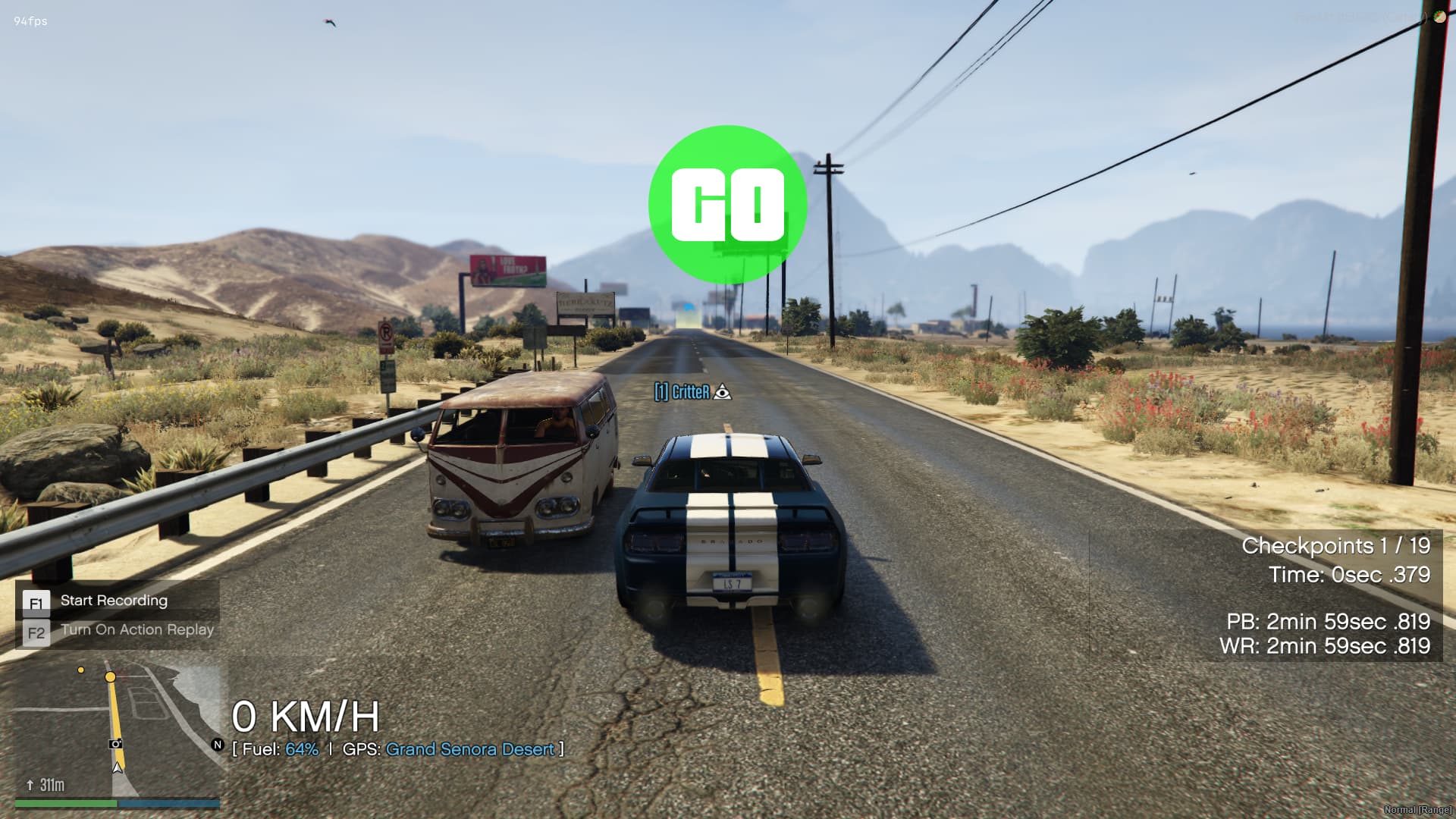
When the racing starts, each racer will be notified when their lap starts. They have 5 minutes (configurable) to get to the start line, and 15 minutes (configurable) to finish it, otherwise they will be disqualified and marked as DNF (Did Not Finish).
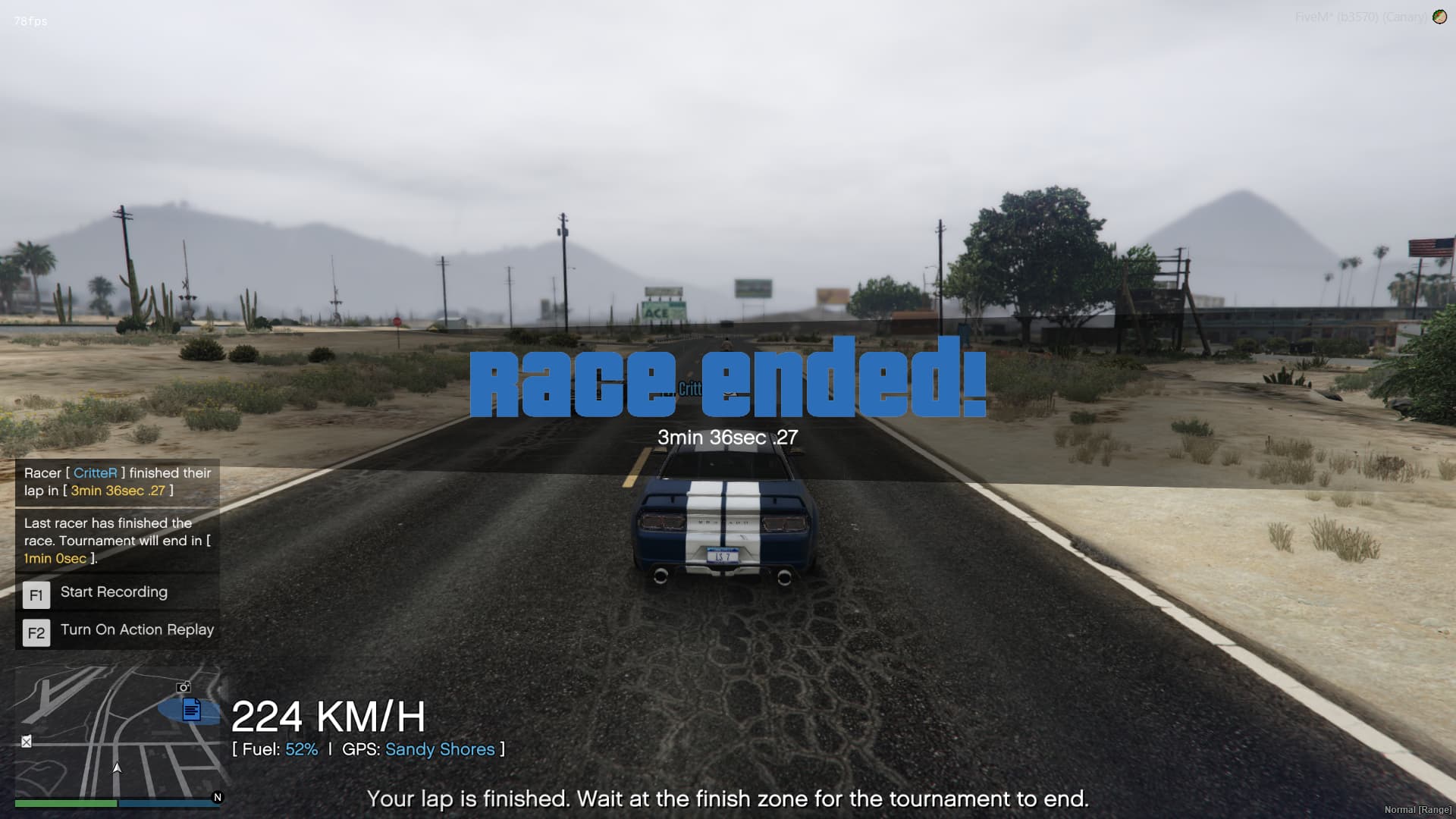
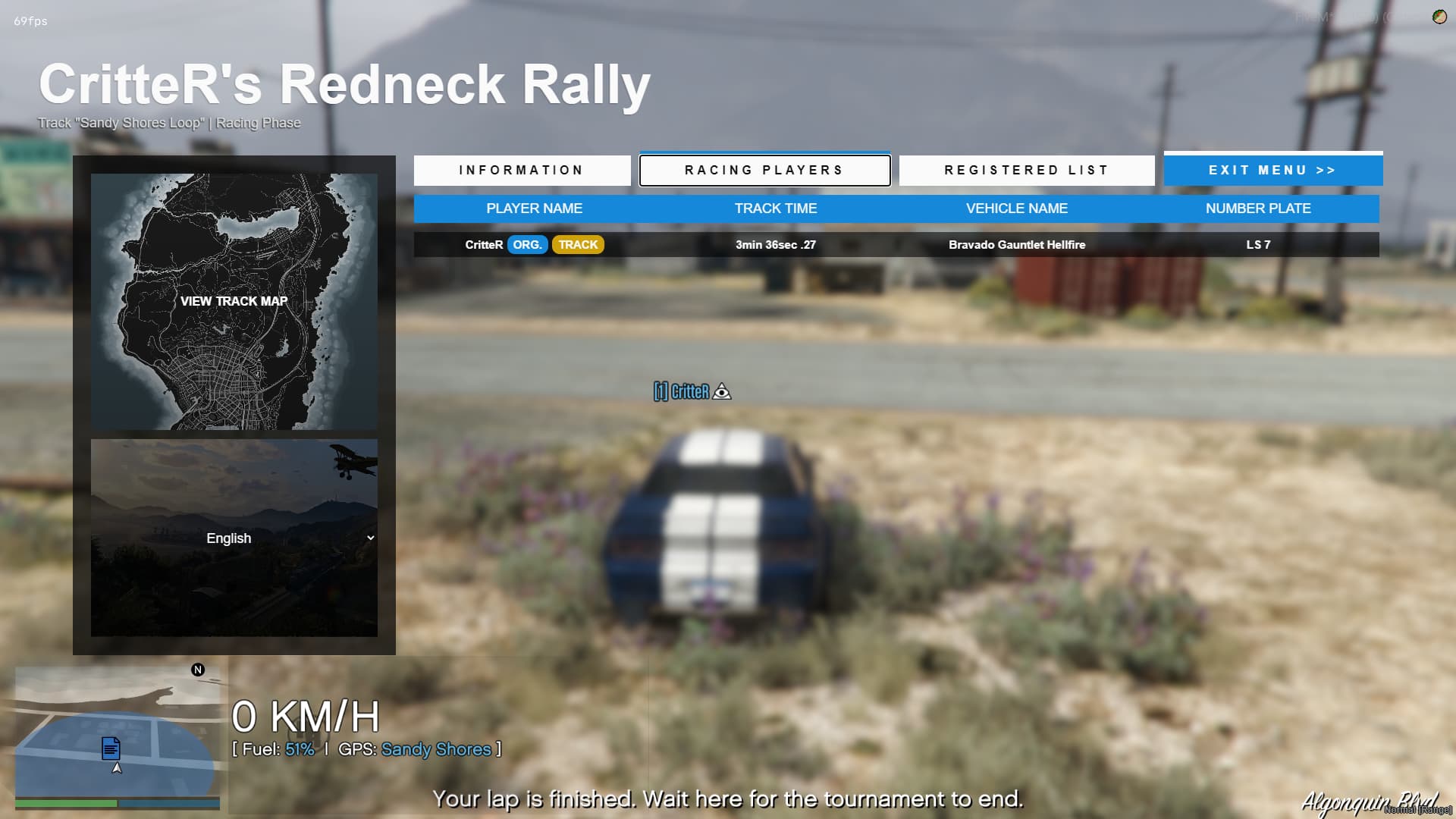
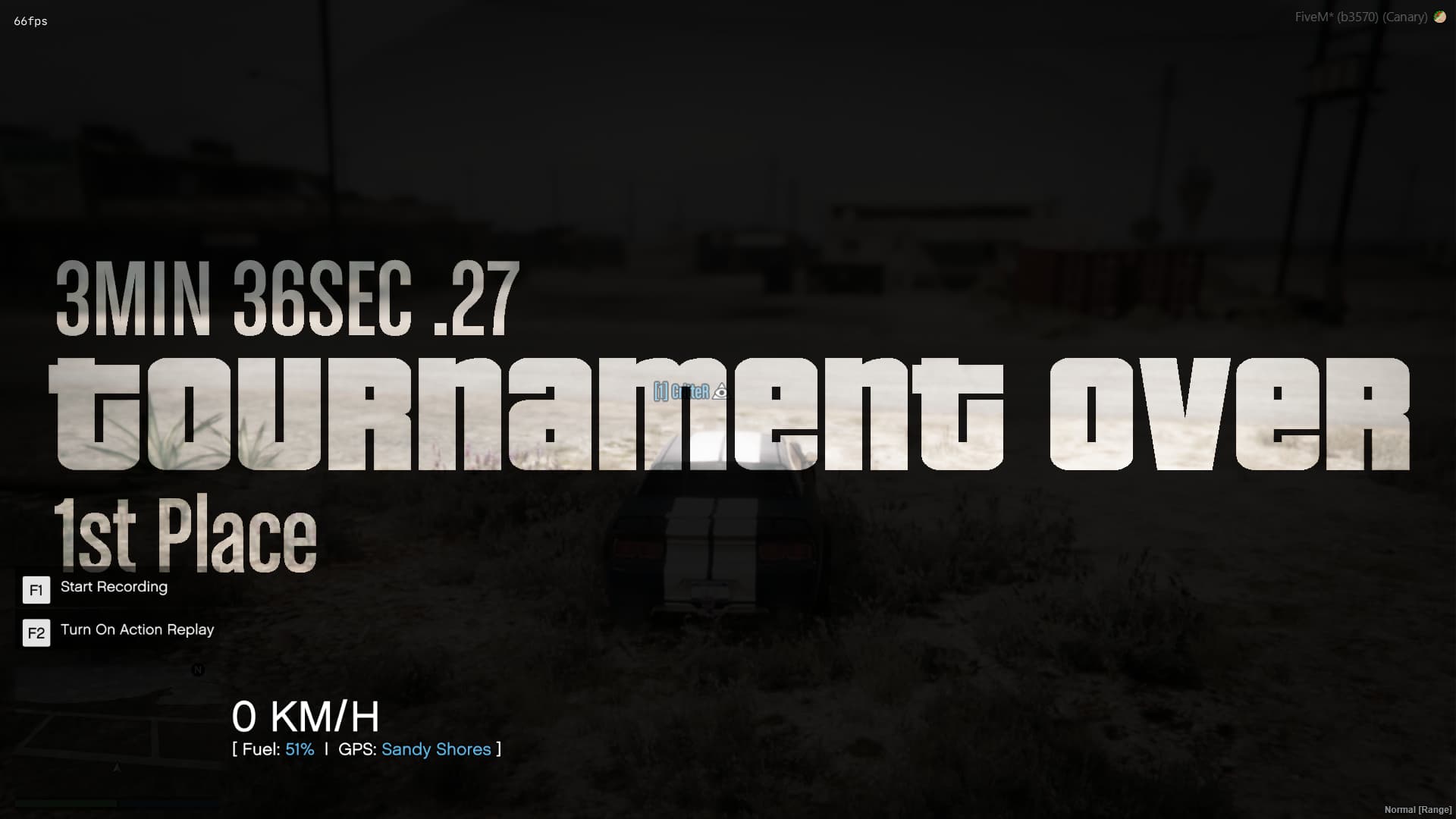
Players that finished their laps are required to wait at the Finish Wait Area (configurable) for the tournament to end (so, for all players to finish their laps).
Creating Tracks
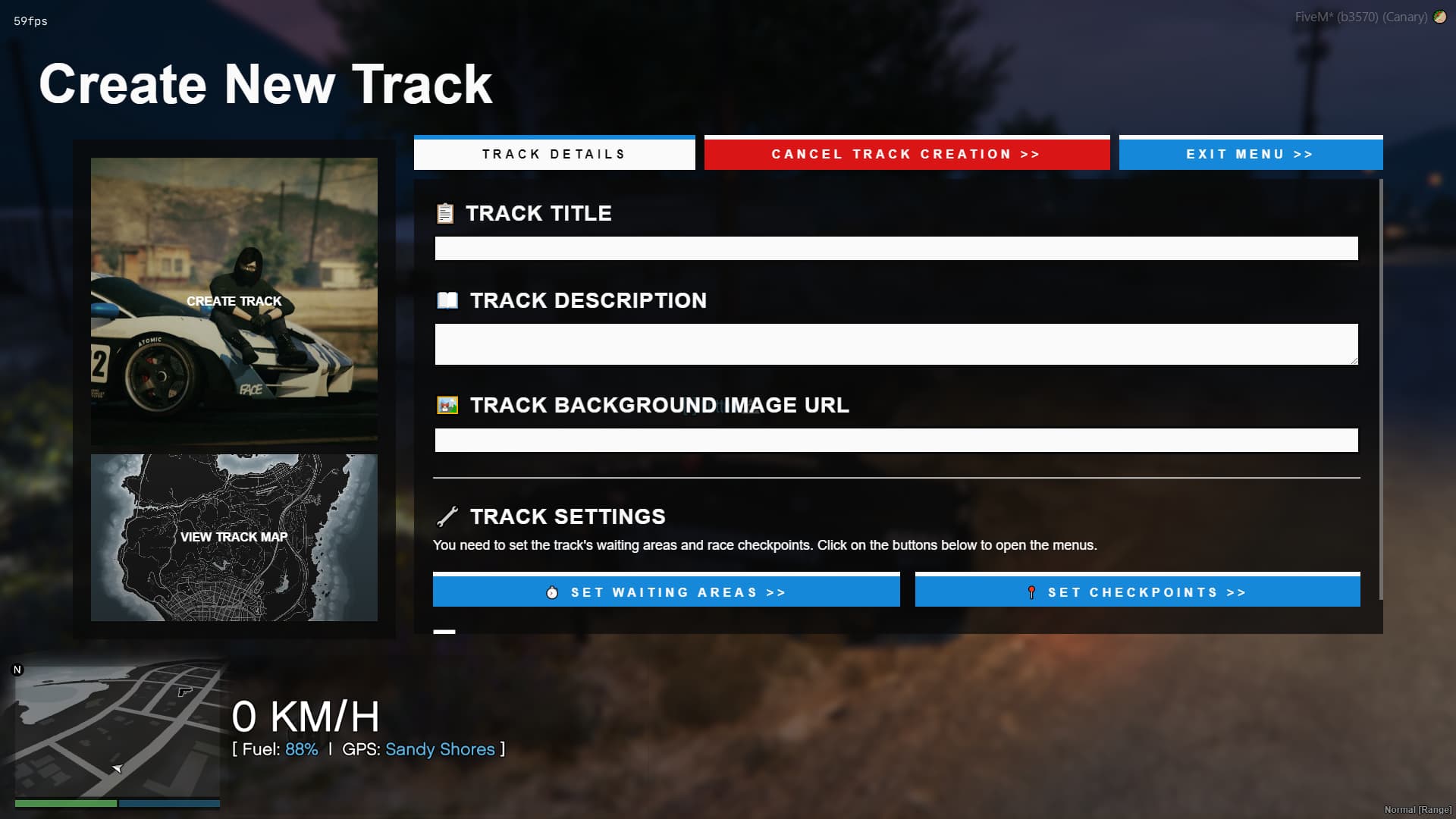
Players (that have the permission) can create tracks using an intuitive and very easy to use Creation Menu.
Inside the menu, the players can set up the Track Name, Track Description, a background image URL, and of course the wait zones and checkpoints.
-
Wait Zone Creation:
When the player is in the Wait Zone Creation menu, the creator can set up theStart Wait Area(the place where racers need to gather around, before their lap. This is also where they have to come to register) and theFinish Wait Area, where racers that finished their lap need to gather for the tournament to end. -
Checkpoint Creation:
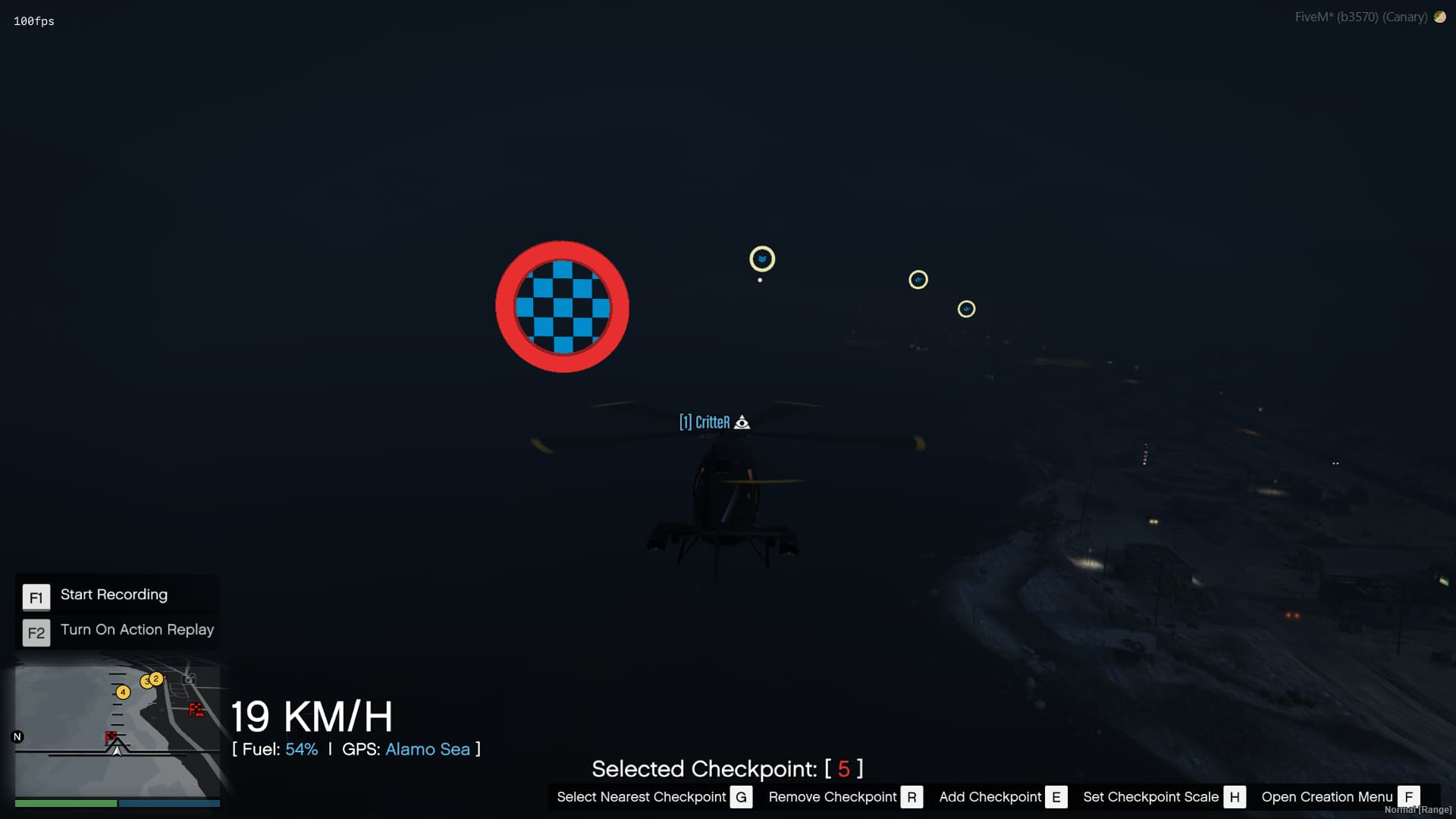
In the checkpoint creation menu, the player simply needs to move around where they want the track to go through.
Pressing [E] will add a checkpoint (and select it), pressing [R] will remove the selected checkpoint, [G] will select the nearest checkpoint and [H] will allow the player to set the checkpoint scale (default 10.01. Bigger checkpoints are better for plane racing).
During the track creation, the creator can choose between cylindrical checkpoints (good for car / moto racing) or circular checkpoints (better for air / boat racing).



Creating Tournaments
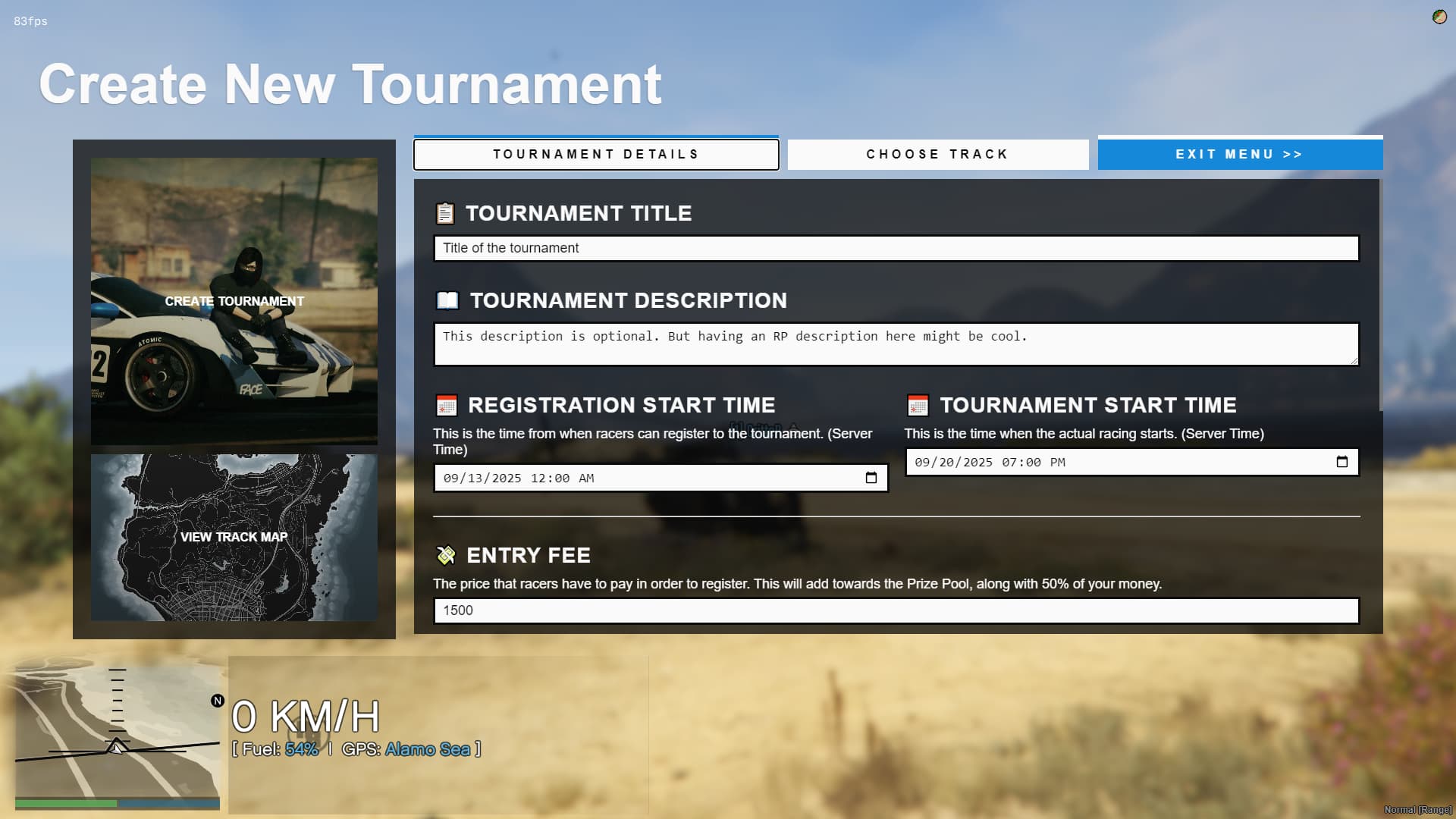
Players (that have the permission) can create tournaments using more-or-less the same menu, and they have a lot of things that they can set:
- Tournament Title and Description
- Tournaments Registration and Start Date
The system is designed to allow players to register over a large period of time (let’s say, stay a week in the registration phase, before the event starts). All dates and times are to Server Time, so keep that in mind. - Entry Fee and Prize Split
If set, players will need to pay a fee to register in the tournament (functions open to be set for each framework). This fee will go into the prize pool (function also open in the config).
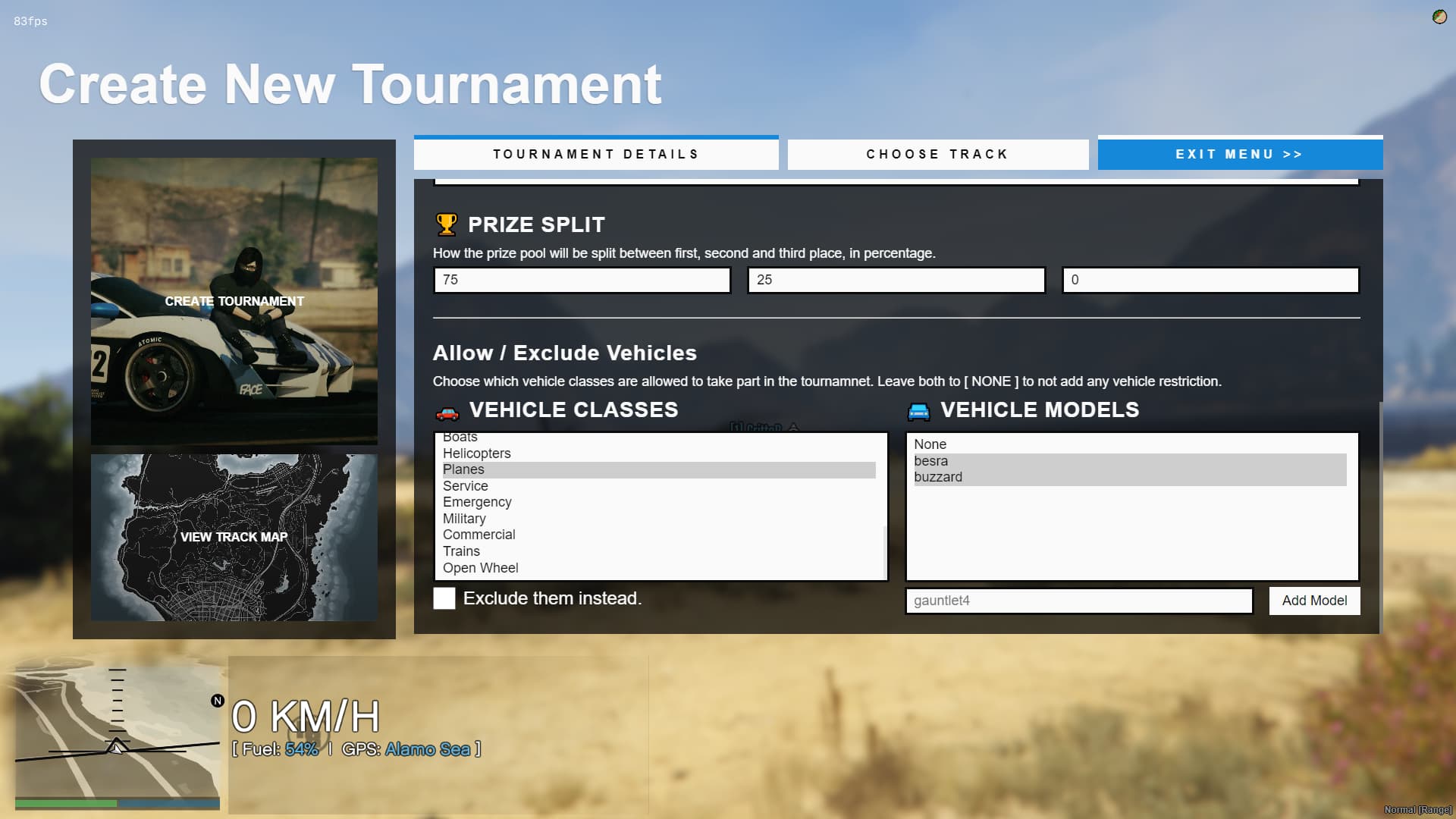
The Prize Split section allows the creator to split the prize between 1st, 2nd the 3rd place (in percentage). - Allow / Exclude Vehicle Classes and Models
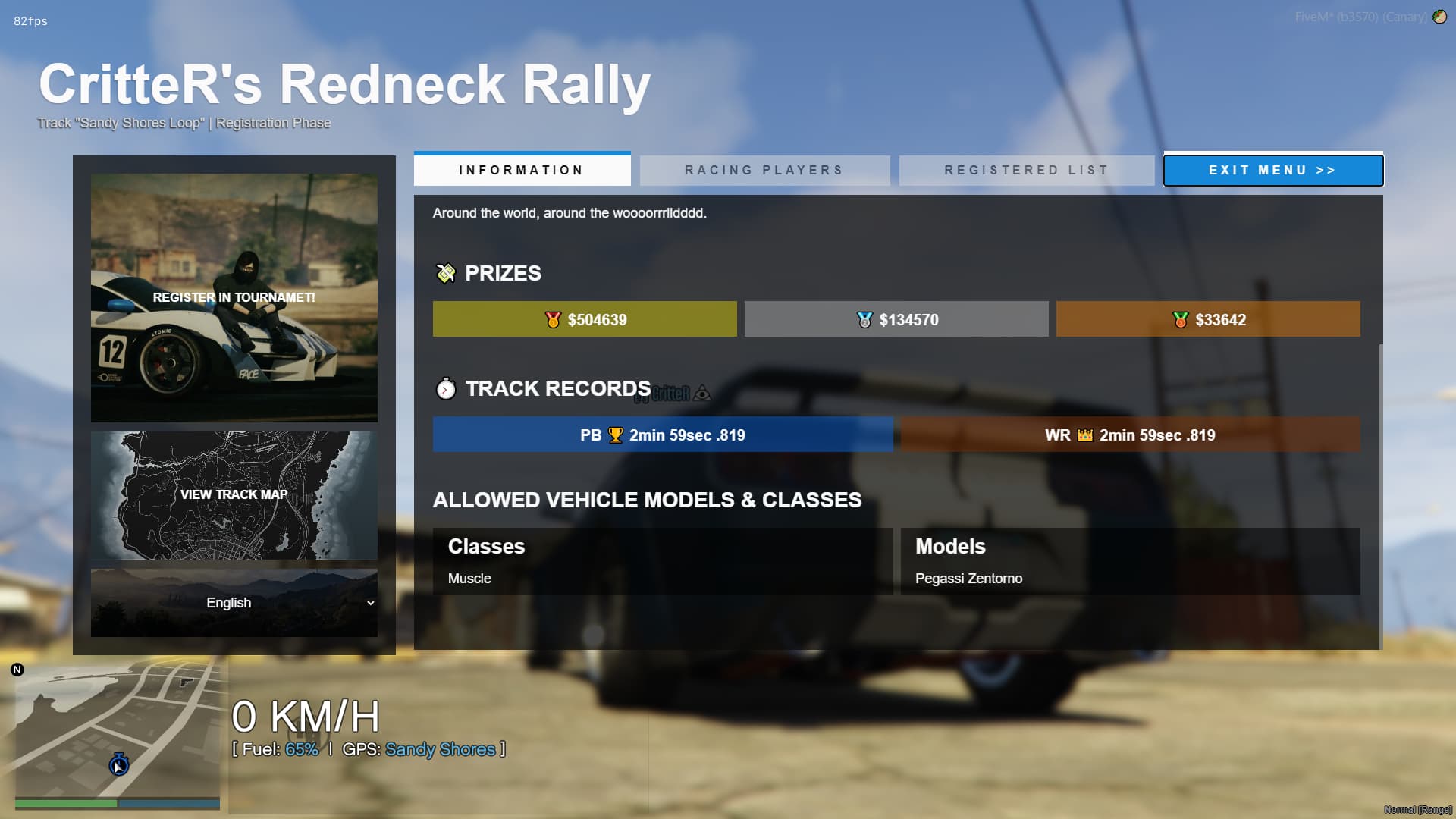
The creator can select different vehicle classes (default GTA5 classes, like Boats, Sedans or Emergency) and/or individual vehicle models (likebesra, orpolgauntlet) that are allowed to register in the tournament.
If no classes or models are selected, then every vehicle can be used (yes, even that one!)
You can also check the exclude the selected classes or models, which will then allow everything but them. - Track Selection Menu
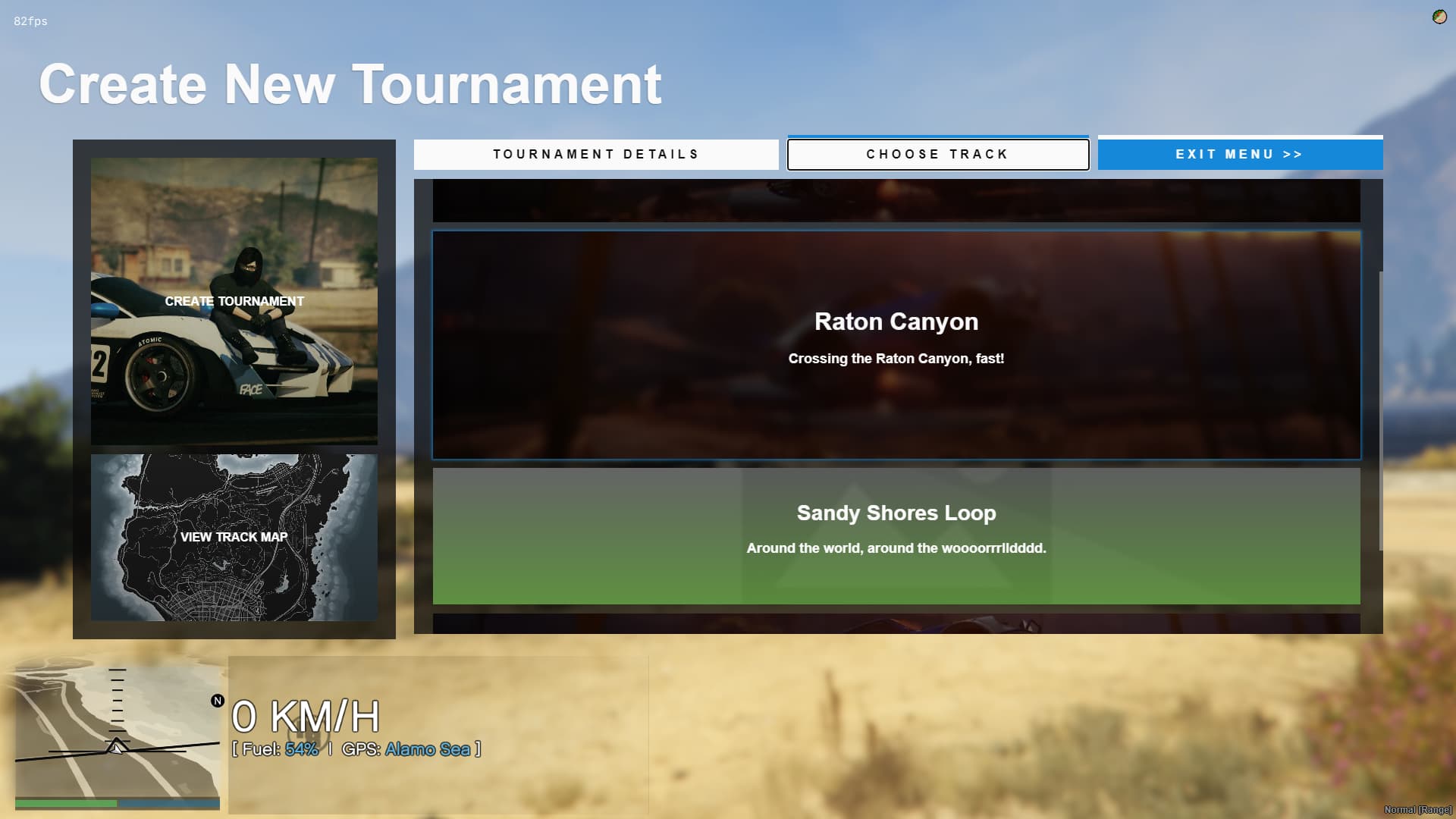
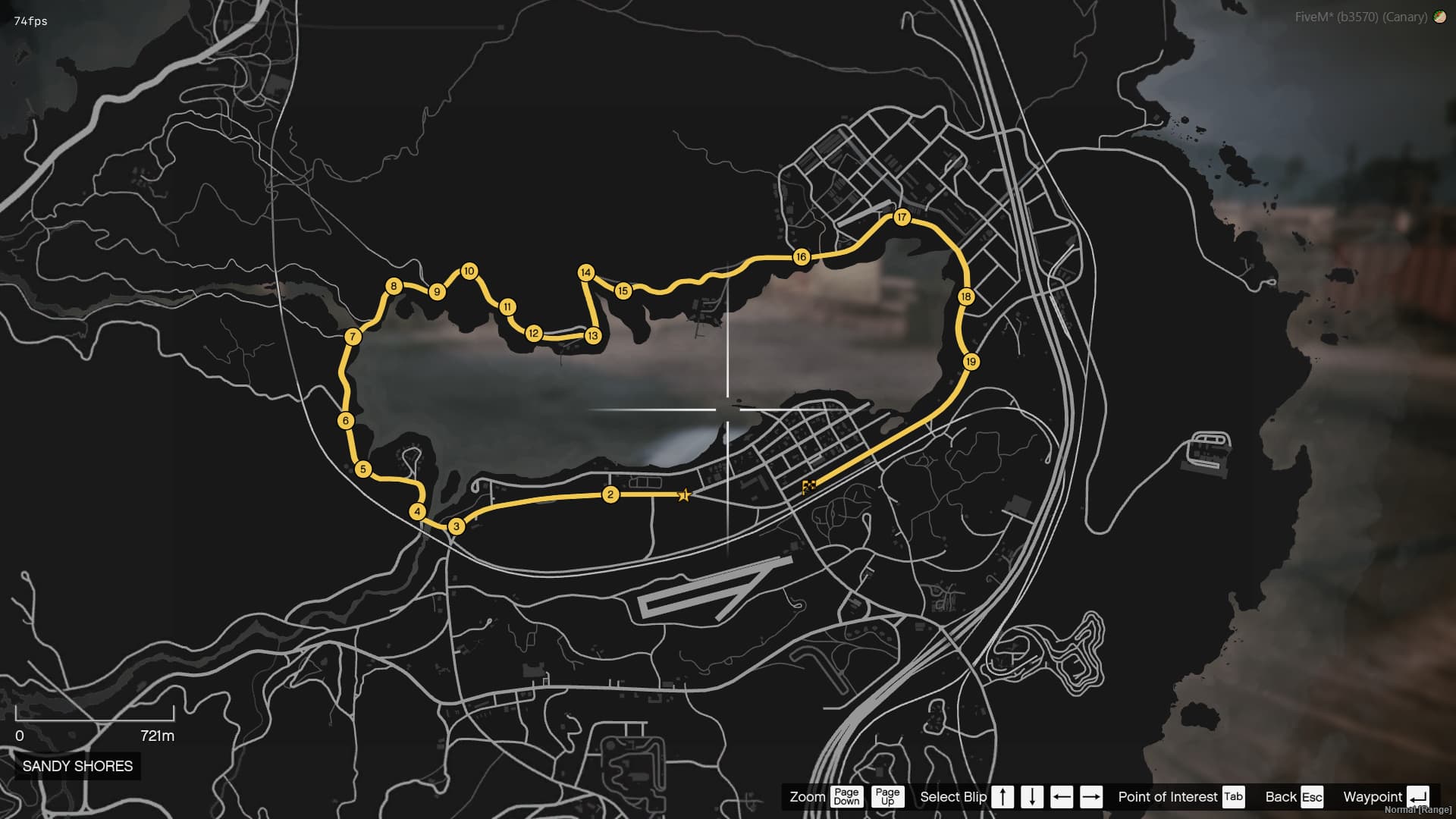
The creator must select a track from the track pool (created by them, or other players). After the track is selected, the creator can click on “View Track Map” button, which will show the track on the map.
AFTER A TOURNAMENT IS CREATED, IT CANNOT BE DELETED OR MODIFIED (yet)

Participating in Tournaments
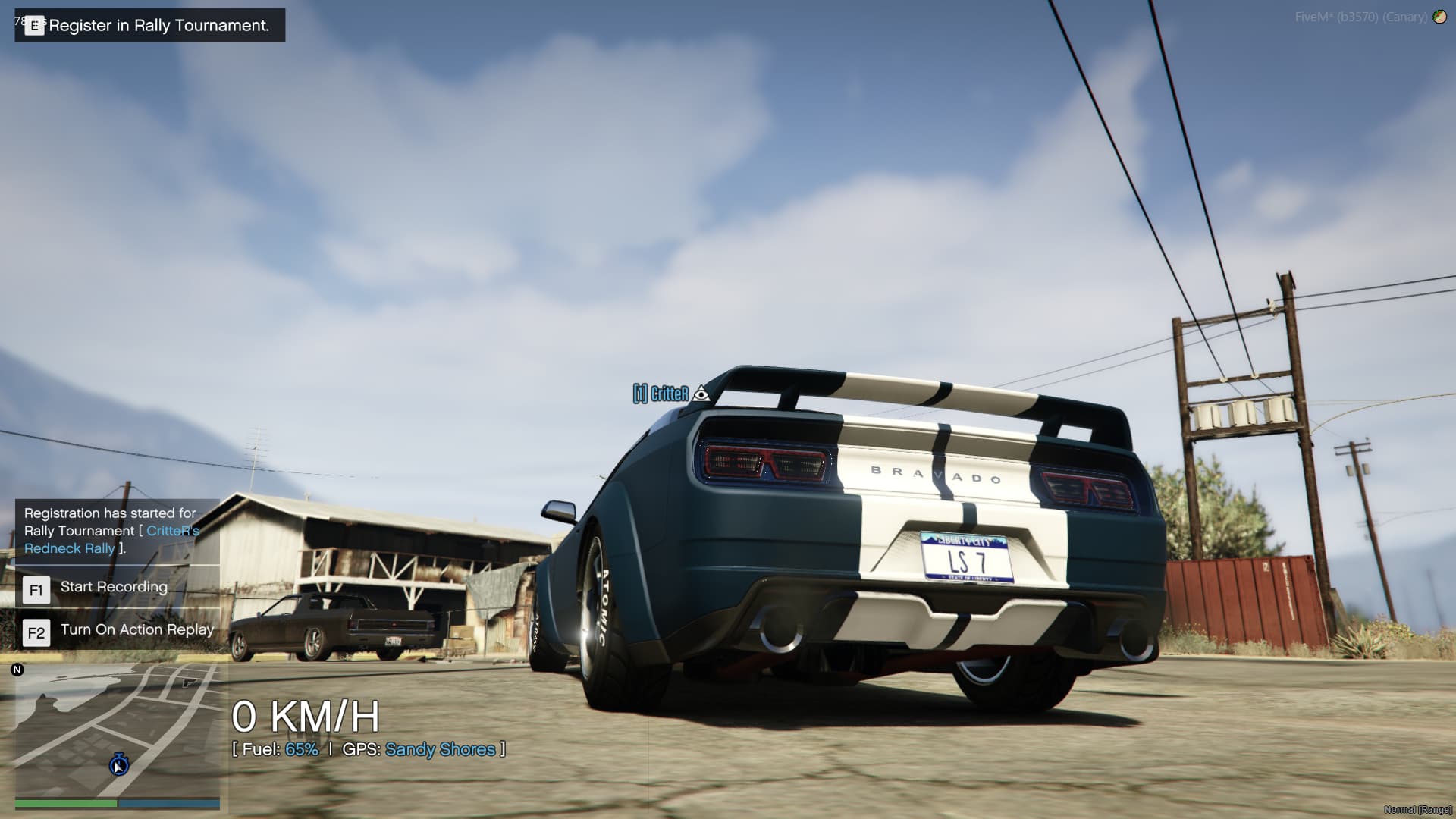
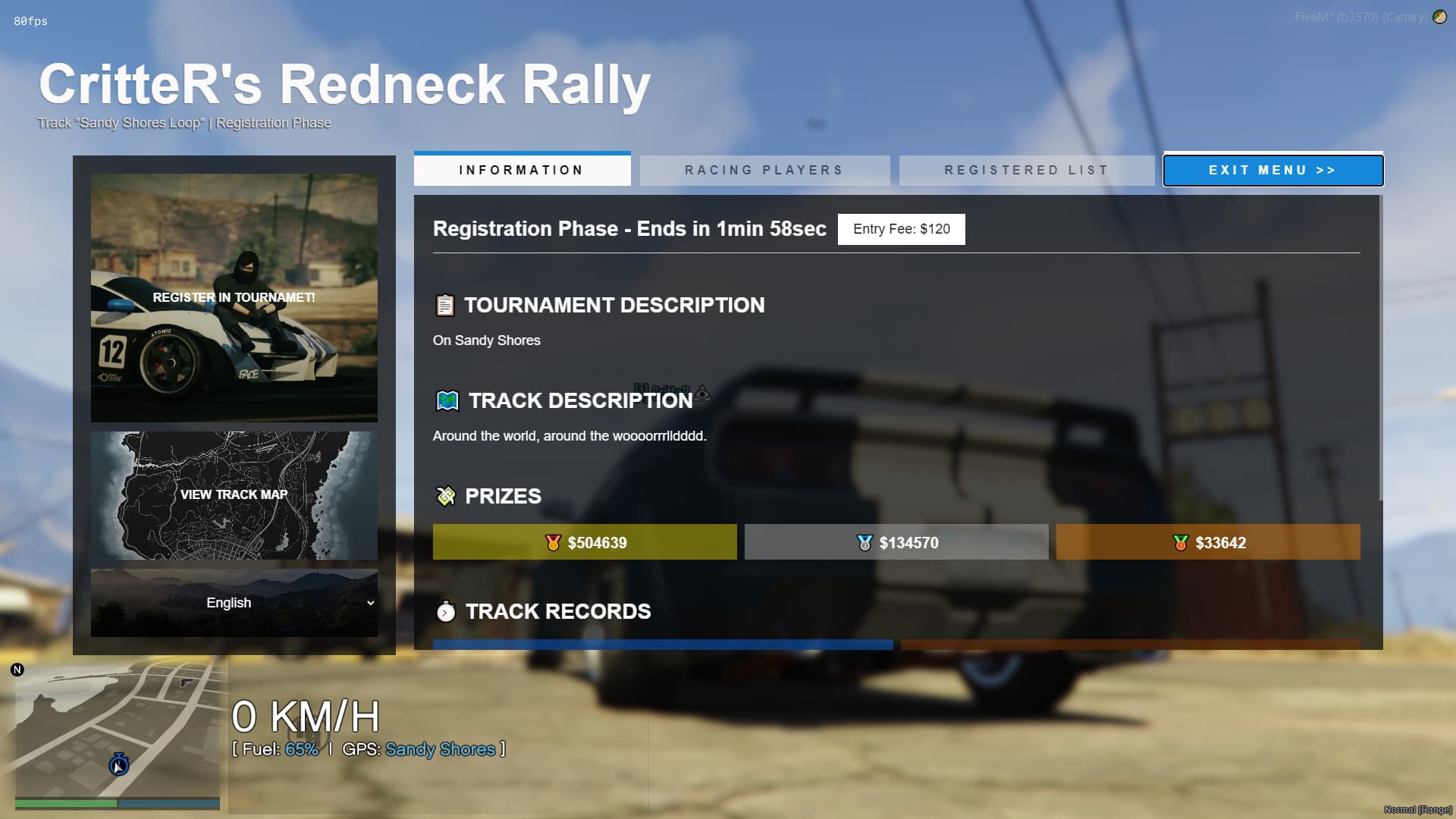
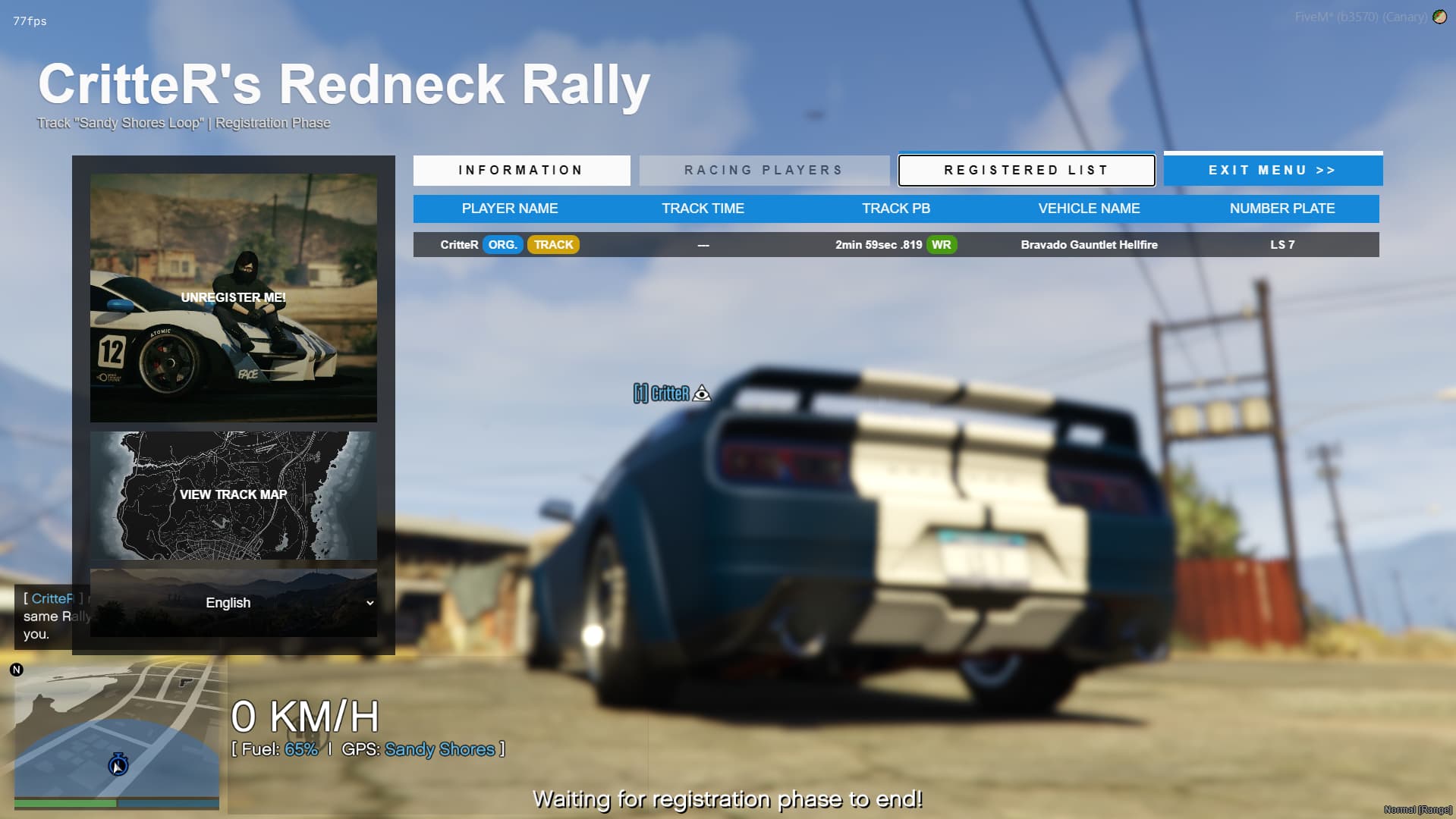
When the registration phase for a tournament starts, a blip will appear on the map. Going to that place on the map, will allow the users to open the tournament menu, view the details, and register.
Players will be able to see when the registration phase ends, and the racing starts. The Start Wait Area will also show on the map, as long as the player is registered in the tournament.
Players can only be registered in one tournament at one time.
Personal Bests and World Records
For each track, the system will register each player’s best time. The best time on the server will be registered as the track’s World Record. All of this can be seen in the tournament menu.
Feature Dump
 Player-created tracks and tournaments
 Easy-to-use checkpoint creation
 Post-creation track editor (if not used by a tournament)
 Different checkpoint types and sizes (for boats and planes)
 Per-track PB and WR times
 Tournament registration in advance
 Entry fee and Prize Split
 Vehicle Class & Model restrictions
 Multi-language support (with
  English and broken
  Romanian by default)
 Opened functions and Events for easy integration with other frameworks.
- Opened UI. Every player-facing element should be customizable.
[[ BUY IT NOW ON TEBEX! (€14.99) ]]
More Screenshots

[[ BUY IT NOW ON TEBEX! (€14.99) ]]
| Code is accessible | Backend NO / UI YES |
| Subscription-based | No |
| Lines (approximately) | ~5000 |
| Requirements | ox_mysql or any data saving resource |
| Support | Yes |

 fix: Correctly identify vehicle models, when creating a new tournament.
 This update changes the following files: