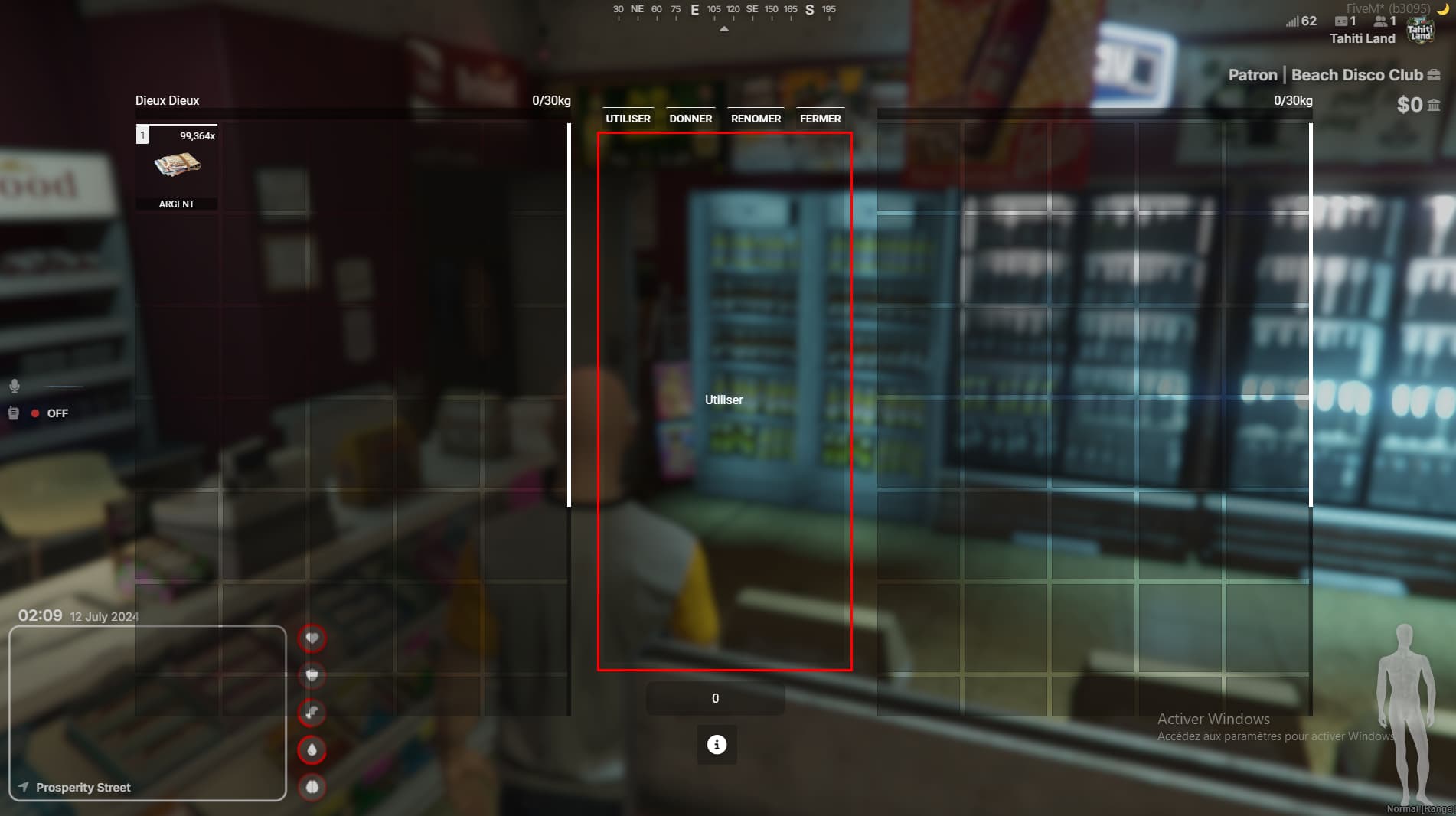
Hello to all friends
I would like you to help me on this type of subject, my knowledge is very limited and I would like to learn more and more
How I put my player in the place where I circled is that used is then placed where? Thanks for the helping hand
POV = Thanks google translate, I’m French xD
here you go my friend
RegisterCommand("pedtest", function()
    SetFrontendActive(false)
    Wait(1000)
    ReplaceHudColourWithRgba(117, R, G, B, A);
    SetFrontendActive(true)
    ActivateFrontendMenu(GetHashKey("FE_MENU_VERSION_EMPTY"), false, -1)

    Wait(100)
    N_0x98215325a695e78a(false)

    local playerped = ClonePed(PlayerPedId(), GetEntityHeading(PlayerPedId()), false, false)
    SetEntityVisible(playerped, false, false)
    Wait(200)
    GivePedToPauseMenu(playerped, 1)
    SetPauseMenuPedLighting(true)
    SetPauseMenuPedSleepState(true)
 ---- this is for close
    Wait(1000)
    SetFrontendActive(false)
end)
2 Likes
It’s good, but the problem is that it’s just a temporary command. What is needed is for the PED to activate when the inventory opens and deactivate when the inventory is closed.
In the event where the inventory is opened, copy and paste from the bottom of the registercommand to the place where I put the hyphen. To turn it off, as I mentioned, you need to write the code under the dash.
1 Like
where should you put this code?
I ask myself the same question
Should you put the handsome guy code? If you can details step by step in ox_inventory <3
comment ta mis la fonction renommer ?