To receive support, please fill out the following template, and remove this top text.
Environment questions
GTA V version: 1.0.2545.0
Up to date: Yes
Legit or Pirate copy: Legit
Purchased where - Steam/Rockstar Launcher/Epic: Epic
Windows version: Windows 10 Home
Did you try to delete content_index.xml and try again? Yes
System specifications:
GPU - GTX 1650 4GB Nvidia
CPU - Intel(R) Core™ i3-7100 CPU @ 3.90GHz 3.90 GHz
RAM - 16.0 GB
STORAGE 1TB HDD, 500 SSD
Citizen log file link - https://bit.ly/38ADURM
If you can’t start the game at all
GTA V folder screenshot:
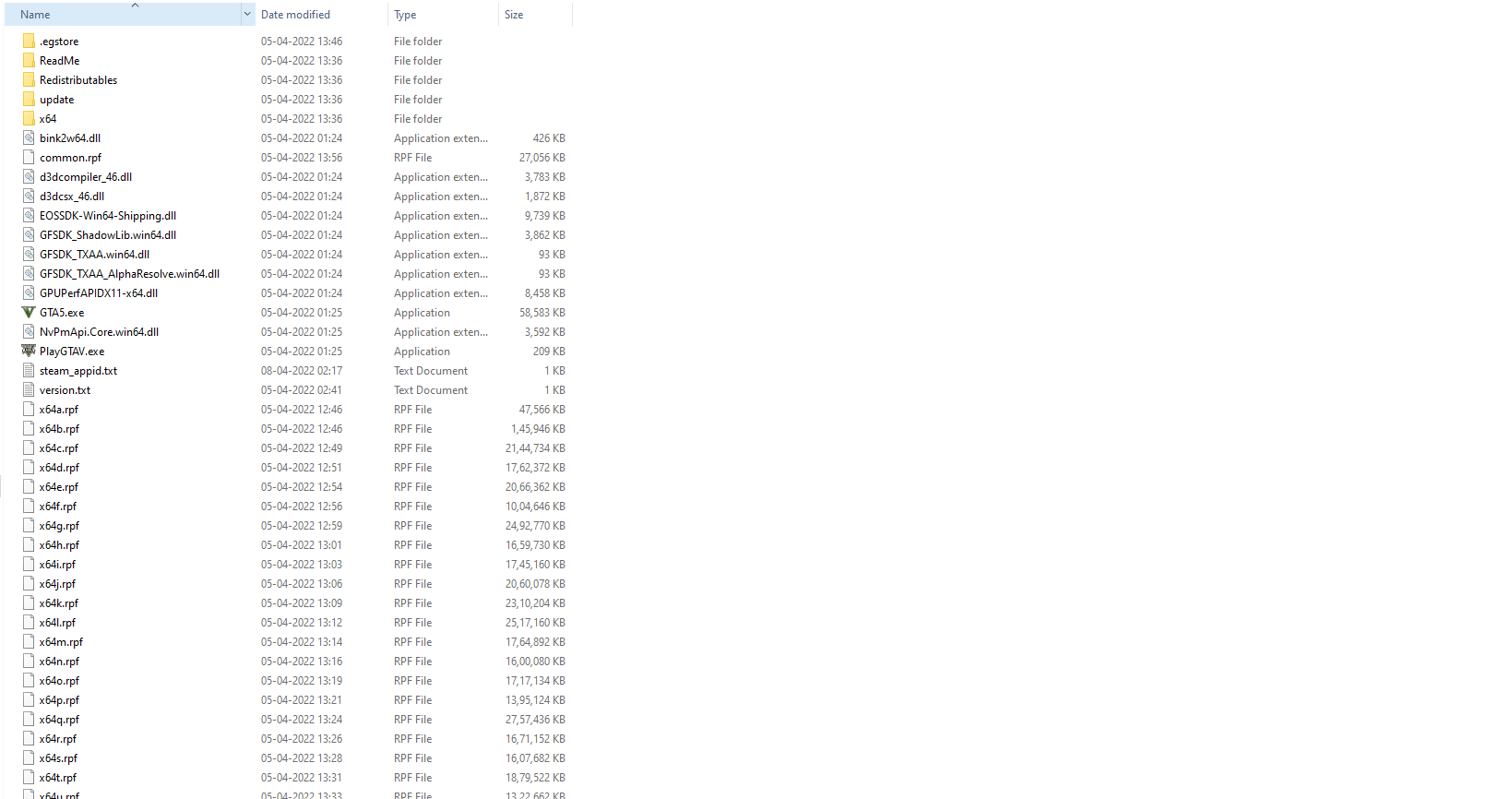
GTA V/update/x64/dlcpacks screenshot:

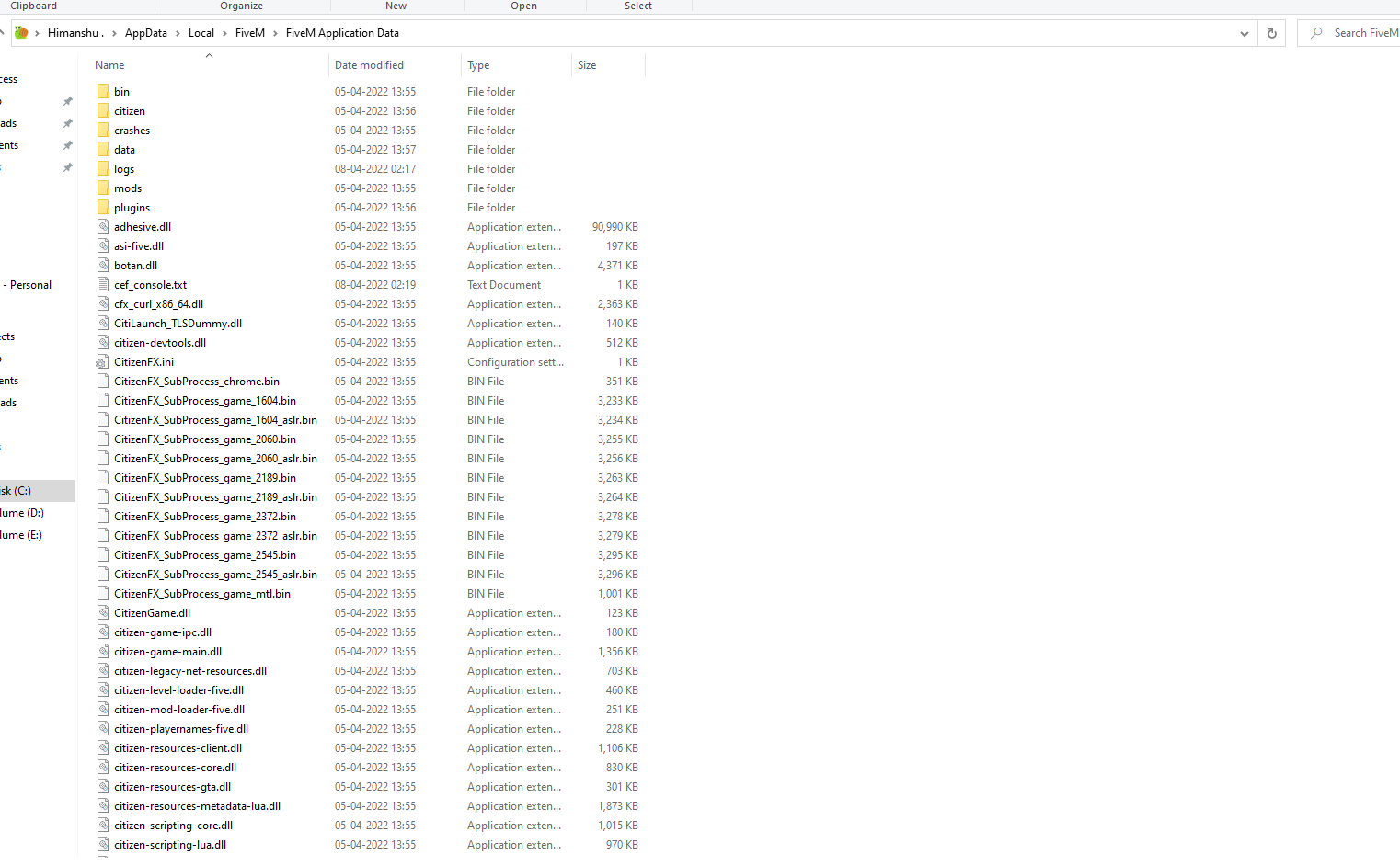
Filepath to FiveM folder: - C:\Users\himan\AppData\Local\FiveM
FiveM client folder screenshot:
Which antivirus/firewall software are you using? None/Only windows defender but always keep it off
Did you try to disable/uninstall your Anti-virus? Yes
Important parts
What is the issue you’re having?
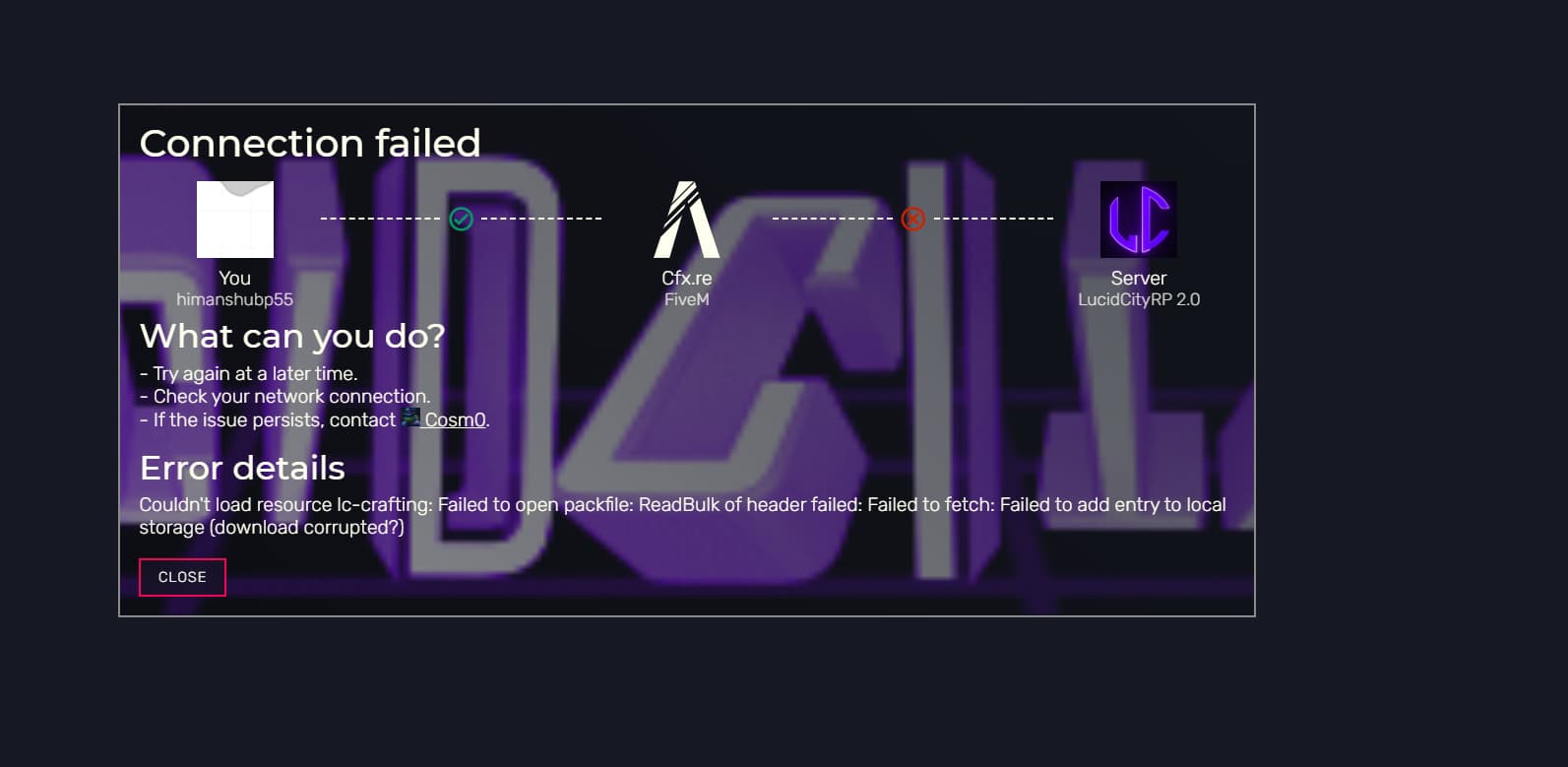
Whenever I try to load any server, it is giving me this error - Couldn’t load resource lc-crafting: Failed to open packfile: ReadBulk of header failed: Failed to fetch: Failed to add entry to local storage (download corrupted?)
What are you trying to do?
I am trying to join servers to play GTA 5 RP
What have you tried already to fix the issue?
I have tried these things more than 10 times: Reinstalled FiveM, GTA 5. Deleted Caches multiple times and reinstalling everything that I could. Changed firewall settings and turned off all settings in windows defender.
Error screenshot (if any):
What did you do to get this issue?
I did nothing. I just started the server as I normally do. I have been facing this error from the past 20 days. Before that, It did appear more frequently.
What server did you get this issue on? Be specific and name some, ‘all of them’ by itself isn’t useful!
Lucid City RP,
Mirzapur RP
Additional comments
So, I have tried contacting everyone from the lucid city RP and tried everything they suggested but nothing worked. Please help me fix this issue as I am tired of finding this issue over multiple forums but no luck I didn’t find any fix. I did even tried installing GTA5 to different disks.
