To receive support, please fill out the following template, and remove this top text.
GTA V version?
Latest Up to date?
Up to date Legit or Pirate copy?
Legit Steam/CD/Social Club?
Steam Windows version?
Windows 10 Pro - 1809 Did you try to delete caches.xml and try again?
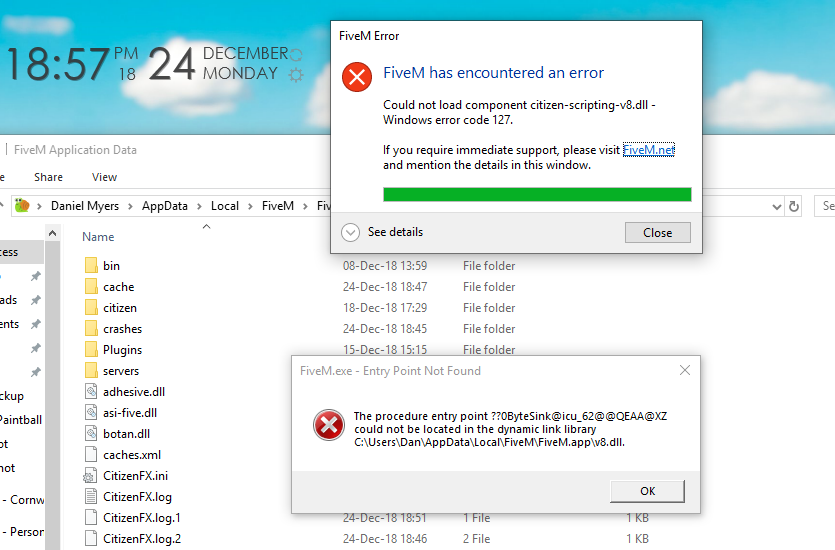
Yes + Reinstall Error screenshot (if any)
System specifications
Intel Core i7-4790K @ 4.00Ghz
8.00GB DDR3 RAM
EVGA Geforce GT 740 Superclocked
Intel HD Graphics 4600 What did you do to get this issue?
Literally nothing… I just launched FiveM, have not updated any files that would effect Fivem at all. What server did you get this issue on?
N/A CitizenFX.log file
[ 233890] Detected NVIDIA Node, attempting to query ShadowPlay status…
[ 234125] NvNode claims ShadowPlay is disabled, bailing out.
[ 234140] Initialized system mapping!
[ 616359] GlobalError: Could not load component citizen-scripting-v8.dll - Windows error code 127. .dmp files/report IDs
?
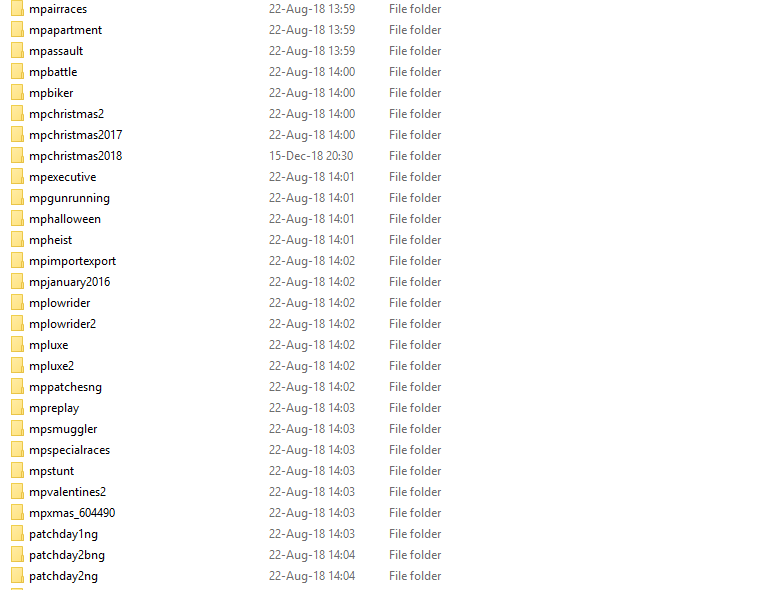
If an issue with starting: GTA V folder screenshot
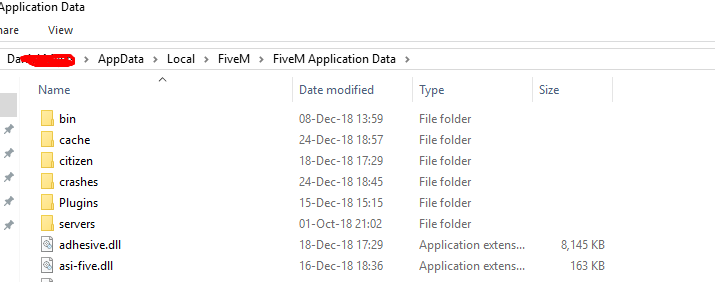
(On C: Drive, whilst GTA V is on E: Drive) FiveM client folder screenshot Did you try to disable/uninstall your Anti-virus?
Yes
Also add what you already tried so far.
I have tried deleting the ‘broken’ file and letting it re-download itself. I also tried validating the GTA V files. And re downloaded the entire application data.
Just like to update you, I tried this morning and it randomly started to work again… I’m not sure about whoa happened other than me restarting my computer, could’ve been a little glitch with windows defender not updating? Im not sure… However all is running normally. Thanks for the support! And Merry Christmas!