IF YOU DO NOT FILL THIS OUT, YOUR TOPIC WILL BE UNLISTED AND CLOSED
To receive support, please fill out the following template, and remove this top text.
GTA V version? Most Recent - Cayo Perico Heist Update
Up to date? Yes
Legit or Pirate copy? Legit
Steam/CD/Social Club? Steam
Windows version? Windows 10 - Home
Did you try to delete caches.xml and try again? Yes
Error screenshot (if any)
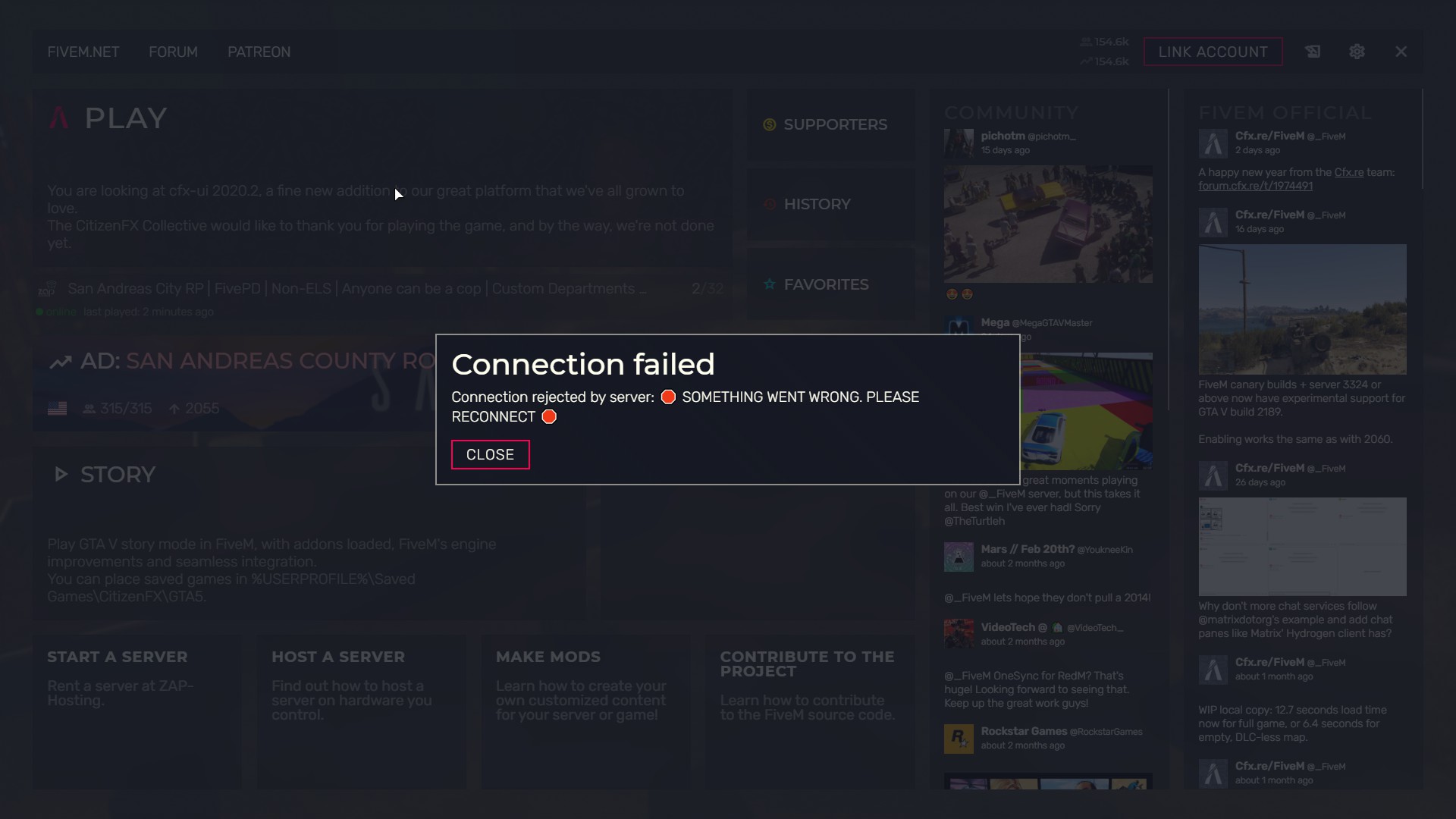
System specifications AMD Radeon Vega 3 Graphics - AMD Ryzen 3-4 4 core - 20gb RAM
What did you do to get this issue? Started FiveM as I usually do. Never experienced this issue before until yesterday.
What server did you get this issue on? LESAGaming.
CitizenFX crash zip file crashes.zip (1.9 MB)
CitizenFX.log file logs.zip (971.4 KB)
.dmp files/report IDs I don’t see any
If an issue with starting:
GTA V folder screenshot
GTA V/update/x64/dlcpacks screenshot
Filepath to FiveM folder
FiveM client folder screenshot
Which antivirus/firewall software are you using?
Did you try to disable/uninstall your Anti-virus?
Additionally; I’ve tried deleting cache.xml, no success. I’ve verified game files via Steam, still nothing. I don’t have my antivirus enabled. I’ve tried unlinking my accounts and linking them again. I’ve completely restart my PC multiple times. I’ve tried opening FiveM many times, I can get into game here and there, but when I do, I get timed out after 60 seconds. I’ve reconnected my internet(I run at 75-97mb/s). Since yesterday, I’ve been having this issue constantly. Before yesterday, I’ve been able to play FiveM just fine with no issues.

 I’ll have to let the server owner know