What is the issue you’re having?
I worked on this 1 day but i still cant find to solve my problem so i hope you could.
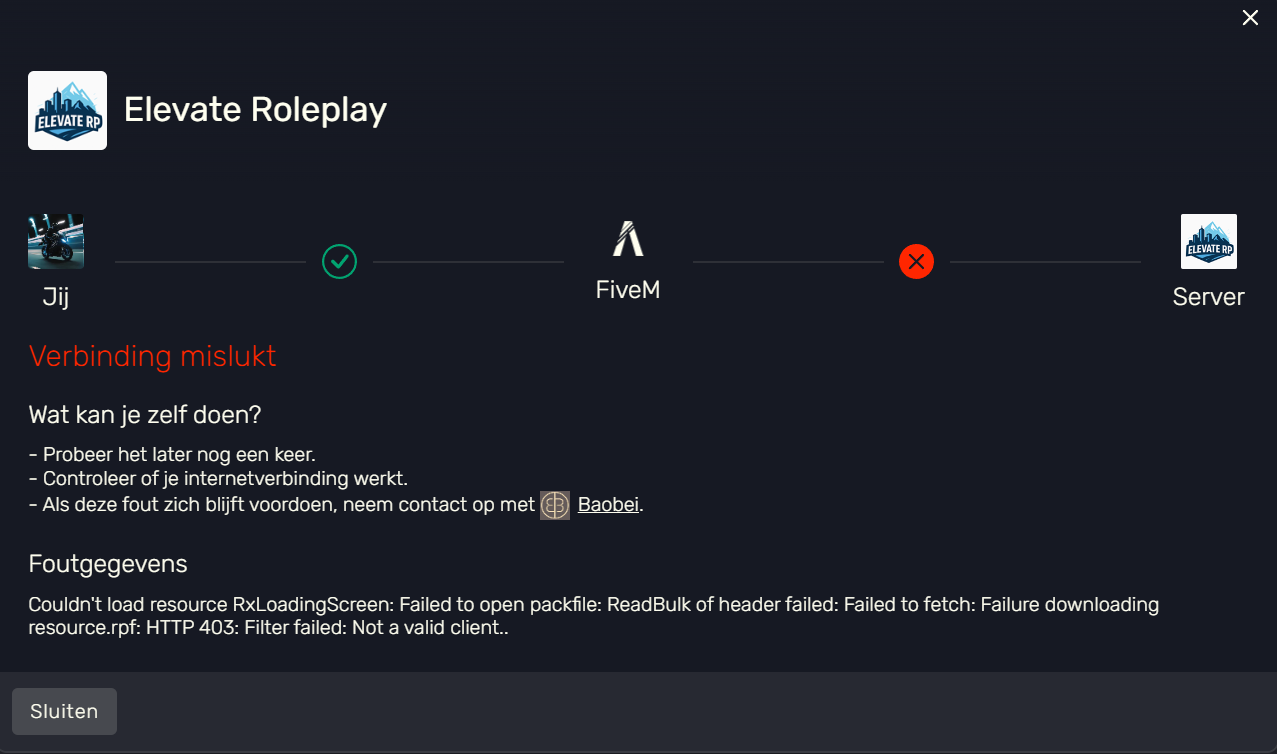
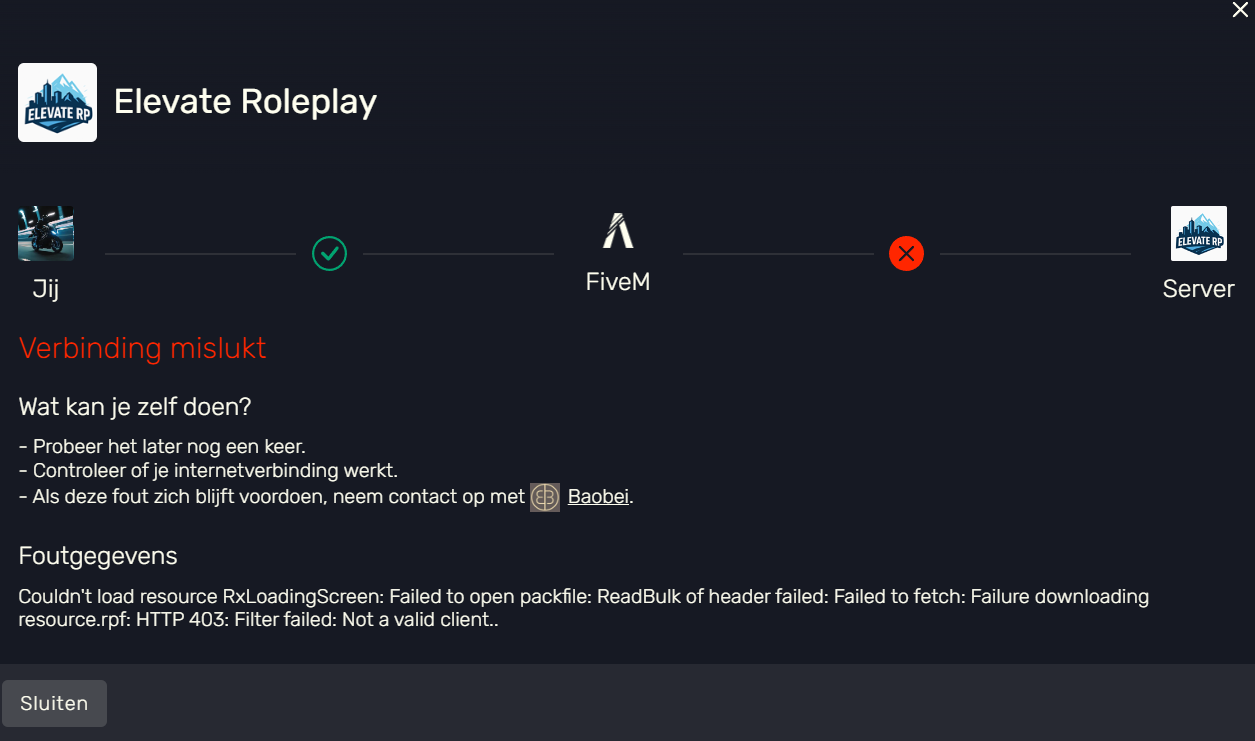
I restarted my whole pc and downloaded everything again because my pc was very slow. Now i updated my nvidia and it all solved like the lag and all that. After a long time i wanted to try to play fivem again so i installed everything put it in gtaV folder (game) and it al worked correct, I installed ARENA and i played it (it worked very well - 250 fps). Now i wanted to join a city but the loading took me for real 4 hours. After it was loaded i got a message (see immage) So i triedf verifying my folders and all that stuff, re install, empty cache, shut the FIVEM down. Everything. But it still don’t work. I tried installing another city and even that one took very long to install and didnt work ( i tried 4 other servers) but 1 server didnt, i could join and it worked fine. It was a RP server so are all otherr 5 i tried. only ARENA and 1 rp server worked. But i want to play my servers and not only 2 or 3. I hope you know why i have this and i hope you can solve it for me. I also contacted baobei and he didnt know why this was such a big problem. I looked for videos on YOUTUBE TIKTOK but still no one had the same problem as i do. I also try to run FIVEM as administrator but it doesnt let me cuz it says that i didnt allow it on my windows setting. So pleaseeee help me!!
What have you tried already to fix the issue?
i tried verifying my folders and all that stuff, re install, empty cache, shut the FIVEM down.
What server did you get this issue on?
elevate rp, maarsseveen, paradise city reborn, vanity network, only arena and heerlen roleplay work
Error screenshot(s)
Windows version
windows 11
System specifications
?
Antivirus software
?