Purchase
Tebex
Preview
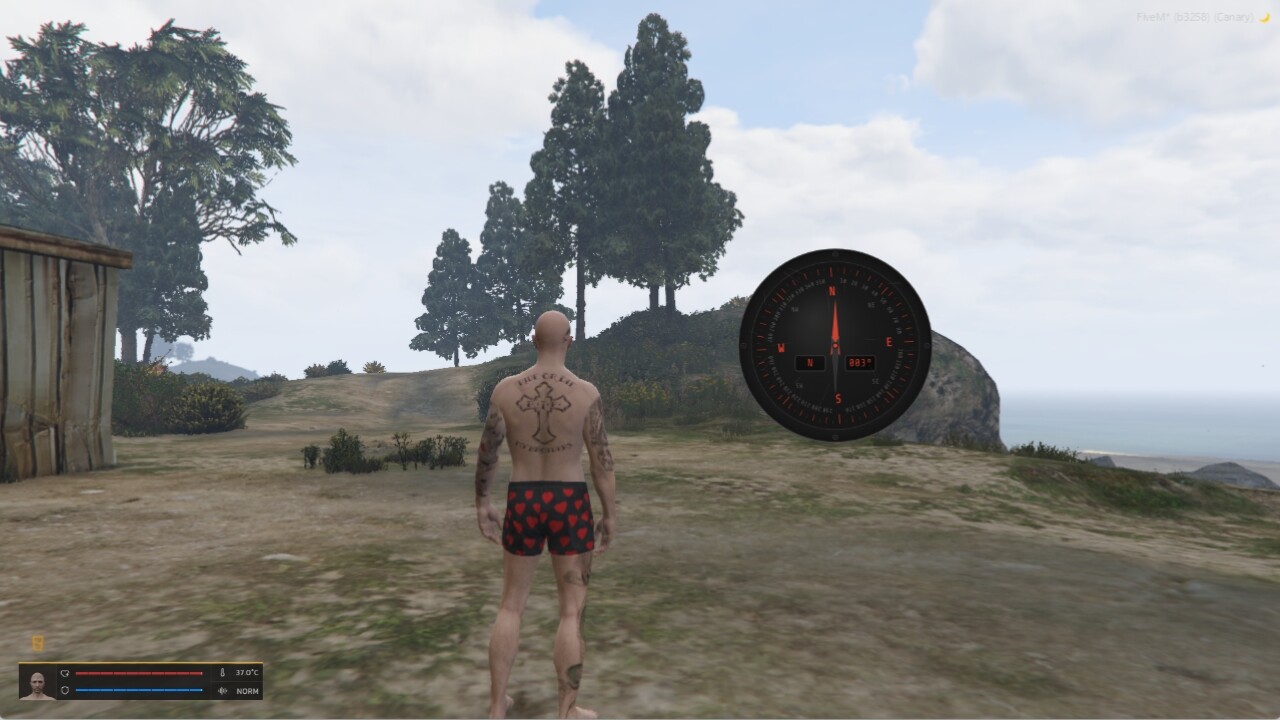
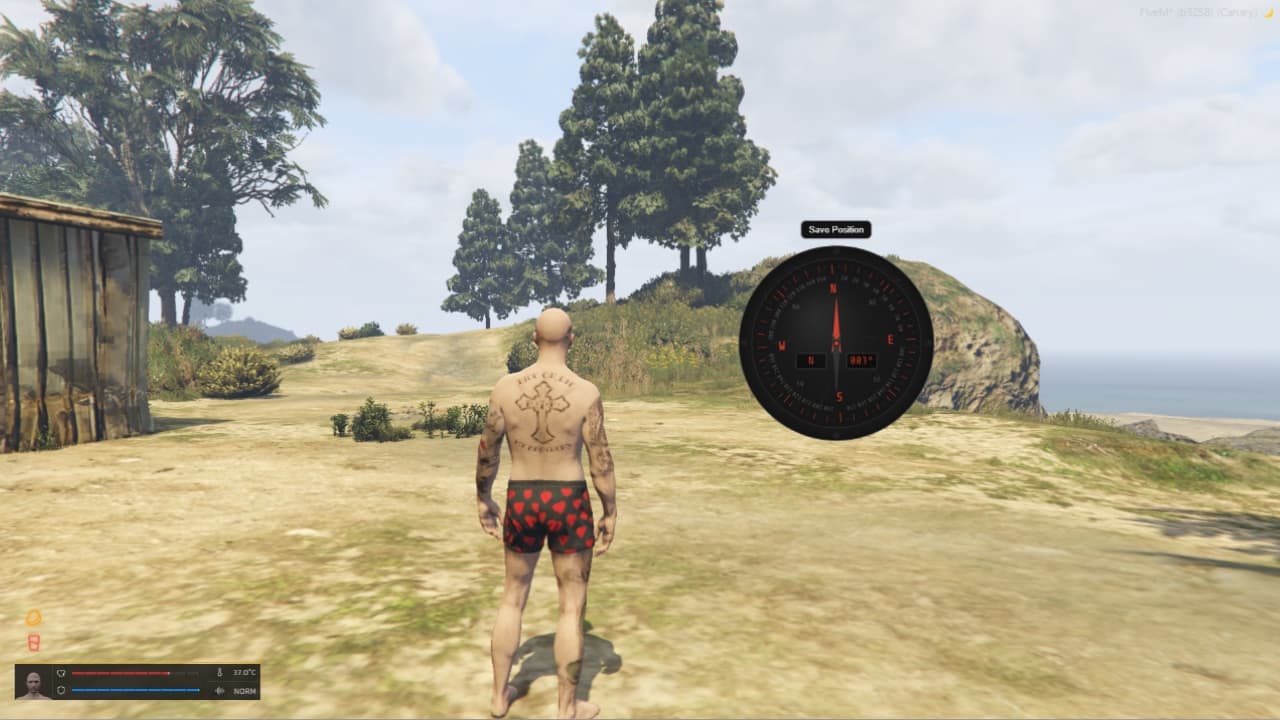
Overview
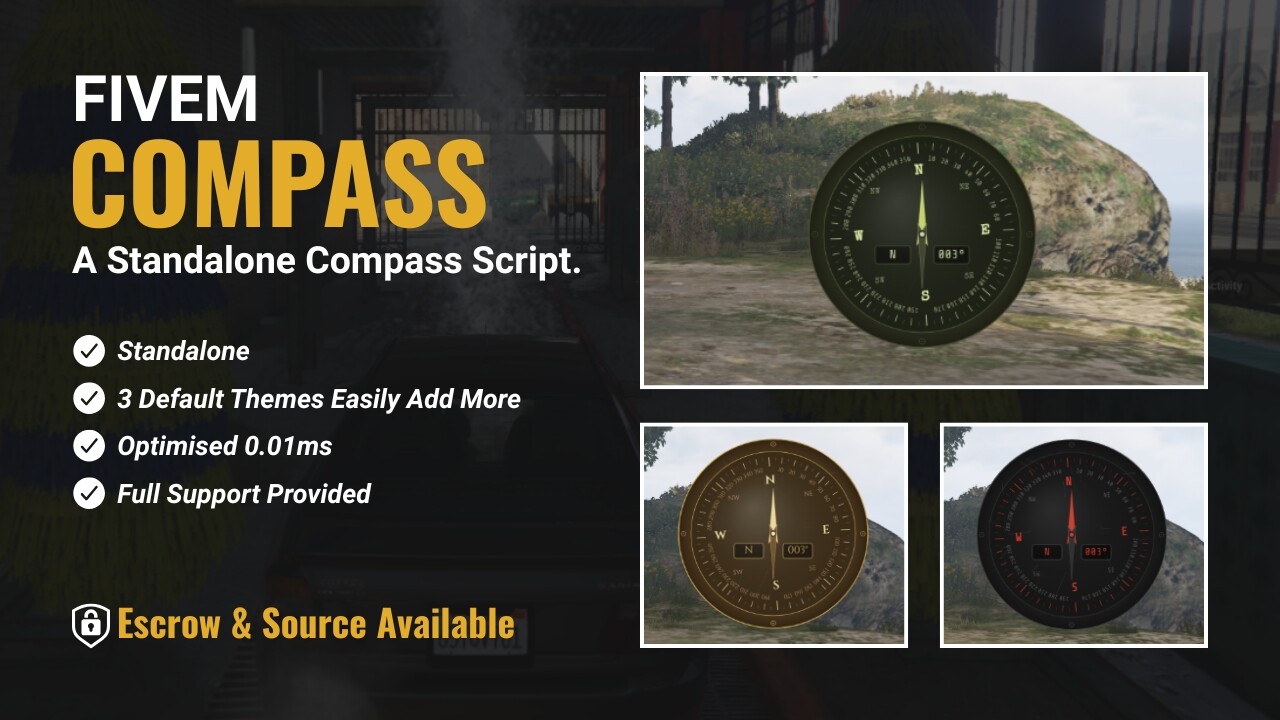
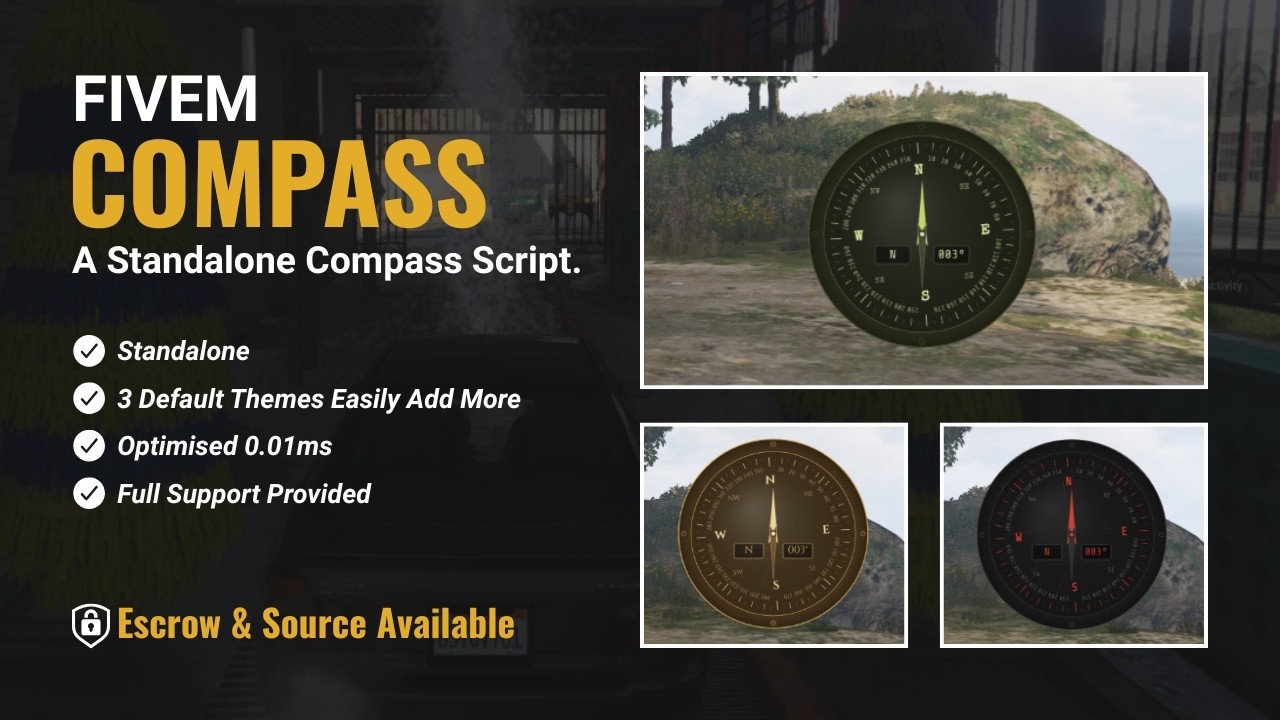
A standalone canvas compass built for survival servers that actually care about immersion.
No frameworks, no bloat, no item function wrappers - it just works, on any server, out of the box.
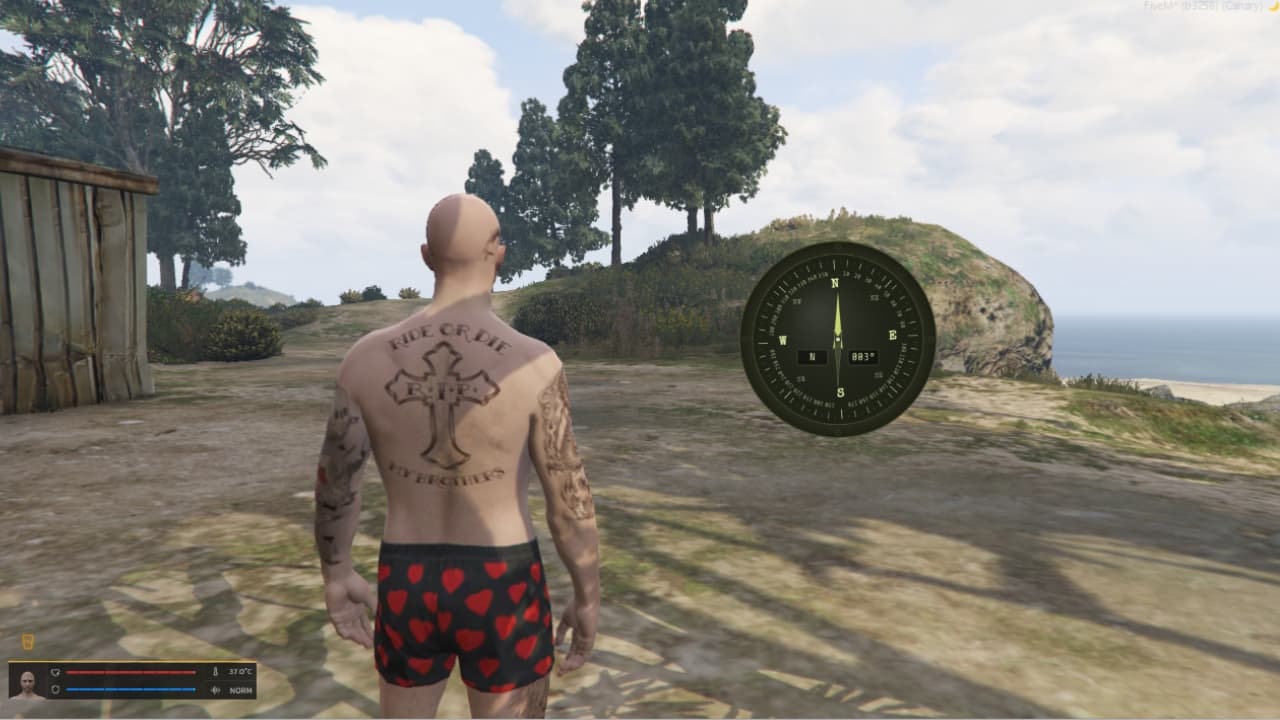
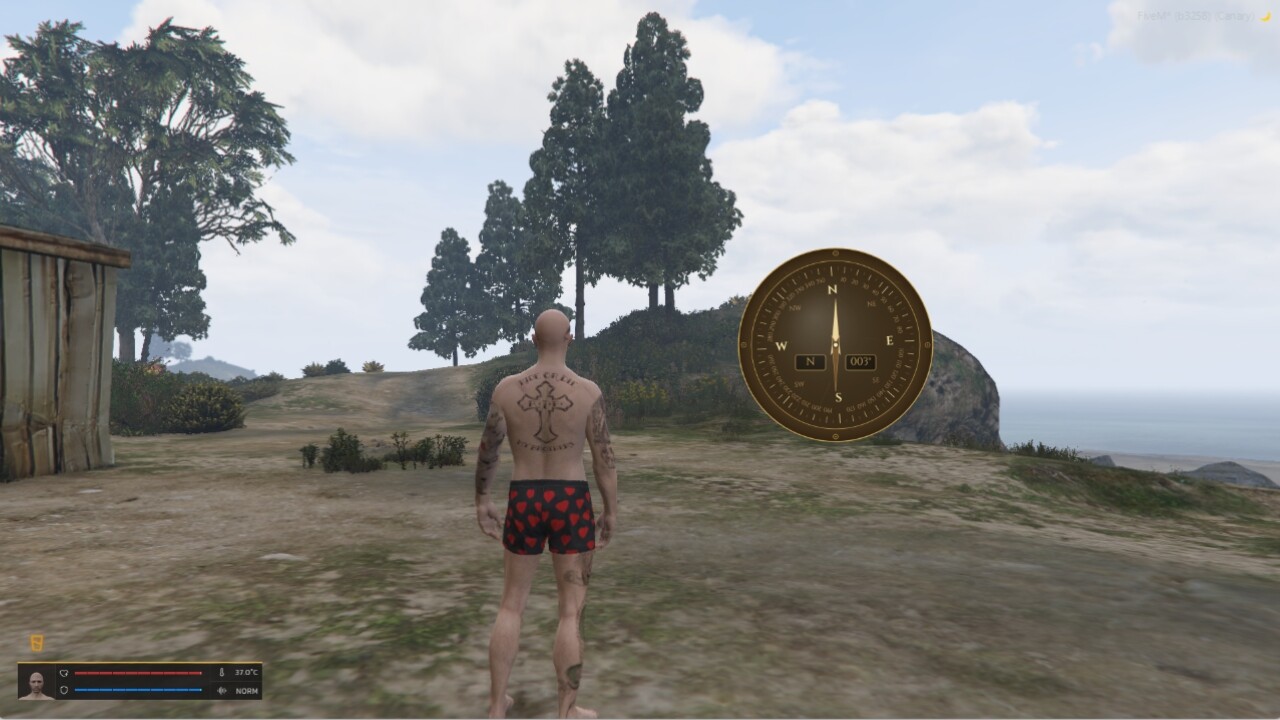
Three themes ship ready to go.
Military for your hardcore survival types, Worn Brass for the explorer aesthetic, Wasteland for the post-apocalyptic crowd.
Want something else? Add it in config, done.
Tie it to a crafted item via a single export and suddenly your players aren’t just using a compass - they’re using their compass.
The one they made.
It’s canvas-rendered, sits at ~0.01ms, and players can drag it wherever they want on screen with their position stored.
It’s a small script that oes exactly what it says on the tin.
Features
- Fully standalone - no framework, no item functions, no dependencies
- Canvas-based UI - smooth needle animation, runs at ~0.01ms
- Three built-in themes - Military, Worn Brass, Wasteland
- Fully themeable - add unlimited custom themes in
custom/cfg.lua - Draggable compass - players reposition it with
/compass:move - Position saved to localStorage - persists between sessions
- Export and net event support - trigger from any other resource
- Configurable commands - enable/disable and rename in config
Installation
- Drop the
boii_compassfolder into your resources directory. - Add to your
server.cfg:
ensure boii_compass
- Configure themes and commands in
custom/cfg.lua. - Restart or reboot.
Commands
| Command | Description |
|---|---|
/compass:toggle [theme] |
Opens or closes the compass. Optionally pass a theme name. |
/compass:move |
Enables move mode so the player can reposition the compass. |
Themes
Themes are defined entirely in custom/cfg.lua.
Each theme controls all visual properties including colours, fonts, needle style, and readout windows.
Adding a Custom Theme
Add a new entry to cfg.themes in custom/cfg.lua:
cfg.themes["my_theme"] = {
    bg = "#1a1a2e",
    bg_rim = "#0f0f1a",
    rim_stroke = "#4a4a8a",
    face = "#16213e",
    face_stroke = "#4a4a8a",
    tick_major = "#a0a0ff",
    tick_minor = "#505080",
    cardinal_fg = "#c0c0ff",
    deg_fg = "#7070b0",
    needle_n = "#8080ff",
    needle_s = "#202040",
    needle_s_stroke = "#4040a0",
    center_dot = "#a0a0ff",
    scratch_alpha = 0.05,
    glass_alpha = 0.04,
    font = "'Special Elite', serif",
    deg_font = "'Share Tech Mono', monospace",
    text_color = "#a0a0ff",
    window_bg = "rgba(0,0,0,0.6)",
    window_stroke = "#4a4a8a",
}
Integration
Client Export
exports.boii_compass:toggle("military")
exports.boii_compass:toggle("brass")
Net Event
TriggerEvent("boii_compass:toggle", "brass") -- from client
TriggerClientEvent("boii_compass:toggle", src, "brass") -- from server
If the theme passed doesn’t exist in cfg.themes it falls back to military automatically.
Move Mode
Players can reposition the compass anywhere on screen. Position persists between sessions.
- Open the compass
- Type
/compass:move - Drag the compass to the desired position
- Click Save Position to confirm and exit move mode
Config Reference
| Key | Description |
|---|---|
cfg.toggle_command.enabled |
true / false - enables the toggle command |
cfg.toggle_command.command |
Command name without slash. Default: compass:toggle |
cfg.move_command |
Command name without slash. Default: compass:move |
cfg.themes |
Table of theme definitions. Add or remove themes freely. |
Support
Can’t figure out how to use an export?
Somehow managed to delete all the themes?
Get in touch!
Support Hours: Mon–Fri, 10AM–10PM GMT
Outside that? Shout at the moon, sacrifice a chicken? Or just be patient and wait for someone to be around.
| Code is accessible | Source Yes/Escrow Config Only |
| Subscription-based | No |
| Lines (approximately) | 750 |
| Requirements | None |
| Support | Yes |