GTA V version? : I forgot what version, it’s the latest Up to date? : Yes, up to date Legit or Pirate copy? : Legit copy Steam/CD/Social Club? : Epic Games Windows version? : 1809 LTSC Did you try to delete caches.xml and try again? : I did Error screenshot (if any) : System specifications : Intel Core i5 9400F - 2x8GB RAM - GTX 1660 6GB What did you do to get this issue? : I don’t know, it randomly appears after I quit from one of the server What server did you get this issue on? : Indopride roleplay CitizenFX crash zip file : no crash zip available in my folder CitizenFX.log file : CitizenFX_log_2020-09-28T092036.log (21.0 KB) .dmp files/report IDs : I have no clue where to find that dump file / report ID, sorry.
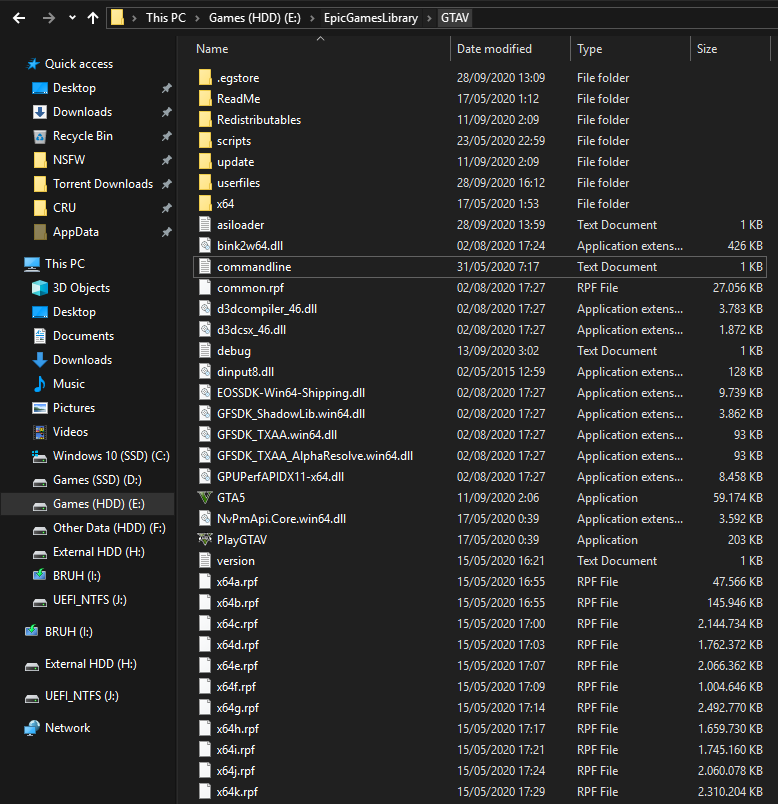
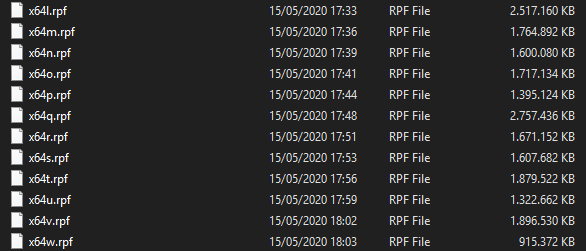
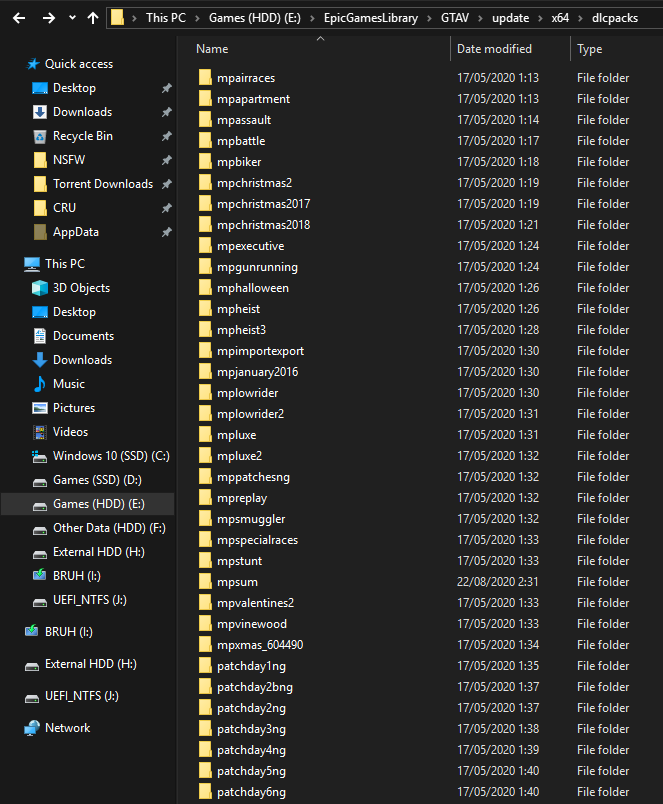
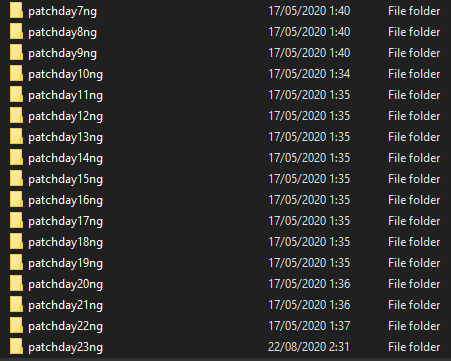
If an issue with starting: GTA V folder screenshot :
Which antivirus/firewall software are you using? : I have no antivirus or firewall, all were disabled Did you try to disable/uninstall your Anti-virus? : I did before even installing FiveM
Also add what you already tried so far :
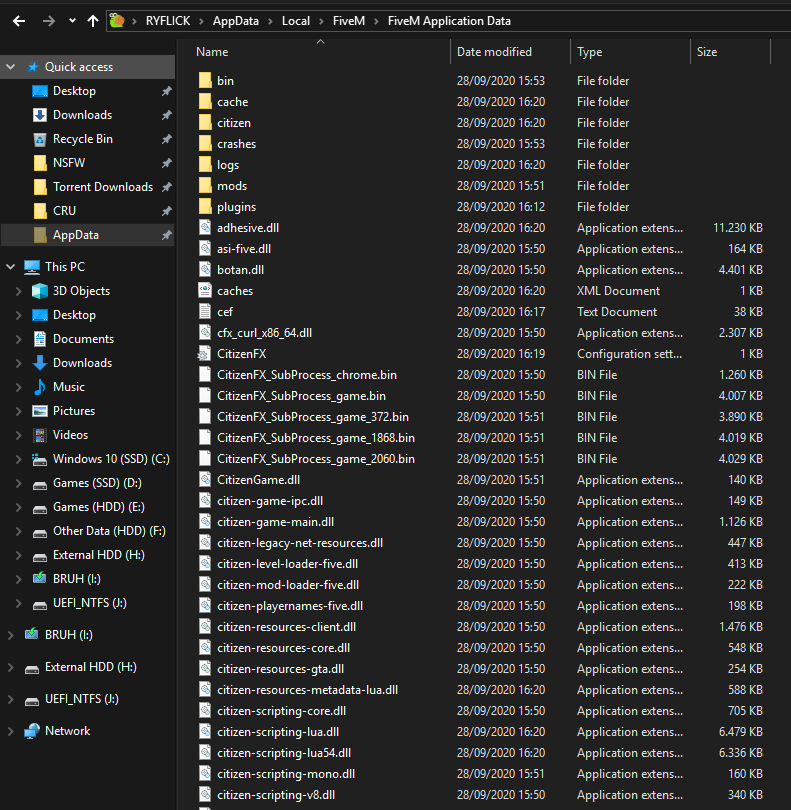
I did already uninstall and reinstall FiveM, did no luck
Tried to clear caches.xml before reinstalling FiveM, still no luck
At the point of giving up, I did reinstalling clean Windows just now and after I tested it again, still no luck.
I might try to uninstall GTA V and re-download it again then…
Hello, this is a friendly reminder because this is your first time creating a topic (or it has been a while since your last topic) in this category.
Please note that most of the support is provided by the Cfx.re community on a voluntary basis. We ask you to be patient; there is no guarantee we have a solution to your problem(s). To avoid unnecessary/duplicate topics, please browse the forums before creating a topic.
To improve your chances of your issue(s) being solved, please provide as much information as possible about the issue(s) you are having. Also —whenever possible— please use the template given to you when creating a topic.
I’m having the same problem, I didn’t understand the custom launcher part, maybe I could have done it without intention and now I can’t play it, does anyone know how to fix it?
I am also experiencing the same error do you guys know how to fix it? our server doesn’t have a custom launcher or whatnots. I just can’t launch the fivem itselft
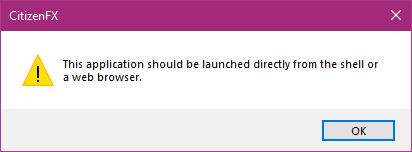


 do you guys know how to fix it? our server doesn’t have a custom launcher or whatnots. I just can’t launch the fivem itselft