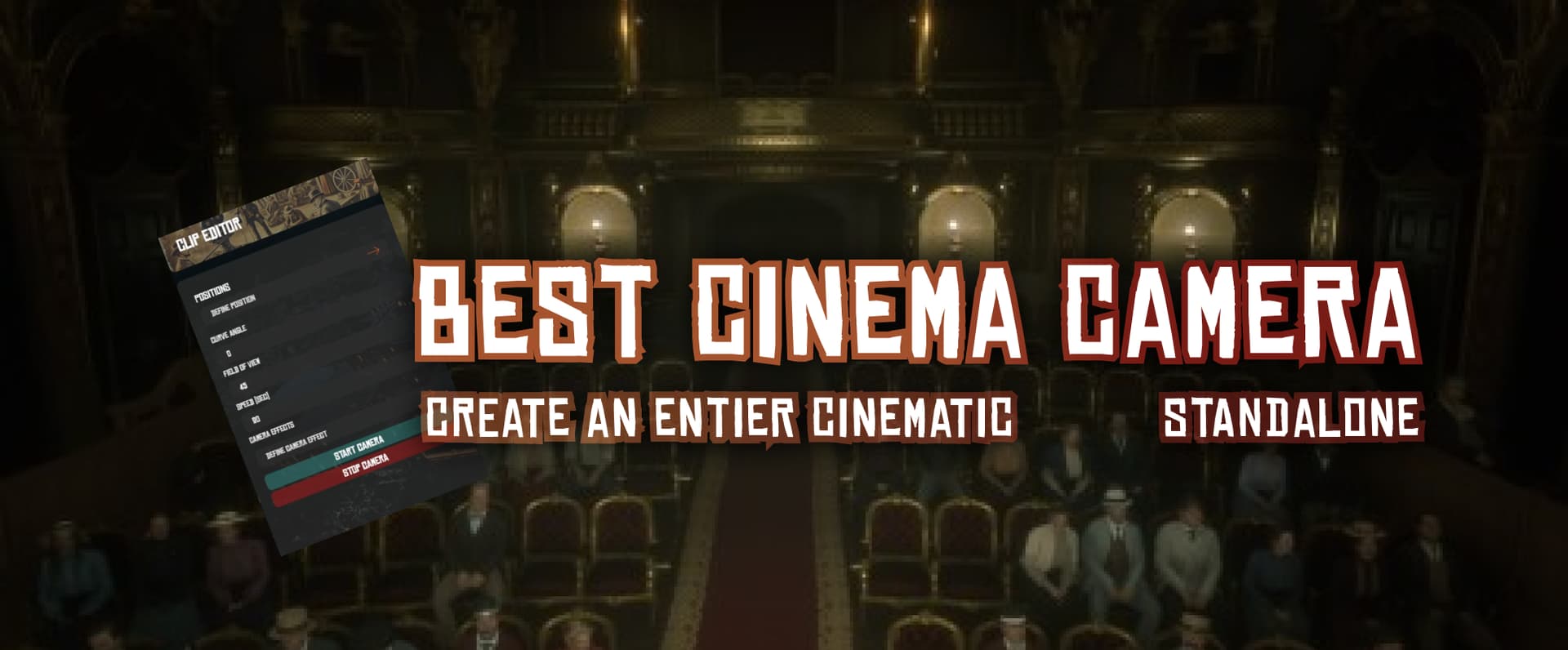
 RedM Cinematic Script – Create Stunning Videos
Unleash your creativity with the RedM Cinematic Script, the ultimate tool for making breathtaking videos and cinematic experiences in RedM. This script allows you to create smooth camera movements, apply various video filters, and even add effects like camera shake and black bars for a professional touch.
 Video Preview
 Buy This Script on Tebex
 Key Features:
 Customizable Camera Paths: Set a start position, optional intermediate positions, and an end position. The camera will glide smoothly between points with customizable speed and FOV, allowing for seamless transitions.
 Unlimited Intermediate Points: Add as many intermediate points as you like to create complex and dynamic camera movements.
 Wide Range of Video Filters: Choose from a variety of in-game “PostFX” filters to give your video the perfect look.
 Special Effects: Add black bars, apply camera shake, and more to give your videos a cinematic feel.
- Short Films Ready: With this script, you can do more than just simple camera traveling – you can create entire short films!
 Multilingual Support: Available in French, English, Spanish, German, Portuguese, and Italian.
 Highly Customizable: A range of default events is available for you to create your own custom integrations, making the script adaptable to your specific needs.
 Configuration Options:
Here are some of the key configuration options available:
ConfigClipEditor.Locale = 'English'– Set the language for the script interface.ConfigClipEditor.hideAllHudIfPossibleOnStart = true– If set to true, the default game HUD will be hidden when the script starts. You can also hide your own HUD by listening for the events"ctrl_clipeditor:hideHud"and"ctrl_clipeditor:showHud".ConfigClipEditor.enableOpenCommand = true– Enable or disable the command to open the editor.ConfigClipEditor.commandTag = "clipeditor"– Define the command used to open the editor.
 Dependency:
- N/A it’s standalone !
[FiveM Asset Escrow System]
Script is protected using Cfx’s Asset Escrow system.
Unencrypted Files:
- config.lua
- html/*
How to Get It:
To purchase and download the Cinematic Cameras Script, visit our Tebex store and complete your purchase. Detailed instructions and support will be provided to ensure you can easily integrate the script into your server.
| Code is accessible | No |
| Subscription-based | No (but subscription aviable) |
| Lines (approximately) | +2800 |
| Requirements | No |
| Support | Yes, with free modifications |
 Changelog - Script Updates
 Changelog - Script Updates