
Cinematic Camera
A free in-game director for FiveM. Fly the camera, save your angles, lay the shot out on a timeline and play it back while OBS records. No framework and no database: drop the folder in, add two lines to server.cfg and type /ar16_cam.
The same resource also runs on RedM and picks the game by itself.
Download: arbat16_camera-v1.8.0.zip
Source on GitHub: AppiChudilko/ARBAT16-CINEMATIC_CAMERA
Docs and video: store.arbat16.com/cinematic-camera
Features
Free flight
W A S D to move, Q and E for height, the mouse to look. Shift to go faster, Alt or Ctrl to creep into position. Off, Light, Medium and Strong stabilization.
Timeline
Drop points with F, set how long each move takes and how it eases. Linear, Catmull-Rom and Bezier paths, six easing modes, cuts, holds, copy and paste, 50 steps of undo, playback from 0.1x to 8x.
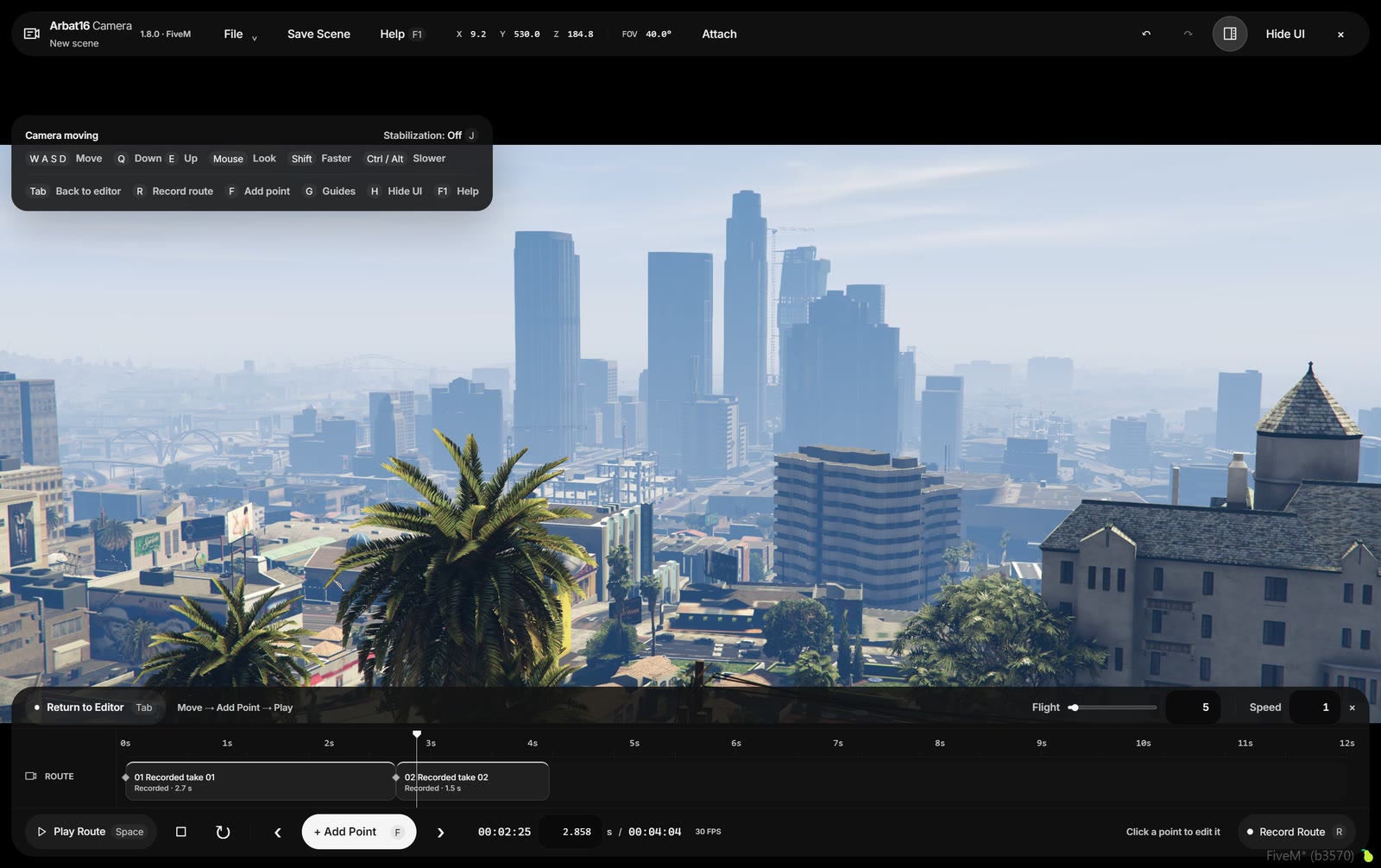
Route recording
Press R, fly the shot by hand, press R again. Up to 30 samples a second with real timing, takes up to five minutes, and the clip stays editable on the timeline. H hides the interface for a clean frame.
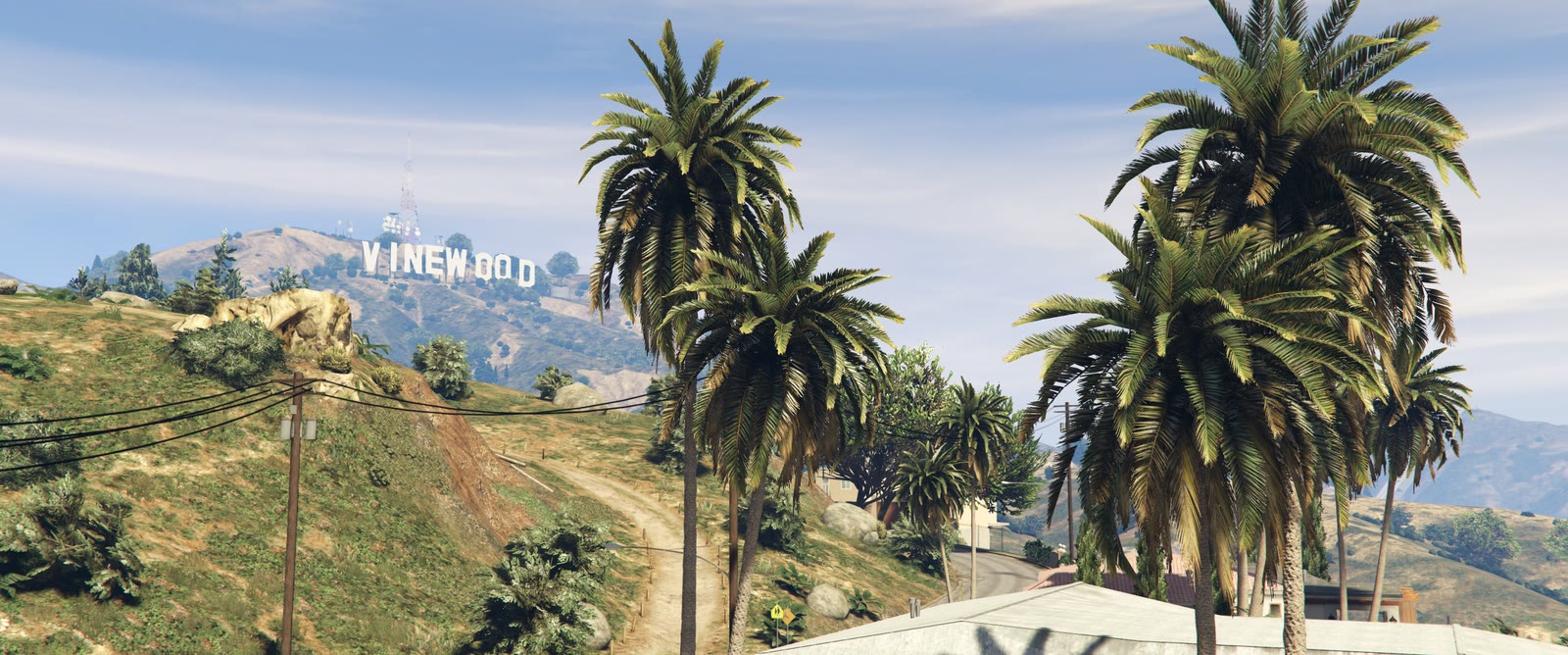
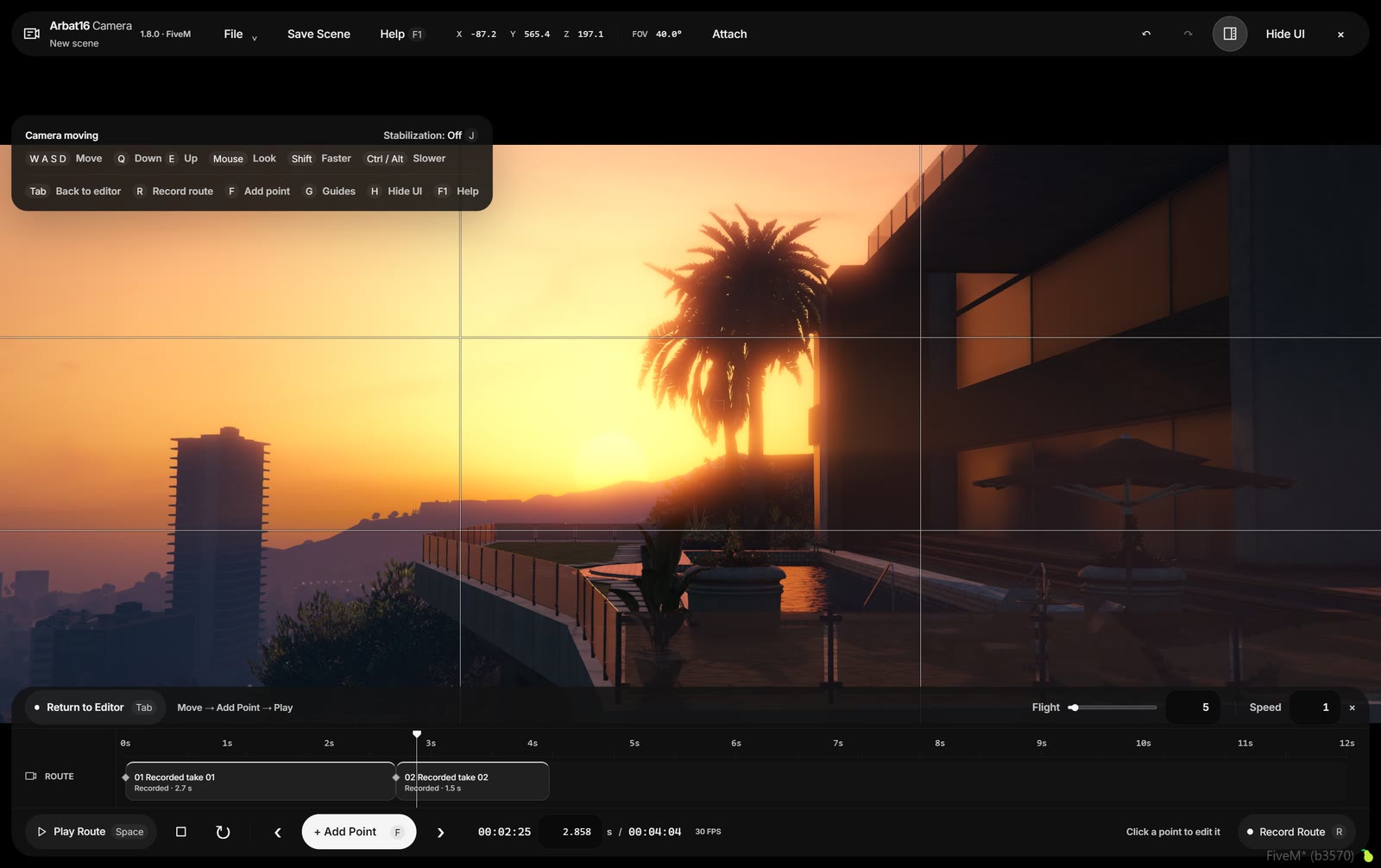
Composition guides
G toggles rule of thirds, golden ratio, diagonals, a fine grid, a centre cross or safe areas. Field of view and roll with exact numbers.
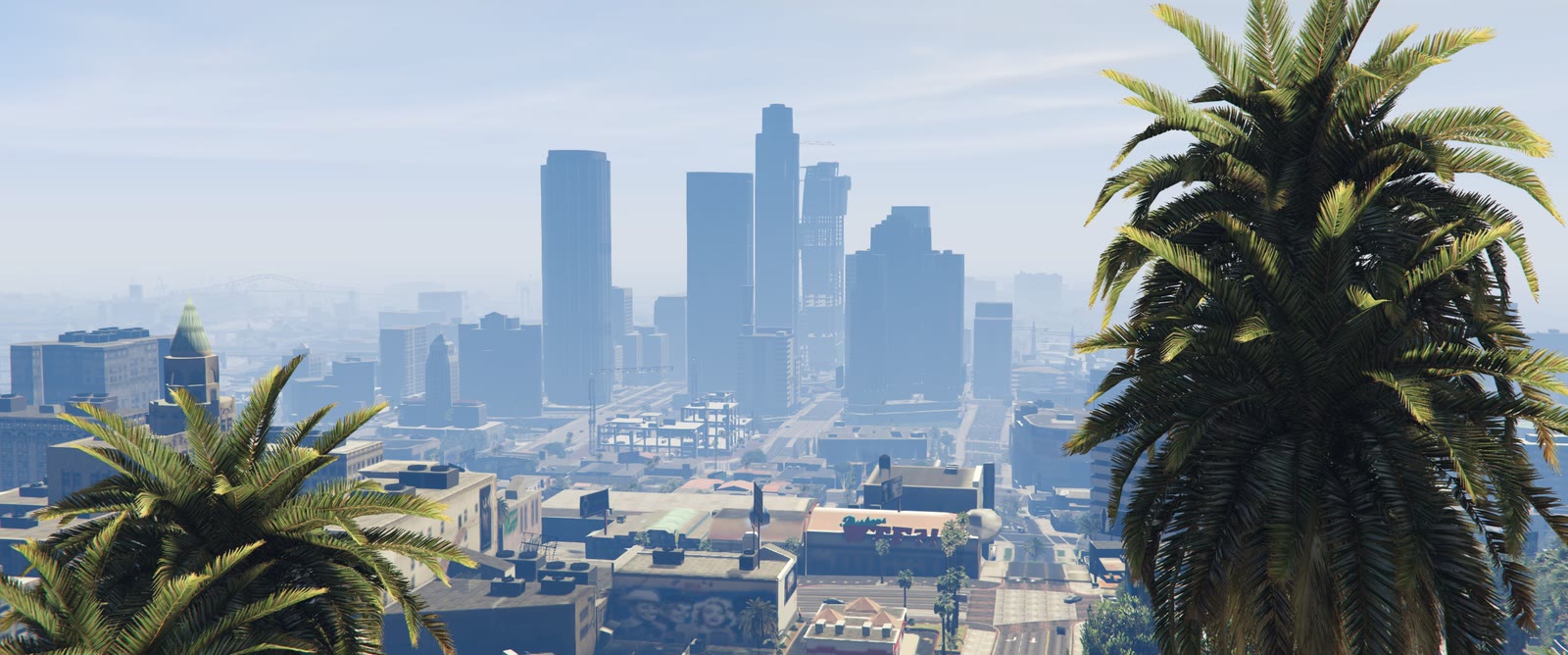
Looks, frames and depth of field
Natural, Cinema Scope, Urban, Quiet Portrait, Handheld and Dream Sequence, plus Black and White from a GTA V timecycle. Frames from native to 2.39:1 CinemaScope, filter strength, up to 40 presets of your own. A shallow depth of field switch with focus distance and blur strength.
Saved cameras and scenes
Up to 100 named cameras with markers in the world, drag them onto the timeline as holds. Scenes live on the server per player license, with JSON import and export. Time and weather per keyframe. Attach a route to the player or their vehicle.

Install
- Download the ZIP and put the
arbat16_camerafolder intoresources. - Add to server.cfg:
add_ace group.admin arbat16_camera.use allow
ensure arbat16_camera
- Restart the server and type
/ar16_cam. Tab starts flying, F1 opens the in-game guide.
Record Route saves the camera movement, not a video. Play the route back and capture it with OBS or any recorder. Time and weather are local overrides, so a weather sync script that keeps pushing its own weather can overwrite them while you film.
License
Free for any server, commercial ones included, and you can sell the videos you make with it. You can change the code and share it for free. Selling the resource or a changed copy is not allowed. Full terms in the repository (ARBAT16 Source-Available License 1.0, No Resale).
Performance
| Code is accessible | Yes |
| Subscription-based | No |
| Lines (approximately) | ~4,500 |
| Requirements & dependencies | None (standalone) |
| Support | No |