Environment questions
GTA Version 1.0.2215.0
Up to date
Legit Copy
Purchased from Epic
Windows 10 Pro N 20H2
Did you try to delete caches.xml (not cache/!) and try again? - Yes
System specifications: - 16gb ram , amd r7 rx550 , ryzen 5 2600
CitizenFX crash zip file (‘Save information’ on a crash):CitizenFX_log_2020-11-21T181608.log (27.7 KB)
logs/CitizenFX_log files:
.dmp files/report IDs:
f920359f-7cd9-4a1d-a019-7412aa860dc0.dmp (1.3 MB)
If you can’t start the game at all
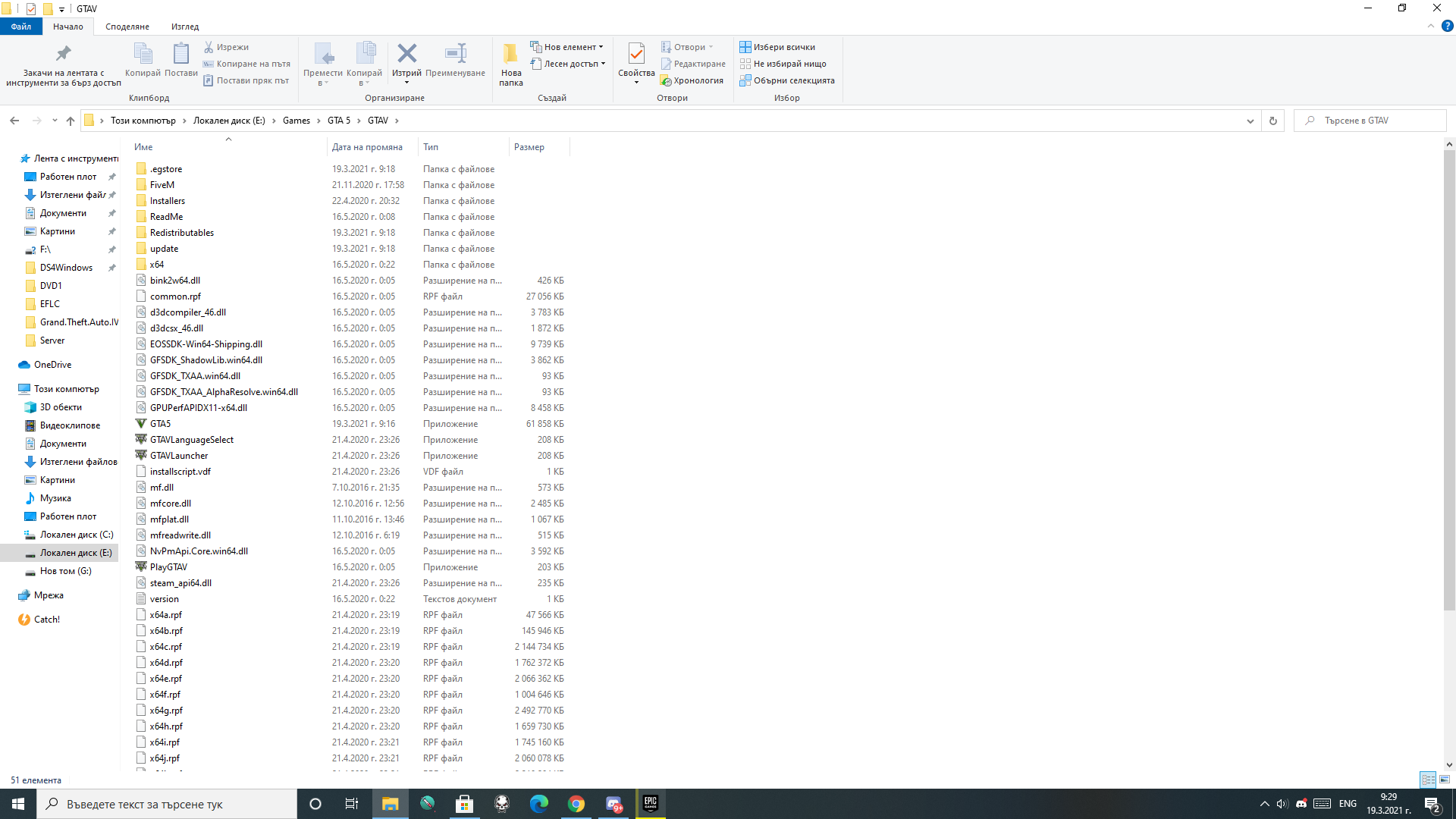
GTA V folder screenshot:
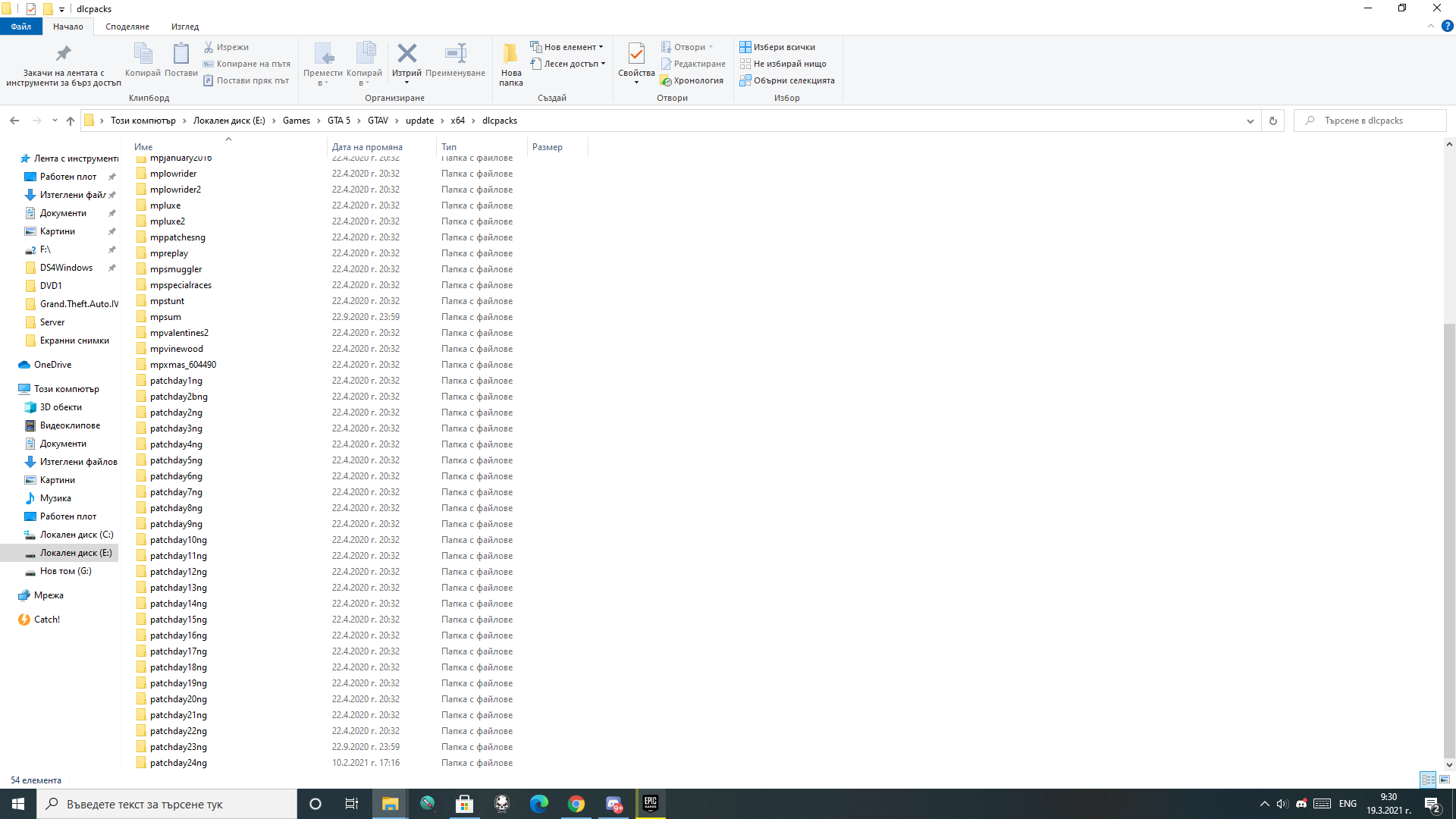
GTA V/update/x64/dlcpacks screenshot:

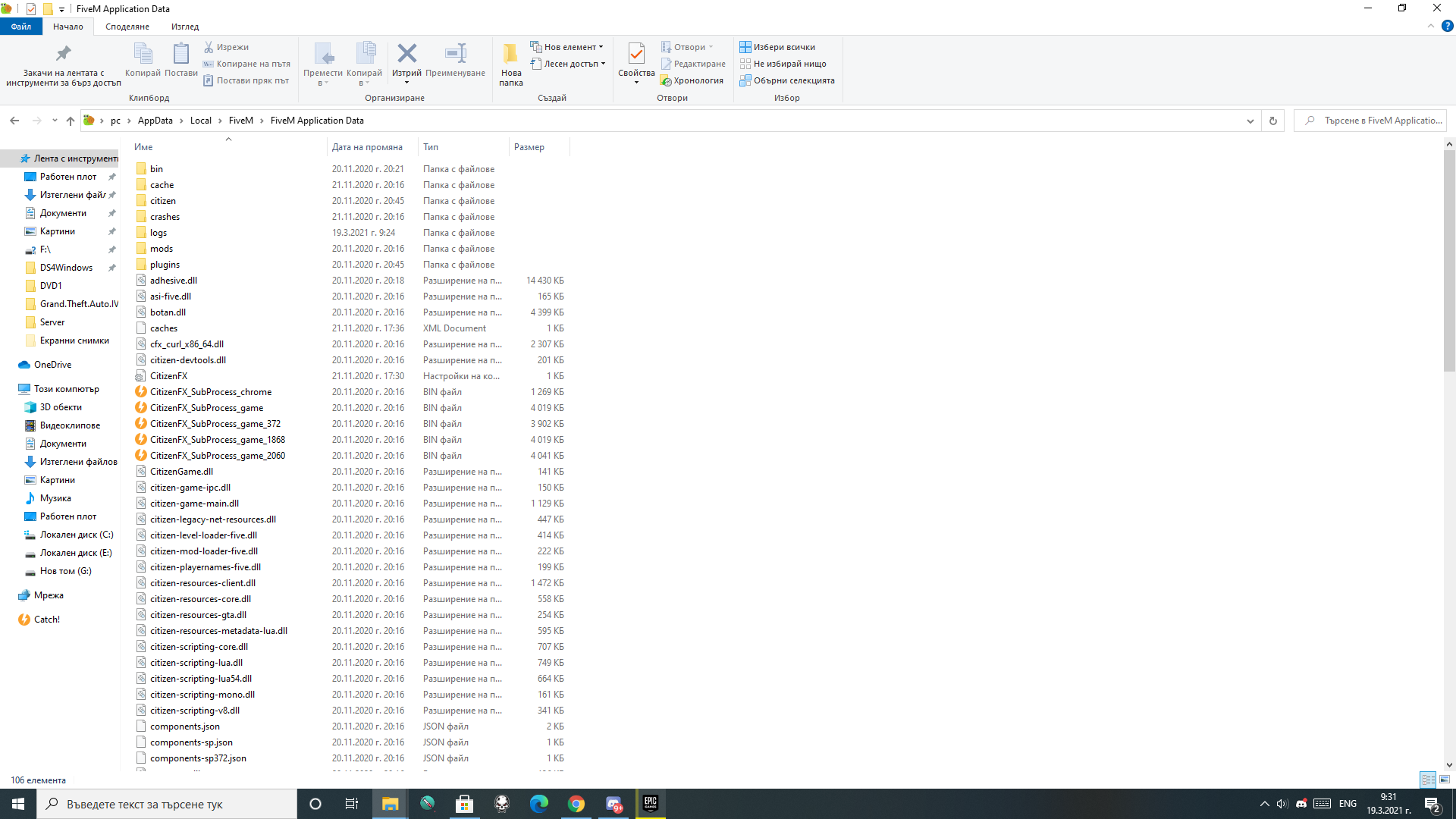
Filepath to FiveM folder:
C:\Users\pc\AppData\Local\FiveM
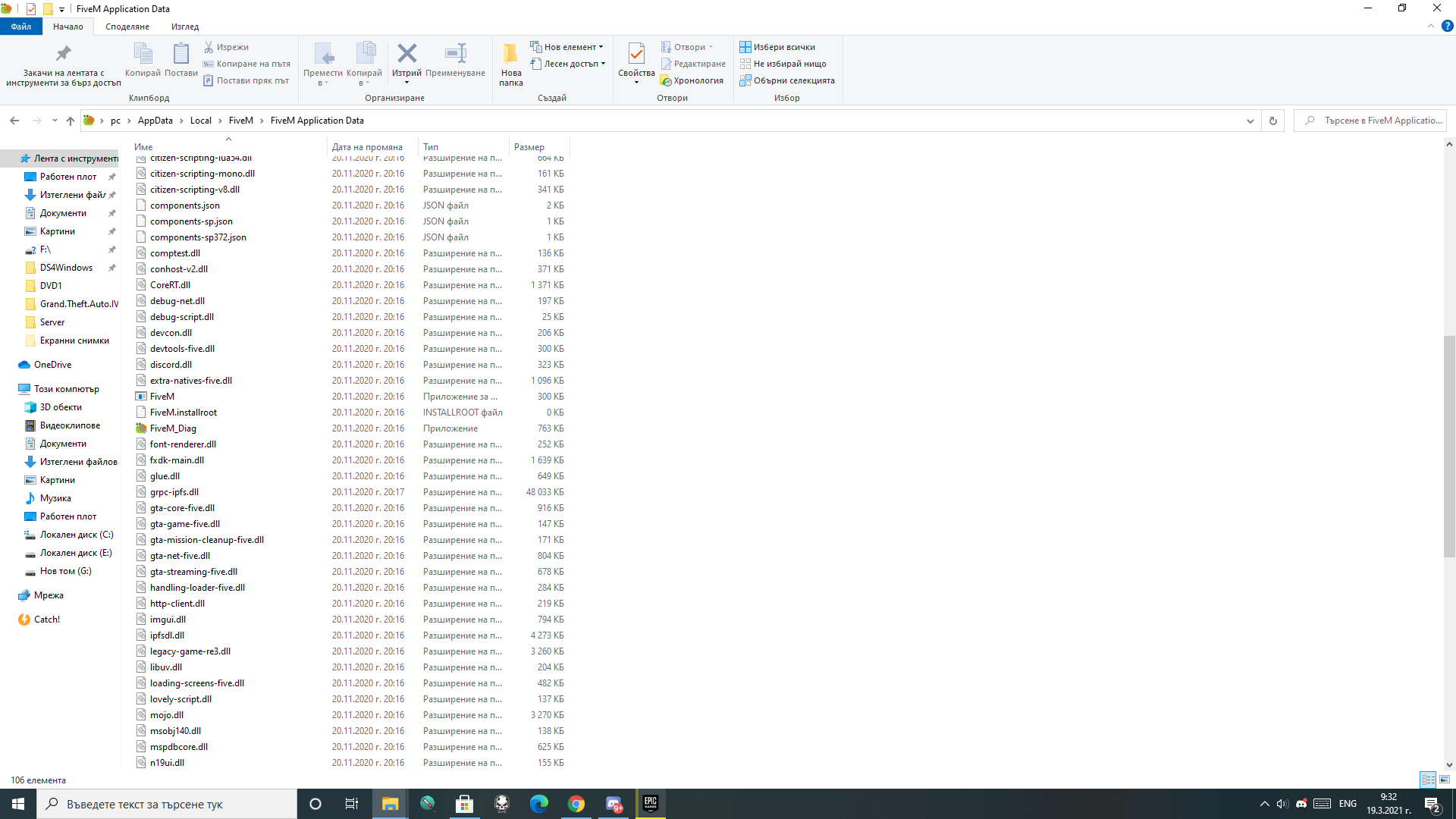
FiveM client folder screenshot:

Which antivirus/firewall software are you using?
None atm
Did you try to disable/uninstall your Anti-virus?
Yes
Important parts
What is the issue you’re having?
I cant seem to fix this Windows Media Player error , i tried installing it from the settings and stuff and it’s still not working
What are you trying to do?
I’m trying to figure out whats wrong with this so called Media Player
What have you tried already to fix the issue?
Installing it through Settings/Additional Features , I once edited some stuff from regedit but i don’t remember what as it was long time ago
Error screenshot (if any):
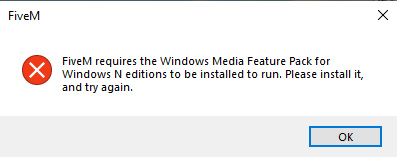
What did you do to get this issue?
Nothing i can remember
What server did you get this issue on?
Couldn’t even start the game
