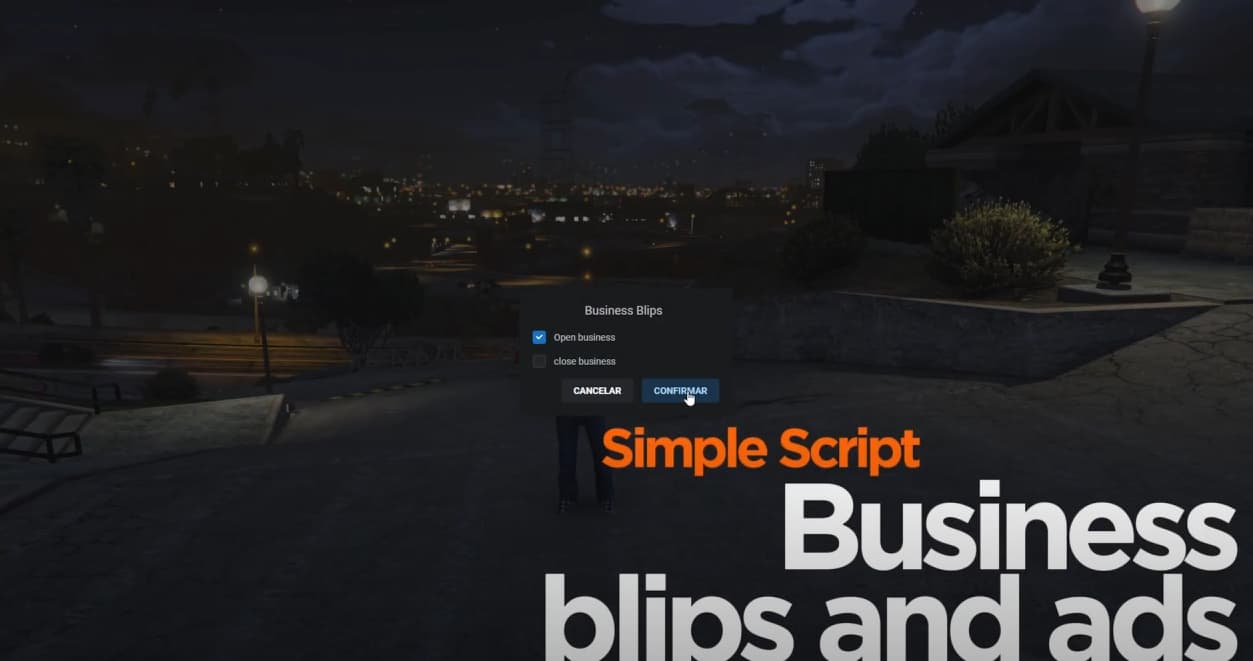
Business blips and ads
This script allows you to announce the opening of businesses or factions on the server, offering the ability to send announcements and activate the blip for the corresponding location, as defined in the default settings. It includes custom commands to send specific announcements for each faction and ensures full synchronization with all players, including those who are in the process of joining the server. Announcements for open businesses or factions will be sent automatically.
What does the configuration file offer?
- Language settings.
- Customization of commands for announcements.
- Specific settings for each announcement: title, text color for the title and message, custom image, and announcement duration.
- Option to choose which business or faction can use announcements or announcements with blips.
- Customization of messages for opening and closing businesses.
- Configuration of the blip type, color, and size.
It is very easy and intuitive to configure.
STORE
PREVIEW
|
|
| Code is accessible |
only Config |
| Subscription-based |
No |
| Lines (approximately) |
+100 |
| Requirements |
OXLIB |
| Support |
Yes |
2 Likes
So its just a basic blip placement script which is just a simple.
Locations
{
coords = vector3(1175.19, 2639.49, 37.75),
size = 5.0,
showBlip = false,
},
},
blip = {
id = 446,
color = 47,
scale = 0.7
},
With basic script restart push the blip? I am assuming that the text that appears is just custom notification?
Yes, it is a more or less simple script that allows you to activate blips and send announcements as shown in the video, it has some functions that allow the blips and opening and closing announcements to always be synchronized with all users even if they are about to connect, as shown in the video, and well everything is described above C:
Hi, are you plane ads for esx? 
1 Like
Of course, if you need it in ESX, I can do it this week.
1 Like
[UPDATE] now compatibility with esx and qbox has been added 
1 Like
Update: Config.UseAutoBlips has been added.
If set to true, Config.CommandName will not work. This option allows Config.CommandName to run automatically without using the command. What does it do? It detects if there are players on duty from the script’s configuration list; if so, it sends an announcement and activates the blip. If no players have the job assigned, it will automatically send a “closed” message and remove the blip. If you don’t need this feature, please set it to false.