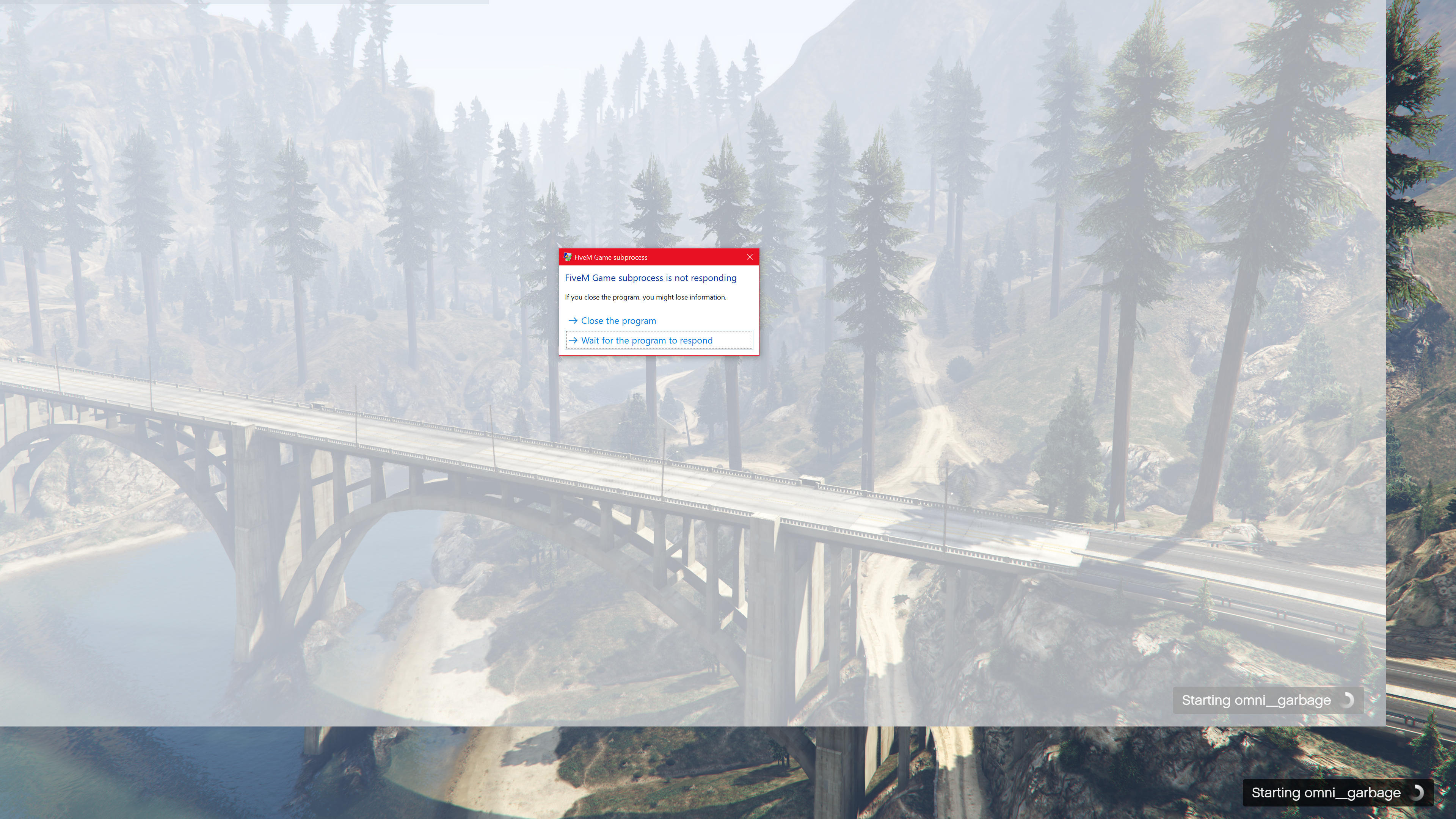
I’ve had this issue ever since the 2020 update. Before that I was able to load into servers without issue. Please help I really want to play 
GTA V version?* latest
Up to date? yes
Legit or Pirate copy? legit, no mods installed
Steam/CD/Social Club? social club
Windows version? 10.0.19041 Build 19041
Did you try to delete caches.xml and try again? yes
Error screenshot (if any) N/A
System specifications Ryzen 7 2700, 8GB ram, Radeon RX 580
What did you do to get this issue? Game freezes 5 seconds after the loading screen with the bridge. Then says FiveM Game subprocess is not responding. GTA:O and FiveM Story Mode work.
What server did you get this issue on? Transport Tycoon, but happens with every server I try to join
CitizenFX crash zip file i don’t understand where that is?
CitizenFX.log file CitizenFX_log_2020-10-07T183931.log (4.7 KB)
.dmp files/report IDs 605fecbd-e430-4925-bd9e-cef1d47881f9.dmp (2.0 MB) c2063d7a-3f94-4258-9895-63fb2ac26225.dmp (2.1 MB)
If an issue with starting:
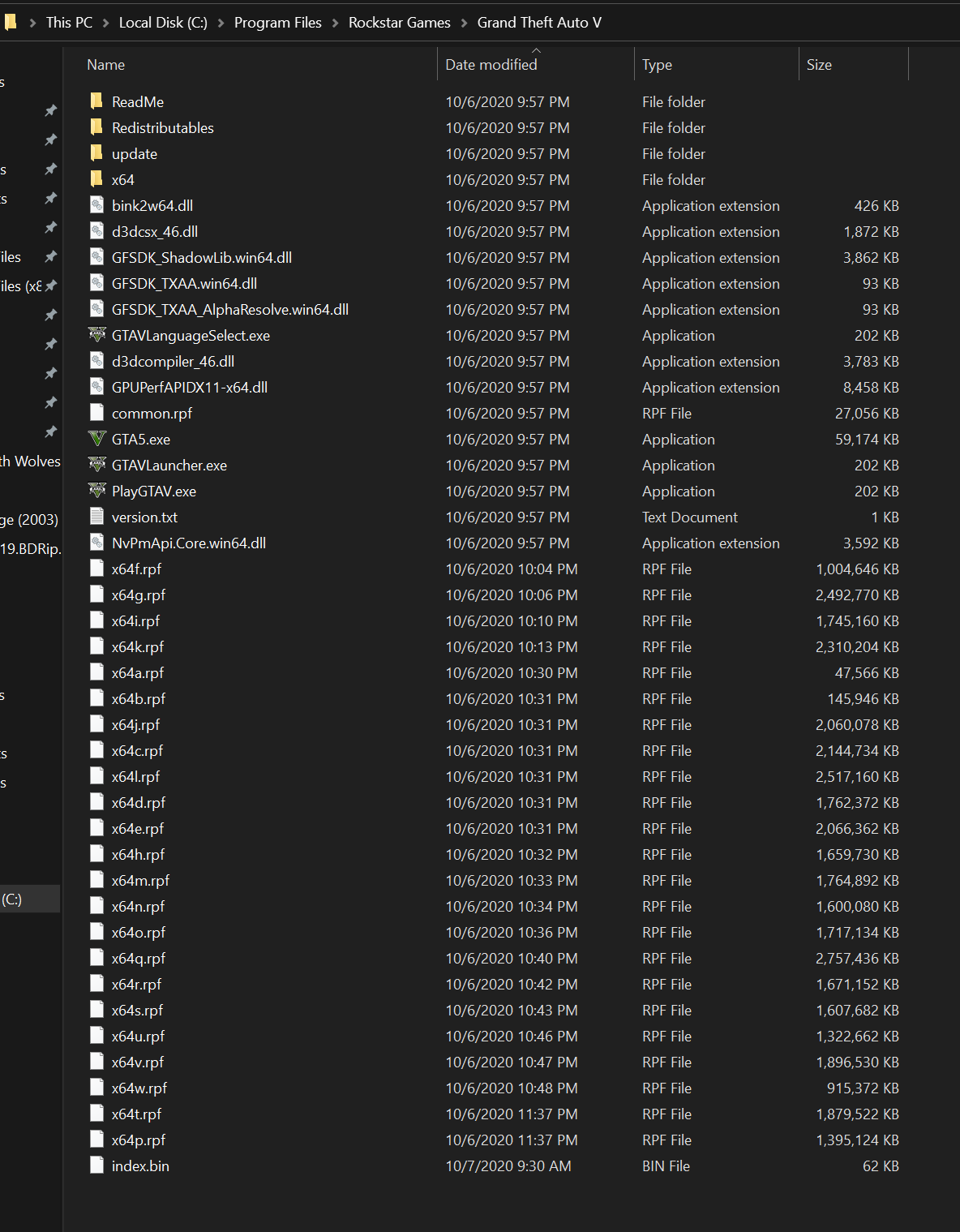
GTA V folder screenshot
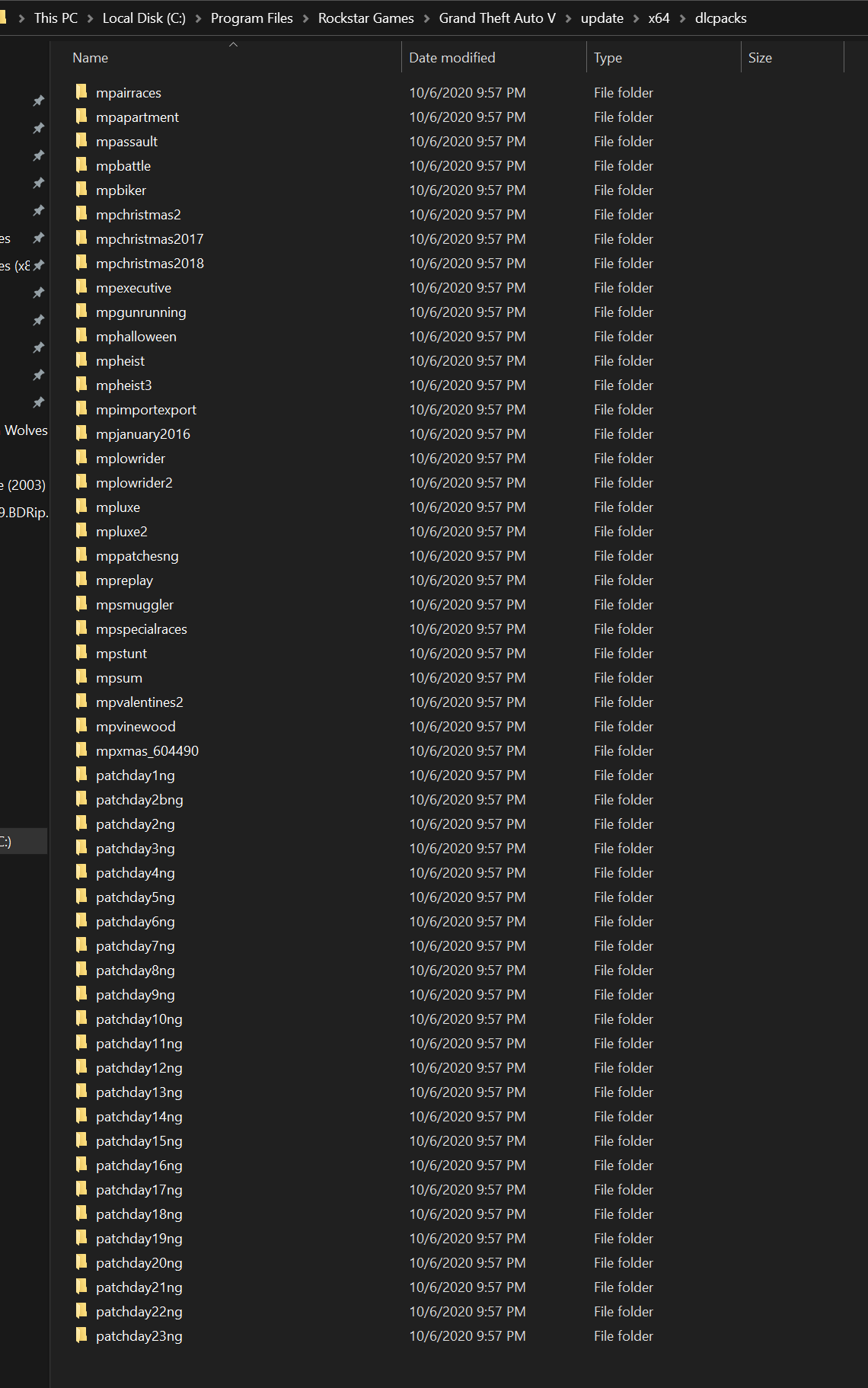
GTA V/update/x64/dlcpacks screenshot
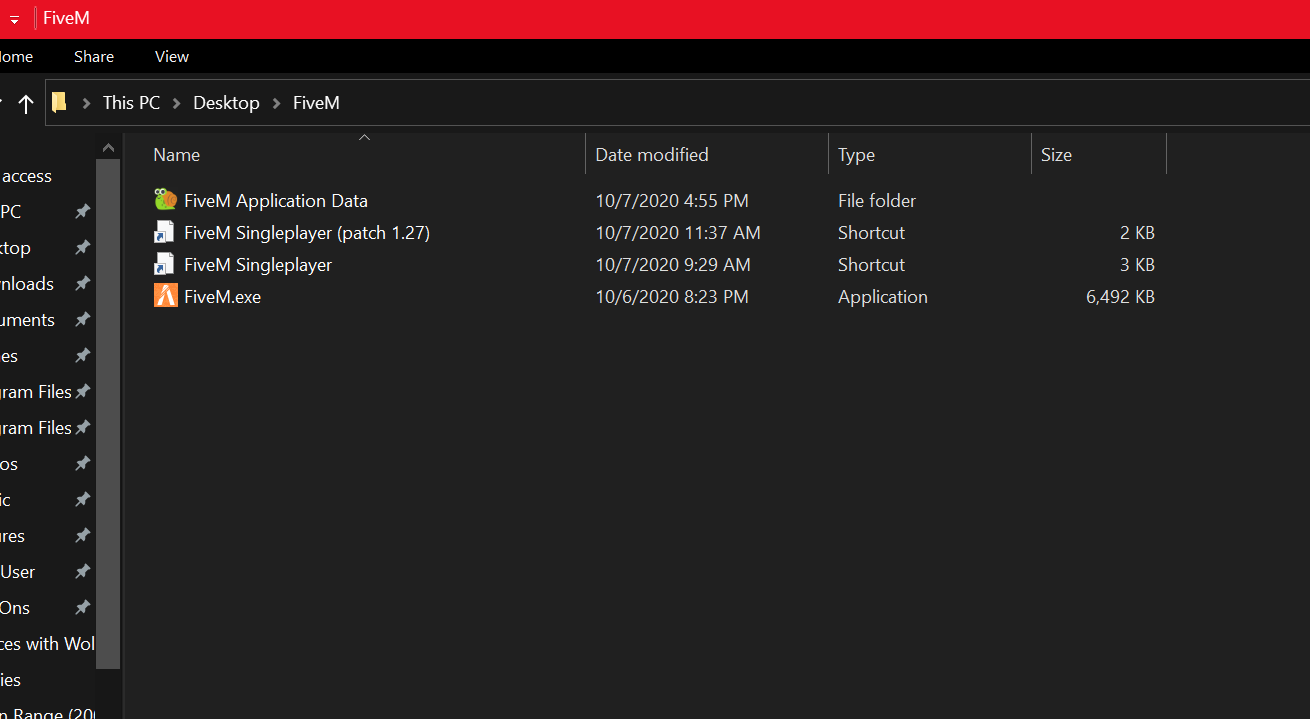
Filepath to FiveM folder C:\Users\MSI User\Desktop\FiveM
FiveM client folder screenshot
Which antivirus/firewall software are you using? MalwareBytes and Windows Defender, both disabled
Did you try to disable/uninstall your Anti-virus? yes
Also add what you already tried so far.
Disabled Anti-Virus and Firewall
deleted caches.xml
Reinstalled GTA 5 and FiveM
Ran FiveM in Compatability Mode
Restarted FiveM multiple times
Restarted computer
Tried different servers, all crash during the bridge loading screen
Restored computer to earlier versions
Browsed the forums for people with similar issue for an hour or more. none of the solutions works!
Can run FiveM Story mode without issue.
What the screen looks like when frozen: