Base Building [ESX/QB]

5scripts-building3

Not just a building script - a full base building ecosystem for FiveM. Custom 3D models, tiered upgrades, raiding, decay, tool cupboards, and a built-in admin panel.

KEY FEATURES:

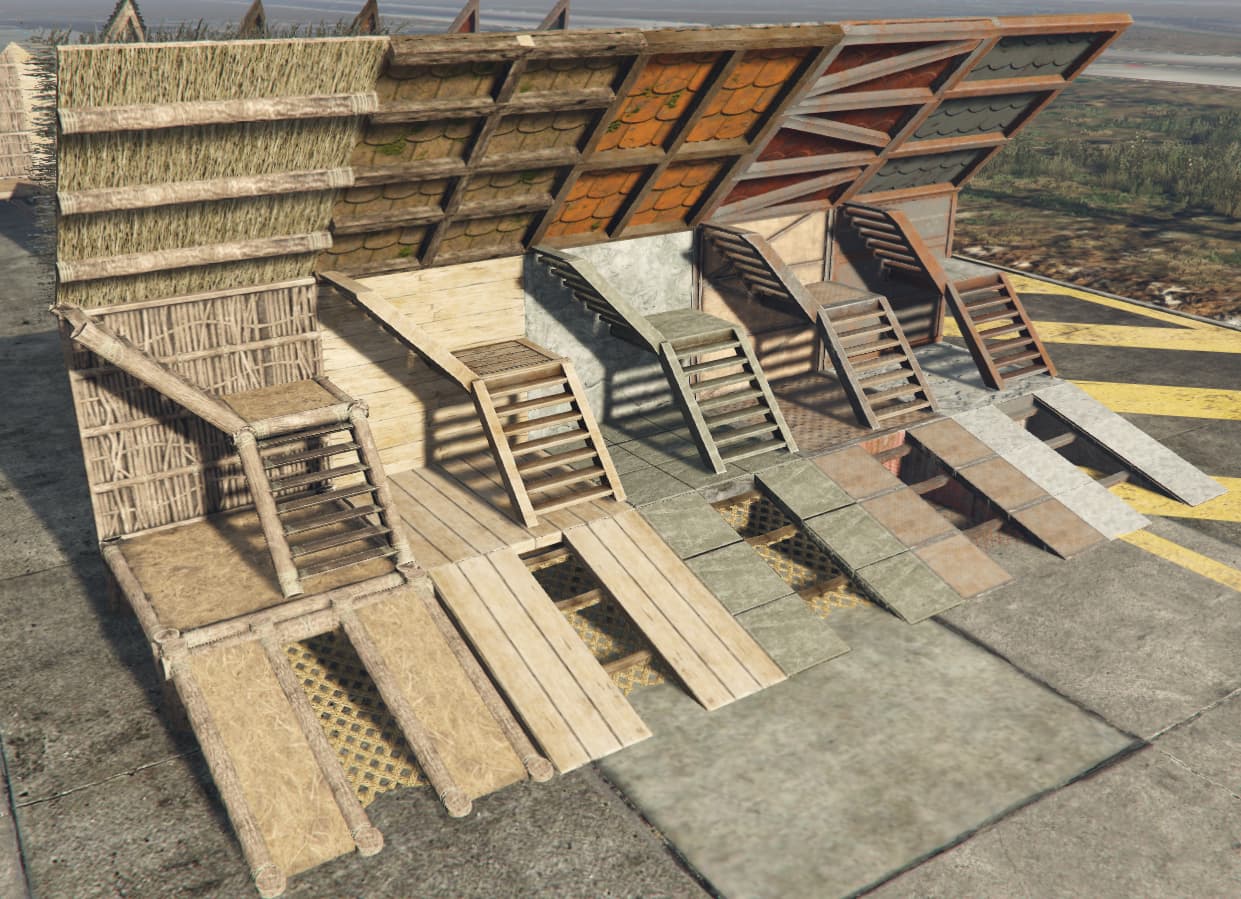
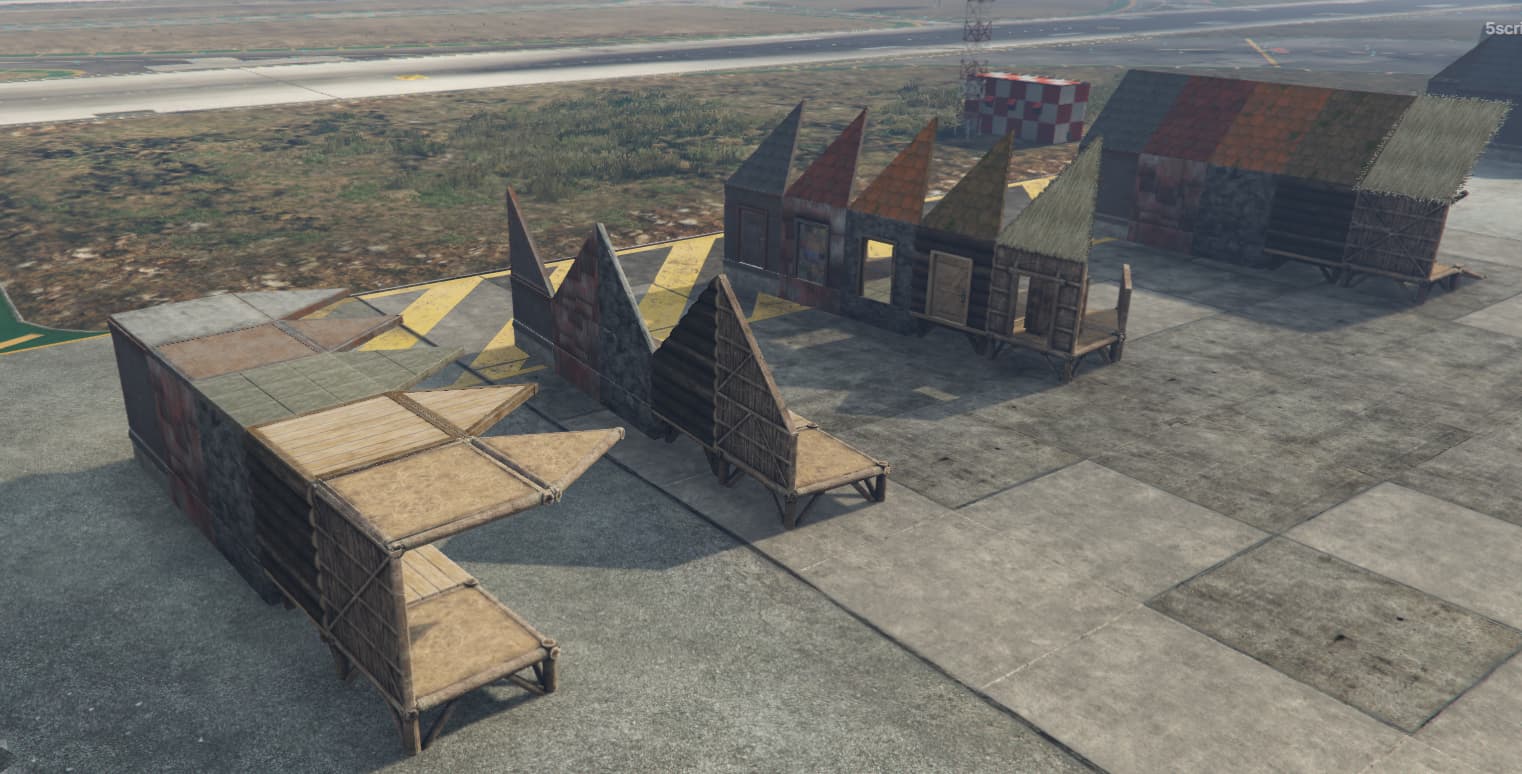
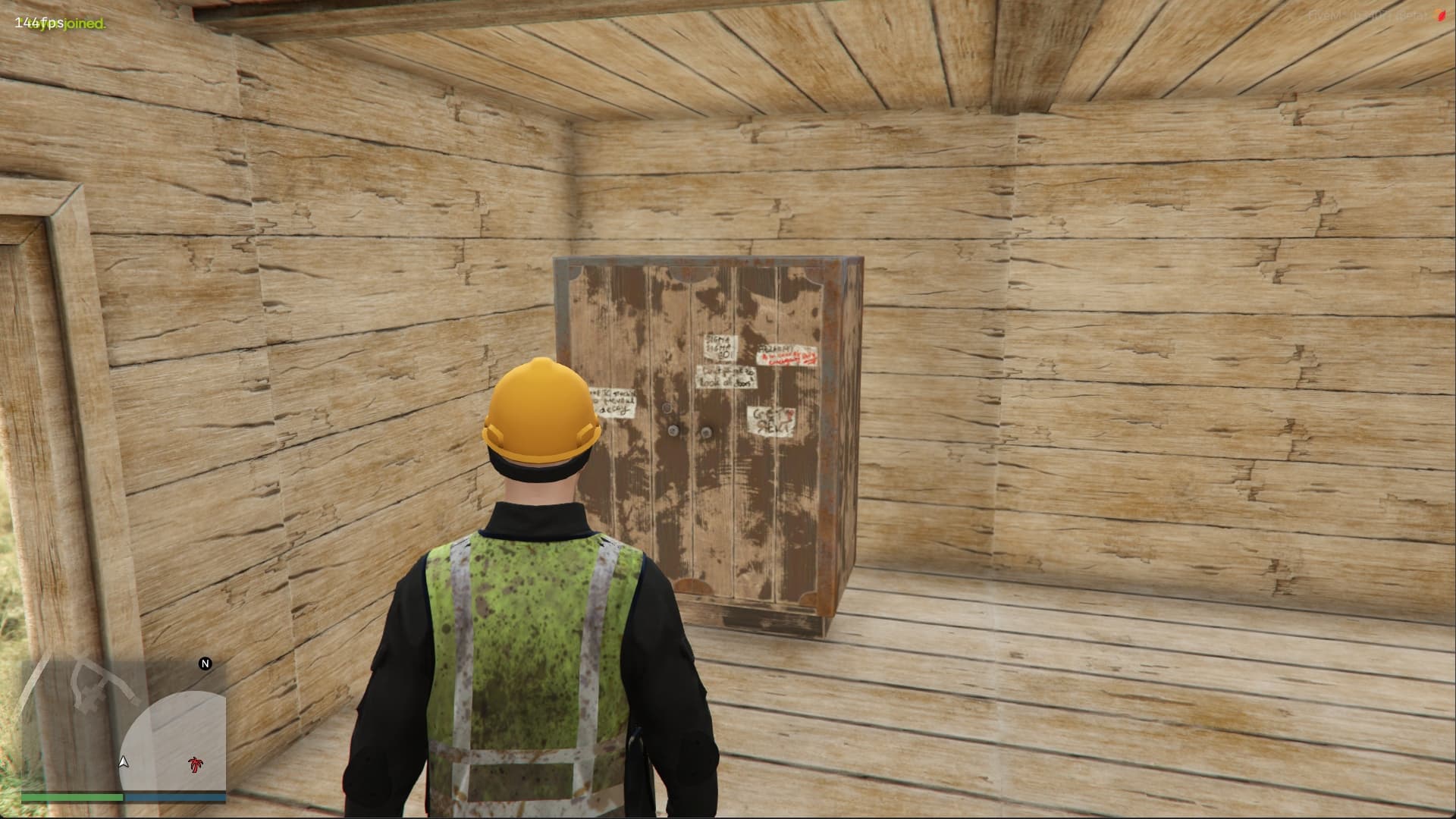
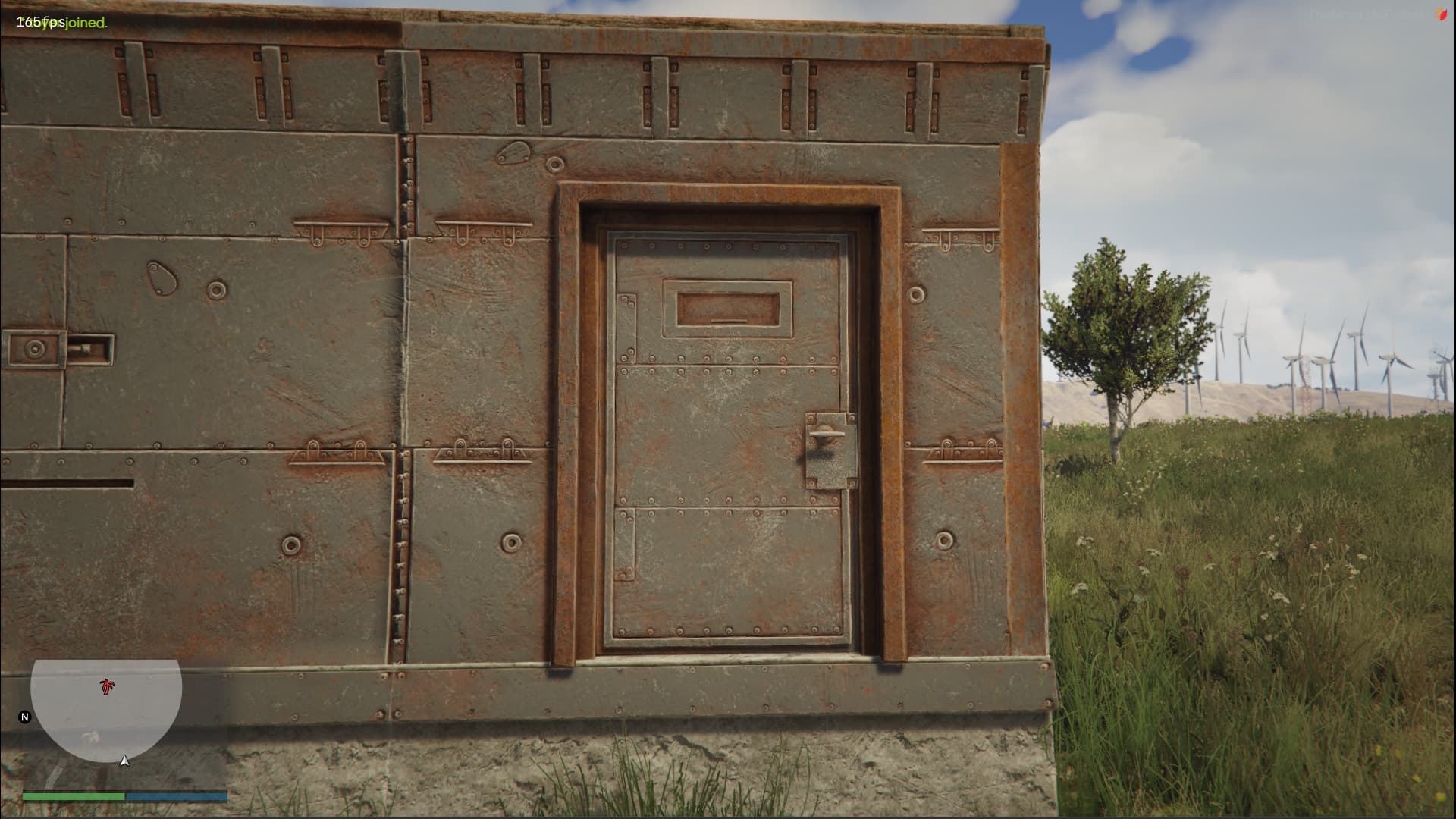
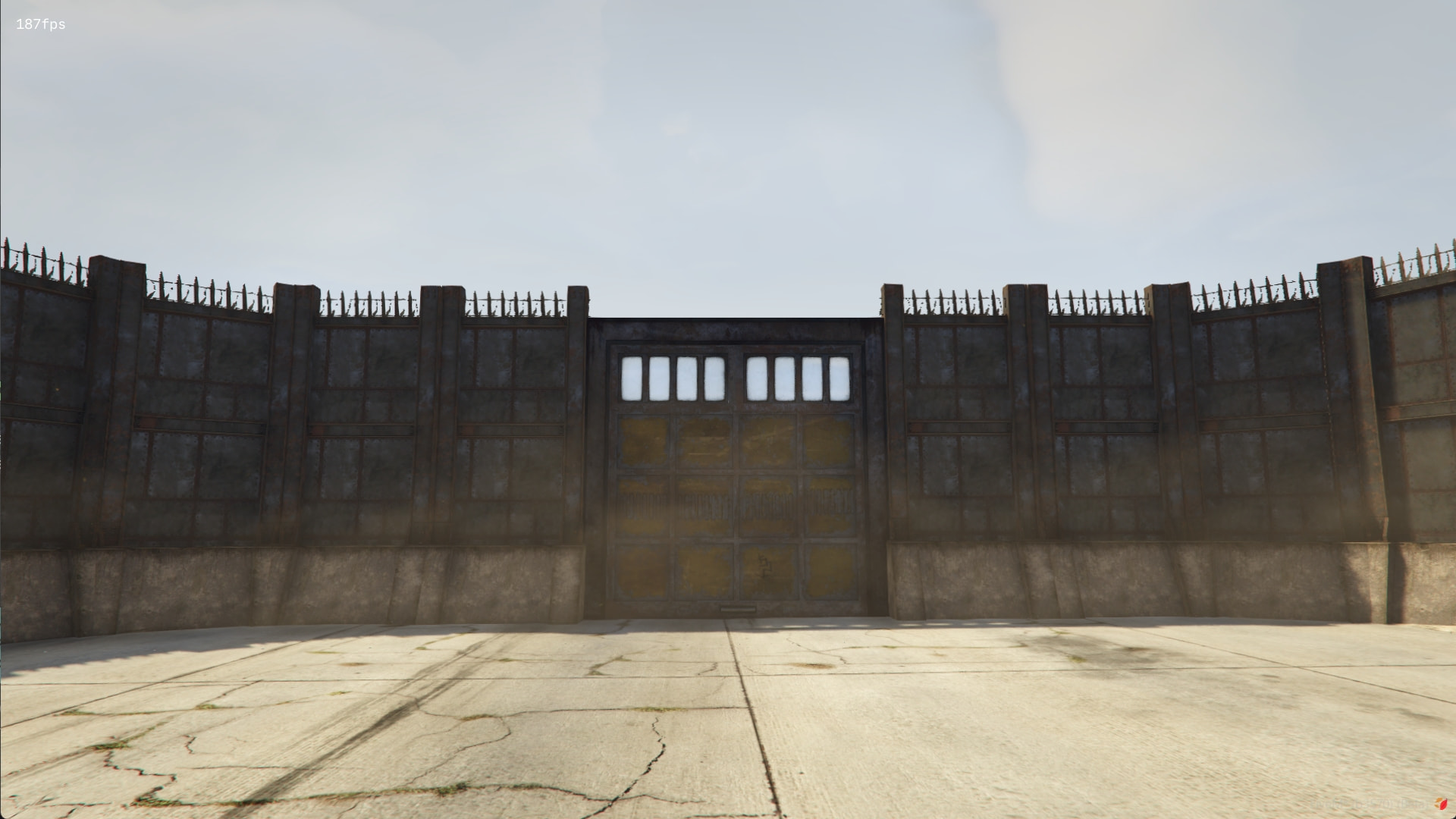
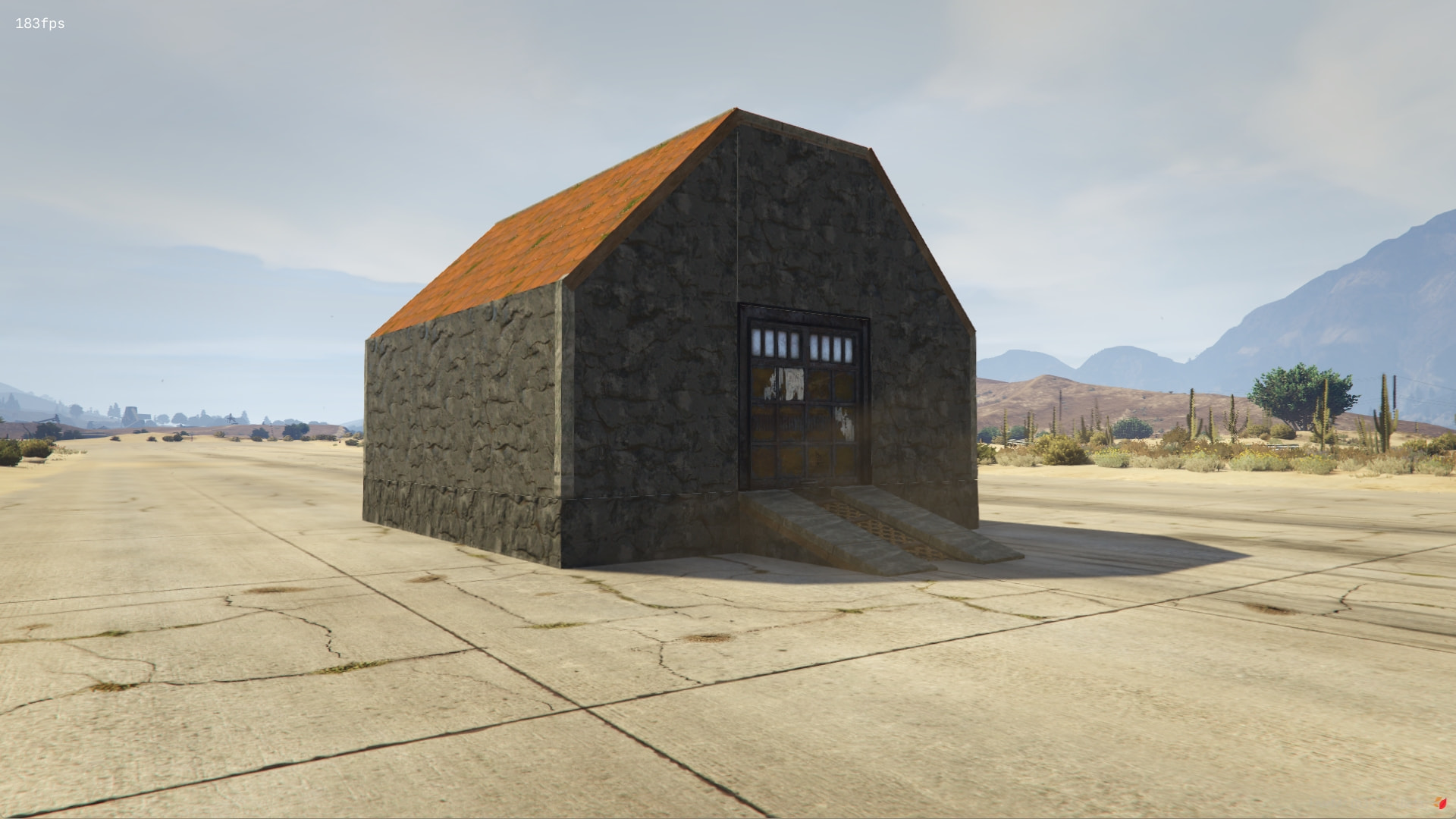
  • Custom 3D Models - foundations, walls, roofs, doors, windows, window attachments, ramps.
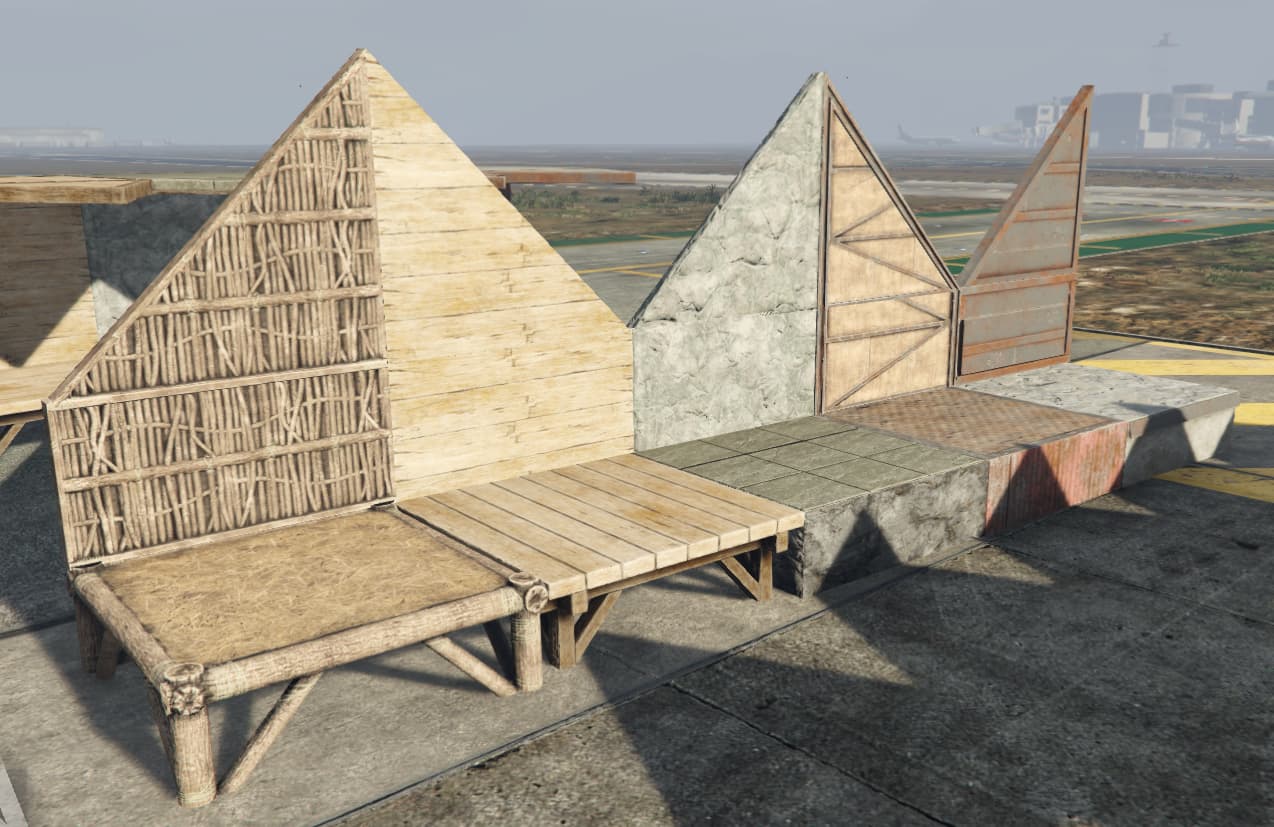
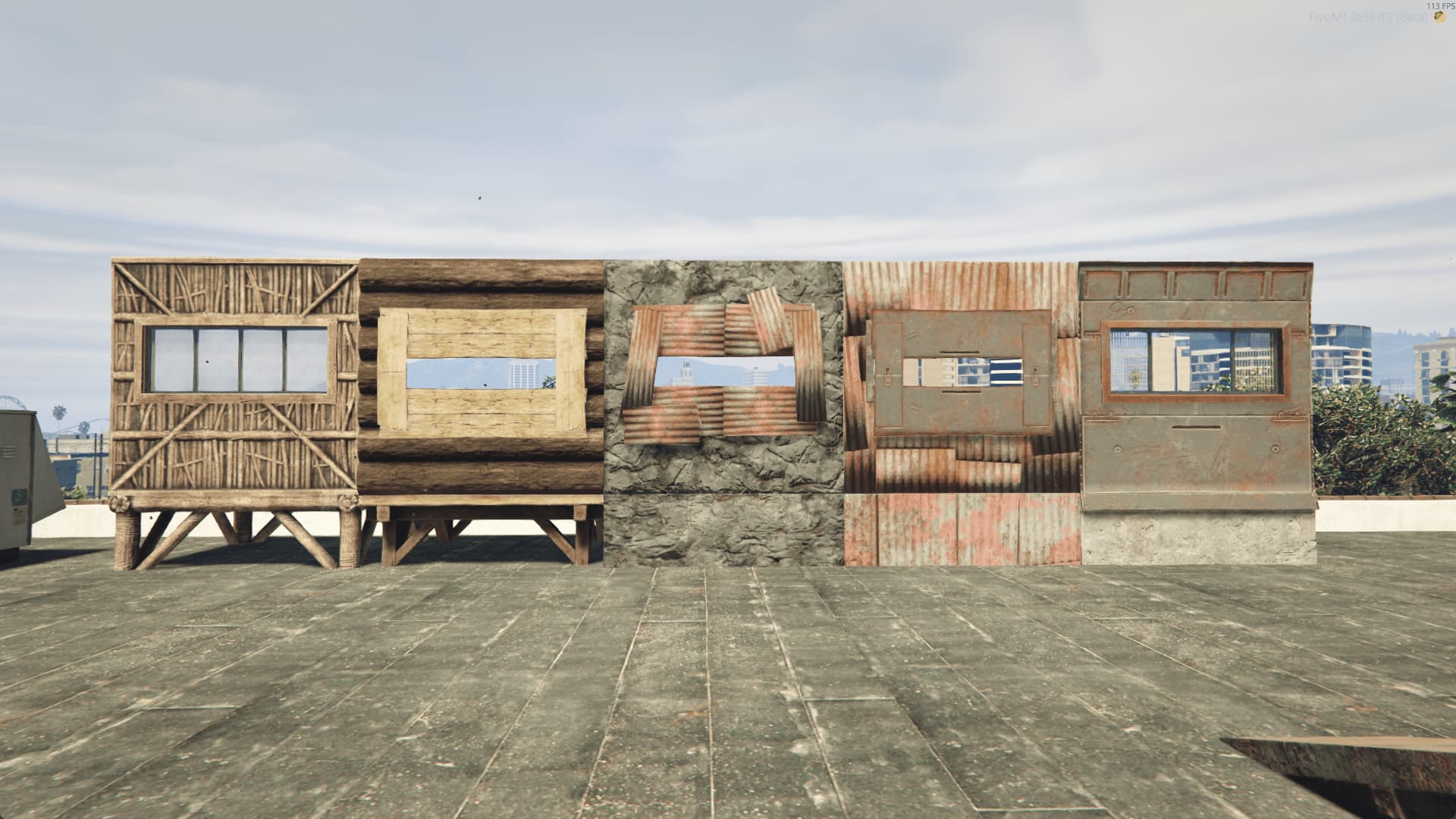
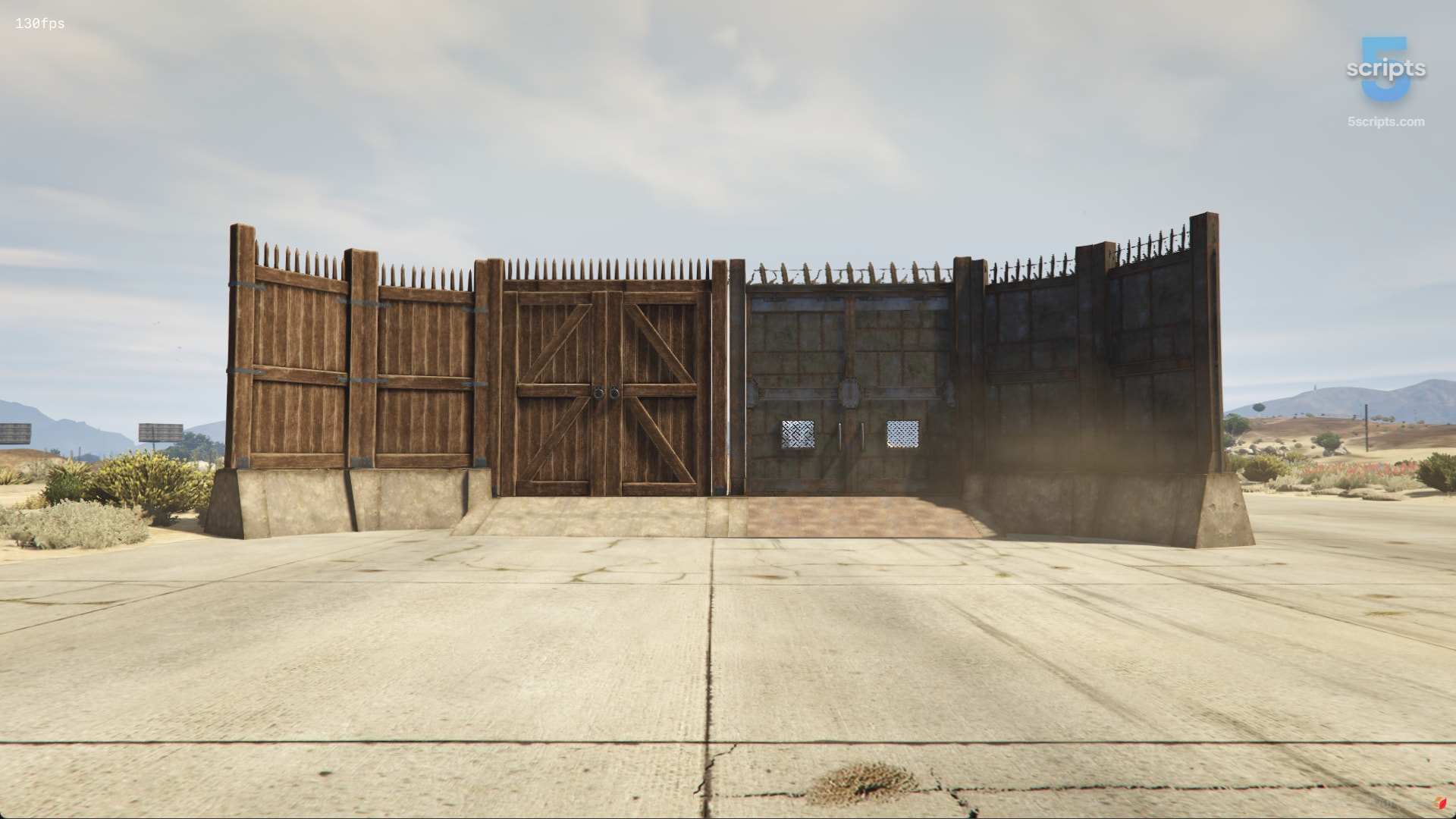
  • Building Plan System - start with twig, then upgrade to wood, stone, metal, or HQ metal.
  • HP Values per Material - every upgrade increases durability.
  • Raiding Support - destroy bases with the configured weapons/explosives.
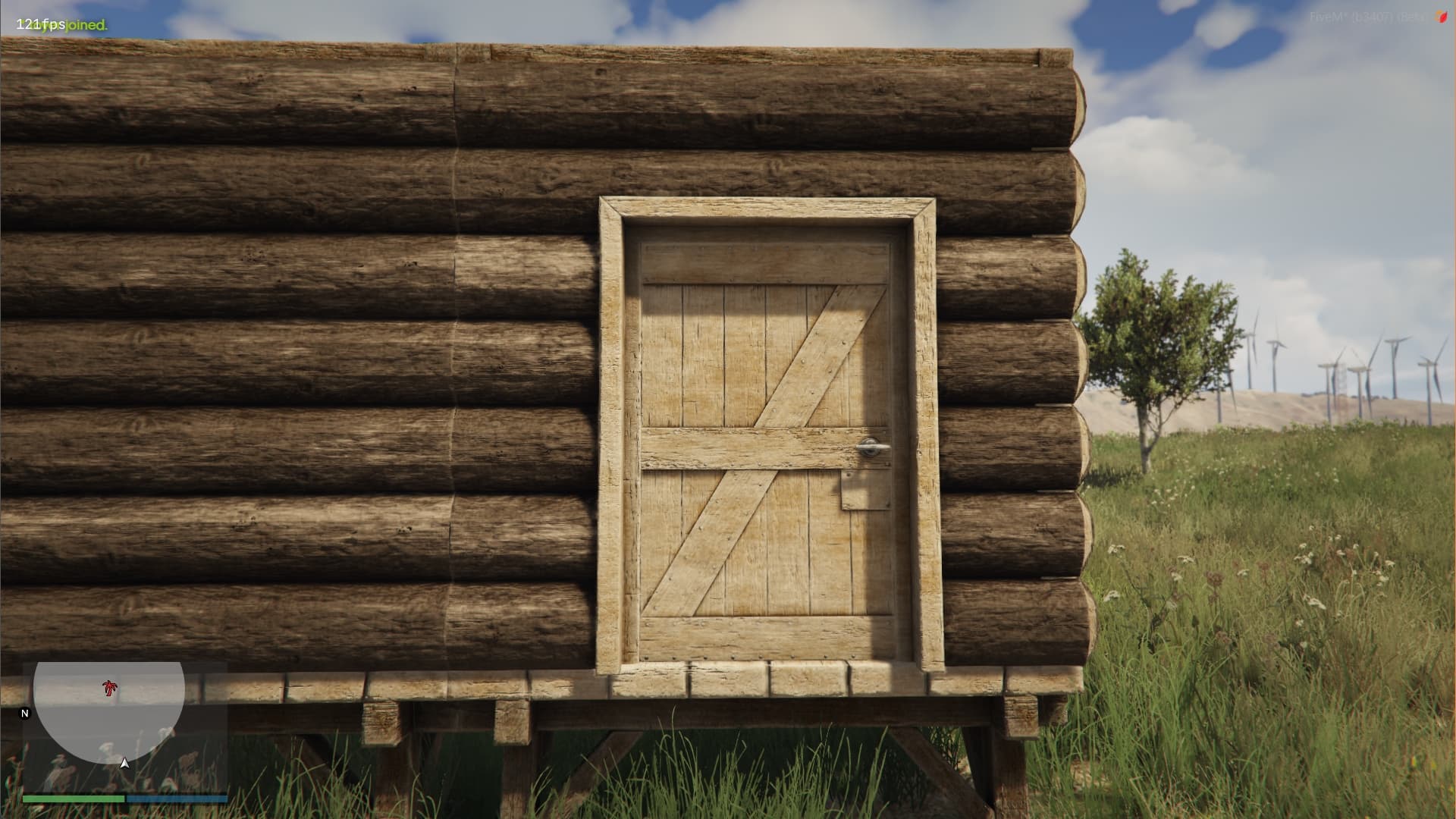
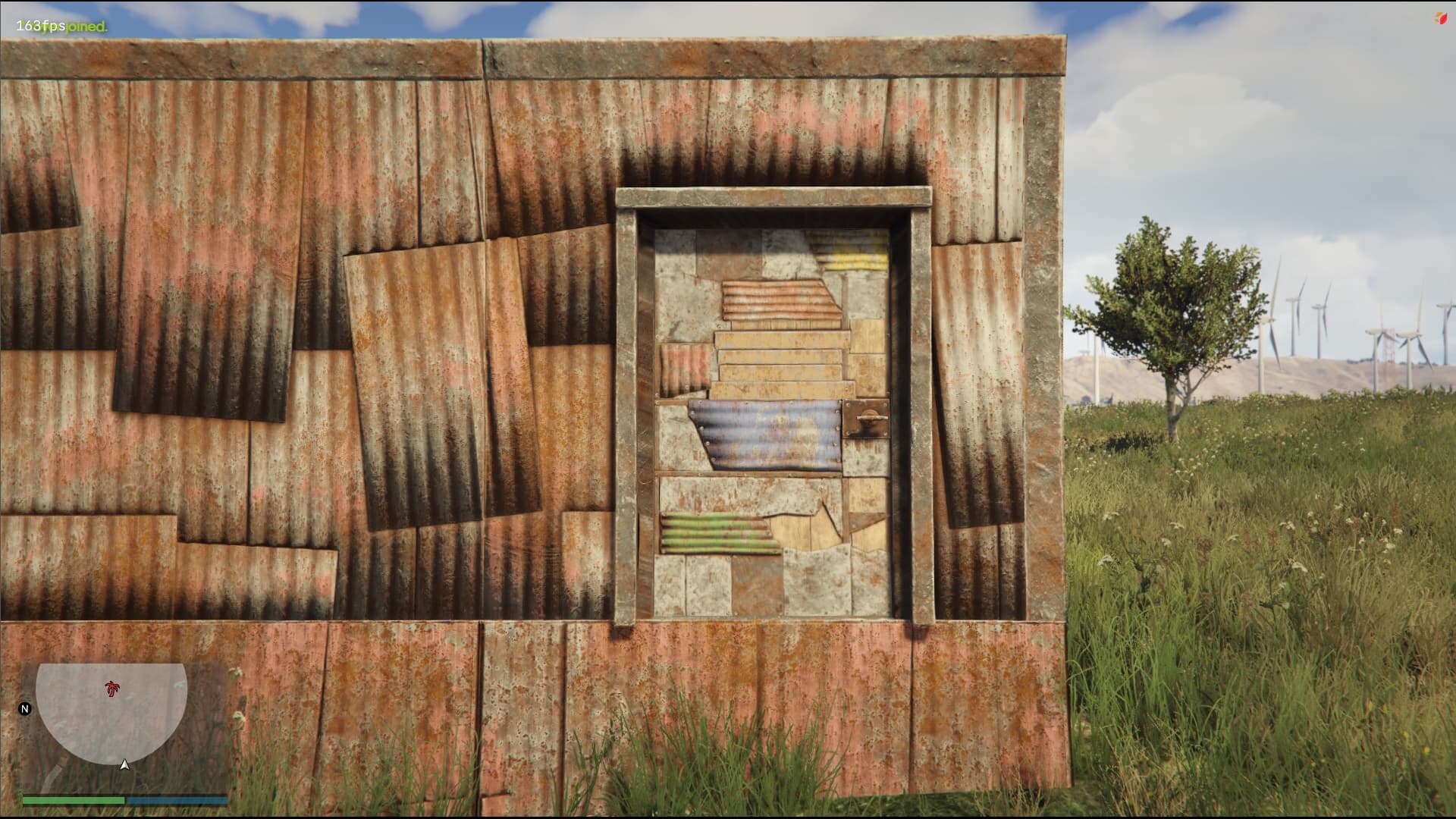
  • Door Tiers + Code Locks - wooden, metal, or HQ doors with optional secure code-locks.
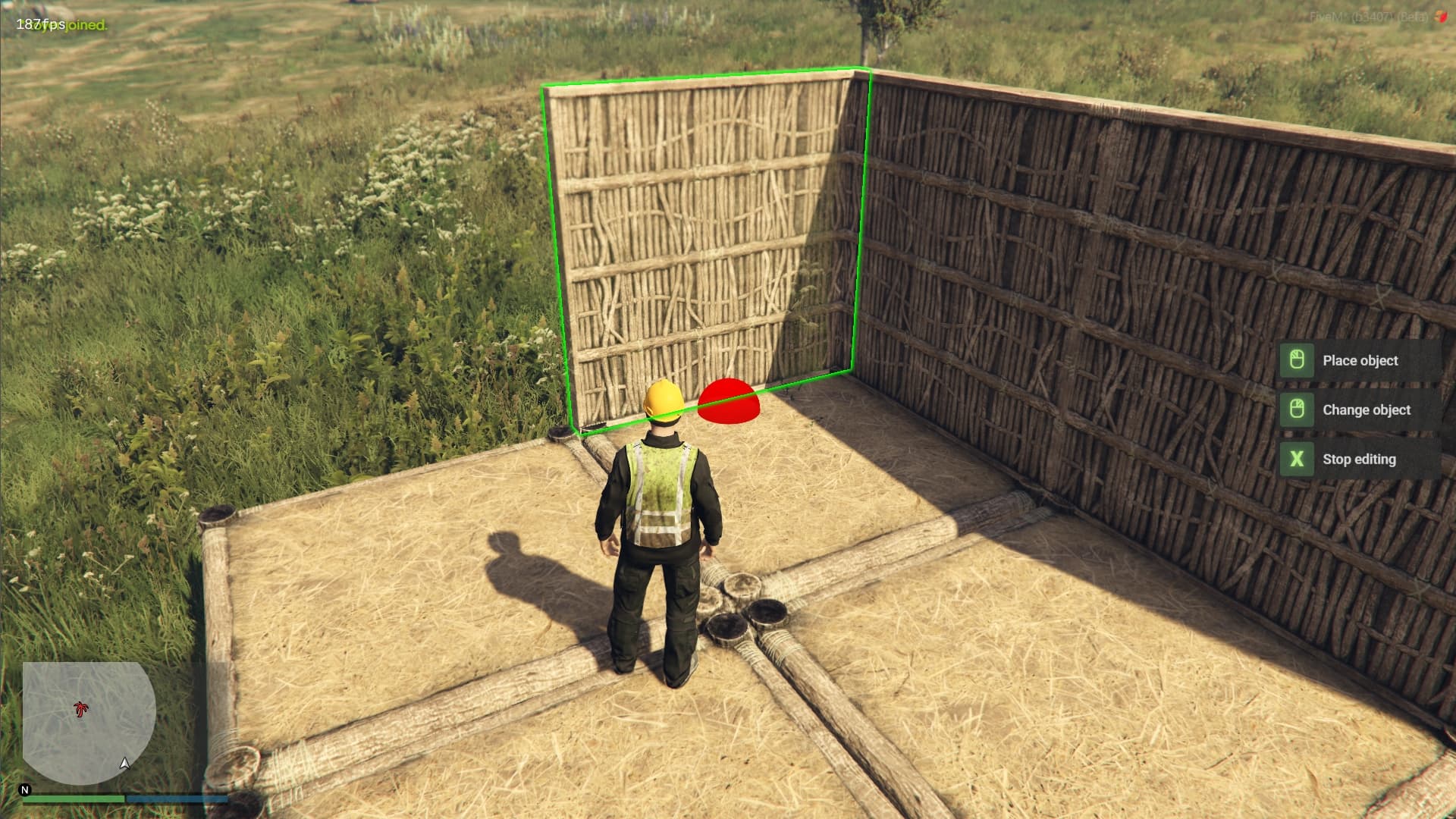
  • Smart Key Hints - always shows players the correct controls.
  • Tool Cupboard System with custom UI - Consumes resources to prevent decay and defines a build zone for authorized teammates only.
  • Building & Upgrade - intuitive radial menu that lets players quickly place, upgrade, or demolish structures with just a few clicks.
  • Admin Panel - easily manage, remove, or inspect player bases.
  • Fully configurable decay timers, HP values, and upgrade costs.
  • Adjust raid balance - weapons, explosives, or custom logic.
  • Set of high quality inventory icons.
  • Exports available to integrate with progression, permissions, or role systems.
  • Custom Sounds - immersive building and destruction audio.
  • Highly Optimized and ready for servers with 300+ players.

:globe_with_meridians: Multi-language support - the script is easy to translate to any language.

:wrench: Tested and fully compatible with ESX and QBCore.

:closed_lock_with_key: This script is secured by FiveM’s Escrow system.

:movie_camera: VIDEO SHOWCASE


Get Started


:zap: LIFETIME ACCESS - $74.99 + tax includes free updates

JOIN OUR DISCORD
DOCS

Screenshots


Our other scripts


5scripts-gathering-bezrust

5s-skinmenu kopia

5scripts (3)

miniaturka-kolo-fortuny

Code is accessible Partial
Subscription-based No
Lines (approximately) ~20 000
Requirements 5s_lib (Included for FREE)
Support Yes
6 Likes

v1.4.0 - New Ramps Are Here!

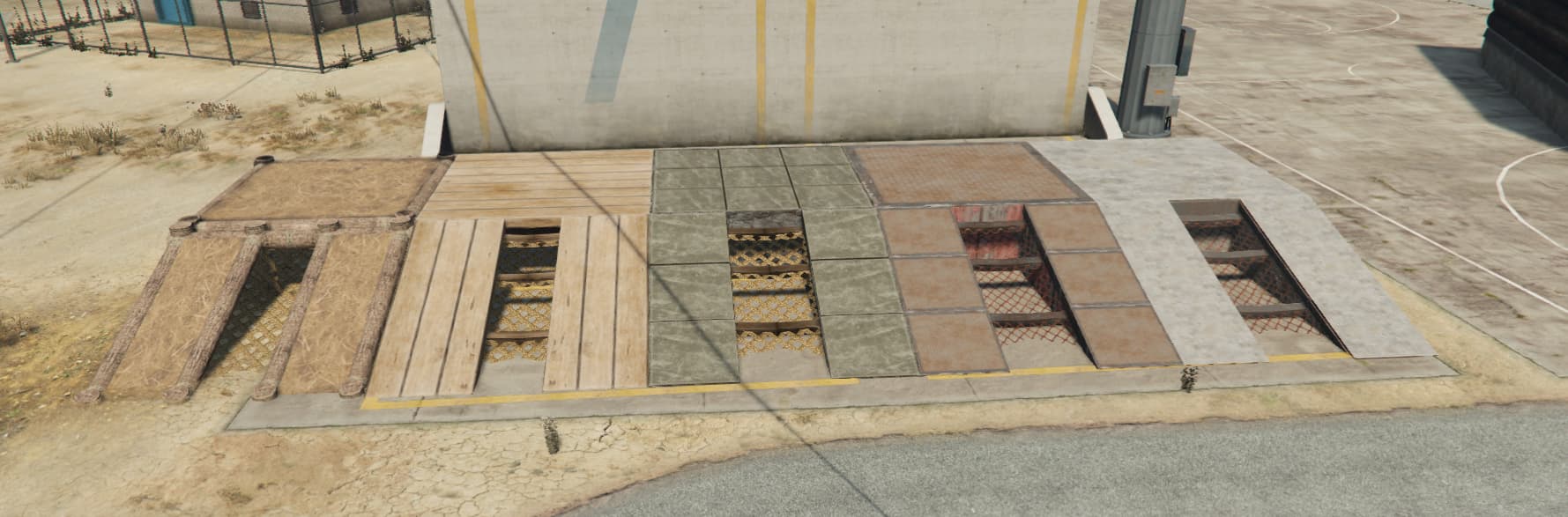
You can now place 5 new ramp types :

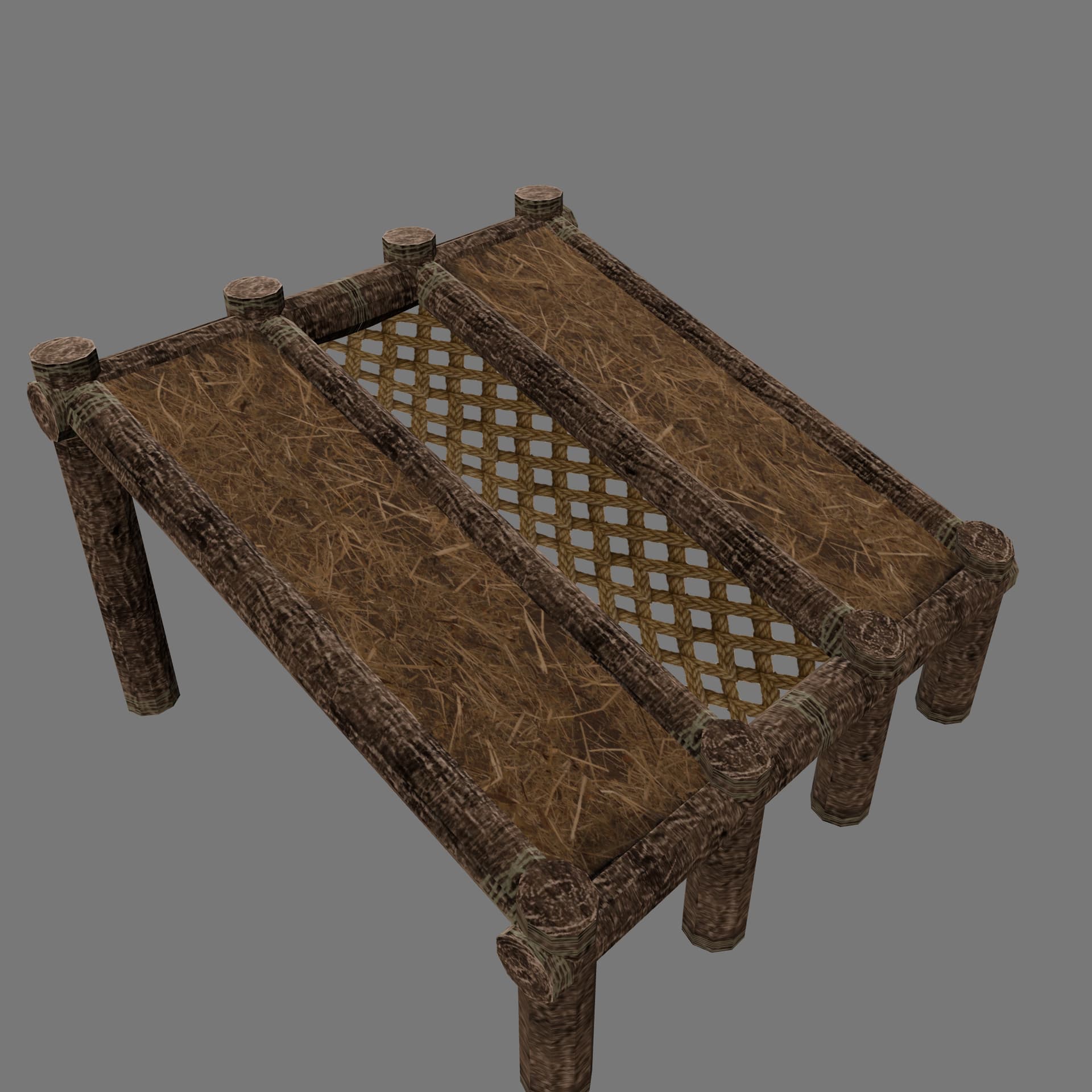
  • Twig Ramp
  • Wood Ramp
  • Stone Ramp
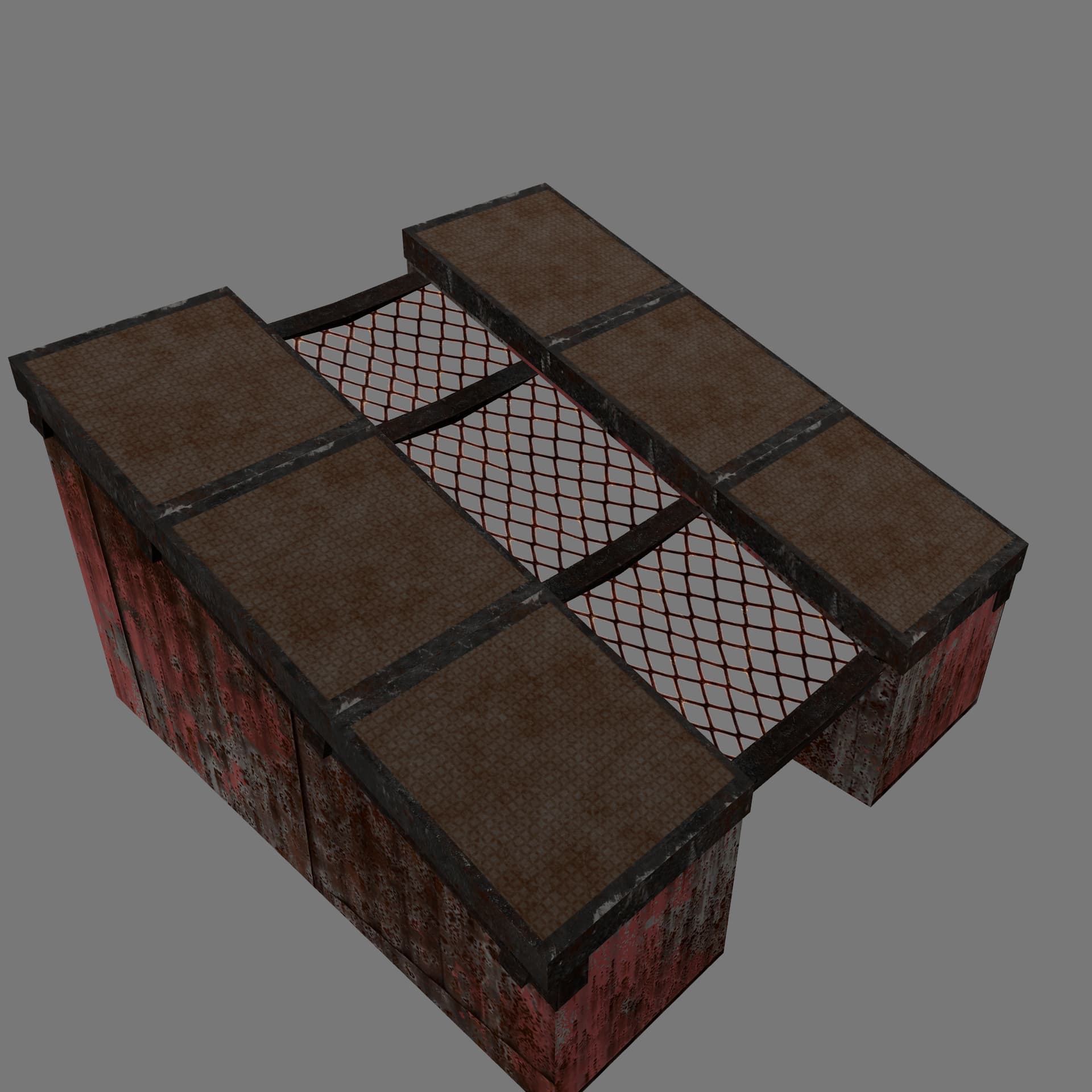
  • Metal Ramp
  • HQ Metal Ramp

Ramp appear in the build menu with proper UI images and info. They support placement, snapping, upgrading, raiding - just like any other building piece.

Misc Fixes & Cleanup

  • Improved closest-object checks for more reliable attachments
  • Consolidated TC assets into main building asset bundle
  • Removed old 5s_tc_assets
  • Players cannot place objects while holding a weapon
  • Interaction range increased to 2.5 (easier to open TC)
3 Likes

5s_building v1.4.2 - New Snap Control & Codelock Redesign!

This update brings a highly requested feature for easier object placement plus a fresh new codelock design.

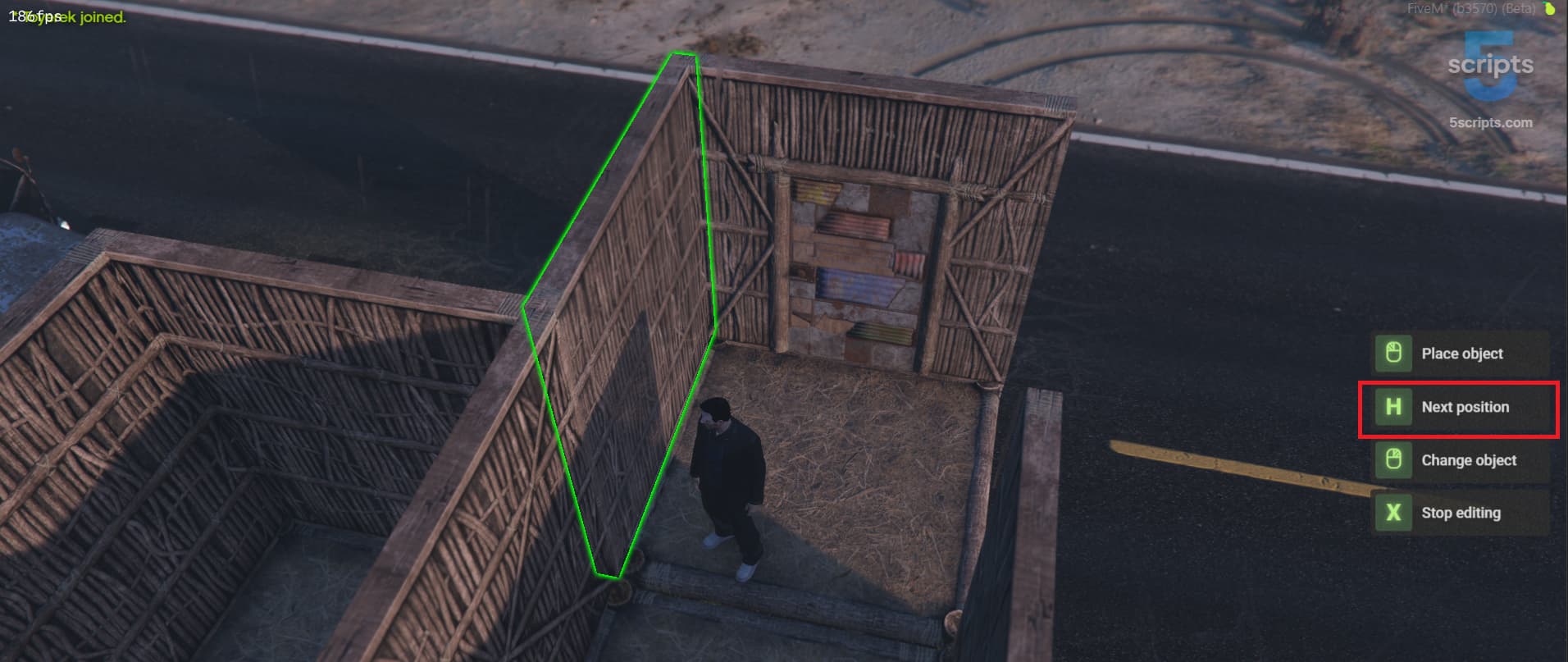
New: Snap Position Cycling (Press H!)

Now you can press H to cycle through available snap positions while placing an object. No more aiming - just tap H until it’s where you want it.

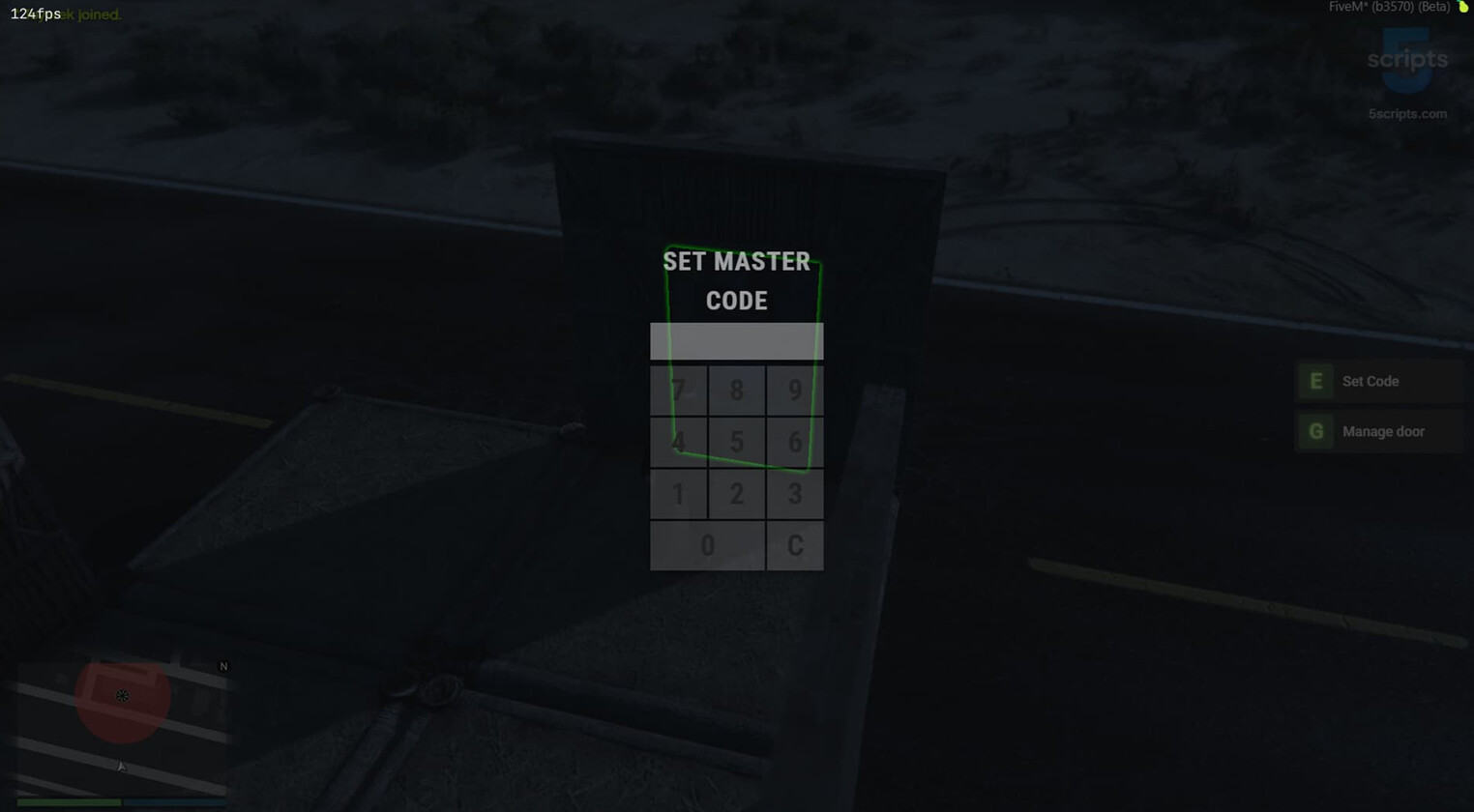
New: Redesigned Codelock

The codelock got a complete visual overhaul - cleaner, better looking, and easier to use.

Improvements

  • Smarter object placement - fixed positions cycle through instead of relying only on mouse angle
  • core_inventory support - building items (plans, toolbox, hammer, doors, chest, codelock, etc.) now work properly on servers using core_inventory
  • Better key hints - hint text updates cleanly when opening the editor
  • Lower memory usage - models are released after creation to reduce memory pressure
  • Smoother UI - small fixes to avoid focus/freeze issues when opening codelocks or closing the editor
  • Fixed usable items not sending correct data to the editor
  • Fixed inventory registration so items reliably open the editor across different frameworks

Test It on Our Showcase Server

Connect: showcase.5scripts.com Command: /testbuilding


4 Likes

nice scripts!

2 Likes

Hey! It’s been a while since our last post, so we wanted to take a moment and show off where 5s_building is at right now – because a lot has changed since some of you first saw it. Here’s everything you can build right now – all custom 3d models:

  • Foundation & Triangular Foundation
  • Wall, Half Wall & Triangle Wall
  • Doorway
  • Floor & Triangular Floor
  • Ramp & Stairs
  • Roof & Triangular Roof
  • Wooden Door, Metal Door & HQ Metal Door
  • Tool Cupboard

Every single one of these comes in 5 material tiers – Twig, Wood, Stone, Metal, and HQ Metal – each with its own unique model and textures. Players can place, snap, upgrade, downgrade, and raid everything. It works like you’d expect if you’ve played Rust.

The latest update v1.4.3 added rooftops and triangle walls. If you’re running an older version, it’s worth updating!

We’re currently working on v1.4.5 which will bring windows and window attachments.

1 Like
5s_building v1.5.0 - New TC UI, windows and a lot of improvements

Raiding System

  • Added offline raid protection - reduce or block damage to bases when all TC-authorized players are offline (Config.offlineRaidProtection)
  • Added raid schedule - restrict raiding to specific time windows per day of week (Config.raidSchedule)
  • Added raid state tracking - bases enter a “raided” state after accumulating enough damage, with configurable threshold, cooldown, and damage window (Config.raidTime, Config.raidDamageThreshold, Config.raidDamageWindow)
  • Added raid notifications - TC-authorized online players get notified when their base is under attack, with configurable cooldown (Config.raidNotification, Config.raidNotificationTimer)
  • Added raid building/repair block - prevent placing or repairing objects while a TC zone is being raided (Config.raidBlockBuilding, Config.raidBlockRepair)
  • Added grace period settings: Config.offlineRaidingDisconnectTime (minutes after last auth player goes offline) and Config.offlineRaidingRaidTime (minutes a raid can continue after auth players log off mid-raid)
  • Added raid_started webhook in webhooks.lua

Loot Drops

  • Added loot bag drops - when a chest or TC is destroyed by a weapon or explosion, its contents drop as a physical lootable bag on the ground (Config.storageLootDrop)
  • Loot bags are targetable (ox_target/qb-target), have configurable despawn time and model
  • TC upkeep materials also drop as a loot bag when TC is destroyed by raiding

Damage System Overhaul

  • Replaced flat per-weapon damage values with a damage archetype system - weapons are grouped into classes (pistol, smg, rifle, mg, shotgun, sniper) and each class deals different damage depending on the target material tier (twig/wood/stone/metal/hqm)
  • Added Config.structureDamage.damageArchetypes table and updated Config.structureDamage.weaponsDamage to map weapon hashes to archetype strings
  • Added Config.structureDamage.explosionsDamage.default fallback for unlisted explosion types
  • Guns now deal meaningful damage only to twig/wood; stone and above effectively requires explosives
  • Server now verifies explosion distance to the reported object, preventing spoofed damage events

Tool Cupboard & Chest Codelocks

  • TCs and chests now automatically get a codelock when placed (Config.tcDefaultCodelock, Config.chestDefaultCodelock)
  • TC-authorized players can skip codelocks on doors and chests within the TC radius (Config.tcAuthSkipCodelock)
  • Added radial menu options to set code, change code, lock/unlock, and enter code on TCs and chests
  • Codelock UI now supports TC and chest targets in addition to doors
  • Players must enter correct TC code before they can authorize on a locked TC

Build Mode

  • Added Config.buildMode with two options: "free" (build anywhere, default) and "tc_only" (can only build within a TC radius)
  • In tc_only mode, placing a TC automatically creates a foundation underneath with a ghost preview showing exactly where the TC will land
  • When a TC is destroyed in tc_only mode, the foundation underneath is also removed
  • Added building limits - configurable max objects per player and per TC area (Config.buildingLimits)

Tool Cupboard UI

  • Completely redesigned TC interface - fullscreen layout with per-material progress bars, upkeep time display, and inline deposit/withdraw controls with quick-select amounts
  • Fill All and Take All now require a hold-to-confirm to prevent accidental clicks
  • UI shows player inventory count for each material
  • Added overall upkeep remaining bar at the top
  • Added Config.ui for customizable accent colors (primary, success, warning, danger)

Editor Improvements

  • Specific error messages when placement is blocked: “Foundation must be placed on flat ground”, “Object must be attached to a building piece”, “This object must be placed on a foundation”, “Object is colliding with another structure”, etc.
  • Attack/fire controls are now disabled immediately when opening editor, preventing accidental punching during setup
  • Fixed wall ground-check only applying to unattached walls (was falsely blocking walls snapped to foundations above ground)
  • Key hints now properly hidden when editor open fails or item hash not found

Structure Management

  • Cannot remove TCs or chests that have items inside - must empty them first
  • TC “Deauth All” now keeps the owner in the auth list instead of removing everyone
  • Repair cost now scales proportionally to missing HP instead of always charging full repair cost
  • Repair now plays a sound effect matching the material type
  • Removing structures now returns items for cascade-deleted attached objects (e.g., doors on a destroyed wall)

Admin Panel

  • Admin auth now uses FiveM ACE permissions (5s_building.admin) instead of custom logic - grant via add_ace group.admin 5s_building.admin allow in server.cfg
  • Admin wipe now correctly deletes chests table and uses proper deletion order
  • Fixed admin material add/remove crash when material key didn’t exist yet

5s_zombies Integration

  • TC areas automatically register as zombie no-spawn zones in 5s_zombies
  • Zombie safe zones and danger zones automatically register as no-build zones in 5s_building
  • Integration only activates if 5s_zombies resource is running

Bug Fixes

  • Fixed door open/close animation getting stuck in an infinite loop when heading angles didn’t match exactly (now uses proper angle distance with max iteration limit)
  • Fixed TC zone not cleaning up target interactions when removed
  • Fixed codelock UI not applying screen blur consistently
  • Fixed door knock removing unnecessary activity log spam

New Config Options

  • Config.buildMode - "free" or "tc_only"
  • Config.buildingLimits - per-player and per-TC object limits
  • Config.offlineRaidProtection - offline raid protection settings
  • Config.raidSchedule - per-day raid time windows
  • Config.raidTime, Config.raidDamageThreshold, Config.raidDamageWindow - raid state tuning
  • Config.raidBlockBuilding, Config.raidBlockRepair - block actions during raids
  • Config.raidNotification, Config.raidNotificationTimer - raid alert settings
  • Config.storageLootDrop - loot bag settings (model, despawn time)
  • Config.offlineRaidingDisconnectTime, Config.offlineRaidingRaidTime - grace periods
  • Config.tcDefaultCodelock, Config.chestDefaultCodelock - auto-codelocks on placement
  • Config.tcAuthSkipCodelock - TC auth bypasses codelocks
  • Config.databaseCleanup - automatic activity log cleanup
  • Config.ui - customizable UI accent colors
  • Config.debug - enable debug logs in server console
  • Config.tc.ownedRadius default changed from 30.0 to 40.0
  • Config.decayCheckInterval default changed from 5 to 10 minutes
  • Updated item images for building plan, hammer, chest, codelock, doors, materials, TC, and toolbox
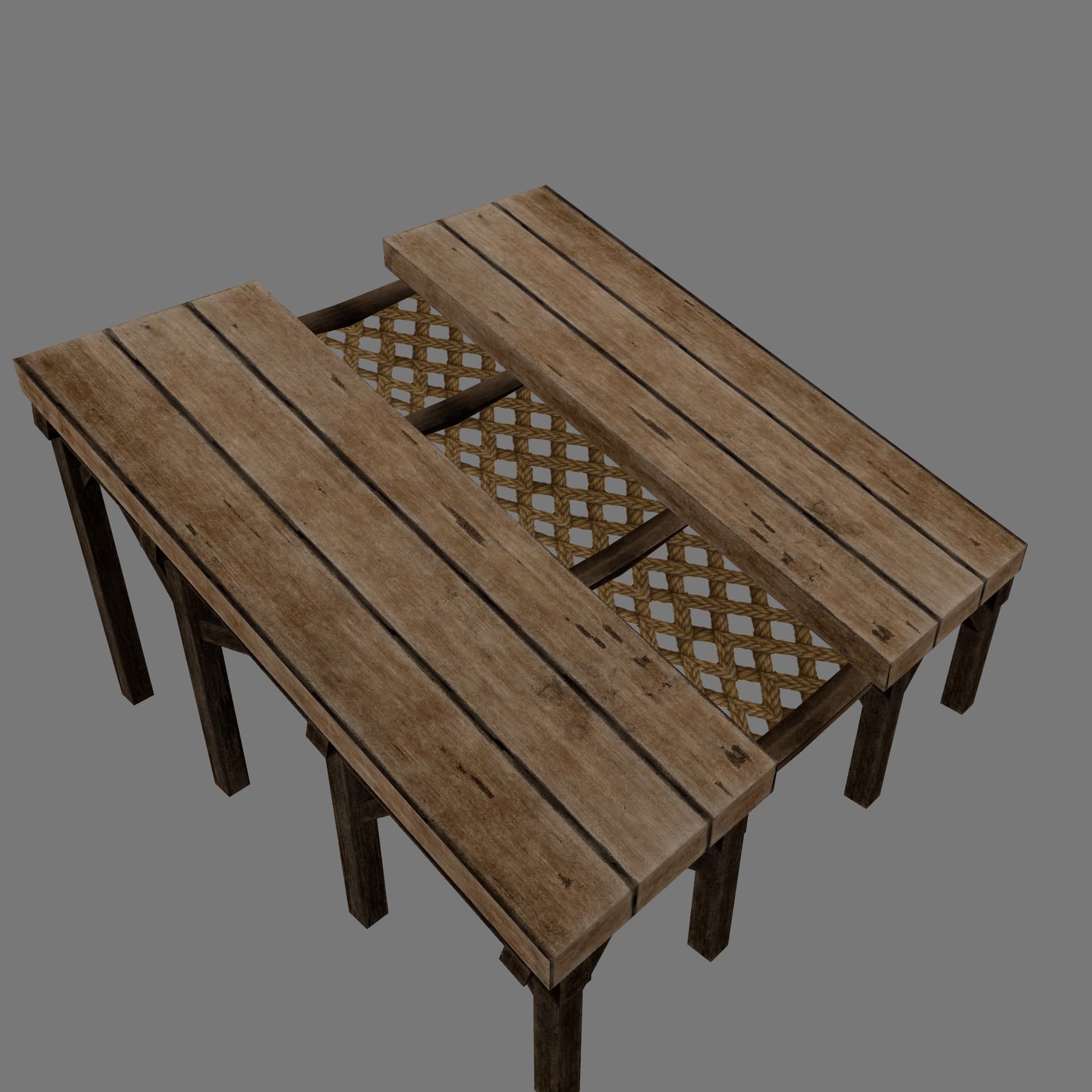
  • Added new images for breakable window, bulletproof window, chair, half window, wooden/metal/hqm windows