- 4 Different Jetpack Models
- Fully Configurable Speeds & Effects
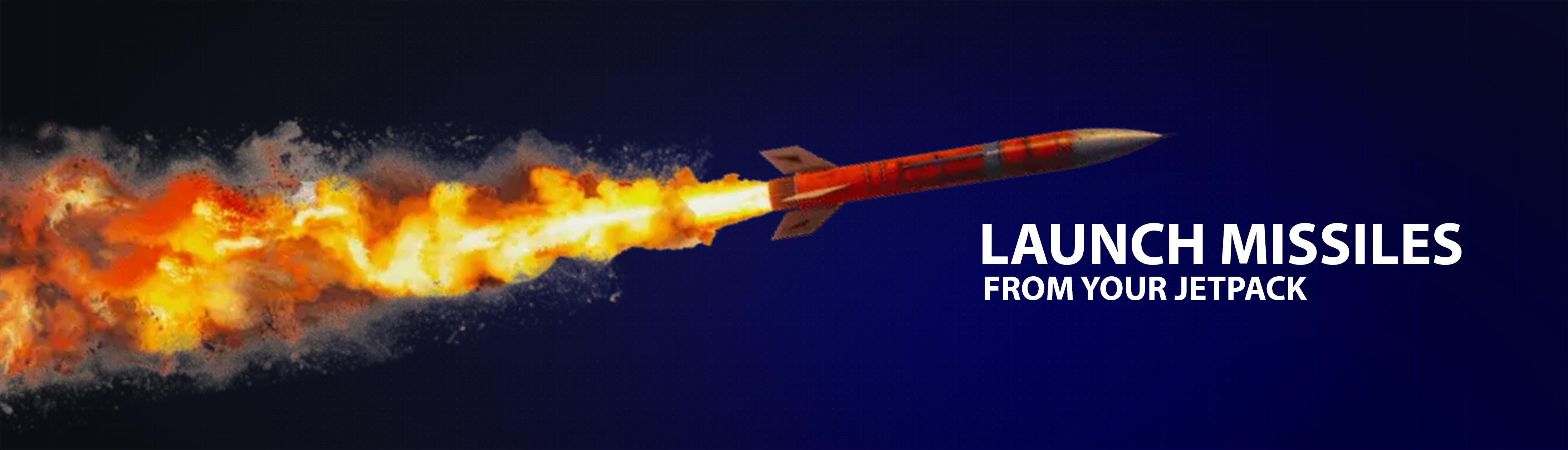
- Ability to make Jetpack ARMED, allowing missiles to deploy from them.
PURCHASE FOR ONLY $5 USD
FULLY ARMED!
- Deploy missiles while flying, lock onto Vehicles & Peds and fire away!
- Missiles will track what you have highlighted, and seek the vehicle or ped until destroyed or out of range.
- Optional per jetpack model or launch sequence.
MULTIPLE MODELS
- Select your style, with 4 differently themed models fitting any need!
- Each model has it’s configured particles
Contains config for ESX, QBCore & QBox Configurable Items & includes item-images.
    ['default'] = {


        item = 'jetpack_default',
        prop = `jetpack_sw`,
        rockets = true,
        pos = vector3(0.10, -0.215, 0.0),
        rot = vector3(0.0, 90.0, 0.0),
        effects = {
            {
                name = "veh_backfire",
                pos = vector3(-0.29, -0.22, -0.135), -- UP/DOWN, FORWARD/BACK, LEFT/RIGHT
                rot = vector3(4.0, 90.0, -90.0),
                scale = 0.5,
            },
            {
                name = "veh_backfire",
                pos = vector3(-0.29, -0.22, 0.135), -- UP/DOWN, FORWARD/BACK, LEFT/RIGHT
                rot = vector3(4.0, 90.0, -90.0),
                scale = 0.5,
            },
        }
    },
|
|
| Code is accessible |
No |
| Subscription-based |
No |
| Lines (approximately) |
~600 |
| Requirements |
ox_lib |
| Support |
Yes |
1 Like
Super cool and priced really competitively, nice one!
1 Like
This is very unique, creative and full of personality. well done dude 10/10
1 Like
Zehaava
4
All settings are now fully configurable!
Update v3.1
For support join our discord! (and receive 50% off by making a ticket before purchase if you have any questions)
Config.Keybinds = {
    MoveUp = 'S',           -- Key to ascend/move up
    MoveDown = 'Z',         -- Key to descend/move down
    MoveForward = 'SPACE',  -- Key to move forward
    Land = 'X',             -- Key to initiate landing sequence
    FireRocket = 'E',       -- Key to fire homing rocket (if pack supports rockets)
}

-- Rocket/Missile Configuration
Config.Rockets = {
    Cooldown = 2000,            -- Cooldown between rocket shots (milliseconds)
    Speed = 250.0,              -- Rocket flight speed
    Lifetime = 8000,            -- How long the rocket lives before despawning (milliseconds)
    TrackingDelay = 350,        -- Delay before rocket starts tracking target (milliseconds)
    HitRadius = 8.0,            -- Distance at which rocket detonates near target
    ArmingDelay = 200,          -- Delay before rocket can explode on collision (milliseconds)
    ExplosionType = 81,         -- Explosion type (see GTA explosion types)
    ExplosionDamage = 1.0,      -- Explosion damage multiplier
}

-- Targeting Configuration
Config.Targeting = {
    MaxDistance = 200.0,        -- Maximum lock-on distance
    ConeAngle = 0.8,            -- Lock-on cone (0.8 = ~35-40 degrees, higher = narrower)
    PrioritizeVehicles = true,  -- Check vehicles first, then peds
}

-- Landing Configuration
Config.Landing = {
    MaxHeight = 100.0,          -- Maximum height above ground to initiate landing
    TouchdownHeight = 5.0,      -- Height at which landing completes
    InvincibilityDuration = 3000, -- How long player is invincible after landing (milliseconds)
}