To receive support, please fill out the following template, and remove this top text.
Environment questions
GTA V version:
Up to date:
Legit or Pirate copy: legit
Purchased where - Steam/Rockstar Launcher/Epic: Steam
Windows version: windows 10
Did you try to delete content_index.xml and try again? No
CitizenFX crash zip file (‘Save information’ on a crash): [Window Title]
FiveM Error
[Main Instruction]
ntdll.dll!RtlpWaitOnCriticalSection (0xa6)
[Content]
An error at ntdll.dll!RtlpWaitOnCriticalSection (0xa6) caused FiveM to stop working. A crash report is being uploaded to the FiveM developers.
Stack trace:
ntdll.dll!RtlpWaitOnCriticalSection (0xa6)
ntdll.dll!RtlpEnterCriticalSectionContended (0x1c3)
ntdll.dll!RtlEnterCriticalSection (0x41)
d3d9.dll+1DDB4A
d3d9.dll+DD5DB
AcLayers.DLL!?SetD3D9MaximizedWindowedMode@NS_DXMaximizedWindowedMode@@YAXH@Z (0x42)
AcLayers.DLL!?NotifyFn@NS_DXMaximizedWindowedMode@@YAHK@Z (0x41)
[^] Hide details [Save information] [Close]
[Expanded Information]
Crash signature: ntdll.dll+63416
Report ID: si-8164bb0cb09b4508b5885d7753d550f5
You can press Ctrl-C to copy this message and paste it elsewhere.
logs/CitizenFX_log files:
.dmp files/report IDs:
If you can’t start the game at all No
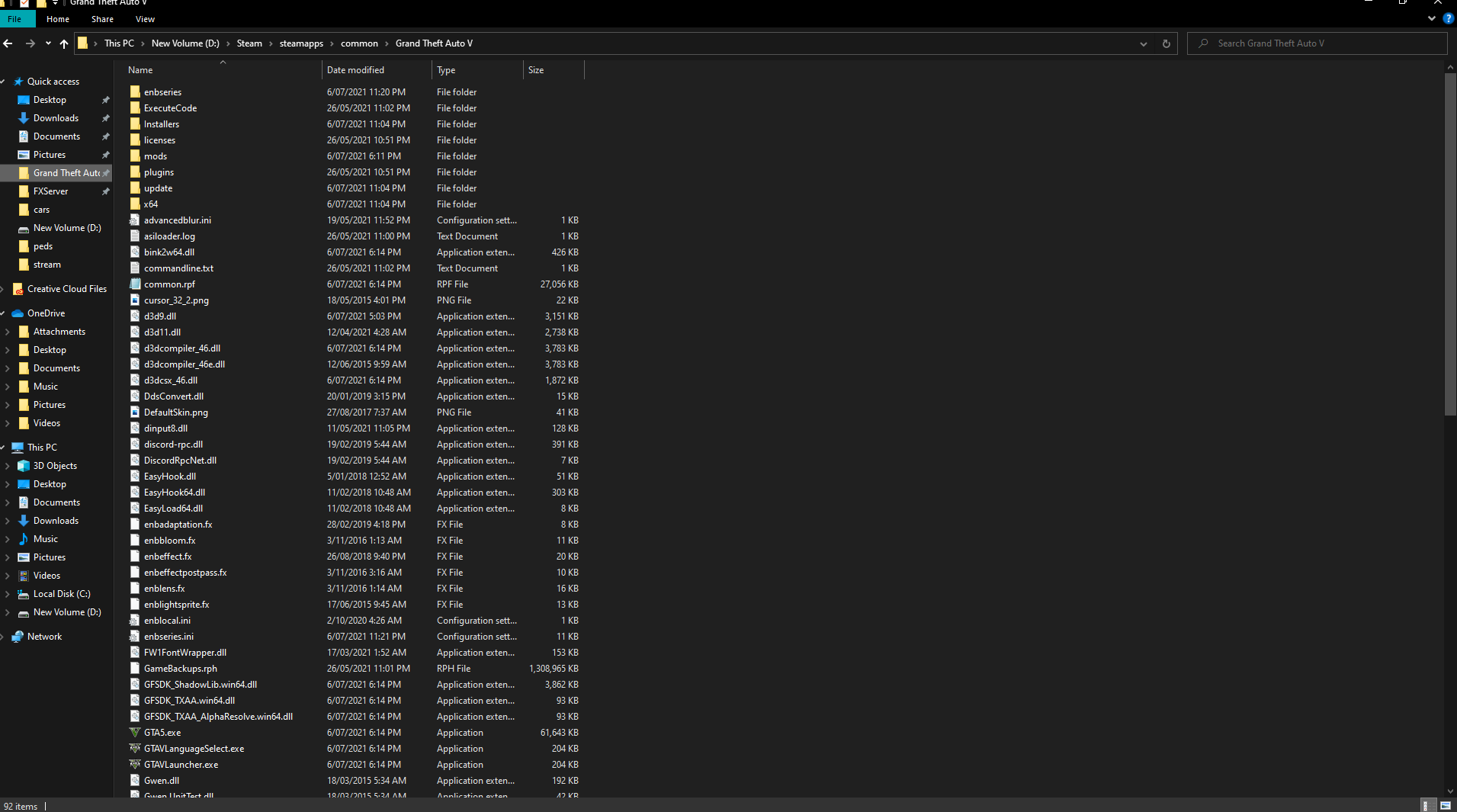
GTA V folder screenshot:
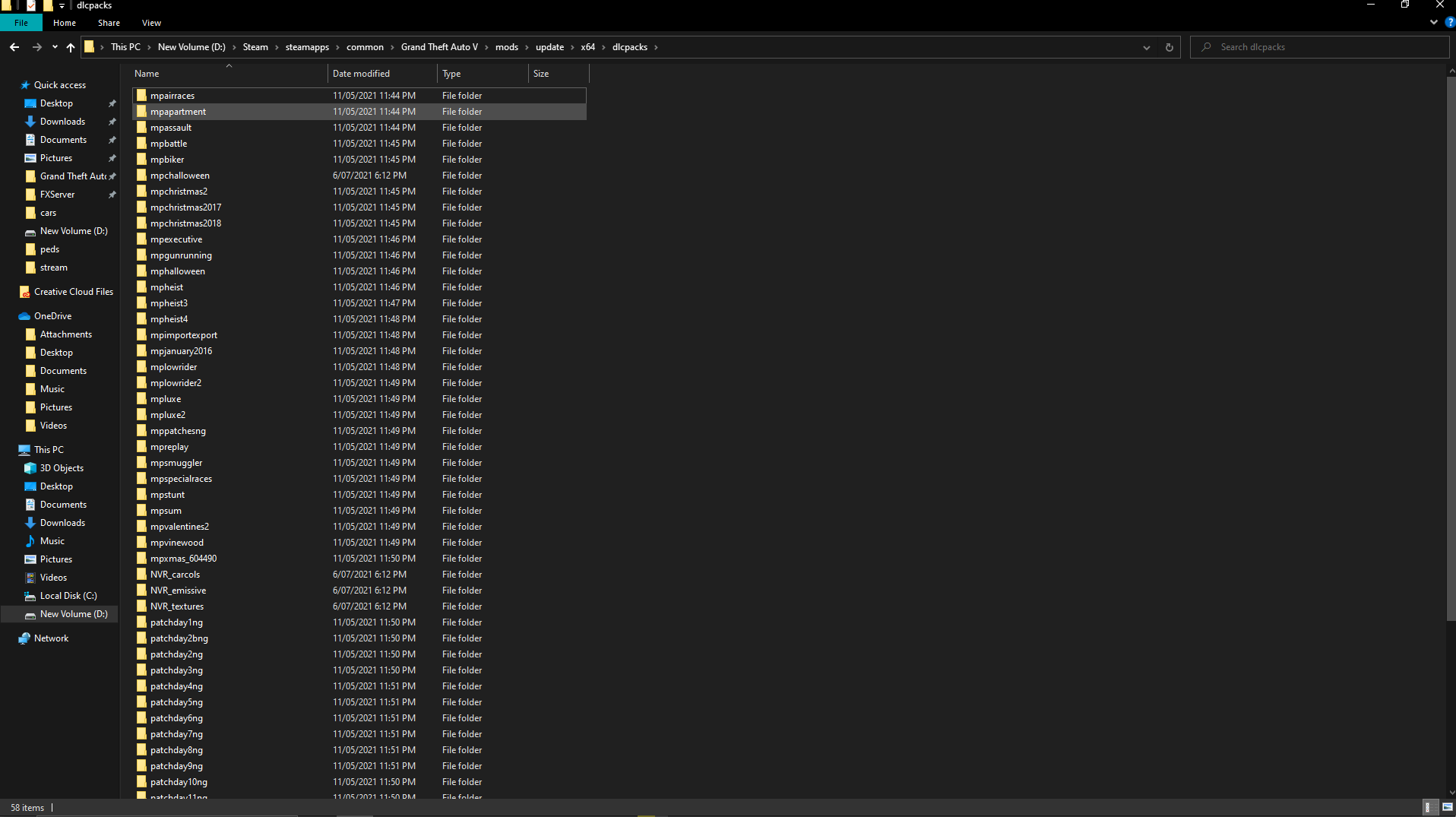
GTA V/update/x64/dlcpacks screenshot:
Filepath to FiveM folder: C:\Users\fatas\AppData\Local\FiveM
FiveM client folder screenshot:
Which antivirus/firewall software are you using? Windows
Did you try to disable/uninstall your Anti-virus? Yes
Important parts
What is the issue you’re having?
Cant open Fivem as soon as i do i get an error
What are you trying to do?
open fivem
What have you tried already to fix the issue?
ive tried re installing both fivem and gta
Error screenshot (if any):
What did you do to get this issue?
idk
What server did you get this issue on? Be specific and name some, ‘all of them’ by itself isn’t useful! none
