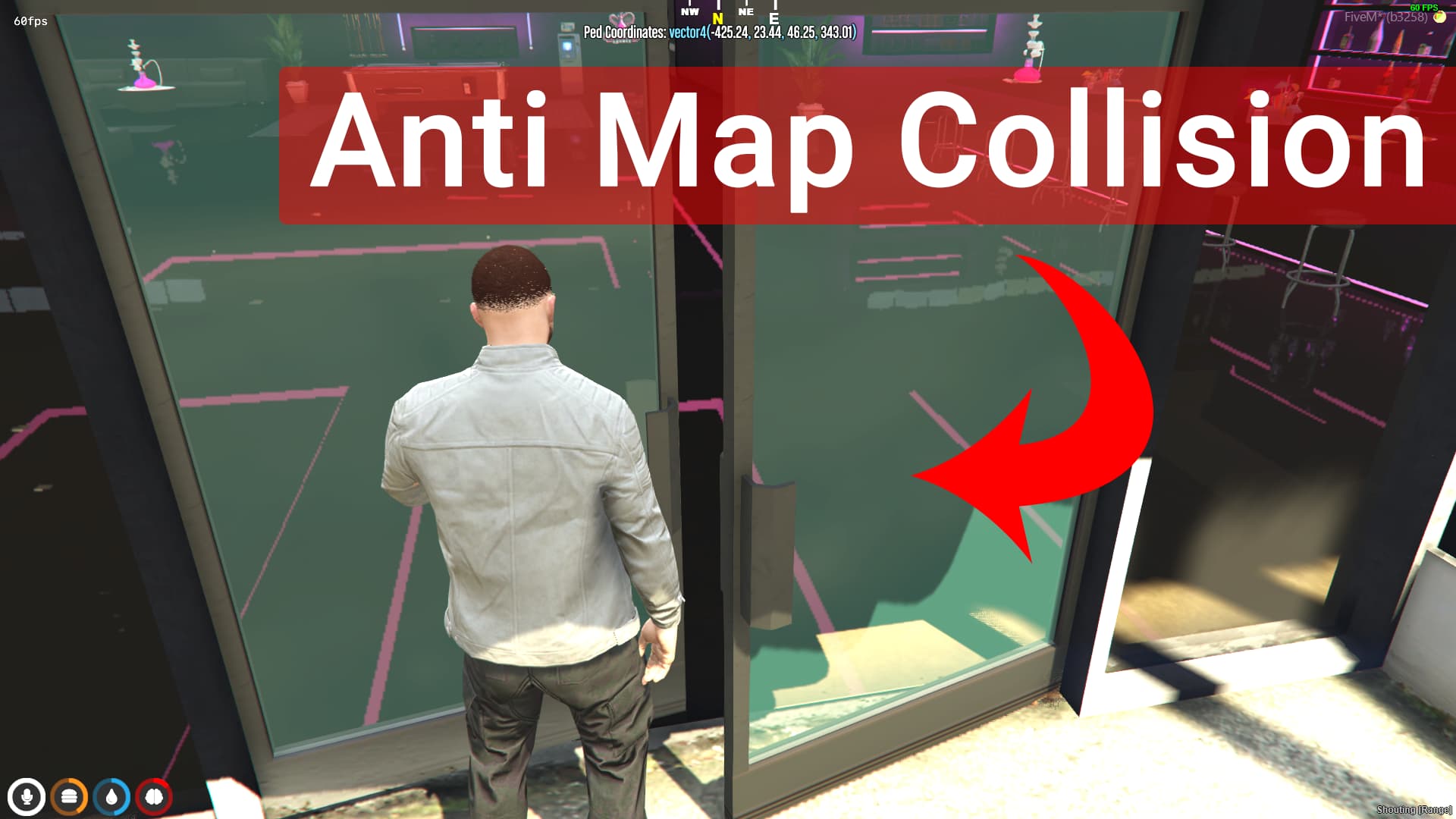
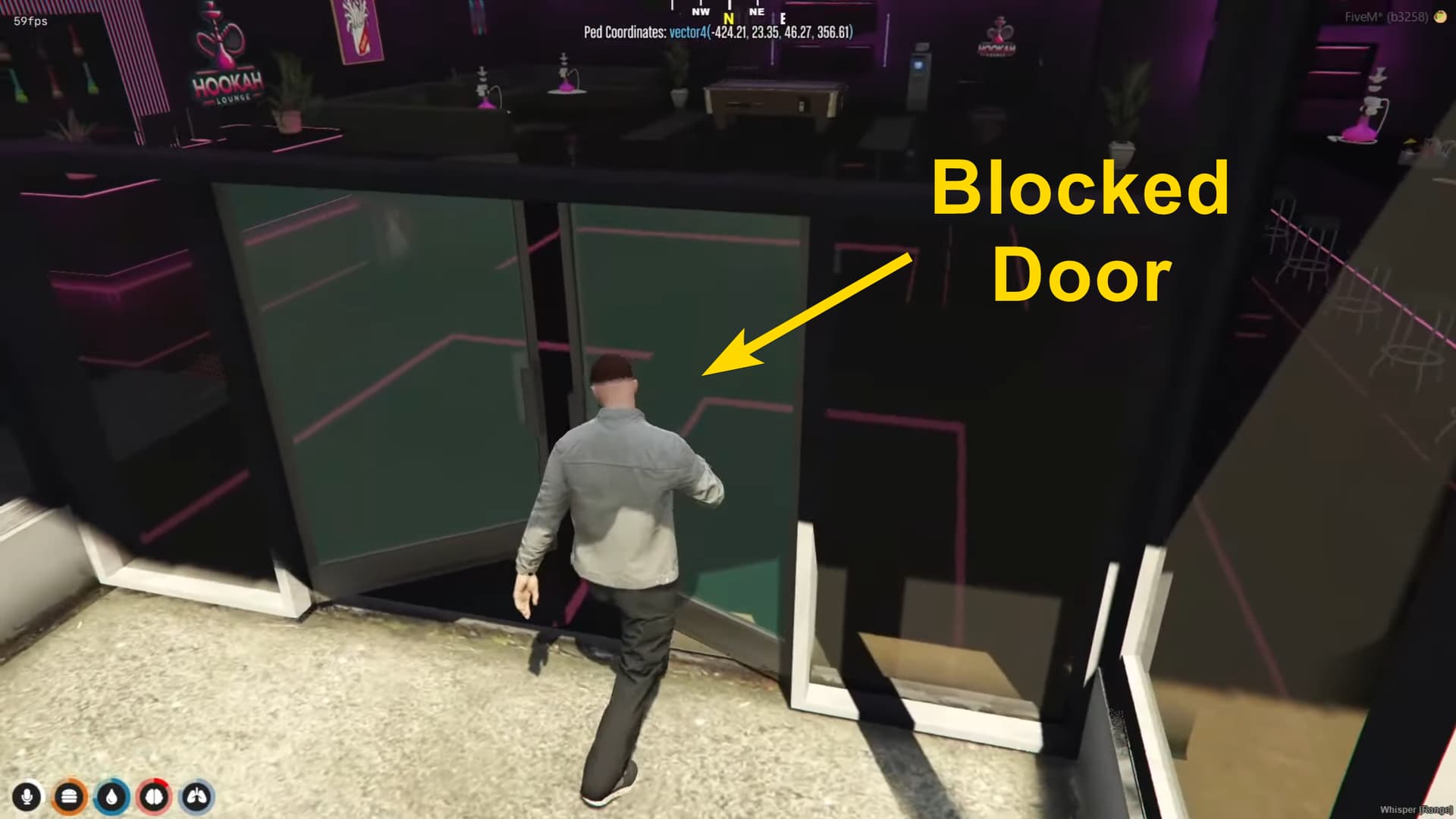
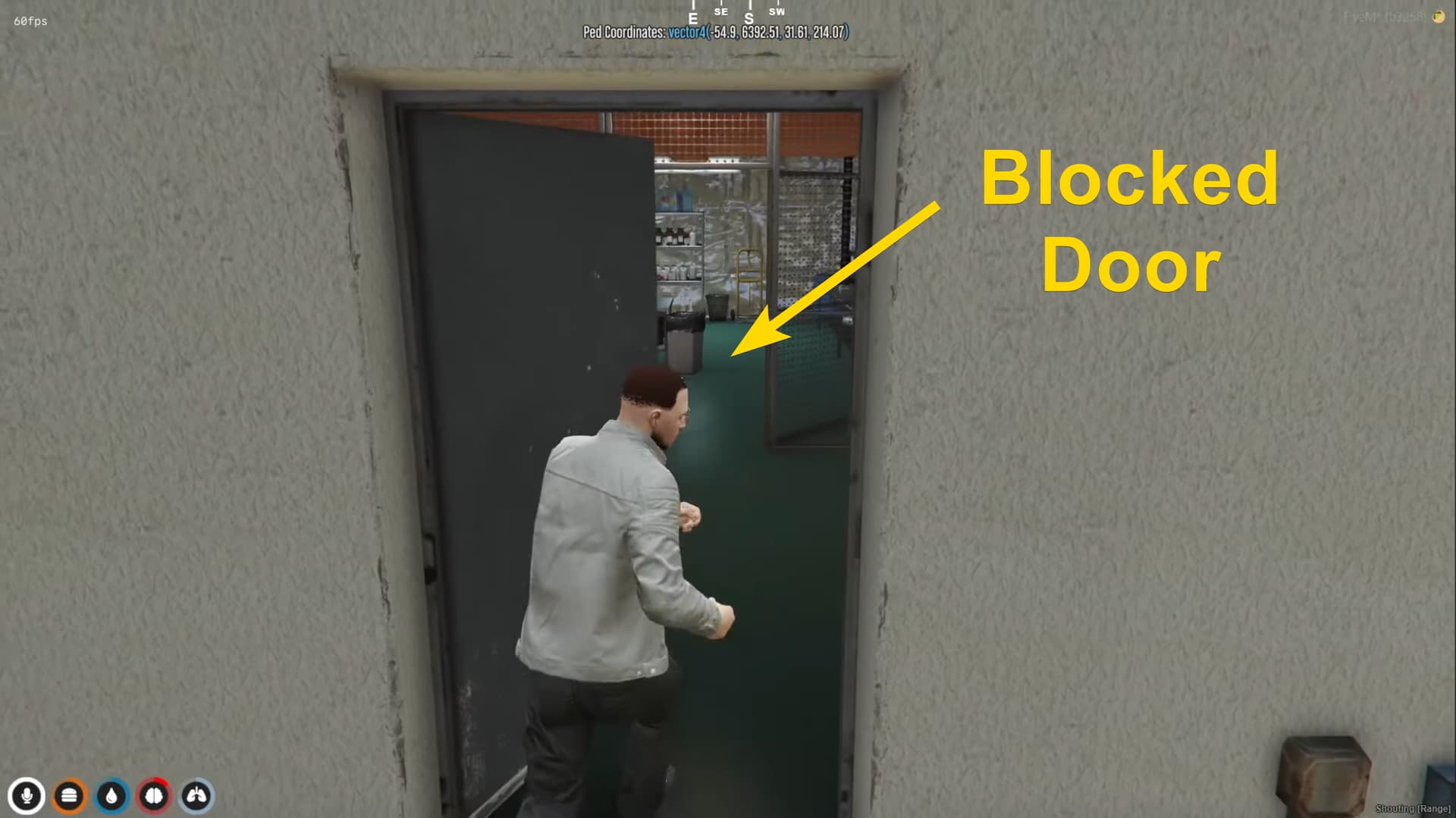
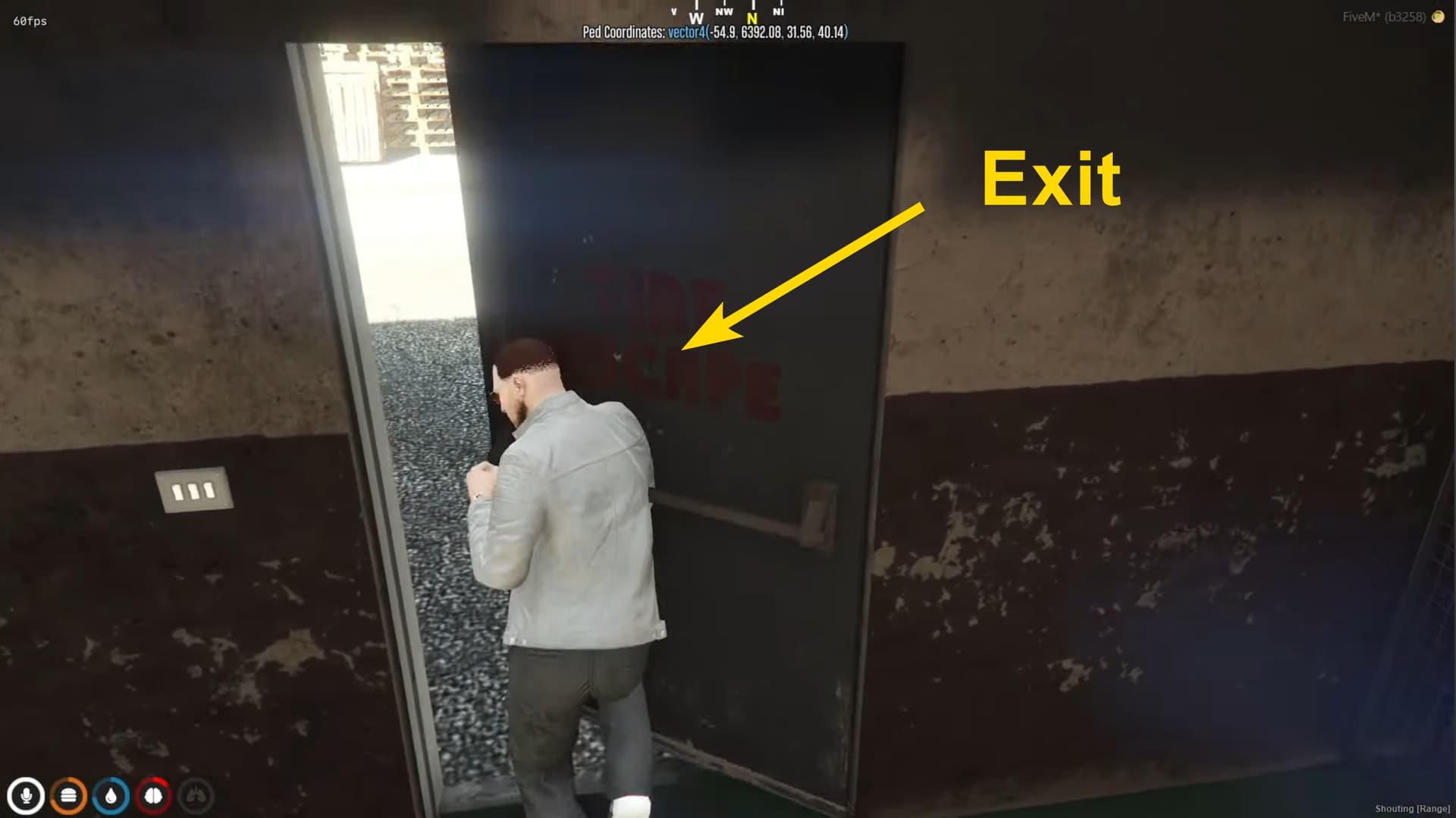
Features:
- Fix blocked doors/invisible walls caused by map collision conflicts
- Walk through configured zones effortlessly without editing map files
- Works with single and double doors (configurable positions)
- Smart direction detection (only teleports when facing the target)
- Maintains player velocity and sprinting speed during transition
- Highly optimized with configurable tick times for low resmon
- Standalone script - works with ESX, QBCore, or any other framework
- Easy configuration via vector4 coordinates
Previews:
Config:
Config = {}
Config.TickTime = 500 -- more will decrease resmon ms but will decrease accuracy

-- Define multiple positions as vector4(x, y, z, heading)
Config.Positions = {
    vector4(-55.04, 6392.4, 31.62, 226.0),
    vector4(-424.82, 23.38, 46.26, 359.71),

}
Buy & Support:
|
|
| Code is accessible |
No (Config & Locales are Open) |
| Subscription-based |
No |
| Lines (approximately) |
100+ |
| Requirements |
Standalone |
| Support |
Yes |
It’s a cool concept, but instead of spending $30-40+, you can just use a map conflict tool e.g Vertex Hub and it will automatically solve conflicts like this for 1/3 or 1/4 of the price (and without the hassle of configuring locations) etc - plus most map conflicts, it’ll be more than a blocked door, so chances are a blocked door is the least of your problems e.g floating bushes, misplaced props etc.
2 Likes
Thanks for the suggestion! I’m still a bit unsure how this tool works, though. If there are two nearby maps using the same collision file, does the tool actually cut the door collision for both of them ? Or does it just help identifying duplicate collisions and suggest removing one?
I’m not 100% sure on the technical backend of it but as for the user’s POV of using it, it merges the duplicate vanilla files from the different maps and then gives you an outputted file that contains a mixture of the resources that allows both maps to work as intended (or all 3/4/5+ maps to work together) - obviously you can’t have two maps stream the same building but in my experience using it, it fixes 99% of map conflicts (most common is the video above with collisions or OCCL issues)
then you just download the outputted files and start it (it streams as a resource that you start after all other maps)
I’ve used it, it merges all ur map files and spits out some files to stream and 99% of ur issues are fixed.
I am unsure when it merge multiple maps into a single resource, If the maps are from different creators and are protected by the Escrow system, they can be loaded simultaneously.
This is a nice idea, but this method isn’t a true fix for map collisions. Simply teleporting players around blocked areas can cause issues in complex interiors. In GTA V, many buildings use square or extended collision boxes, sometimes with different shapes for each corner. This means players could still end up inside walls or rooms even with this script. It works as a workaround, but it doesn’t handle all collision scenarios reliably you are all way better of fix the collision correct or like they said use a tool like Vertex Hub it works 90% of the time.
You are right. This is not the complete solution. But most of the time it works as a workaround who don’t want to use any other tool or just need a simple fix. Also, if your maps are escrowed and from different creator, i believe after merging them won’t work anymore.
If there’s a collision issue, it’s between two original GTA 5 maps — not a creator map.
When I make a map, I remove the original GTA 5 collision, adjust the YMAP (cut openings where needed in the gta5 open shell or full remove it), and attach my new shell collision to my MLO — not the original GTA 5 files.
There’s no reason to escrow a GTA 5 original map just because of a small edit. If I ask for it un-escrowed, it’s only to fix collision. It’s still an original GTA 5 map with a minor edit.
Vertex Hub is not touching the creator’s custom map — only the original GTA 5 files.
You don’t normally find collisions between two creator-made maps.
Most collision issues come from the base game files they’ve edited When you have two MLOs close to each other using the same collision or YMAP file, that’s when conflicts can happen normally.
You are absolutely right. Editing the ybn and fixing the problem from root is the gold solution. But this actually seems really useful for servers running a lot of escrowed maps and we don’t know how to edit the collision files ourselves. Sometimes a quick config fix is way easier than trying to merge map data.
1 Like