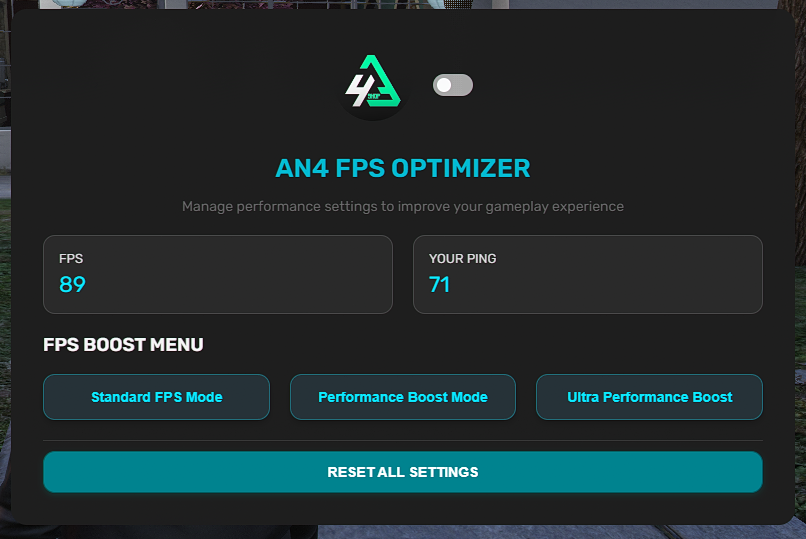
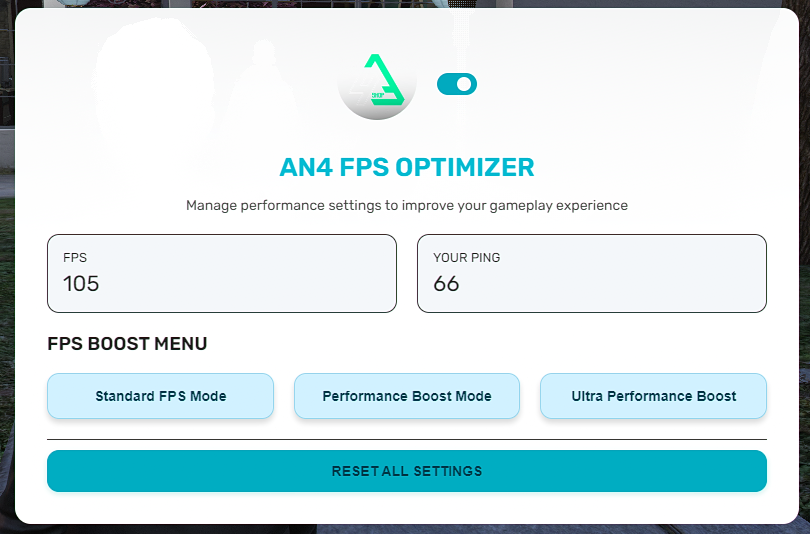
AN4-FPS BOOST
AN4-FPS BOOST is a fully client-side performance enhancement system built to maximize FPS and reduce visual strain for all types of FiveM players — especially those using low-end hardware. With three powerful optimization modes and a clean, toggleable UI, players can customize their experience instantly with no impact on server performance.
Key Features:
- Three Optimization Modes: FPS, FPS Boost, and Ultra FPS
- Removes shadows, fog, rain, particles, and unnecessary lighting
- Real-time reduction of pedestrian and vehicle density
- Smart system auto-detects player state for adaptive optimization
- 100% handled on the client side – no lag or sync issues
- Clean NUI interface with dark/light theme toggle
- Easily customizable config with branding support
Compatibility:
- QBCore, QBOX, and ESX frameworks
- Supports notify systems:
ox_lib, qb-core, and Qbox
- Compatible with OneSync and OneSync Infinity
Preview
Buy Here
Support
Perfect for:
RP servers, competitive environments, and performance-focused players.
|
|
| Code is accessible |
No |
| Subscription-based |
No |
| Lines (approximately) |
500 |
| Requirements |
qb-core ; esx ; ox |
| Support |
Yes |
A pure scam, their main feature listed is that you can see your FPS counter, like WHATTT?!!! their video literally shows their FPS DROPPING from using it.
how are cfx allowing these
Hi, I think you don’t really understand how FPS menus work. They basically reduce the render rate or speed, so the first time you toggle it, your FPS might drop temporarily until everything loads in. After that, your FPS usually increases.
Please stop spamming every FPS menu post calling it a scam — it’s not even allowed on the forums to make false scam accusations. The script works, and the creator is actually selling a working product without breaking any TOS. On the other hand, you are the one violating the rules here…
1 Like
Hey, I appreciate the feedback! Just to clarify, the FPS counter is only one of the smaller features—it’s not the main point of the script. The goal is to provide a lightweight tool for monitoring performance and optimizing gameplay experience.
About the FPS drop in the video: it happens briefly during a heavy scene load, which is pretty normal and not caused by the script itself. Still, I’m always open to improving things—constructive criticism helps.
1 Like
i, I think you don’t really understand how FPS menus work. They basically reduce the render rate or speed, so the first time you toggle it, your FPS might drop temporarily until everything loads in. After that, your FPS usually increases.
never read so much bullshit in my life