IF YOU DO NOT FILL THIS OUT, YOUR TOPIC WILL BE UNLISTED AND CLOSED
To receive support, please fill out the following template, and remove this top text.
Environment questions
GTA V version: 1.0.2944.0
Up to date: yes.
Legit or Pirate copy: Legit.
Purchased where - Steam/Rockstar Launcher/Epic: Steam.
Windows version: Windows 10.
Did you try to delete content_index.xml and try again? i tried searching for “content_index.xml” in “this pc” and “content_index.xml” didn’t show up. So idk what your referring to.
System specifications: Ryzen 5 5600x, 3060 ti, 16gb, corsair vengeance 3600mhz, B550 Aorus Elite v2.
CitizenFX crash zip file (‘Save information’ on a crash): I dont have that file.
logs/CitizenFX_log files: i also dont have this file. (Im guessing because i just tried to download FiveM for the first time?
.dmp files/report IDs: Error 7 Failed to connect to content.cfx.re port 443 Bac Access
If you can’t start the game at all
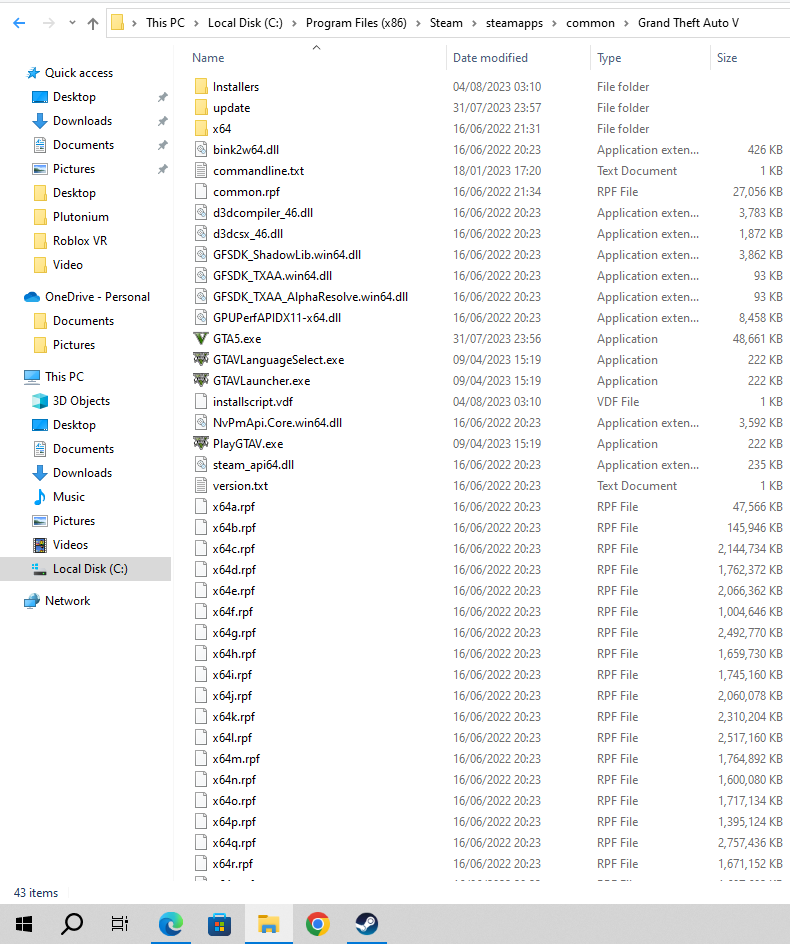
GTA V folder screenshot:
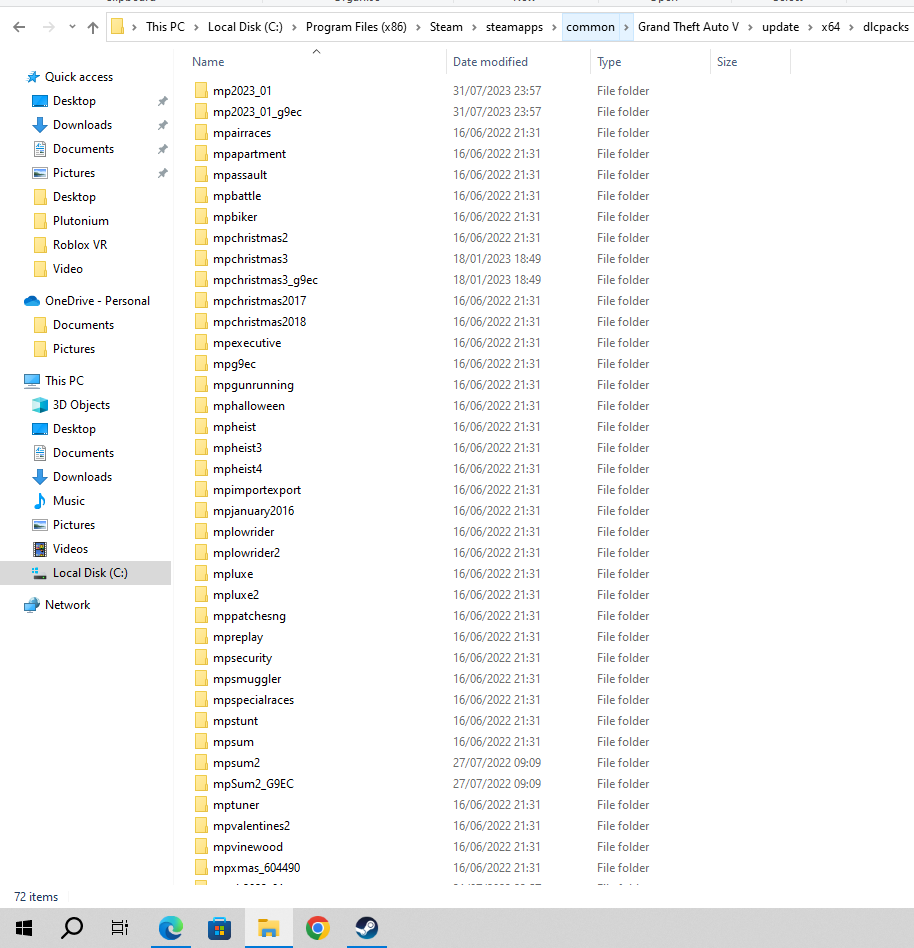
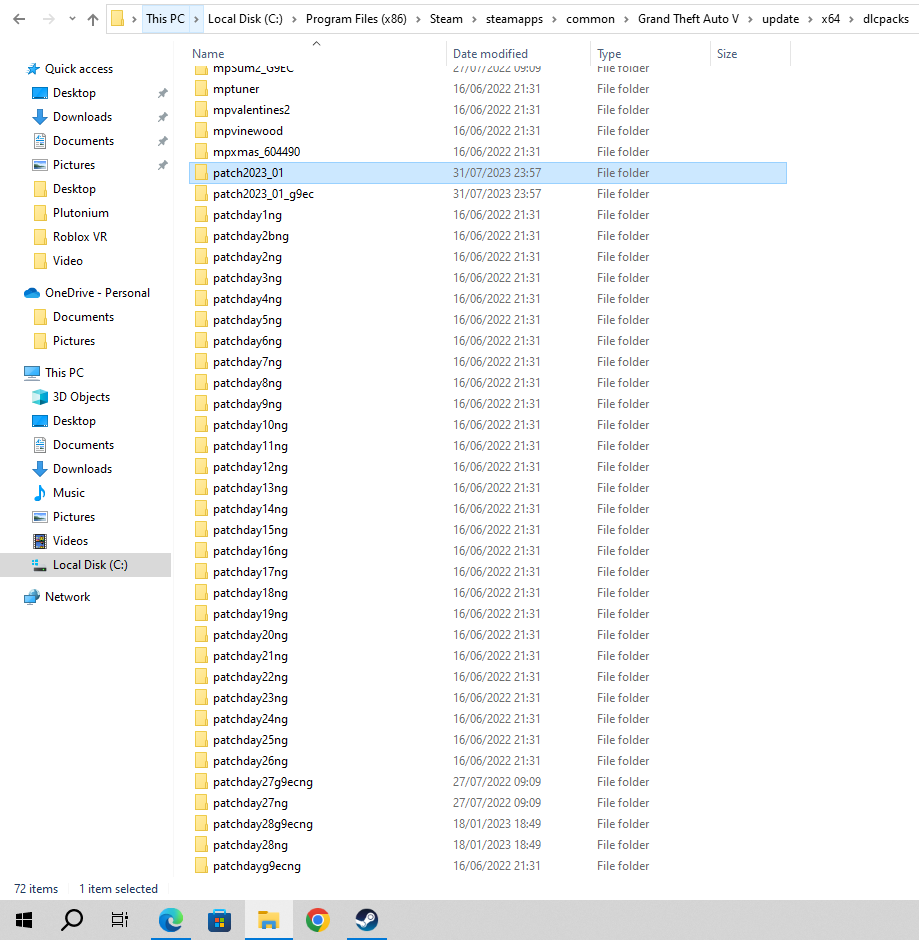
GTA V/update/x64/dlcpacks screenshot:
Filepath to FiveM folder:

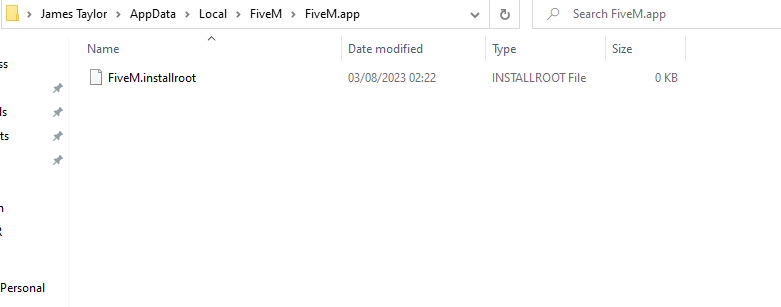
FiveM client folder screenshot:
Which antivirus/firewall software are you using? Windows defender/Malwarebytes.
Did you try to disable/uninstall your Anti-virus? Yes i disabled both yet i still get the same error message.
Important parts
What is the issue you’re having? “An error (7, Failed to connect to content.cfx.re port 443: Bad access) occurred while cheking the bootstrapper version. Check if https://content.cfx.re/updates is available in your web browser” (I am just trying to install/play Fivem)
What are you trying to do? Launch Fivem so i can play.
What have you tried already to fix the issue? verifying my Gta files, disabling my anti viruses, And i checked if “https://content.cfx.re/updates is available in your web browser” and it was.
Error screenshot (if any):
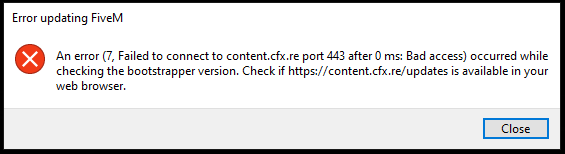
What did you do to get this issue? I just tried downloading the FiveM application and was greeted with this error message.
What server did you get this issue on? Be specific and name some, ‘all of them’ by itself isn’t useful! No server?
