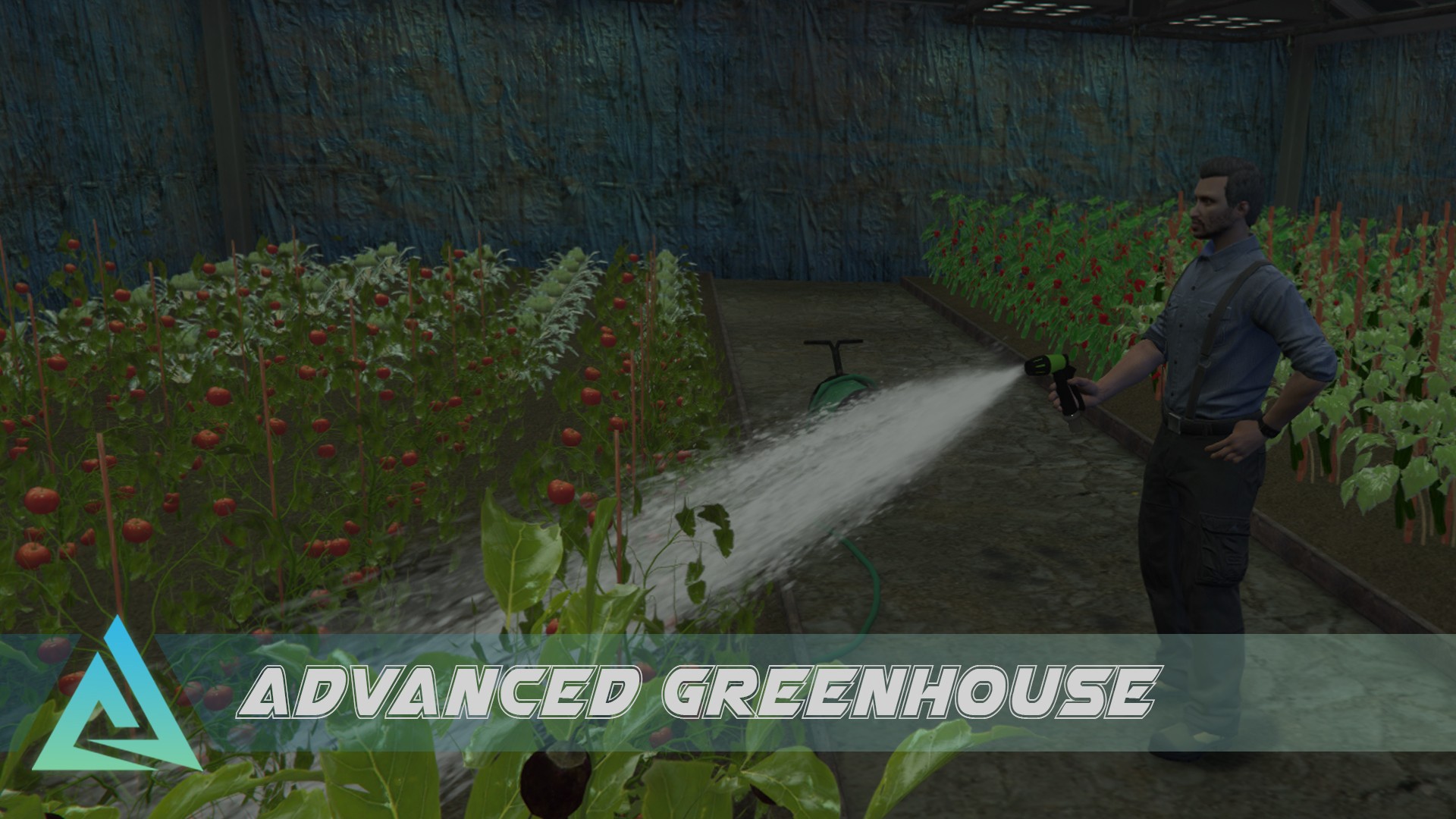
 Advanced Greenhouse – Multiplayer Property
Code
Written in LUA
- Using the ox_lib classes for clean and readable code structure. (OOP)
- Frontend uses Vue with our pre-setup components
Links
Purchase
Video (intro & raw gameplay)
Please note that the video may not accurately represent the latest version of the script.
Dependency
- oxmysql
- ox_lib
Performance
This is an instanced script, if you are inside the instance (interior), it will have more resource usage.
 Key Features
 Buy your greenhouse
 Multiple interior sizes (interior sets)
 Custom models & animations
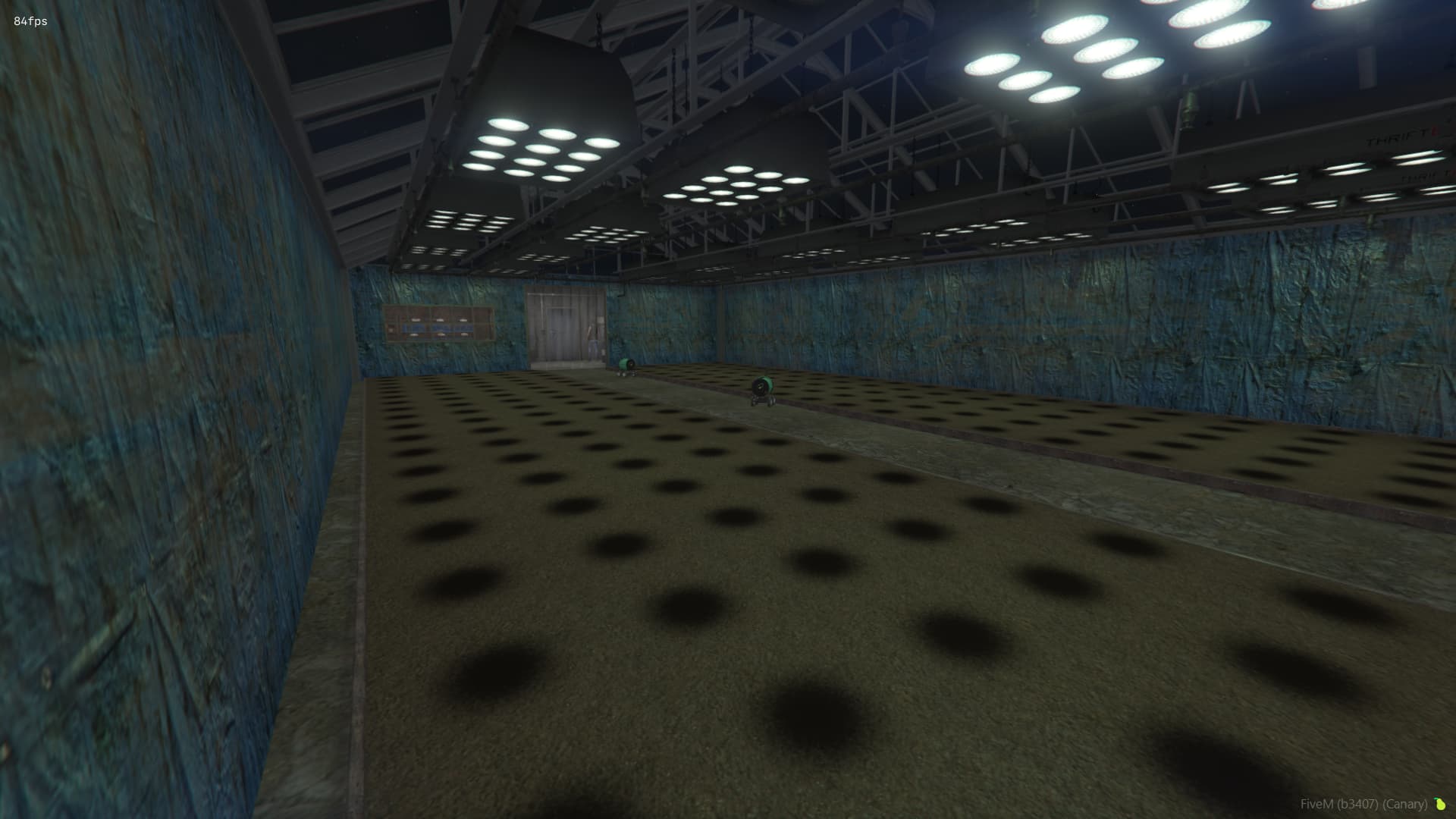
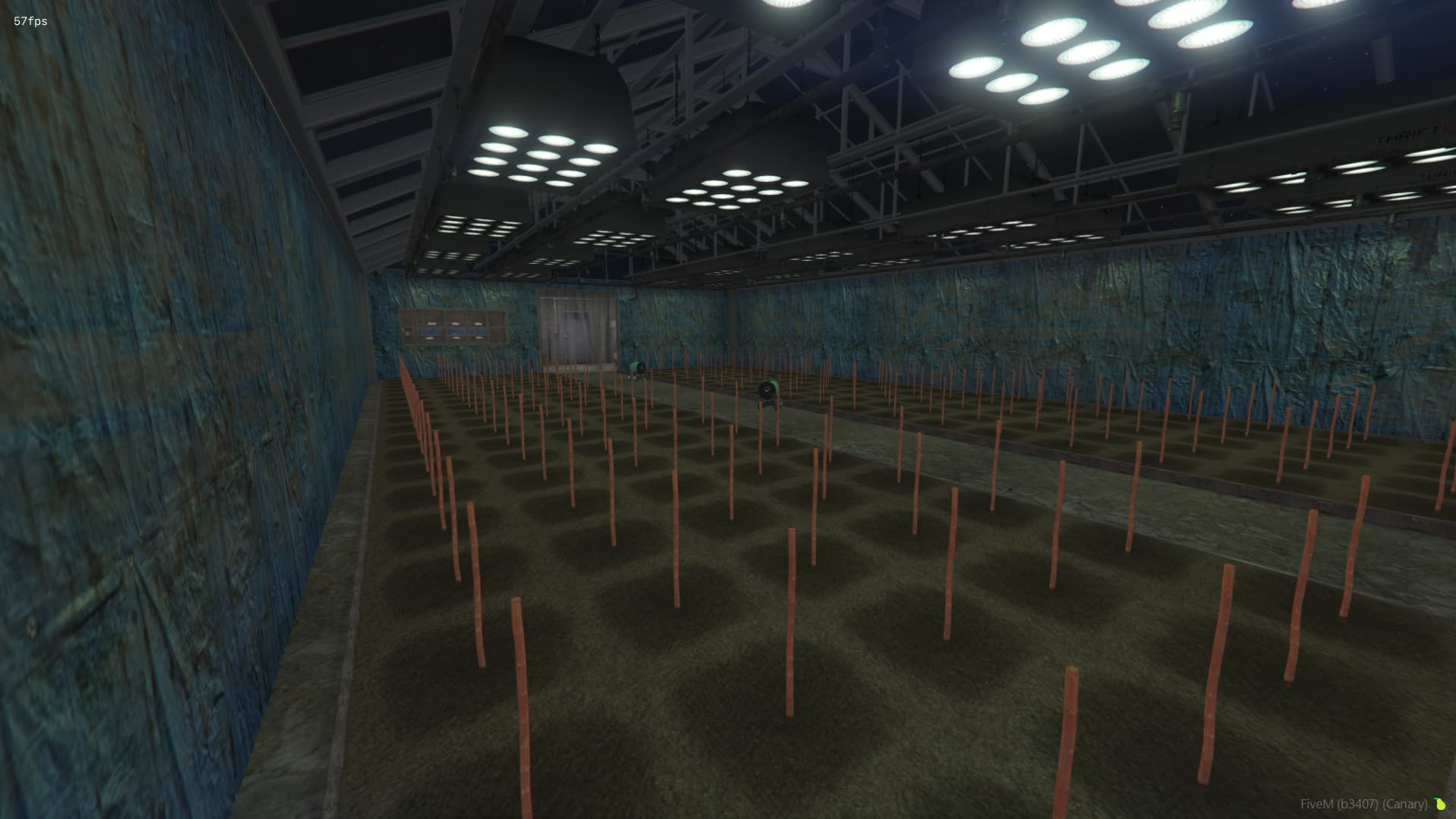
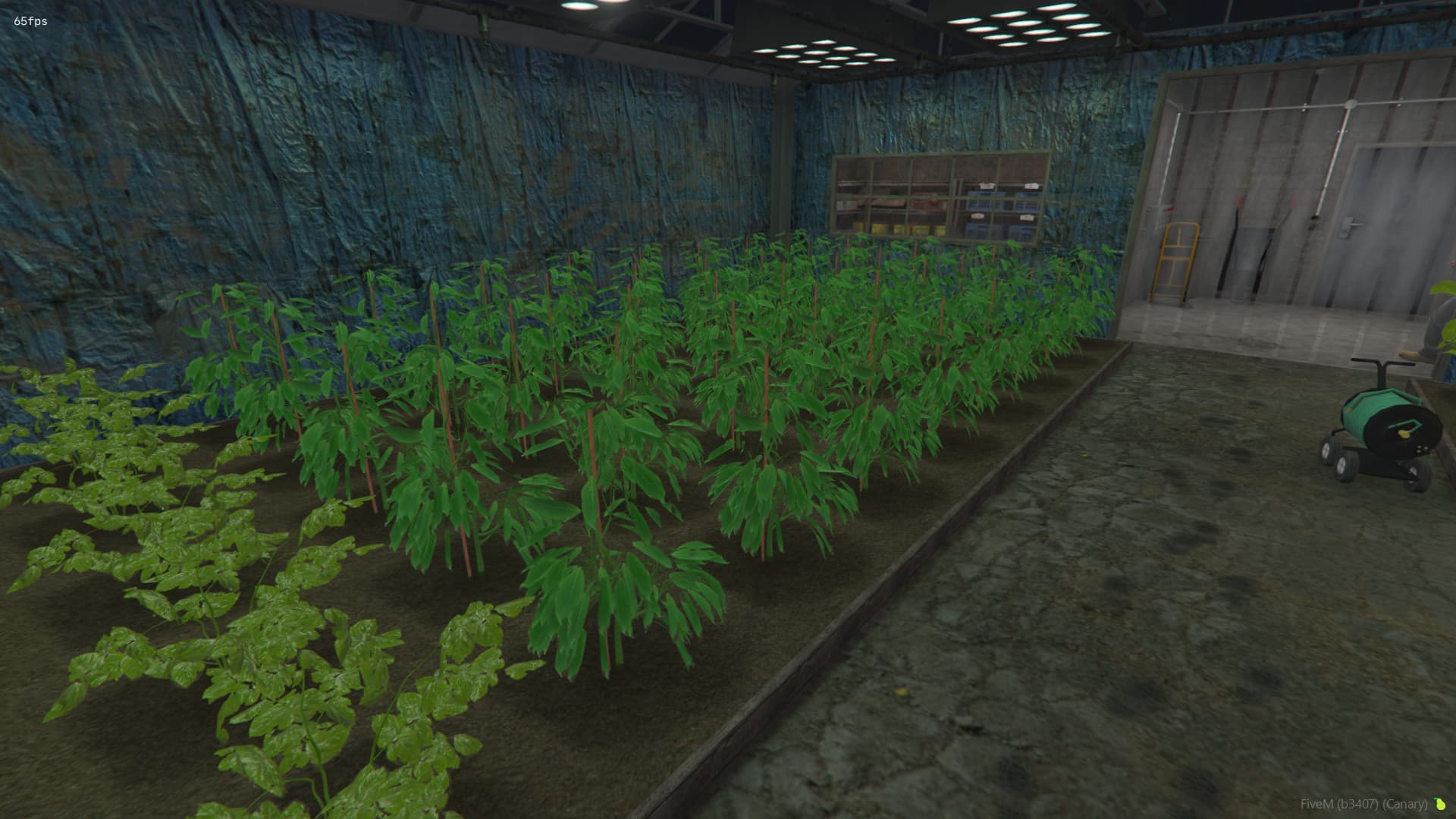
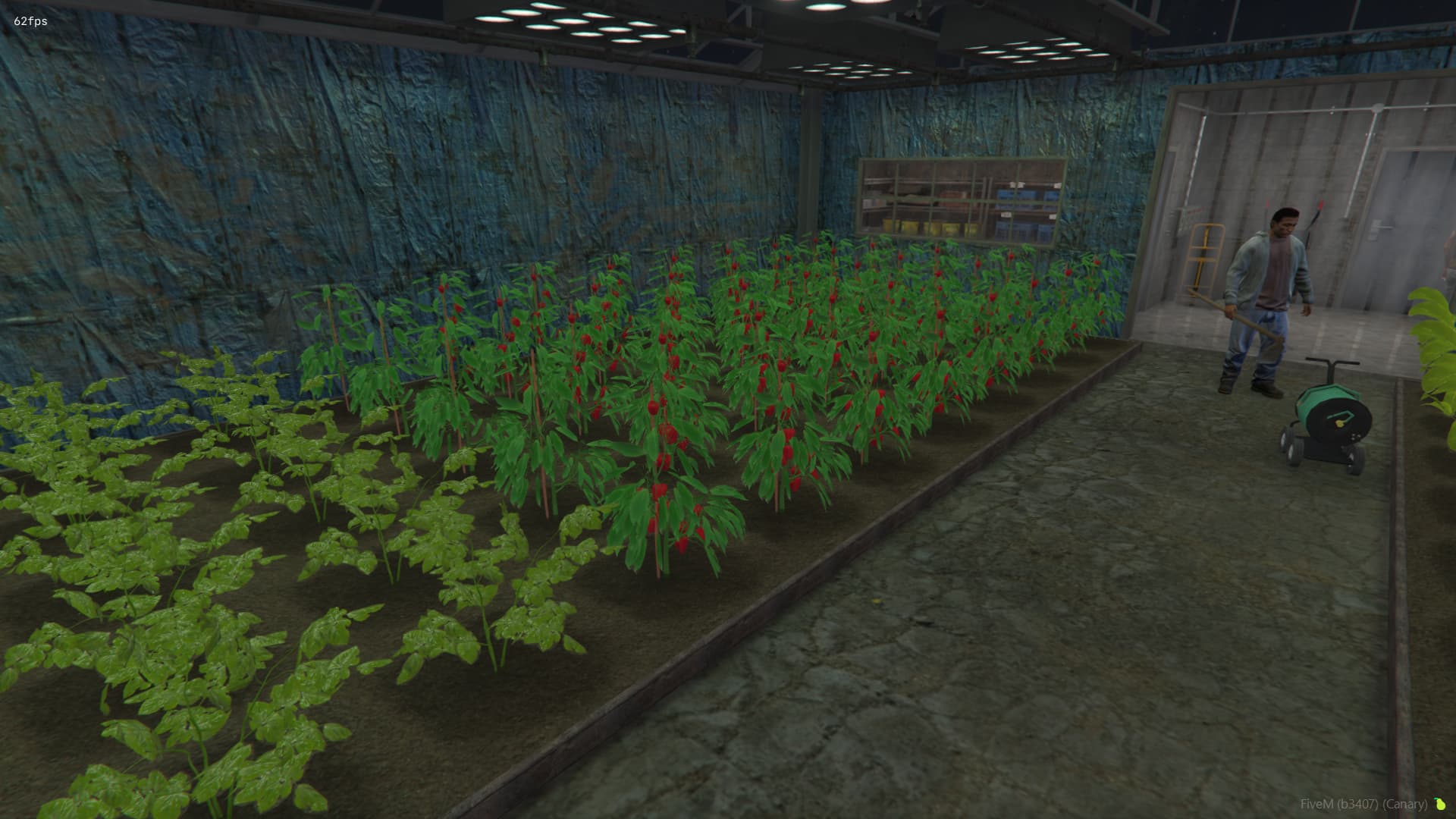
 Tile ground system - The land is divided into small tiles that we have to cultivate one by one, where we will be able to sow later. There are three different versions of such a tile: plowed, irrigated, and a combination of the two.
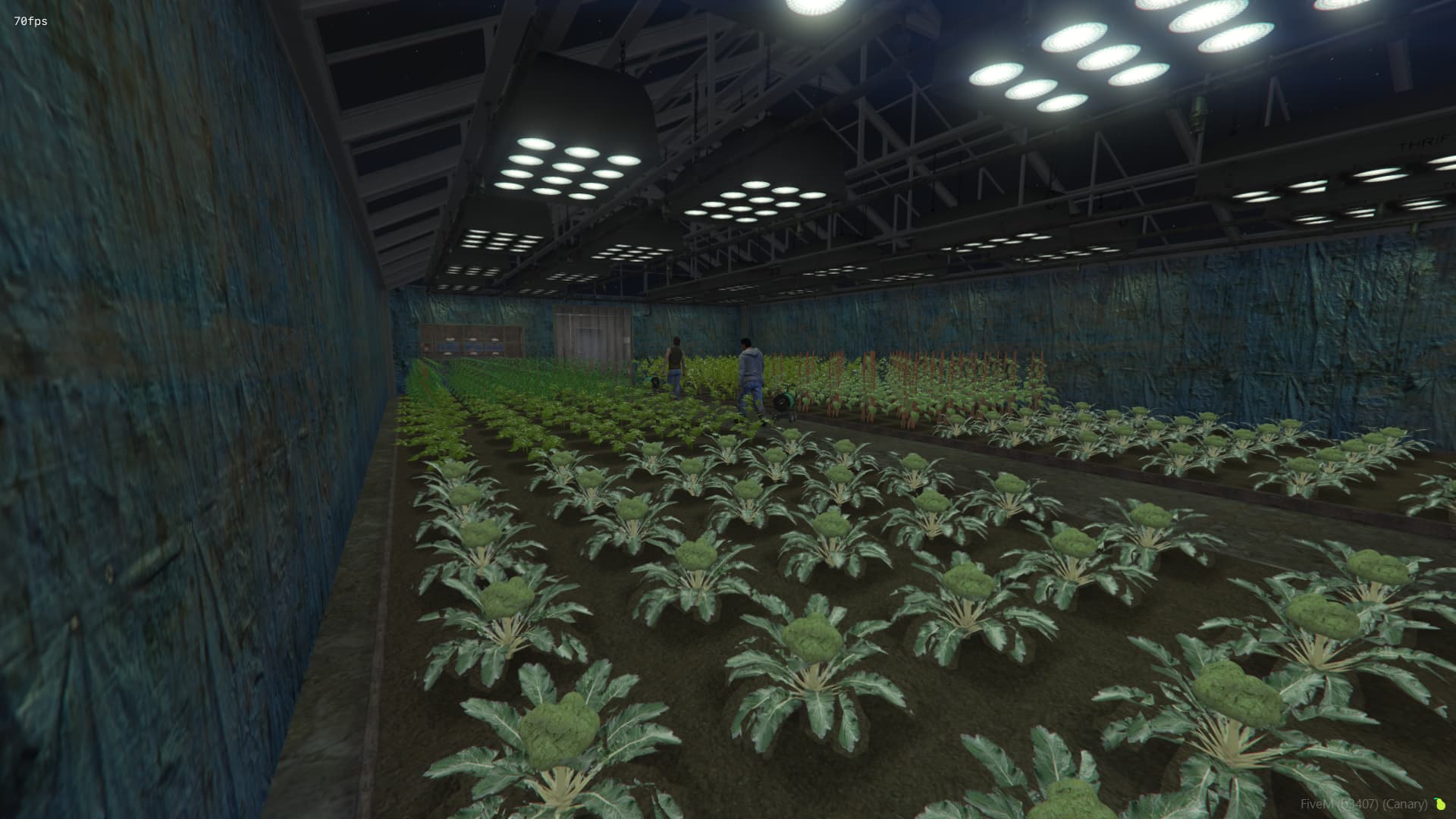
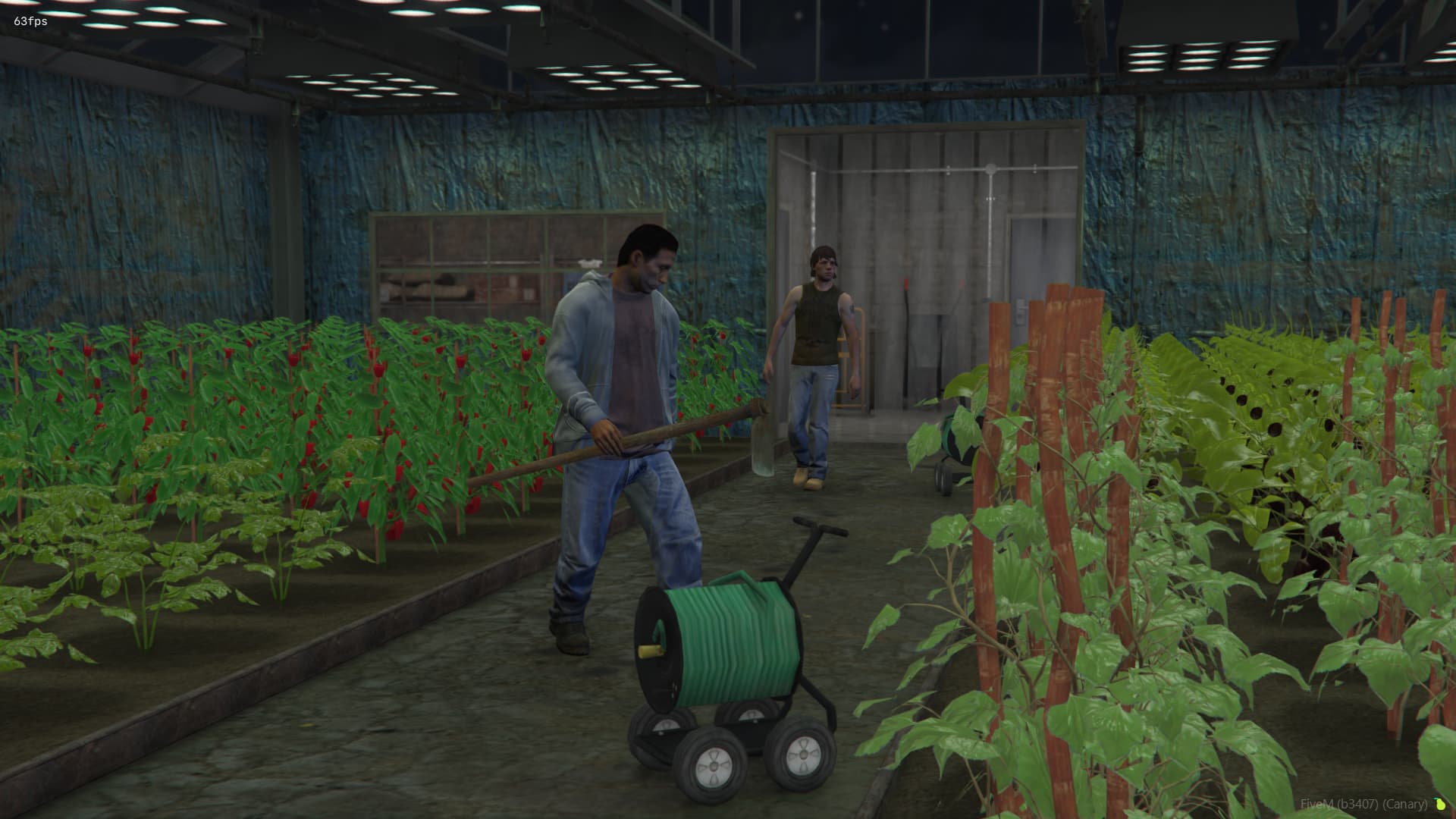
 Various crops - There are nine different types of plants that can be planted, each designed to serve a different style of gameplay. Some require more care than others. Some plants can be harvested once, while others can be harvested multiple times.
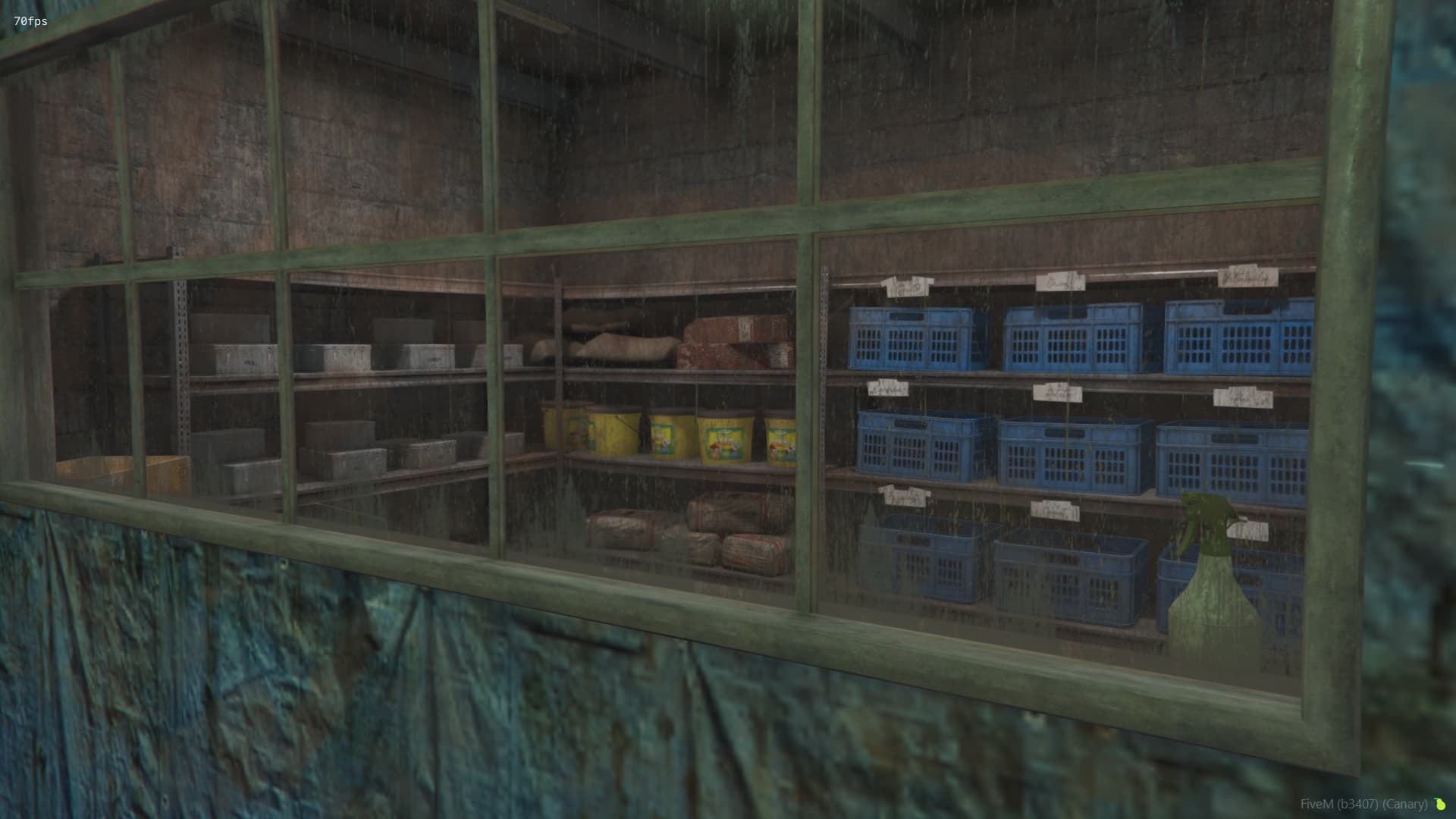
 Custom Interior – A fully instanced environment, where you can manage everything from here, without having to go anywhere.
 Laptop – Managing your greenhouse, acquiring various seeds, and selling various items are also possible here. In addition, we can assign different players and set their rights here.
 Permission System – to add players with different permissions (change lock, etc.)
 Server–Client Synchronization – optimized state management using RPC and event-driven logic
- Easy bridge (framework) setup – Easy to setup with any server via bridge file(s)
 Simple config file – We tried to include everything in a single config.lua file (balance, timers, item pools, etc.)
 Easy localization – locale files through .json (handled by ox_lib)
 Images



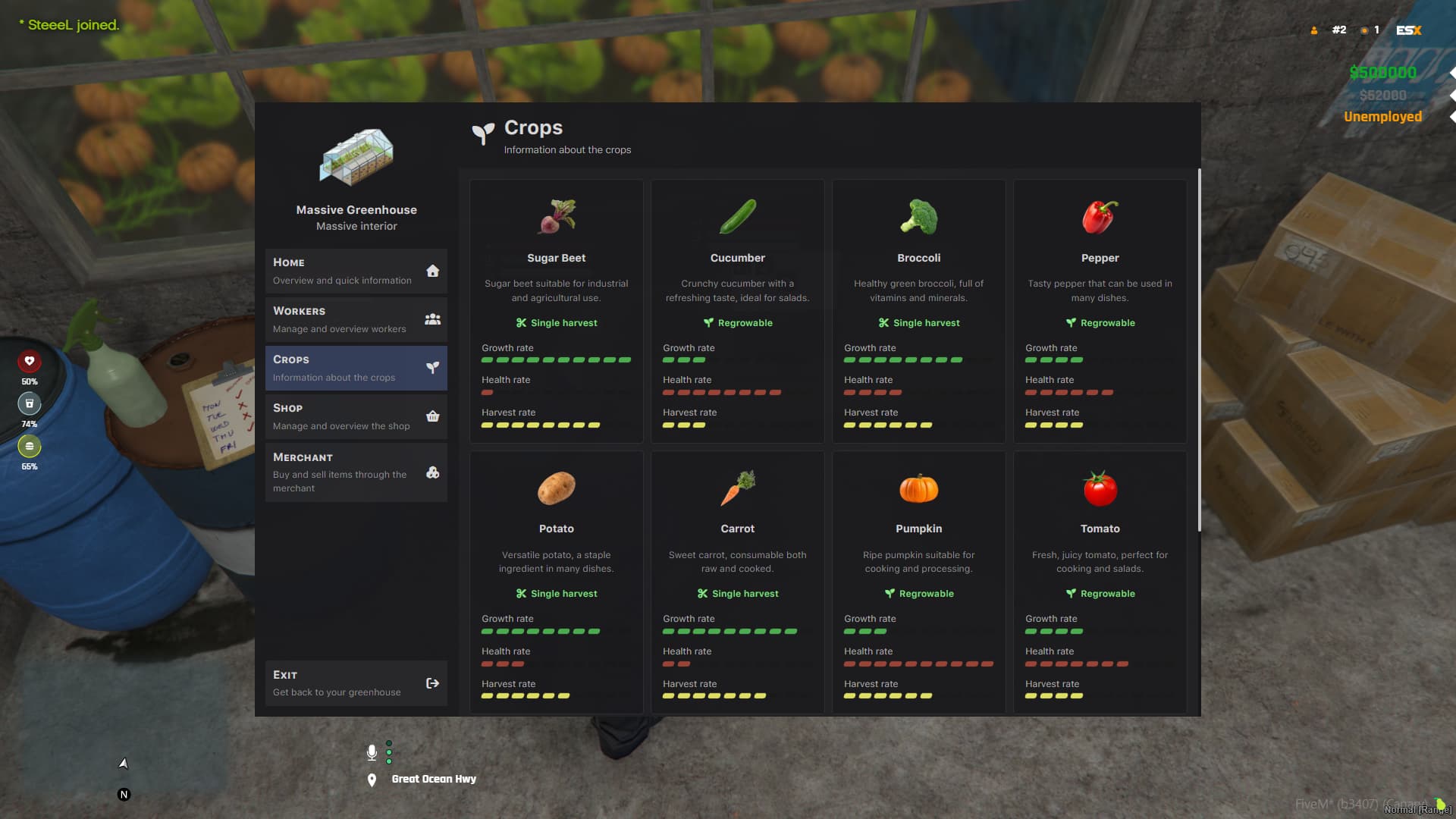
Exports
| Export name | Description | Parameters | Returns |
|---|---|---|---|
insertInterior |
Creates a new instance | x:number, y:number, z:number, price:number, name:string |
Promise |
removeInterior |
Removes an instance | id:number |
Promise |
resetInterior |
Resets an instance (owner, etc.) | id:number |
Promise |
setInteriorPrice |
Sets the instance’s price | source:number, price:number |
void |
setInteriorPosition |
Sets the instance’s position | source:number, x:number, y:number, z:number |
void |
Commands
greenhouse_creategreenhouse_remove
Events
| Event name | Description | Parameters |
|---|---|---|
onGreenhouseQuit |
Triggered when player quits while inside an instance | source:number, id:number, x:number, y:number, z:number |
onGreenhouseTrade |
Triggered when player trades an instance | source:number, id:number, targetSource:number |
onGreenhouseBought |
Triggered when player buys an instance | source:number, id:number |
onGreenhouseEnter |
Triggered when player enters an instance | source:number, id:number |
onGreenhouseLeave |
Triggered when player leaves an instance | source:number, id:number |
Install
- Download, you will have 4 different folders. (props, interior, sounds, script)
- Put all of them in one folder, like [aquiver-greenhouse]
- Import the .sql file into your database
- Inside the
bridgefolder, modify the functions to fit your framework functions. (Inventory, etc.) - ensure [aquiver-greenhouse]
Important file locations
- Config →
lua/shared/Config.lua - Localization →
locales/*.json - Image(s) →
images/** - Bridge (framework setup, commands, functions)
bridge/**.lua
Changing language
Handled by the ox_lib library.
More information about changing the language can be found here. Shared - Ox Lib
Support / Contact
Do you have any question related to our resource(s)?
- Join our Discord.
MORE FROM AQUIVER
| Code is accessible | Open-source version available |
| Subscription-based | No |
| Lines (approximately) | ~5,000 |
| Requirements | None |
| Support | Yes |