DXS Fps Menu For FiveM | User Friendly UI Easy to Setup
Overview
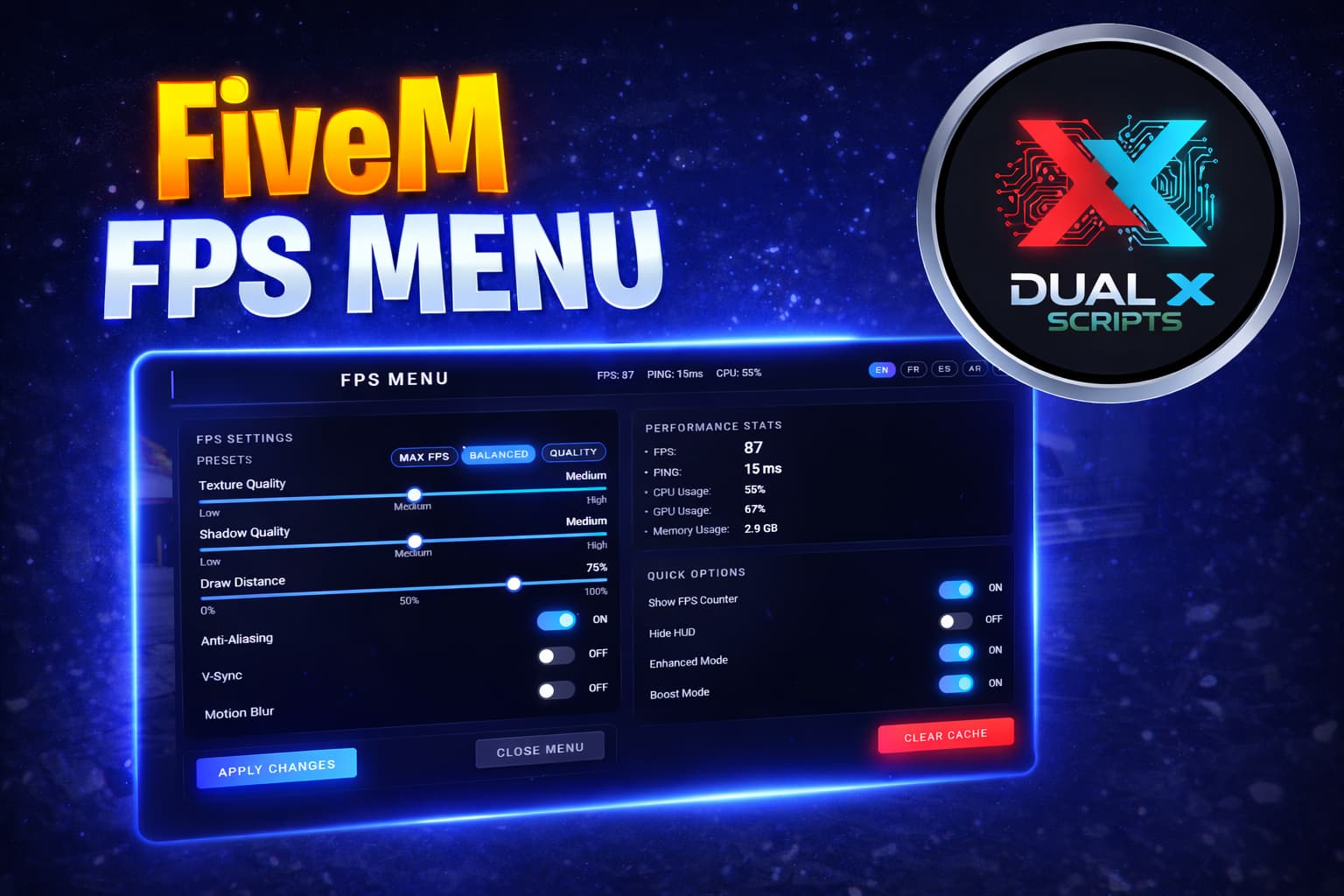
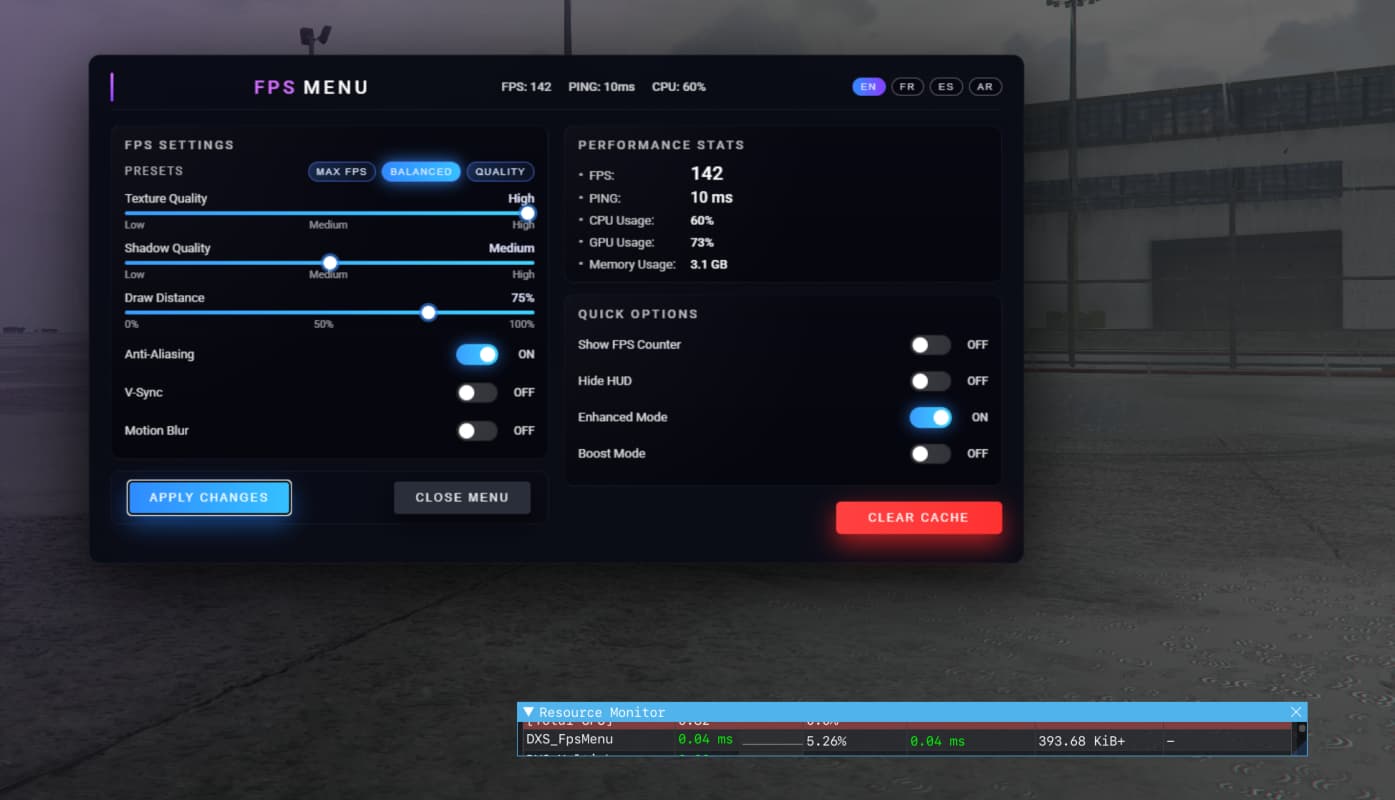
High‑quality FPS and performance menu for FiveM, built for both ESX and QBCore servers. Includes a modern NUI interface, live FPS overlay, presets, multi‑language support, and per‑player settings.
Features
- Clean FPS menu UI closely matching AAA game style.
- Works on ESX, QBCore, or vanilla FiveM (no hard dependency).
- FPS settings:
- Texture Quality (Low / Medium / High)
- Shadow Quality (Low / Medium / High)
- Draw Distance (0–100%)
- Anti‑Aliasing, V‑Sync, Motion Blur toggles
- Performance stats:
- FPS (calculated client‑side)
- Ping (synced from server)
- Estimated CPU / GPU / Memory usage (visual only)
- Quick options:
- Show FPS Counter (screen overlay)
- Hide HUD
- Enhanced Mode
- Boost Mode (extra aggressive performance tuning)
- Presets:
- MAX FPS, BALANCED, QUALITY
- Multi‑language UI:
- English (EN), French (FR), Spanish (ES), Arabic (AR)
- Per‑player settings:
- Saved via QBCore metadata when available
- Stored in memory for ESX/other frameworks for current session
- Open with chat command or keybind:
/fpsmenuF10(configurable via key mapping)
Dependencies
- Optional integrations:
- ESX (v1 / v2) – for identifying players and storing runtime data.
- QBCore – for persistent metadata storage of player settings.
Download
Tebex : Click me
Documentation
Gitbook : Click me
Preview
Youtube : Click me
Support
Discord : Click me
Up to 80% off on all scripts don’t miss this opportunity!

| Code is accessible | No |
| Subscription-based | No |
| Lines (approximately) | 2500 |
| Requirements | standalone |
| Support | Yes |