What is the issue you’re having?
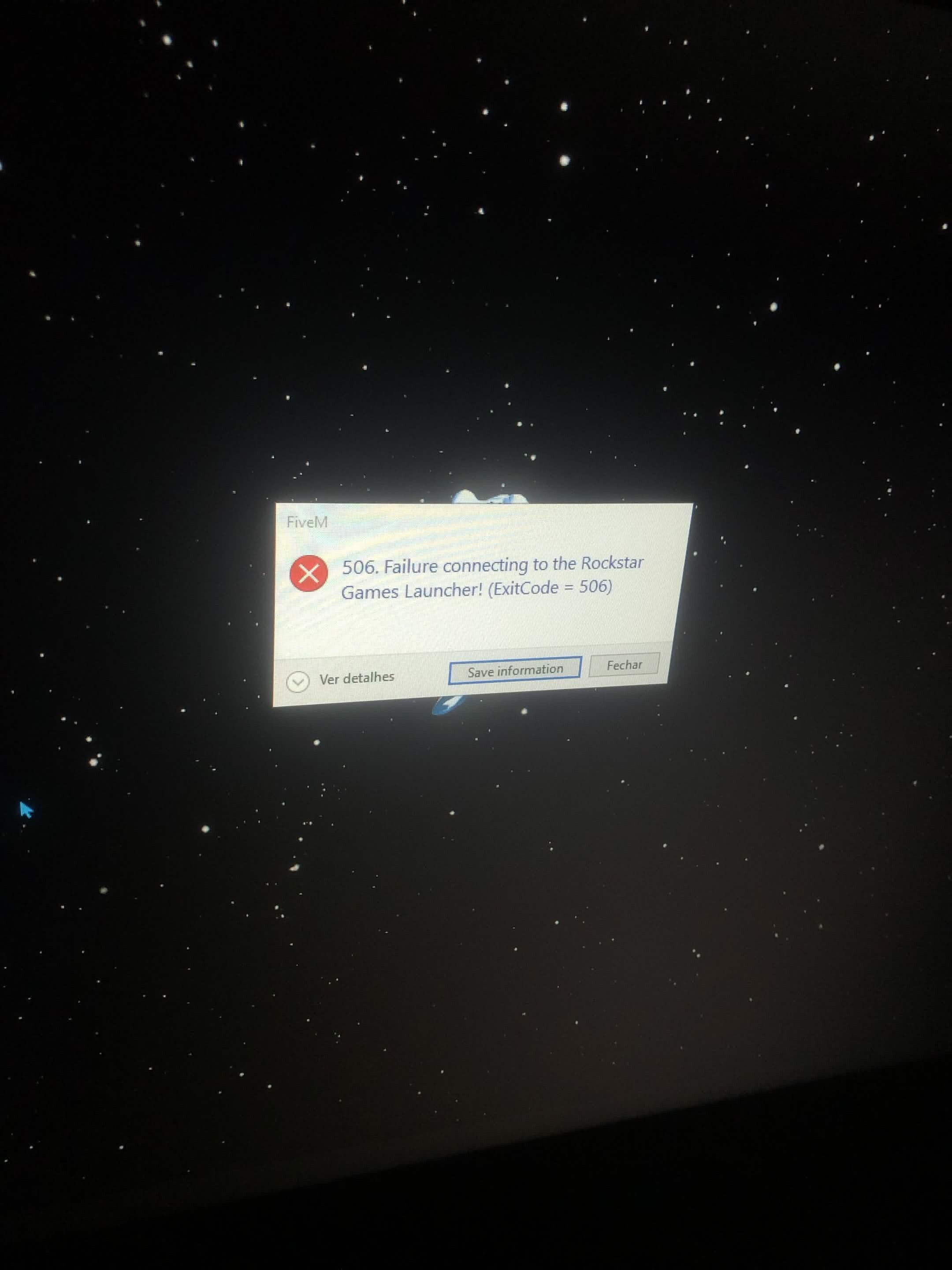
Every time I launch FiveM, I get the error “506. Failure connecting to the Rockstar Games Launcher! (ExitCode = 506)”. GTA V Legacy launches normally through Steam and the Rockstar Games Launcher, but FiveM always fails with ExitCode 506. I have already reinstalled GTA V, Rockstar Games Launcher, and FiveM, cleared the FiveM cache, verified the game files, and repaired Windows system files, but the issue still persists.
What have you tried already to fix the issue?
I have already tried:
Reinstalling GTA V Legacy (Steam)
Reinstalling Rockstar Games Launcher
Reinstalling FiveM
Clearing the FiveM cache
Verifying the GTA V game files through Steam
Running sfc /scannow to repair Windows system files
Restarting my PC multiple times
Launching GTA V through the Rockstar Games Launcher before opening FiveM
Running both Rockstar Games Launcher and FiveM as Administrator
Despite all of these steps, FiveM still shows “506. Failure connecting to the Rockstar Games Launcher! (ExitCode = 506)” every time I launch it.
What server did you get this issue on?
None. The error occurs before I can join any server.
Error screenshot(s)
Windows version
windos 10
System specifications
Operating System: Windows 10 64-bit
CPU: Intel Core i7-4500U @ 1.80 GHz (up to 3.00 GHz)
GPU:
- AMD Radeon HD 8600M (2 GB VRAM)
- Intel HD Graphics 4400
RAM: 8 GB
Storage: 256 GB SSD
Game Version: GTA V Legacy (Steam)
FiveM Version: Latest version
Antivirus software
Microsoft Defender (Windows Security
CitizenFX crash zip file (‘Save information’ on a crash)
CfxCrashDump_2026_07_31_04_02_48.zip (41.7 KB)
Log files
CitizenFX_log_2026-07-31T040102.log (2.12 KB)