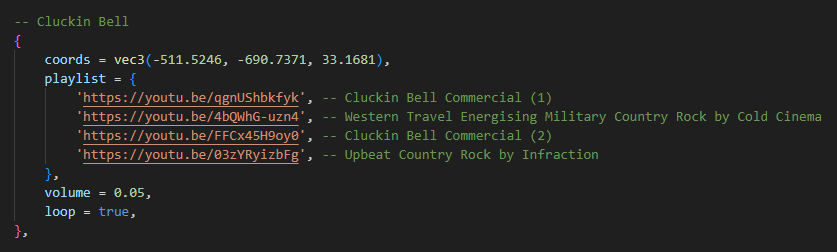
MX Surround is a script that allows you to play 3d audio with spotify, soundcloud and youtube links on your server. And it’s made to give you the best experience you can get from the game. MX Surround plays songs without using iframes and since it doesn’t use iframes, you can play and enjoy hundreds of songs at the same time.
Features
3D Sound
Vehicle sound filter
Interior sound filter (automatically detects all interiors)
Supports spotify, youtube and soundcloud
Supports all audio formats
Streamer mode (Same as xsound)
Completely unrivaled optimization
If you have opened a sound on the server side, it will be saved on the server and the sound will be synchronized to new players.
You can play hundred of songs same time without crashing ui
The volumes of the songs change automatically according to the volume in the game (Configurable)
Free Addons
There were four official plugins for MX Surround: audioplayer, boombox, caradio, and dj. Now, all of these have been combined into one: audioplayer . It supports unlimited playlists and lets you search songs by name. The features from boombox, caradio, and dj are now fully included in audioplayer , making everything easier to use in one place!
MX Surround provides xsound and interact-sound. And it includes all its functions. So you can integrate it without changing your server. BUT! If you have a loop that updates sounds according to player coordinates or vehicle coordinates, unfortunately it will not work properly. But don’t worry, you can integrate them very simply with two separate exports attachPlayer and attachEntitywithout using any loop.
I tried Soundcloud and YouTube and I keep getting:
SURROUND ERROR:^0 Sound boombox_1 is failed to load. We will destroy it
Sound failed to play. Try another song. (@mx-surround/ui/build/assets/index-ee198f75.js:40)
EDIT: that was on the server side. I tried the same on the client side and it worked. Please fix rapidly, otherwise it’s not worth the money we paid for it.
EDIT: even on the client side it works unreliably, sometimes it doesn’t play anything, unless you spam the play API call 2 or 3 times. It also keeps pausing for buffering.
Hello, it seems to be connection-related, as I am using a mobile network with tethering.
When I tried it a few days ago it kept stopping for buffering, and to play a song I had to call it multiple times. I am not using the add-ons (mx-audioplayer or similar), I am simply calling the export:
Now that I am trying again at night when the connection speed is significantly faster (45Mbps vs 10Mbps before) it works seamlessly.
My suggestion is to make it possible to configure the timeout (before it says it failed), as well as the buffer size for buffering larger portions at a time, and the desired audio quality. These changes would make it suitable for players with slow connections and it would make it more likely that the song is in sync.
The quality of the sounds is already set as low as possible. I changed the server to 1000Mbps 2 days ago to make sure it’s not server based and that might have played a role in solving the problem. It used to be 200Mbps
And for users with slow internet, the sound is sent in part by part anyway (so you don’t get full sound at once) I find that when I use devtools and set it to slow internet, it’s slow but seems stable
Thanks for the fast response and intervention, I will try the updated version on slow internet again soon. The good interaction with the dev makes the purchase worth it imo.
Appreciate it for your good response , btw the great thing about surround is that you have the audioplayer. You might be happy to have a look, boombox, dj, car radio and much more is available in that
Hi, it’s interesting, however my server is non-RP and I am trying to implement my own menu-based simplified interface for playing music.
Anyway I have downloaded the update but I experience the same problem where music won’t load. This time I am experimenting with static sounds, here’s a clip:
it worked fine.
Today I just opened it again and it gives out errors.
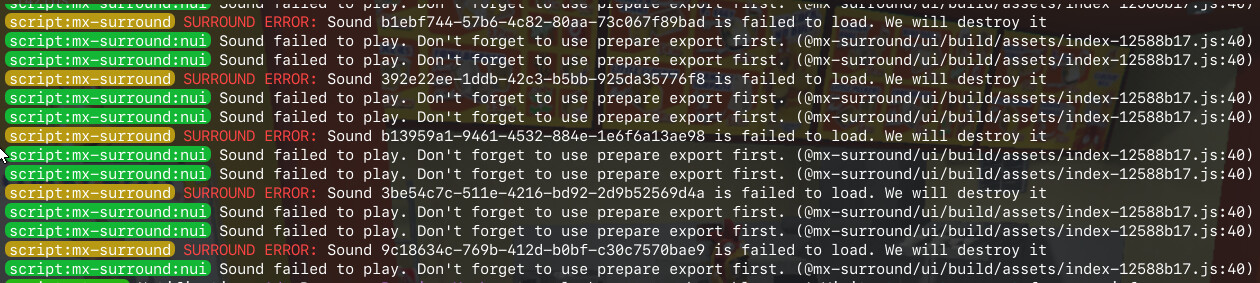
Then I updated mx-surround to the latest version, and it still gives out the errors as seen in the video/screenshot above (slightly different wording, before it didn’t mention “prepare export”).
Hi, thanks for the bug report! I forgot to test static sounds after my last update. The problem was fixed with the latest update. And the surround usage has been changed a bit, don’t forget to check the documentation
Updated to latest version, still non-functional, and the dev is no longer responding to comments. I feel like purchasing this is wasted money.
In addition to that, the latest version adds some strange unnecessary “API” that binds to a port on your computer, I don’t understand why that was needed and why even basic features like static sounds in the config are still not working.
Overall I regret buying this, and I don’t recommend you do, unless you want to go through a lot of frustration.
Hi, you can’t get any support because you are using your own api. If you want to get support, you need to use the official api. It’s already available when you download from Keymaster. So you don’t need to change anything. And for the clarify: the local api is for people who want to set up their own server and are looking for adventure.
And you don’t need to use api for local audio. Just remember that you don’t need to use prepare on local audio.
Error messages coming from api are often fixed with a hot patch. And this issue was solved a long time ago, but the bug fix was not shared because you don’t need to update surround (it’s an api related issue). So if you have a similar problem, wait a bit and try again It will probably be solved.
this may be a nice script but, it’s quite funny to me that youtu.be links cannot be played + it doesn’t like links that include list references and trying to play spotify tracks just results in the Script telling you that spotify isn’t supported directly, soundcloud on the other hand is just recognized as invalid. to be very honest for 48€ this pretty much is not worth it, even after nearly 2 years of it being released it’s still a very flawed resource in my opinion
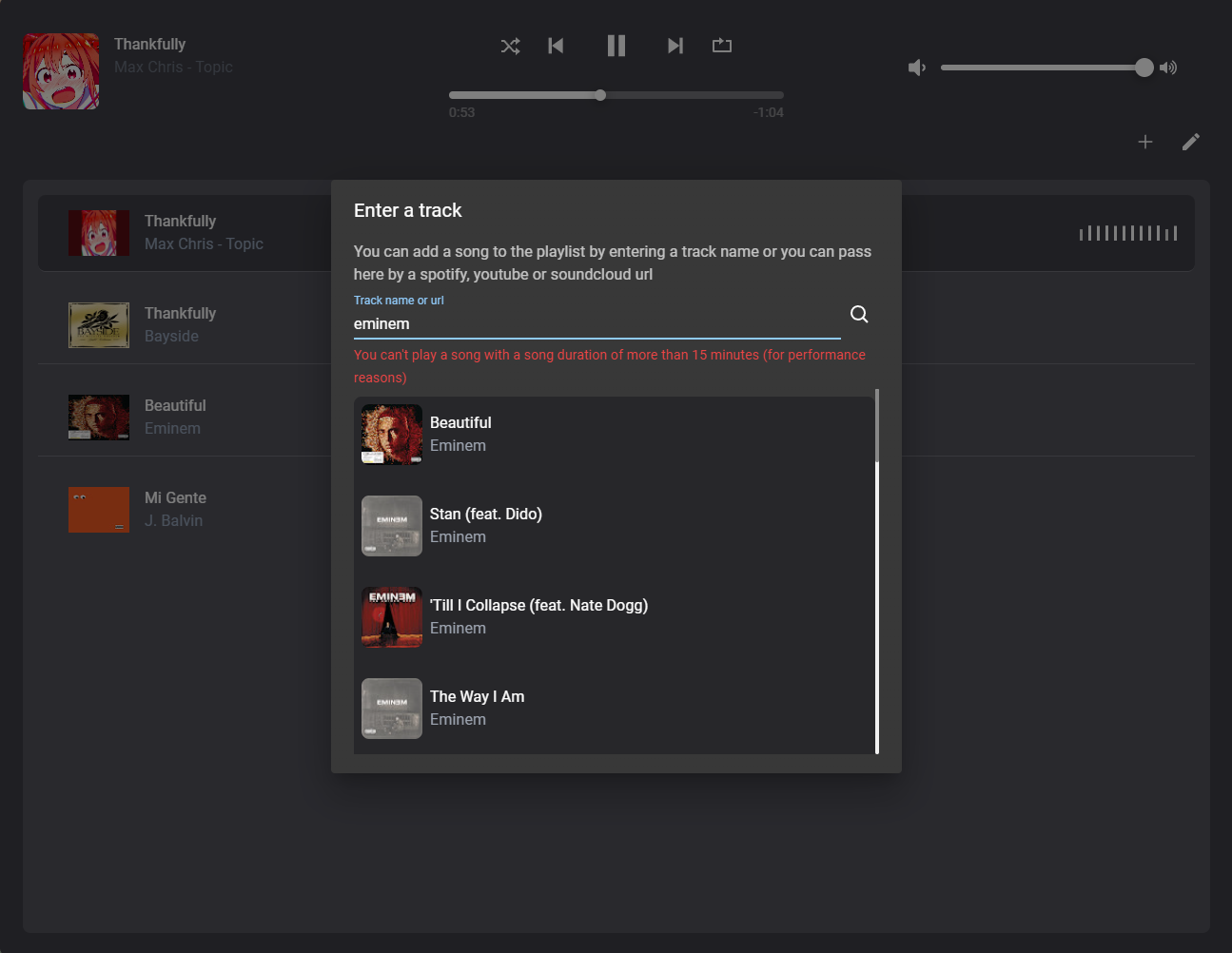
 , btw the great thing about surround is that you have the audioplayer. You might be happy to have a look, boombox, dj, car radio and much more is available in that