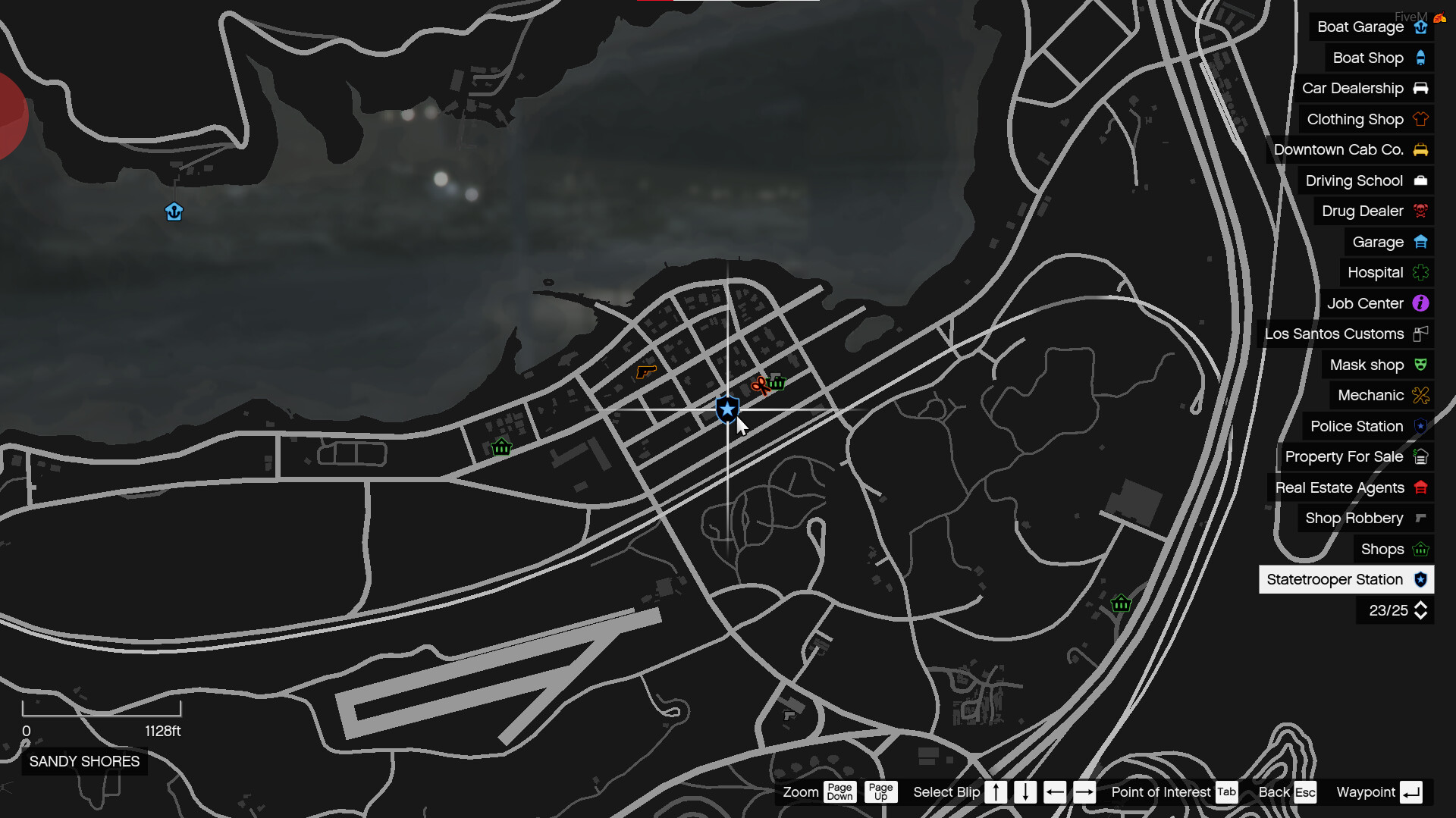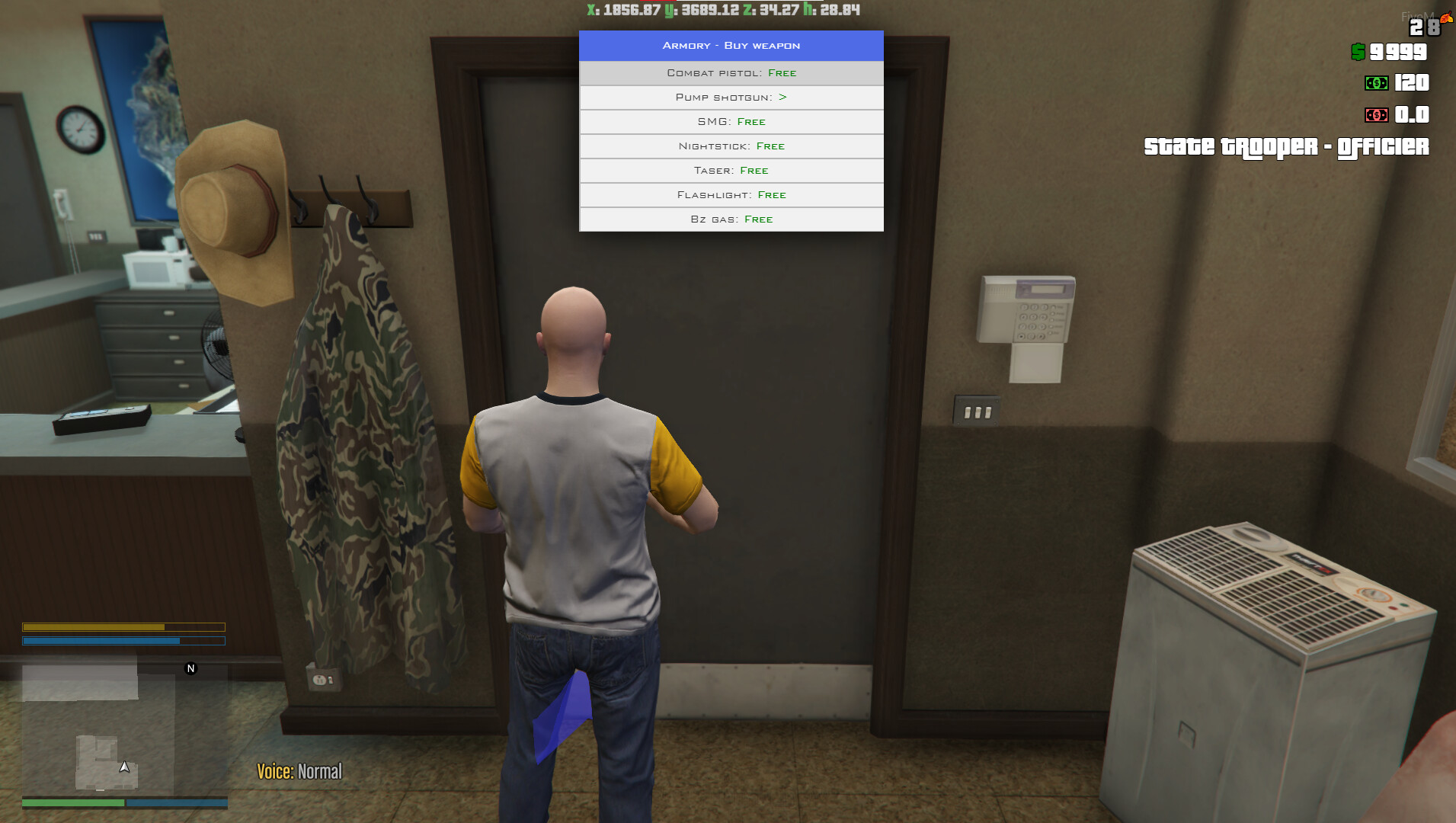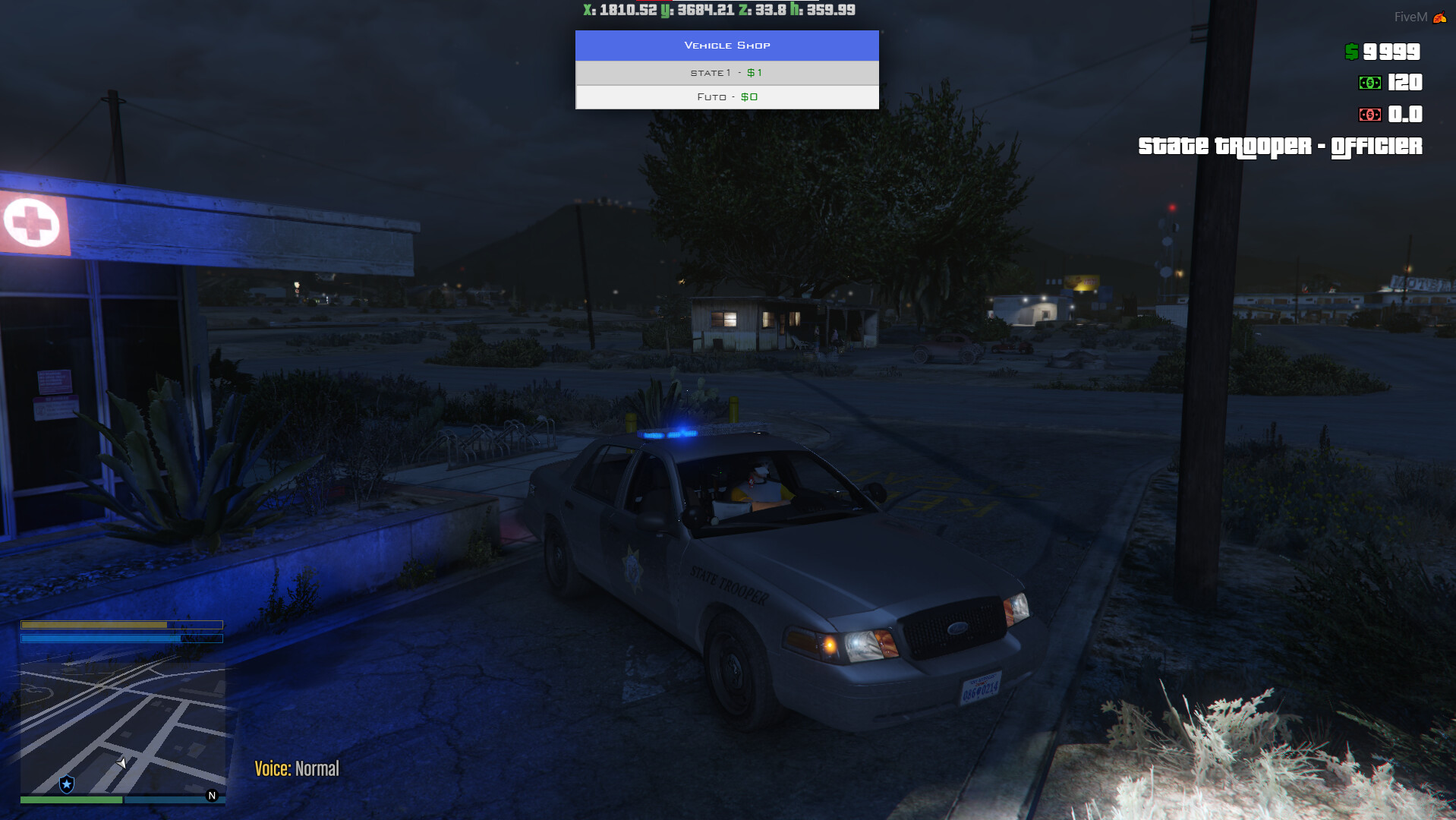
Please let me stress this. All these scripts are edits of Esx_Policejob but I have taken these and make them into their own script, So they won’t affect each other. If you have a problem with this please keep it to yourself. I have done this so people who don’t know how to do this can have them for free.
Ok to start. There are three scripts in the download. There is the following
esx_statetrooper
esx_sheriff
esx_highway
So all these scripts can be installed into one server and will work separately from each other. (meaning you wont see blips etc).
Also, the esx_statetrooper is a whole new file that added everything you will find in the Esx_Policejob script (When I did my bail bonds scripts I removed a lot of code)
This is not a drop and drag script you will need a basic understanding of LUA I will explain the best I can here.
This will apply to all the scripts so I will only show one file.
In the You will need to change the following lines and cords to fit where you want the following
The blip you see on the map 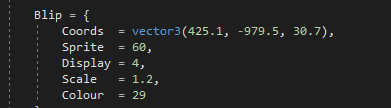
If you want to change the Car spawning, heli, and boss actions
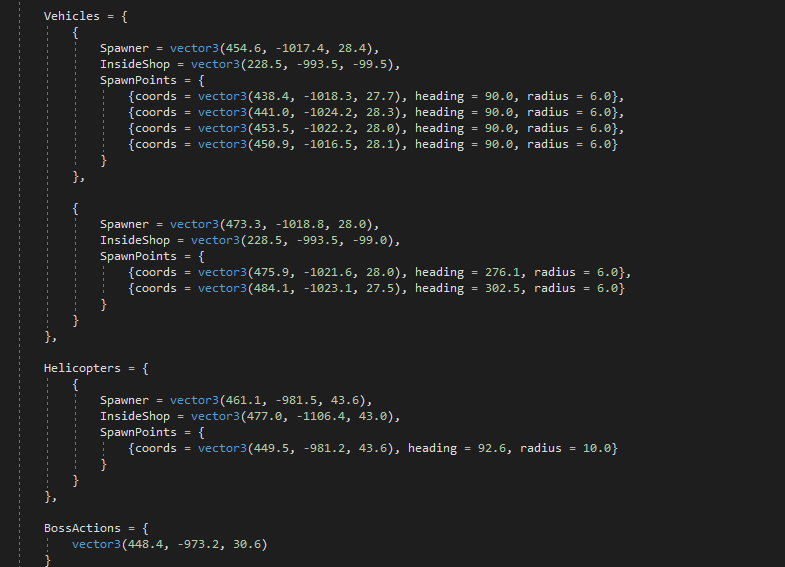
The big one here. You will need to change these lines for your custom cars and helis
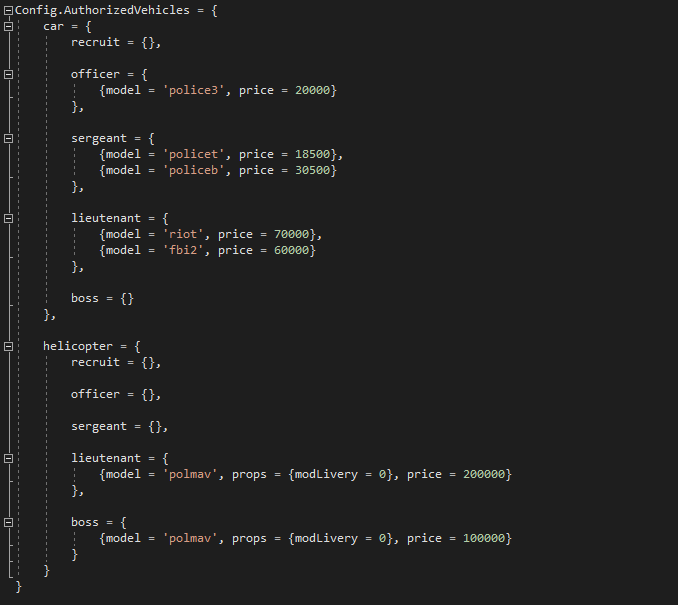
In this photo, you will see where you need to change the name and price
Now the name is the spawn name of the car, not the file the name
Ok, now the Sql file Please import the SQL file into your database with your server off. If you have esx_policejob in your server please remove this line from the SQL 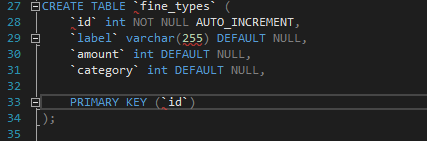 or you will get errors
In this photo, this is where you will need to change your name for job names ( you can also do this in your database
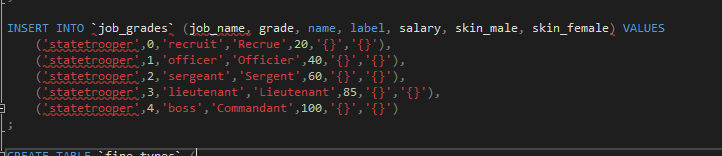
On line 37 please change you fine name and add more fines to your liking
To add more fines here copy and past this line and add it below now add a, to the line above
like this 
Now add this to your start.cfg
Start esx_statetrooper (or what ever file you added) like this 
Ok now it is time to start your server and boom the job is ready