Gaming PC Mobile
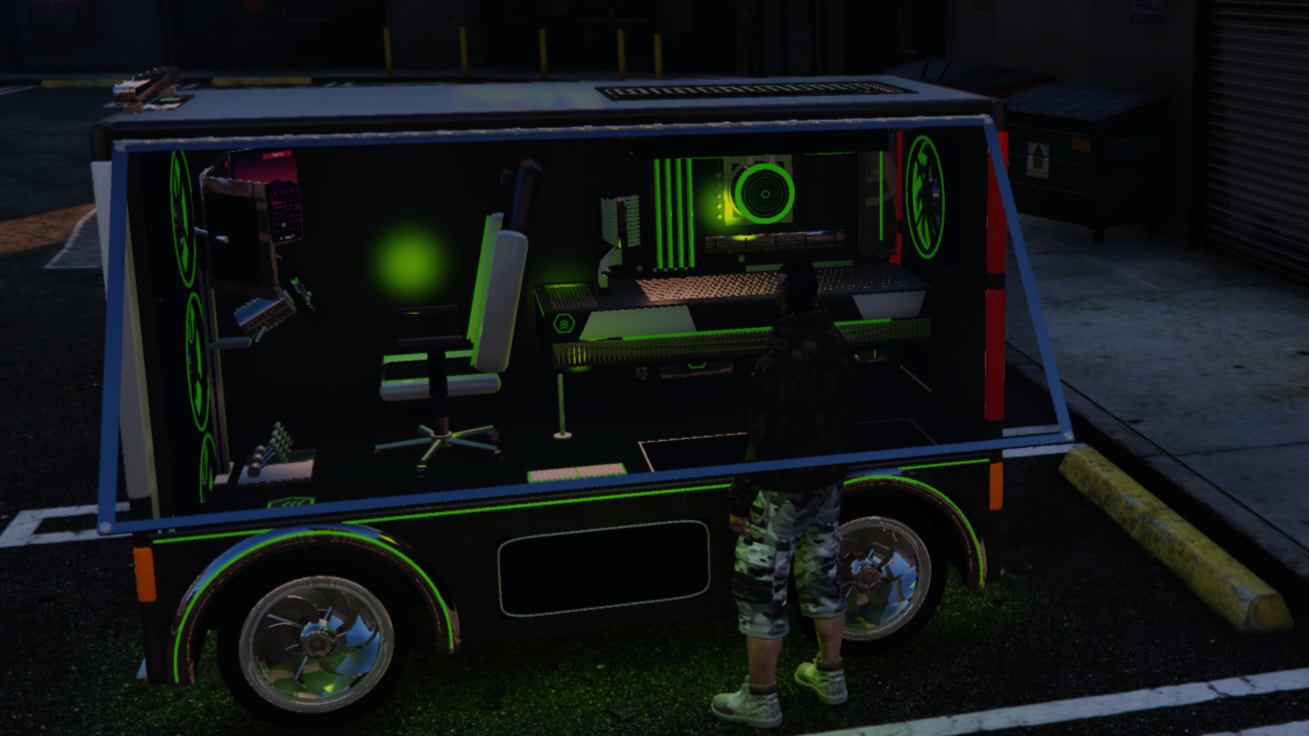
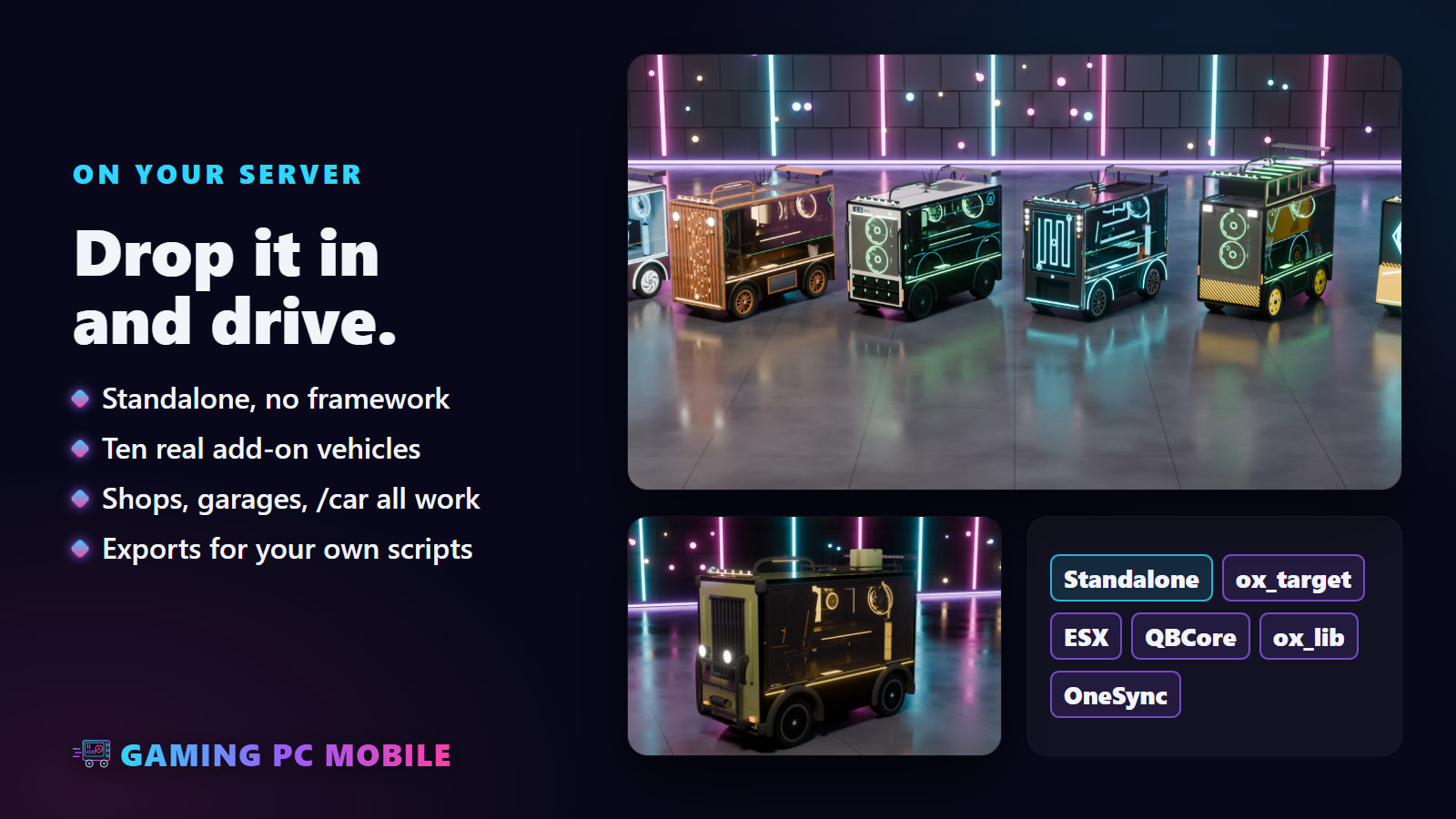
Ten drivable gaming PCs for your server. Each one is a full tower the size of a van: the glass side shows the whole build inside, every fan and part glows in RGB, and the driver sits in a gaming chair behind a sim-racing wheel, inside the PC. Walk up to the glass and it swings up like the flap of a hot dog stand to let you in.
Get it free on Tebex · Preview video · Documentation · Discord
What you get
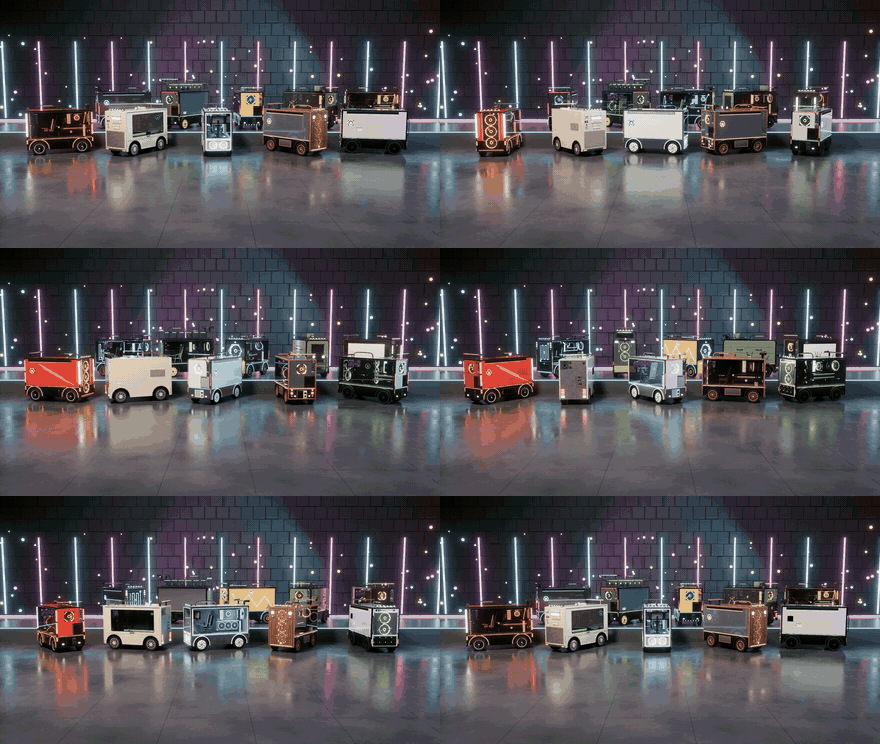
10 PCs, 10 models
Ten custom models, not ten paint jobs. Each has its own case, front and back, lights, inside, cockpit, wheels and feel to drive, its own collision, colour sets and 5 levels of detail. The primary colour paints the case, the secondary colour is the light.
- Gaming PC Mobile – the full tower: painted steel on a dark base, a V-shaped mesh front with three fans, a smoked glass side over the whole build, a racing chair and a direct-drive sim wheel.
- Retro Tower – a beige tower from the nineties: drive bays, a turbo button, an MHz display, a green board with plug-in cards, ribbon cables and a CRT. Light and slow.
- Snow Panorama – all white, and the front is glass too: LED strip headlights, an upright graphics card facing the glass, a white racing chair and a yoke.
- Timber – walnut slats over felt, round brass lamps, a two-tower air cooler, a plank floor, a bent-wood lounge chair, wheels with wooden spokes.
- Workstation – straight from the server room: rack handles, eight drive caddies with their lights, a live status display, a fan wall. Heavy.
- Hardline – a custom water loop: coolant glowing in a distribution plate, hard tubes with chrome fittings, chrome Y-spoke wheels.
- Mining Rig – six graphics cards in a rack on the roof, an expanded-metal front, work floodlights, yellow steel wheels, a plastic garden chair inside.
- Neon Wedge – angular: a sloped nose with slit headlights, a hexagonal eye of light round one big fan, cables of glowing EL wire. The quickest.
- Field Ops – a military hard case: rubber corner bumpers, a bull bar with a winch, a spare wheel, jerry cans, beadlock wheels on knobby tyres.
- Royale – art deco: gold edges, a sunburst grille, walnut walls, a marble floor, a chandelier and a tufted wingback armchair.

Drive it from inside
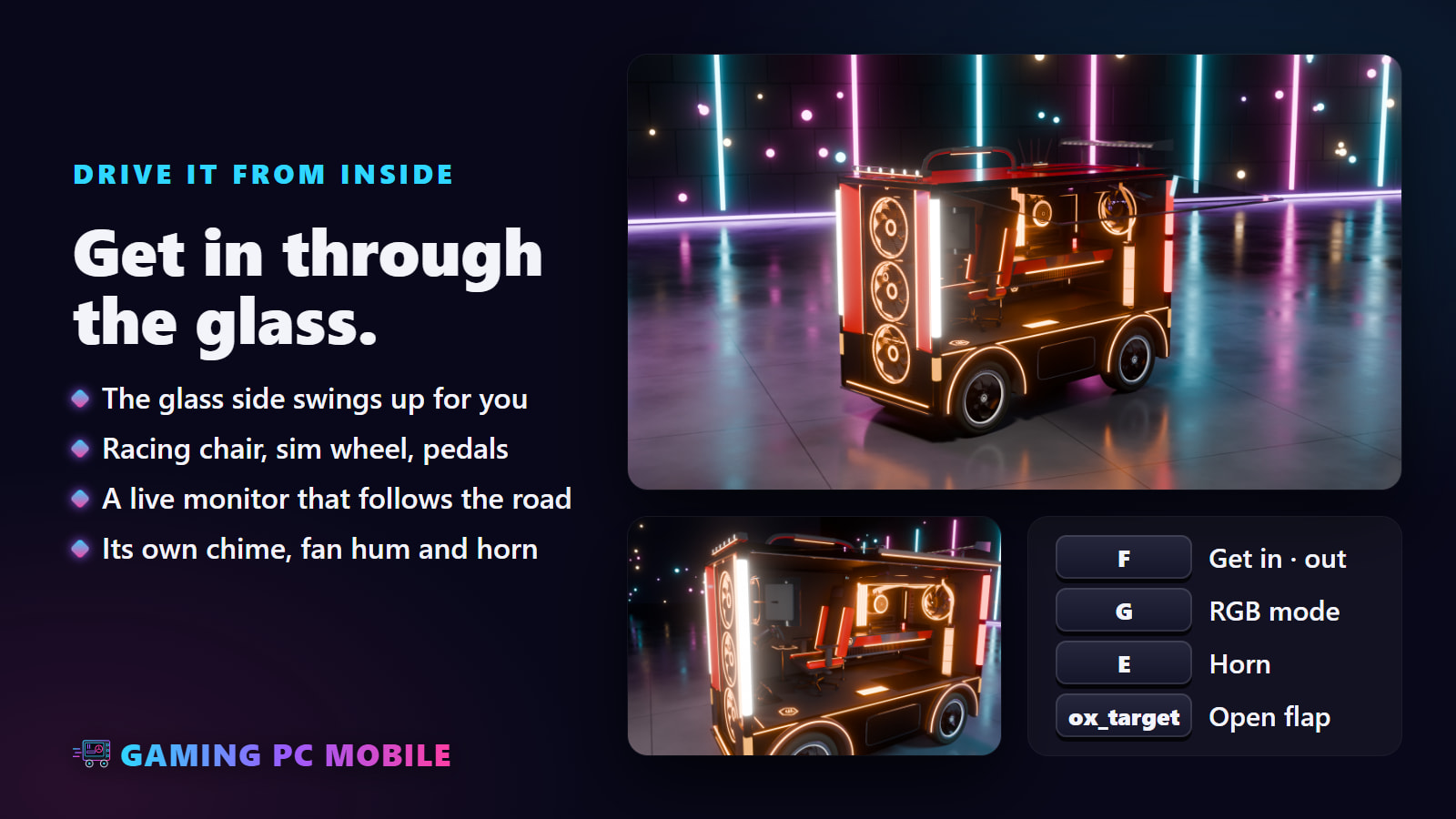
- The glass side is the door. Press F at it: the flap swings up, you are in the seat, it comes down again. Faster than a walk, getting out is a dive.
- From outside with ox_target: Open side panel, Close side panel, Get in. A flap left open comes down when the driver drives off; a locked PC stays shut.
- The glass breaks like a real car window, from shots or a hard crash. Any repair puts it back.
- A cockpit inside: a racing chair, a sim wheel that turns with the steering, pedals and a monitor.
- Live screens: the monitor plays a racing game that follows the PC’s speed and steering, the wheel’s display shows speed, gear and shift lights, the board shows CPU and GPU temperatures.
- Fans that turn with the engine, faster with the revs.
- Its own sounds: a start-up chime, fans humming over the electric motor, and its own horn (a car horn, a synth chord or a beep), heard by everyone near it.
RGB, of course
- Every fan ring, the memory, the pump, the coolant, the strips and the emblems glow, with an underglow under the case.
- G (or
/pclight) goes through the modes: rainbow, breathe, speed, colour, off. Starting the PC plays a white boot-up flash. - Real light: at night the colour lights the floor, the chair and the driver inside, and the ground under the open flap. The roof light bar lights the road ahead.
- The light is the vehicle’s secondary colour: any paint shop or custom colour changes it. Everyone nearby sees the same, in time.

Twelve extras, every PC
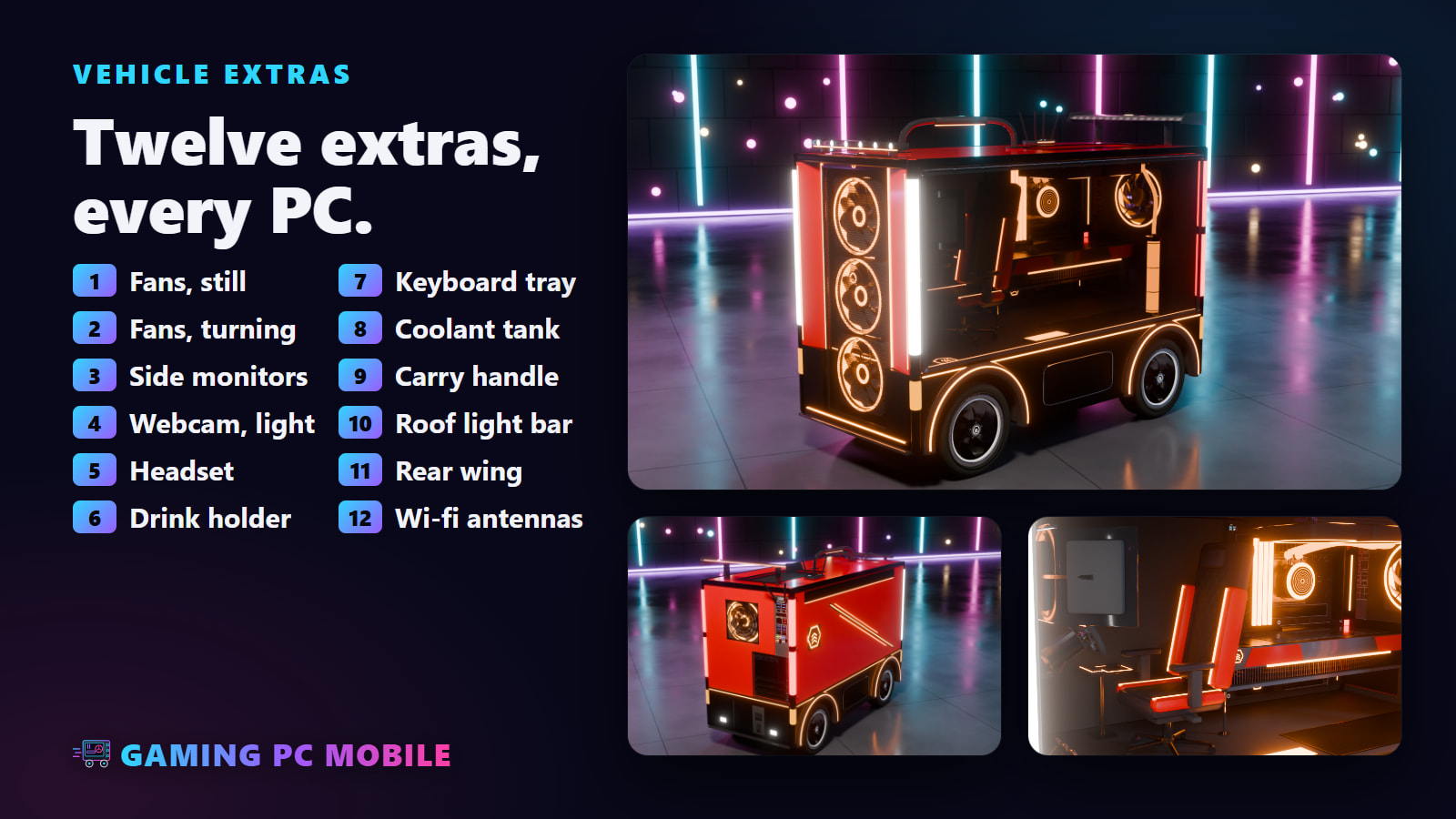
- All twelve fit every PC: the fans standing or turning, side monitors for a triple screen, a webcam and light bar, a headset, a drink holder, a keyboard tray, a glowing coolant tank, a carry handle, a roof light bar, a rear wing and wi-fi antennas.
- Some PCs have their own: desk speakers, a coffee mug and a dial-up modem on the Retro Tower, a UPS with a live display on the Workstation, a fire extinguisher on the Mining Rig, a champagne flute on the Royale.
- Real GTA vehicle extras: vMenu’s extras menu,
SetVehicleExtraand garage scripts that save extras all work.
Drop it in and drive
- Standalone: no framework needed. Admins spawn PCs with
/gamingpc; any vehicle shop, spawner or garage works with the spawn names. - Ordinary add-on vehicles driven by GTA, with handling tuned for each PC: all-wheel drive, and a body that stays level through corners.
- Light on your server: the screens, the real light and the sounds run only near a PC.
Setup
- Drop the
Gaming-PC-Mobilefolder into yourresources. - Add
ensure Gaming-PC-Mobileto yourserver.cfg.
Admins spawn a PC with /gamingpc (add_ace group.admin command.gamingpc allow), a particular one with /gamingpc retro. The spawn names:
gamingpc, gpcretro, gpcsnow, gpctimber, gpcserver, gpcloop, gpcminer, gpccyber, gpcrugged, gpcluxe
Controls
| Key | |
|---|---|
| F | get in / out through the glass flap |
| G | RGB mode: rainbow, breathe, speed, colour, off |
| E | the PC’s own horn |
| ox_target | open / close the side panel, get in |
/pclight [mode] |
the next mode, or the one named |
Everything else is GTA’s own vehicle controls. G is a FiveM key binding, so each player can change it, and controllers work.
Configuration
A single commented config.lua, among others:
- which PCs, their names, all texts, where notifications go (GTA, ESX, QBCore, ox_lib or your own)
- getting in: the flap and its timing, distances, diving out
- the ox_target options
- lights: modes and their order, speeds, the underglow, the boot flash
- the real light round the PC
- the live screens
- sounds: volume, distance, the chime, the fan hum, the horn and its style
- extras, the spawn command and its permission
Exports
Client and server: IsGamingPC, GetLightMode, SetLightMode, IsSidePanelOpen, SetSidePanel.
Requirements
None. ox_target is optional, for the side panel from outside. OneSync is recommended.
Documentation and support
- Documentation – installation, every PC, getting in, the lights, the extras, every setting, exports.
- Discord – questions, support and updates.

| Code is accessible | No (escrow); config.lua and the vehicle data files are open |
| Subscription-based | No |
| Lines (approximately) | ~1,700 |
| Requirements | None (ox_target optional, OneSync recommended) |
| Support | Yes, on Discord |