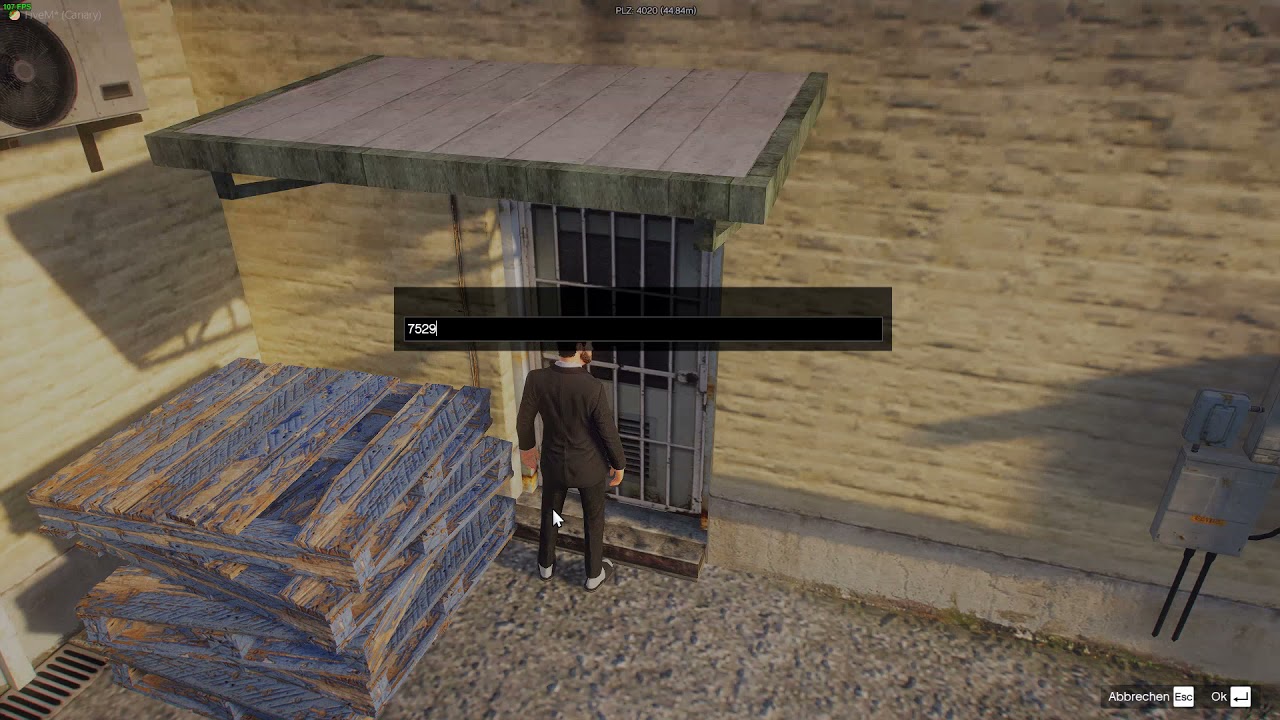
function passcode()
    print(password)
    DisplayOnscreenKeyboard(1, "XXXX", "", "XXXX", "", "", "", 4)
    while UpdateOnscreenKeyboard() ~= 1 and UpdateOnscreenKeyboard() ~= 2 do
        Citizen.Wait(100)
    end
    input = GetOnscreenKeyboardResult()
    if input == password then
        enter()
    else
        QBCore.Functions.Notify("Falches Passwort, finde den Dealer um an das PW zu kommen.", "error")
    end
end
i did this… and in my config.lua it does say
password = math.random(1111, 9999)
but everytime i type the password in, it doesnt work