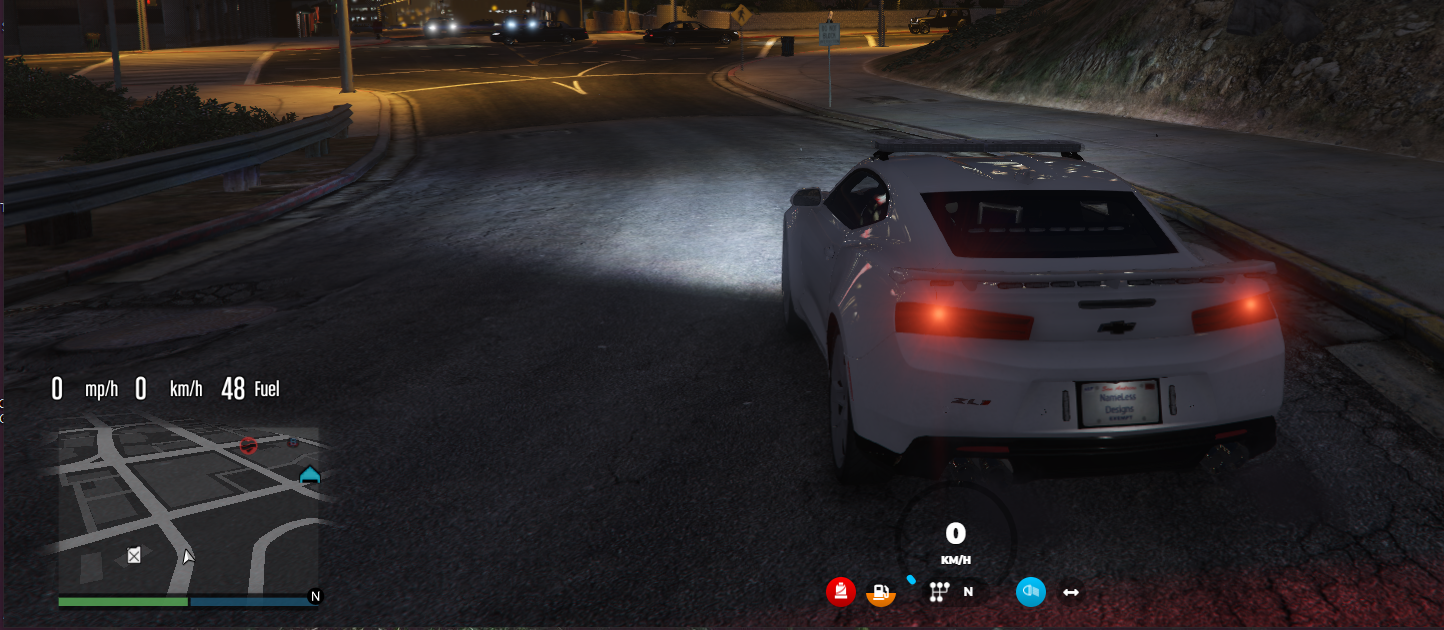
is there a way for set the voice change with 2 keys i tried keys = {distance = ‘H’ and ‘LEFTSHIFT’,} but without success. Im also trying to draw circle on the base of the people that is talking here is the code what i use but i would like to integrate in your script
-- circle under people when talking
Citizen.CreateThread(function()
    while true do
        if Config.EnableMarkerWhenTalking then
            for id = 0, 255 do
                if  ((NetworkIsPlayerActive( id )) and GetPlayerPed( id ) ~= GetPlayerPed( -1 )) then
                    ped = GetPlayerPed( id )

                    x1, y1, z1 = table.unpack( GetEntityCoords( GetPlayerPed( -1 ), true ) )
                    x2, y2, z2 = table.unpack( GetEntityCoords( GetPlayerPed( id ), true ) )
                    distance = math.floor(GetDistanceBetweenCoords(x1,  y1,  z1,  x2,  y2,  z2,  true))
            local takeaway = 0.95

                    if ((distance < playerNamesDist) and IsEntityVisible(GetPlayerPed(id))) ~= GetPlayerPed( -1 ) then
                if NetworkIsPlayerTalking(id) then
                    DrawMarker(25,x2,y2,z2 - takeaway, 0, 0, 0, 0, 0, 0, 1.0, 1.0, 10.3, 0, 132, 8, 105, 0, 0, 2, 0, 0, 0, 0)
                end
                    end
                end
            end
            Citizen.Wait(0)
        end
    end
end)
Hello, thanks for the great release. However, i got two questions and hope that you can answer. First, the voice seems not working. Players can hear others all around the map. I have disable all othe voice script except the vdk_call sinve gcphone is depending on it. Wondering are there any solutions for this.
Another question is how to enlarge the UI?
A: The HUD date is wrong! Can you fix it?
R: It’s not wrong. It uses the game server’s time and default functions for FiveM. If you want to show the real date, I suggest you edit app.js using javascript’s Date() function. Google it for more info.
A: How can I edit the /toggleui command to hide the elements?
R: Go to the ui.html files and look for the id attribute of the elements you wanna hide. Then edit the toggleui command on client.lua to better suit your needs.
A: Do you intent to release a version that supports THIS or THAT script?
R: Not at the moment. It shows LegacyFuel as an optional because it changes the fuel behavior, but it doesn’t require special functions to work.
A: I want to change the positions of the elements. How can I do it?
R: Check the main.css file and change the top, left, right or bottom positioning of the elements you want. But be careful: you should read about absolute positioning on CSS. Example: if you want to make it to appear on the bottom, you don’t use the TOP property, you should use BOTTOM.
be sincere @VortisRD i love your voice system included in the hud i just would like to draw a marker under the people that is speaking. Would you like to help me with this? thanks
There’s an array/table of keys under a Keys variable at the top of the client.lua. I’ve put it there to map the keys instead of putting numbers. That’s why I said for you to look.
In any case, I don’t know if you can put a sequence of key pressing to do what you want. And, to be honest, instead of adapting the hud for the 2 pressing keys, If I were you and wanted to draw a circle under the people when they are speaking, I would paste the code under the voice detection part on my HUD, using the already created config for that.
@snakez besides, I’ve seen that effect on several servers and didn’t like it. That’s why I designed the microphone icon to “pulse” when you’re speaking.
If you want to use more effects or edit it, you’re on your own. No offense, but I didn’t get help on most of stuff I did. I just searched, tested and edited by myself.