yesss
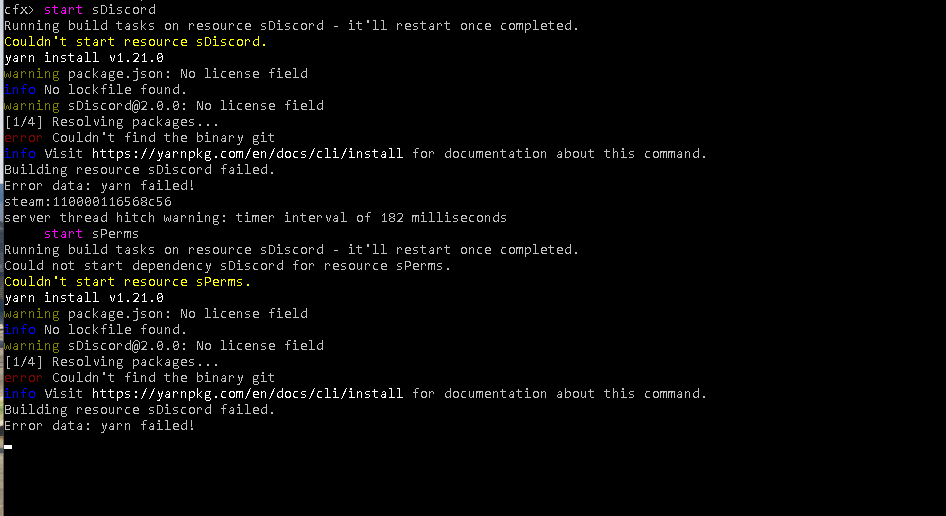
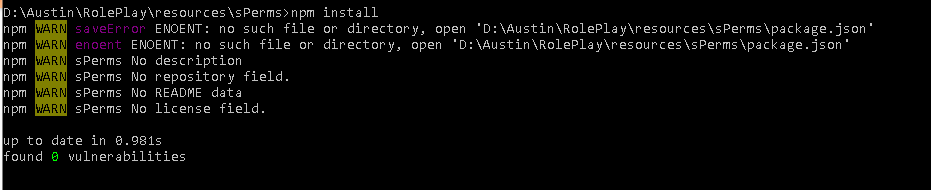
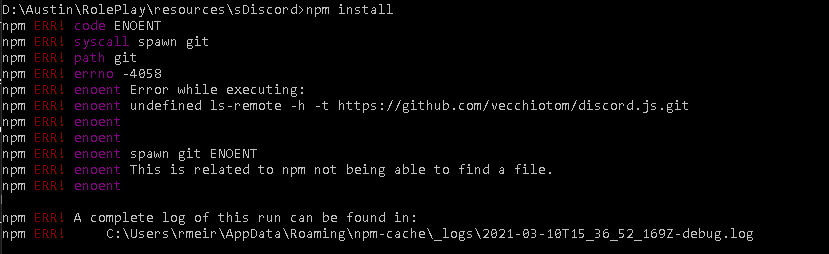
Download node.js, navigate to the sDiscord and sPerms directories and run npm install
I am using category only (ten category’s) with default priority set to 11 and the queue assigns everyone to 11


When using categories the config should look like this:
{
      "category": "category",
      "role": "owner",
      "prio": 1
}
I know it can be a bit confusing, but hopefully you’ll get it set up correctly 
I have multiple roles in each category should I list all the roles as well?
for example:

Or do I set it up like this:

or like this:

the first example may not be allowed in .json
Yea the first example will return a syntax error, if you do
{
      "category": "category",
      "role": "development",
      "prio": 2
}
all roles under the development category in the sPerms config file will have that priority. When sPerms builds the perms object it will iterate over all the roles in a category and if the user has one of them, the whole category will return as true.
Now it makes complete sense, just to confirm I leave category as category?
If you want to check a whole category, yes. If you want to check an individual role, set category to the name of the category.
So, setup for a category:
{
      "category": "category",
      "role": "owner",
      "prio": 1
}
And setup for a role:
{
      "category": "development",
      "role": "head_developer",
      "prio": 2
}
I did that, didn’t work. :S
hi any help with this
[ script:sPerms] SCRIPT ERROR in event `sPerms:getPerms’: Error: No such export getUserRoles in resource sDiscord
[ script:sPerms] > getPerms (@sPerms/src/server/index.js:9)
[ script:sPerms] > (@sPerms/src/server/index.js:35)
[ script:sPerms] > addToQueue (@pQueue/src/server/index.js:130)
Did you download sDiscord aswell?
getting the same issue
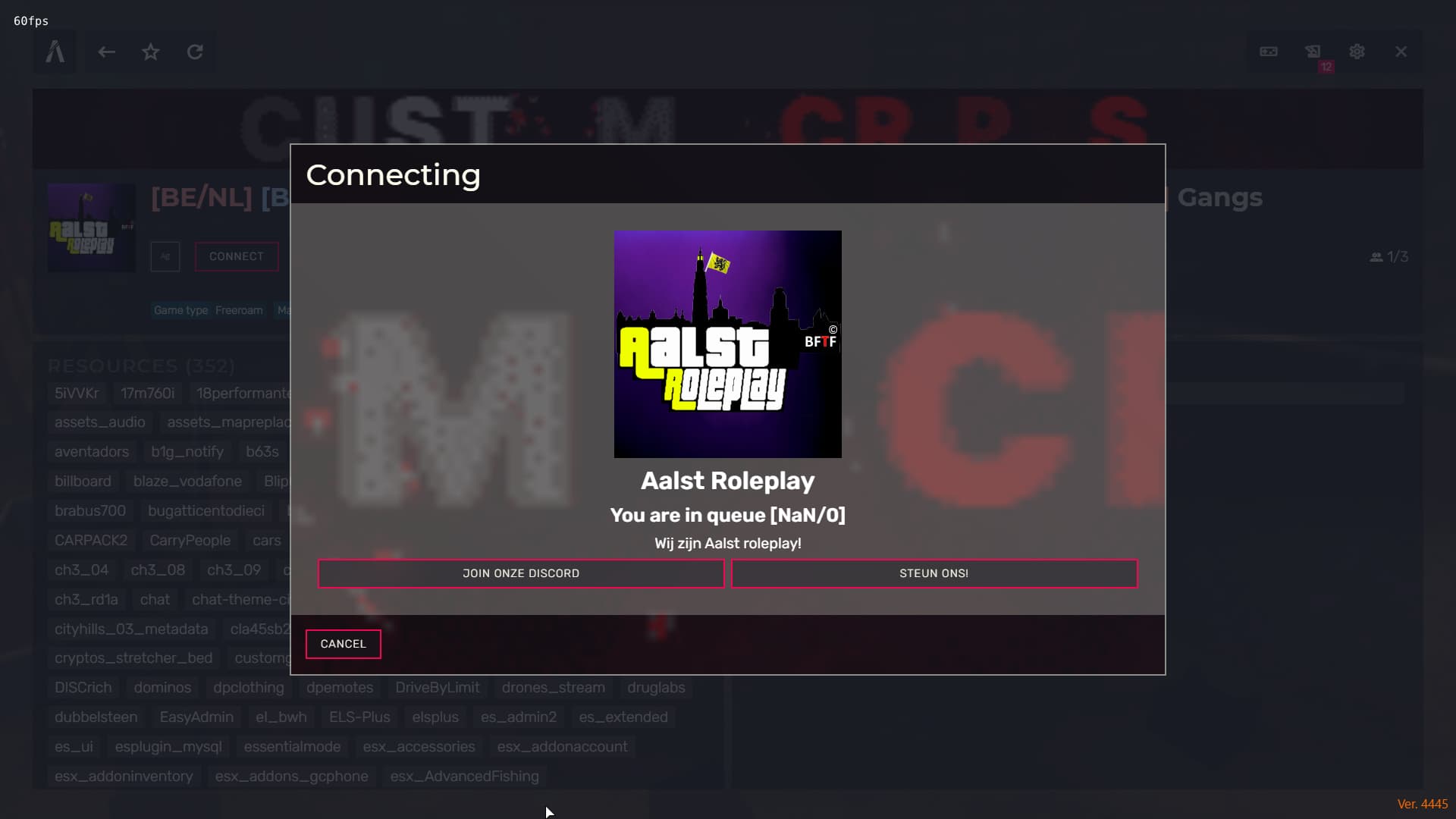
Two questions I have regarding this:
- What would be the maximum banner size?
- How would we display the queue list of users and their rank priority?
- As far as I’m aware there’s no limit to the banner resolution, but there’s no benefit to making it larger than 1080p as the banner will only take up a small part of the screen anyways.
- There’s no “easy” way of doing this. You might be able to use
priorityQueue.printQueue(), if not you’ll have to create another method in thePriorityQueue()class.
Apologies, what I meant about the banner size was the dimensions, i.e. how many px wide by how many px high.