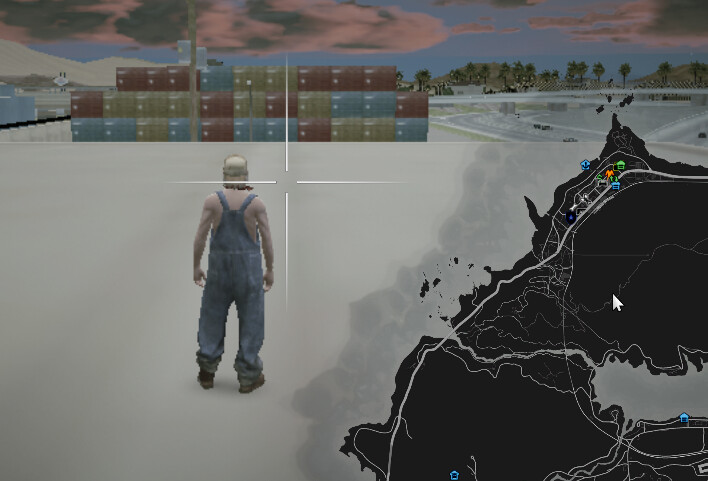
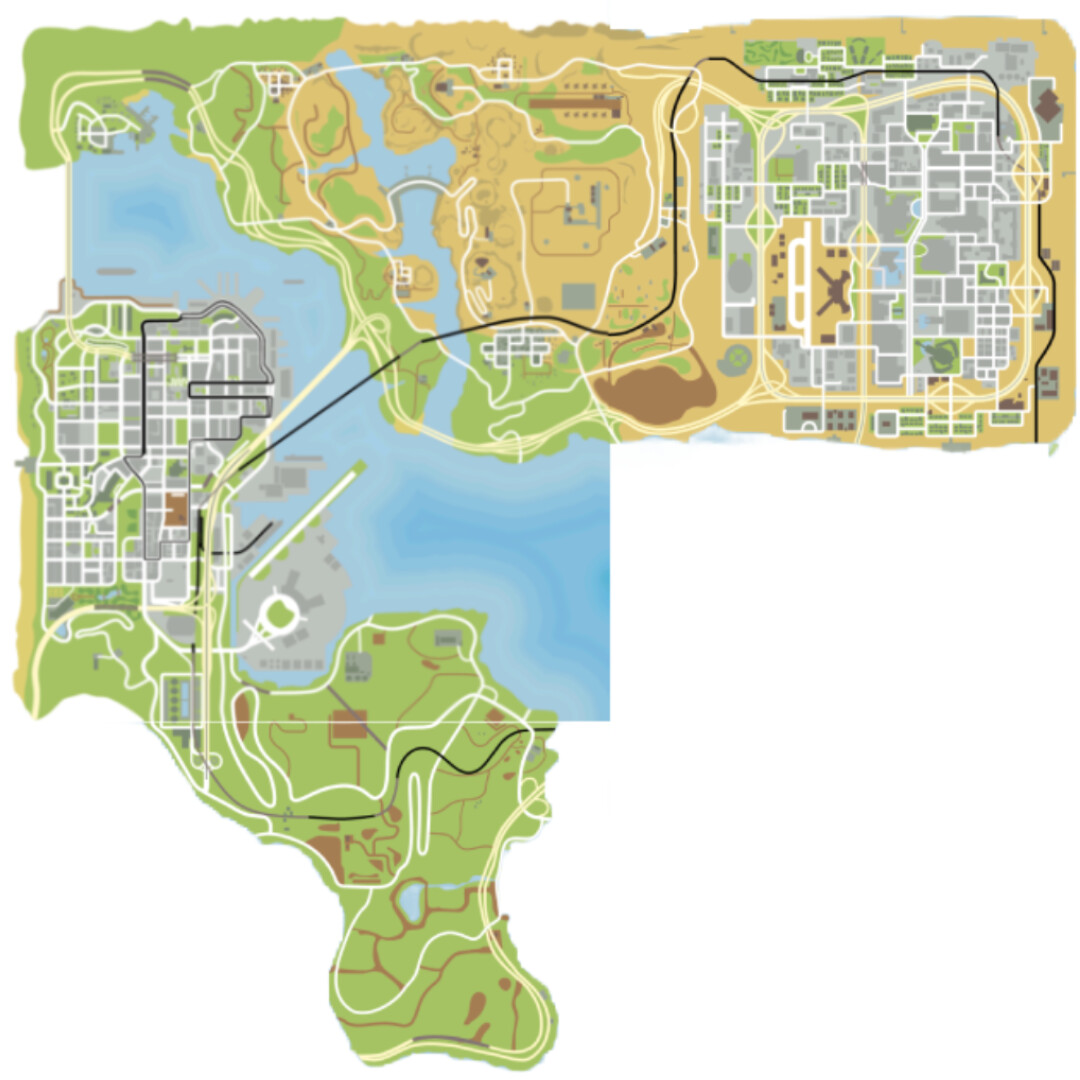
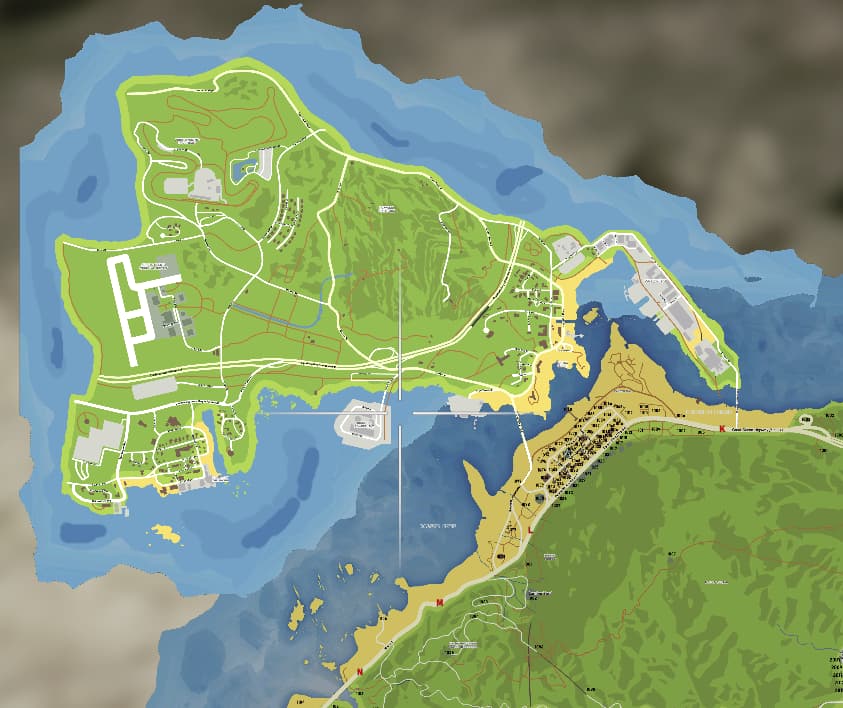
Maps do not use the navmesh to draw the GPS lines this is managed by path nodes, I have spent many hours and created many custom paths to use with custom islands and maps, all working fine.
I do not want to draw over the default tiles at all, as I mentioned I only did this to remove the lines between the tiles so not a requirement.
Whether the tiles are being drawn over or not is irrelevant as the GPS does not work on any of the added tiles no matter if they are drawn over the existing or located outside the default map tiles.
I just wonder what use map tiles are if GPS/Nav is impossible as its a major feature that most will require on any map tile.
They are useful because even if navigation doesn’t work, you can still see the layout of the map, streets, terrain, etc. It also looks nicer than having nothing. Anyway, I am working on a second, improved version that tackles this and some other issues.
No problem at all. If you need a custom node file for testing happy to provide.
They are useful because even if navigation doesn’t work, you can still see the layout of the map, streets, terrain, etc. It also looks nicer than having nothing. Anyway, I am working on a second, improved version that tackles this and some other issues.
Yes a good point, I just can’t handle the lack of working GPS
That’s great news I will be interested to see how you overcome the tile/gps line draw order
I got it sorted a while back, sorry for the late response, it was more so having to move where the image placement itself rather than anything in the config, but its perfect now! Thankyou!
Would anyone have an idea why my extra tile is a different shade then the rest of the map? The dds file was cut from the exact same master as the rest of the files so the compression is the same. And I even put this on a bare fresh fivem install, so there is no other scripts loaded.
The Roxwood map itself is from there discord recently, someone posted that map with the street names. As for the rest, working on making it match up with the rest of my map. I am hoping once I get this setup correctly to turn it into a postal map like the rest of my map. Trying to get it to display correctly 1st.
Not sure since I am a member, I can’t answer if that was in the public area or just members. I don’t remember. It was just a picture, the rest is what I put together. So not script to download or anything like that.
Yes, unfortunately that is a limitation of this resource. You can try and play around with brightness levels to closely match the rest of the colors. I’m working on a new version of this resource that will hopefully solve this issue.
Thanks, was wondering if I was missing something or if it was a limitation. This resource is awesome though, if anything I will deal with this for now. I found a way around it, for now I edited the dds files to do more of an overlay this way at least that full section of the map is the same brightness…
I am still working on this, if I get it completed I will share it on here. You can’t just download this anywhere currently that I know of, the map picture it self can be found on there discord if you want to add to your own minimap.
Hi everyone,
As mentioned previously, I have been working on a new and improved version of this resource and I’m glad to say that it’s finally complete (it’s also free):
The new version addresses and solves the biggest problems with this resource:
Extra tiles colors’ now match with the default game tiles.